Benefits of dbForge Fusion for MySQL

dbForge Fusion for MySQL is a high-end toolkit designed to simplify database development, maintenance, and administration. With dbForge Fusion you will get a clear solution for many puzzling tasks.

See below the benefits that have dramatically simplified work of many DBAs, developers, and other staff dealing with MySQL databases.

dbForge Fusion for MySQL has two editions - Standard and Professional. Based on your needs, you can choose the required one and save your money!

Enhance your productivity and become a professional with dbForge Fusion features!

Download Order
 
  • Visual Database Designer


    Integrated Database Project Development

    Design the whole database visually with a state-of-the-art Database Designer.

    It allows you to view and edit databases and their objects conveniently. You will easily observe database objects properties, quickly access them for editing, see foreign key relations between tables, retrieve data, execute stored routines, and more...

    Get started with Database Designer.

  • Smooth integration into MS Visual Studio and CodeGear RAD Studio


    Integration with dotConnect for MySQL and MyDAC

    Have more essential tools at your fingertips while using CodeGear RAD Studio or MS Visual Studio.

    All database development and administration will become clearer and quicker.

    • Offline Development with Database Projects


      Integrated Database Project Development

      Enhance your work with complex database projects. Instead of doing lots of time-consuming tasks, perfect your management with well-tried features.

      You can integrate various SQL and script files into a project, group them into folders, and manage in one place. Build your project to a single script file or several ones and easily deploy on the server. Feel difference.

      Read how to work with projects.

    • Stored Routine Debugger


      Stored Routine Debugger

      Replace “by hand” debugging with a full-featured debugger tool.

      Debug stored procedures, functions, and triggers with no worry. You can easily set breakpoints to stop execution on any code line and evaluate variables and parameters declared in routines.

      Take a closer look at the debugger.

    • Schema and Data Comparison and Synchronization Tools


      Schema and Data Comparison Tools

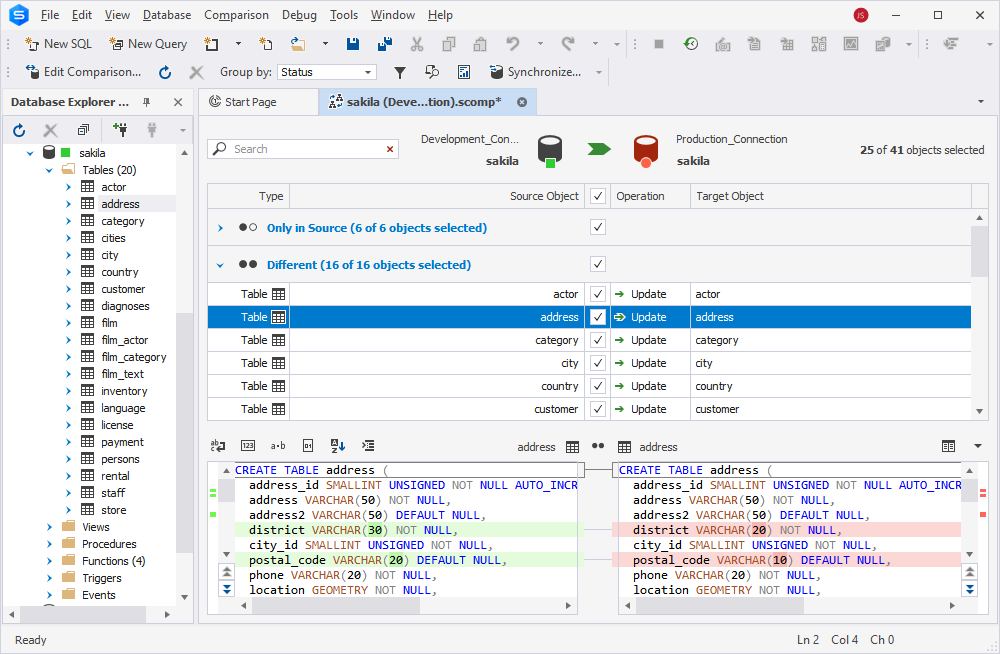
      Forget about difficulties, just select two databases (or a database and a project) to compare.

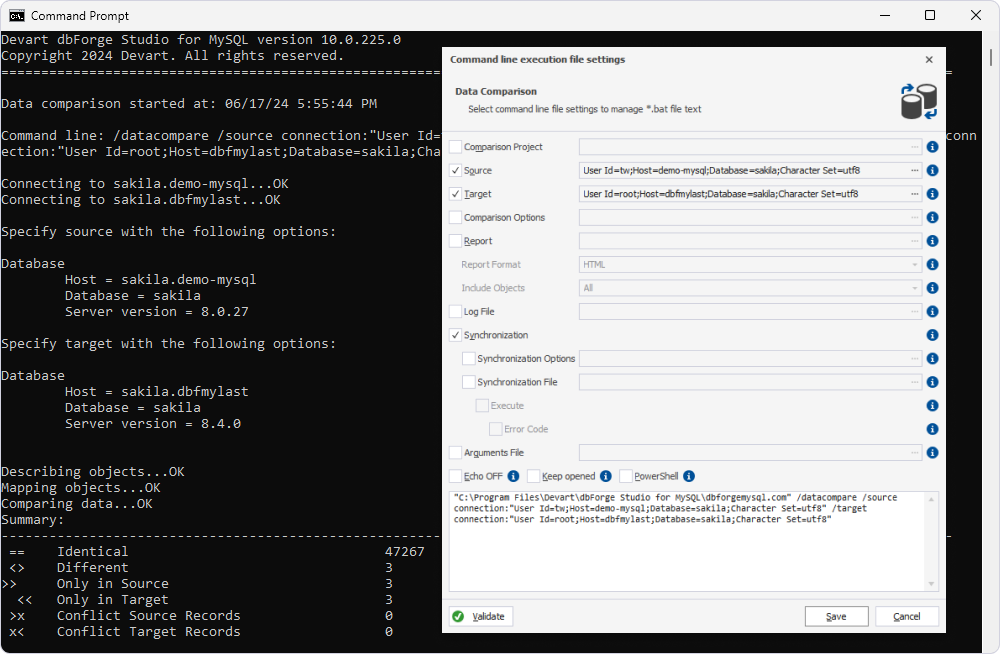
      Based on your needs, you can compare and synchronize the structures of databases (schema comparison) or the content of databases (data comparison). Manage differences in a convenient window and simply select the required synchronization actions.

      See how to do precise comparison and synchronization.

    • Powerful SQL Management


      Powerful SQL Management

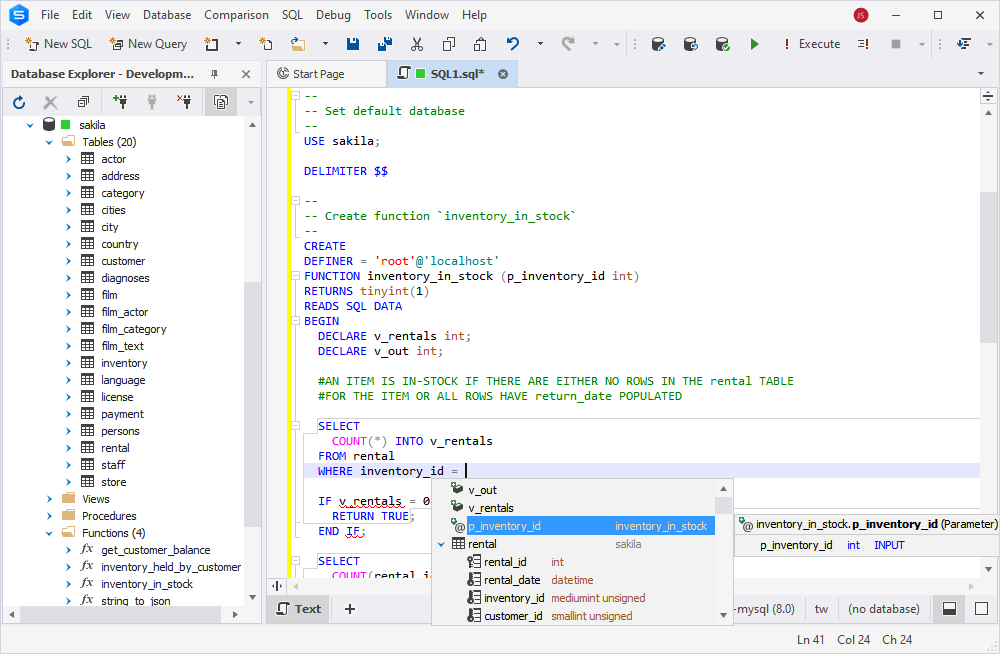
      Free yourself from tedious work, while coding, with well-thought features.

      Speed up your development with code templates, code completion, syntax check, code formatter, and many other options. Make your work simple and pleasant.

      Learn how to effectively manage SQL scripts.

    • Visual Query Builder


      Visual Query Builder

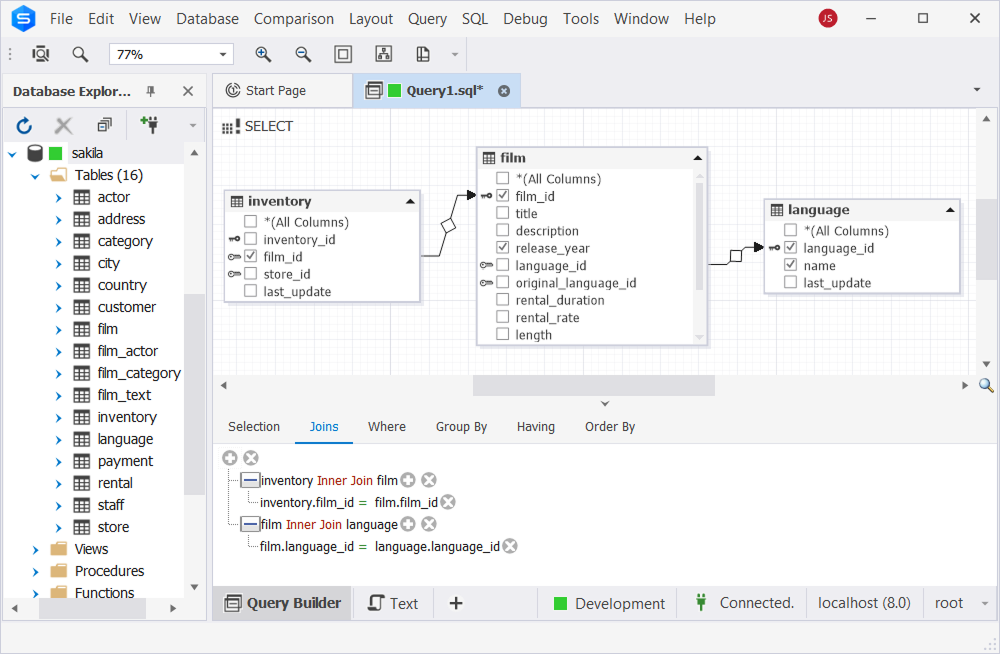
      Create effortlessly complex queries which you could not create before.

      Do not think about coding, just use Query Builder. Drag’n’drop required tables to the diagram, select parameters, set conditions in a convenient editor, and then view and edit a query text.

      Find out more about Query Builder features.

    • Convenient Schema Object Editors


      Convenient Schema Object Editors

      Manage efficiently schema objects in visual editors.

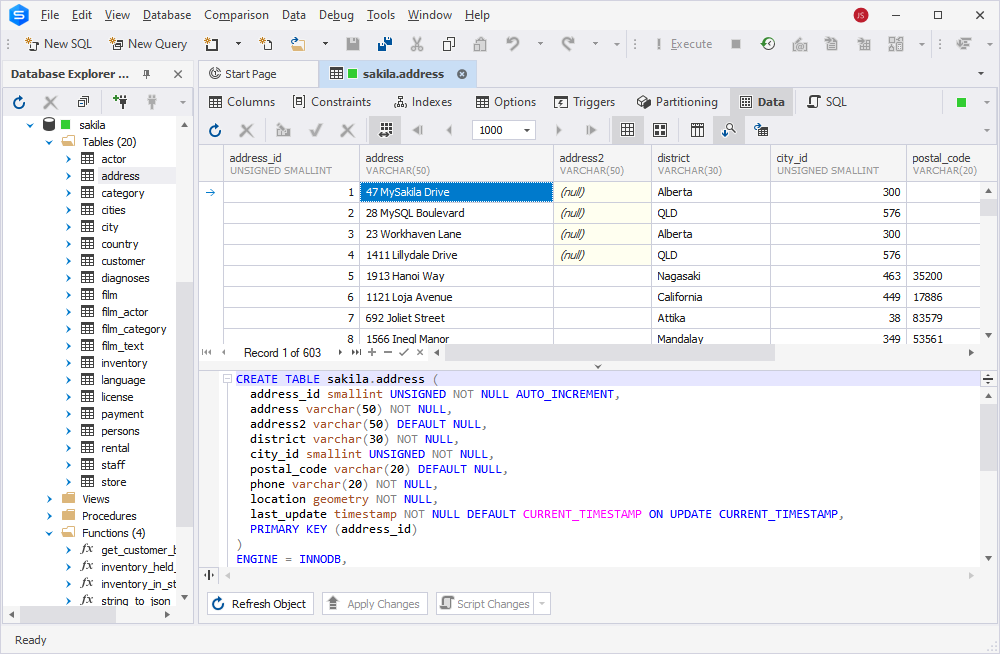
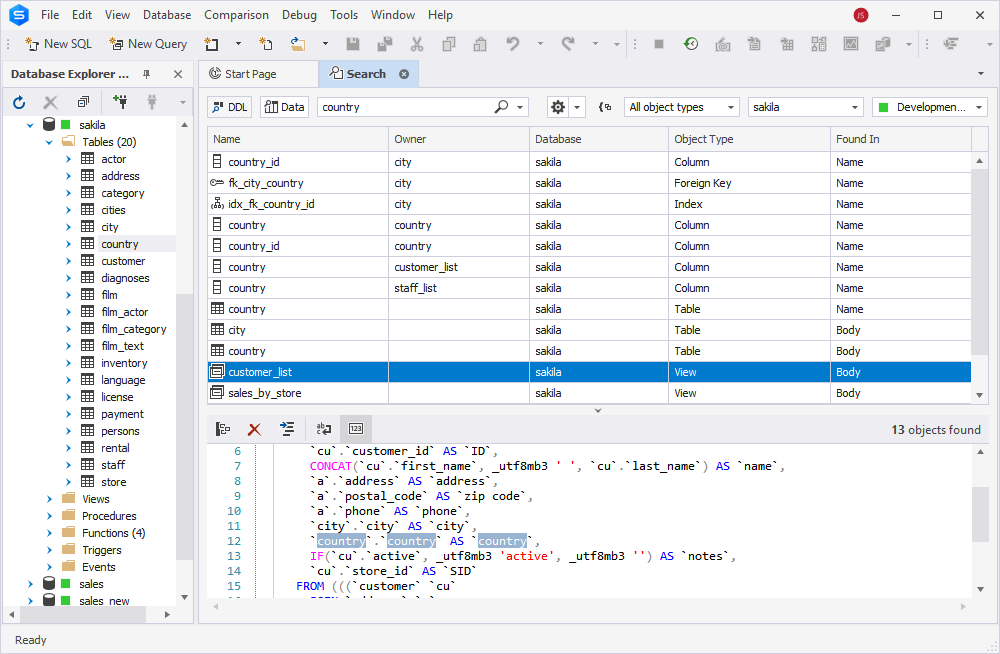
      Get clear and automated ways to work with tables, views, procedures, functions, triggers, events, and user-defined functions (UDF). Take advantage of quick search and navigation.

    • Centralized Server Administration and Maintenance


      Centralized Server Administration and Maintenance

      Have centralized server maintenance with powerful tools.

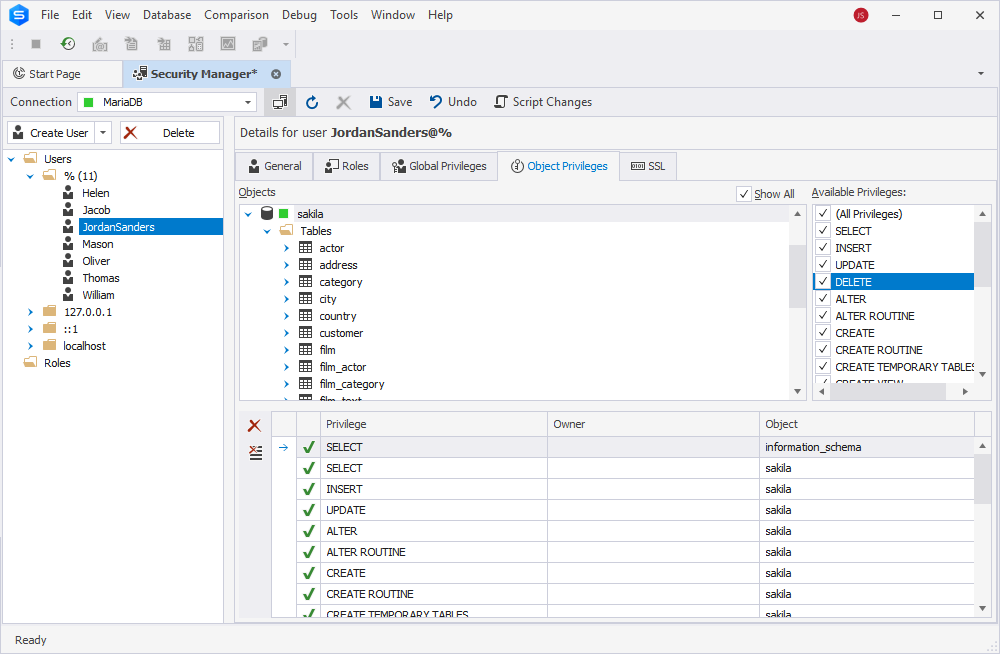
      Use Security Manager to have simple and accurate management of users and their privileges. Get total control of user sessions and their information with Session Manager. Benefit from MySQL services empowered with Service Control window.

      Transform difficult tasks into your new opportunities. See how to use Security Manager.

    • Multiformat Data Export


      Multiformat Data Export

      Experience visual and accurate data export to well-known formats.

      You will quickly choose required columns and rows along with additional settings for the selected format. With Data export wizard you can customize and even preview the result. You won’t waste your time changing the exported data, the result will be just what you wanted.