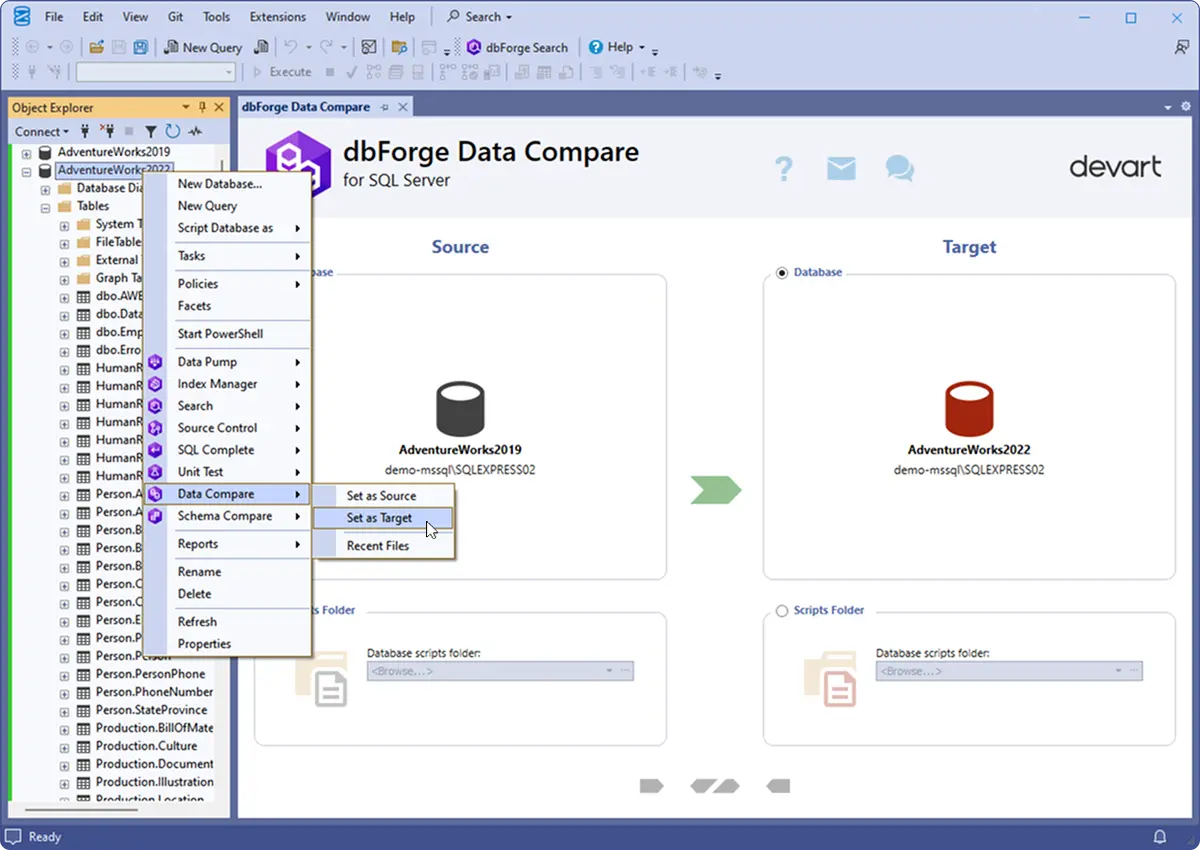
Compare Data in SQL Server Databases
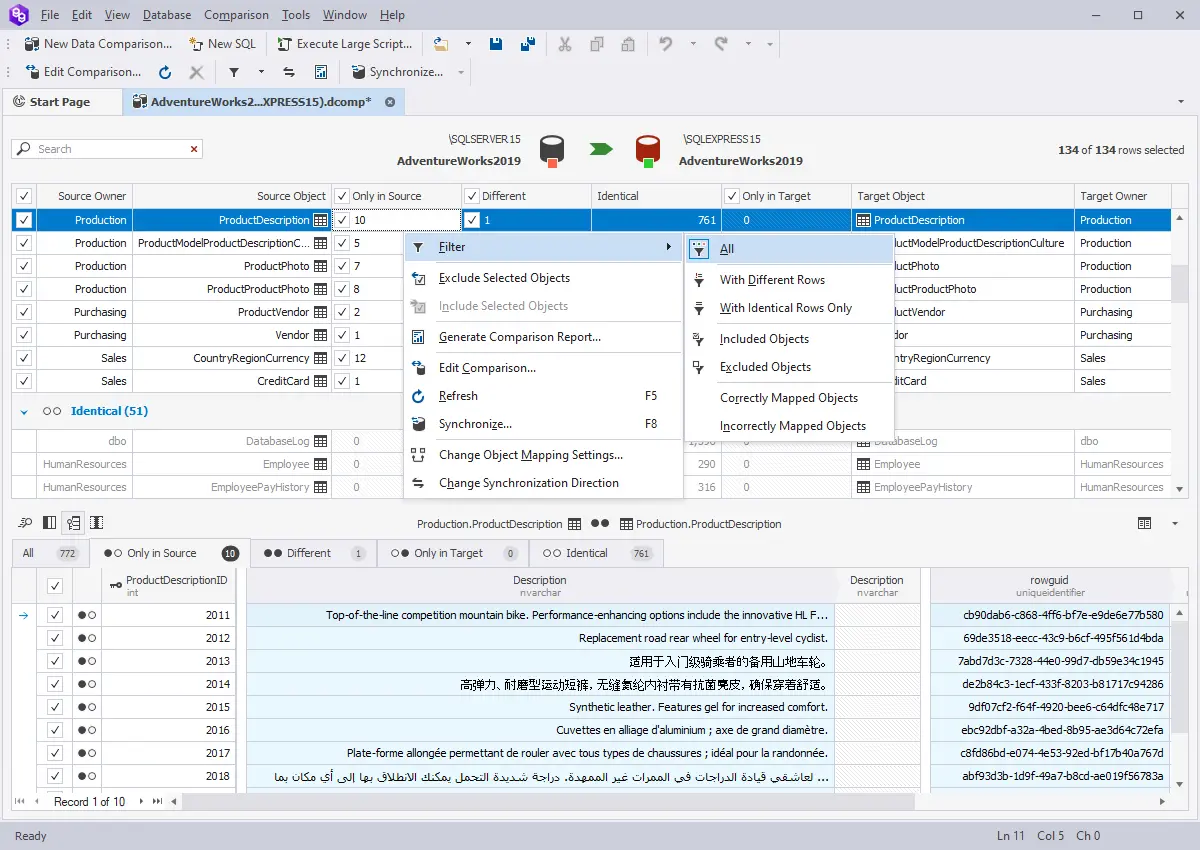
dbForge Data Compare for SQL Server is your best assistant when it comes to finding differences in the data of two databases, syncing changes from development to production, recovering data from a backup, and migrating data to a target environment with minimum downtime. With Data Compare, you can run quick comparisons, analyze conveniently highlighted diffs, generate comparison reports, and keep your databases in sync.
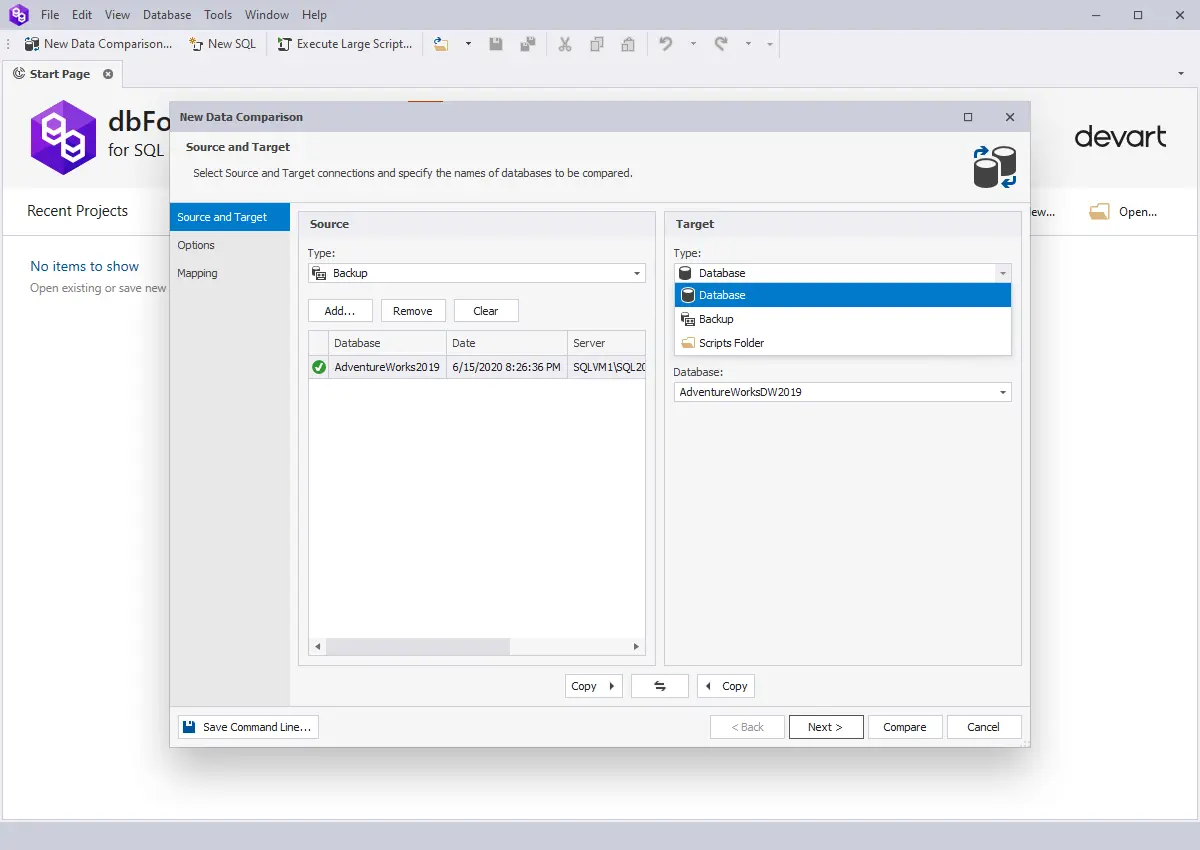
- Detect data diffs and changes in live databases, backups, and scripts folders
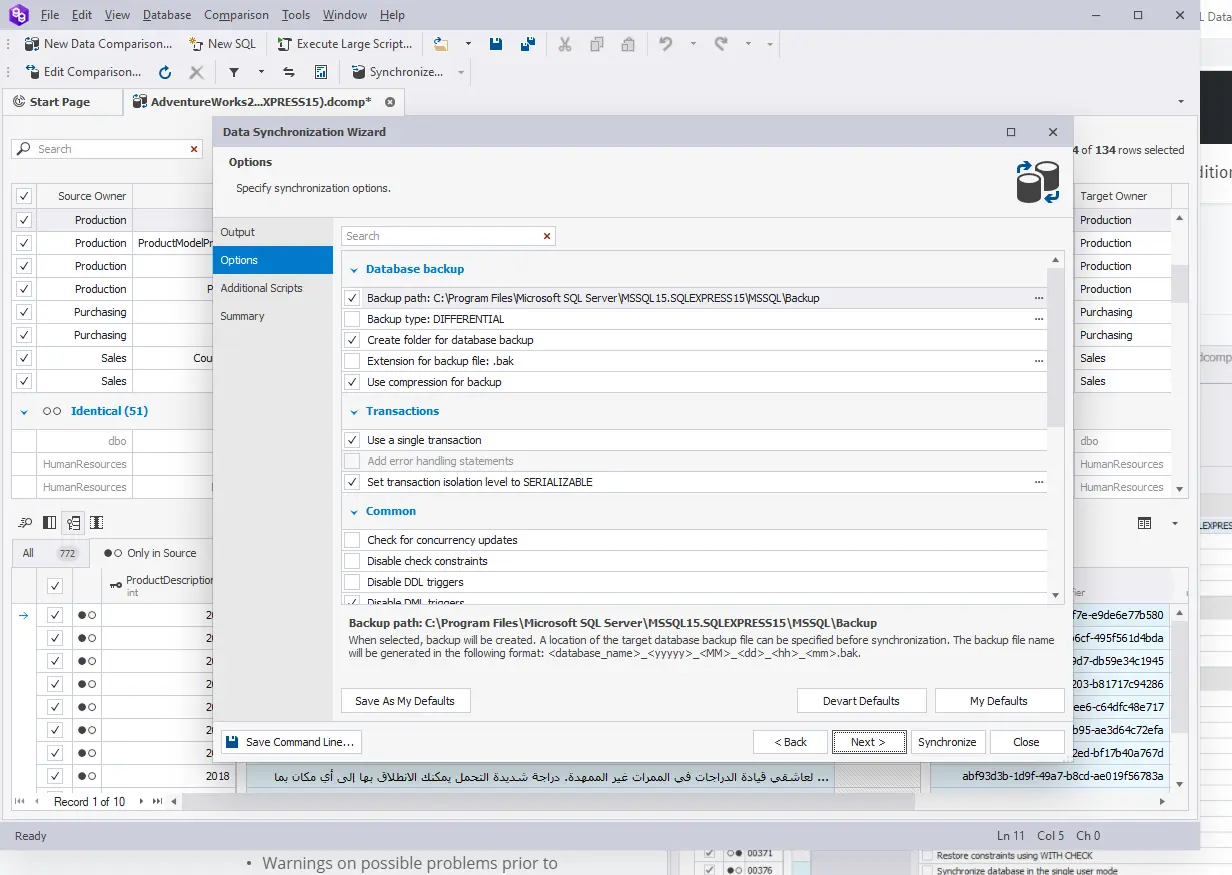
- Generate T-SQL scripts to update one database with content from another
- Restore damaged or missing data from a native backup
- Copy lookup data from development databases to staging or production
- Deploy changes to SQL Server, SQL Azure, and SQL Server on Amazon RDS
- Export data comparison results to CSV, HTML, and Excel
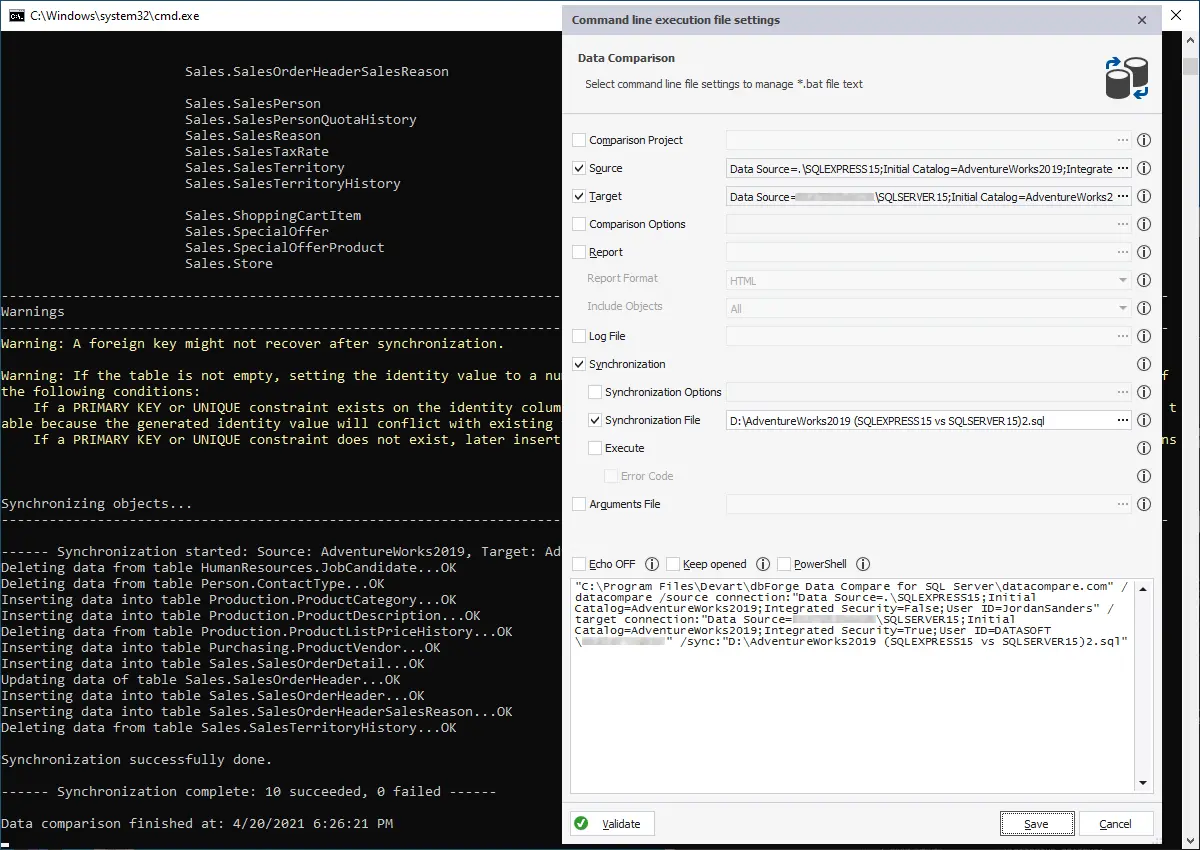
- Automate reporting and synchronization from the command line
- Integrate dbForge Data Compare with SQL Server Management Studio