Compare Oracle databases and synchronize them in the easiest way
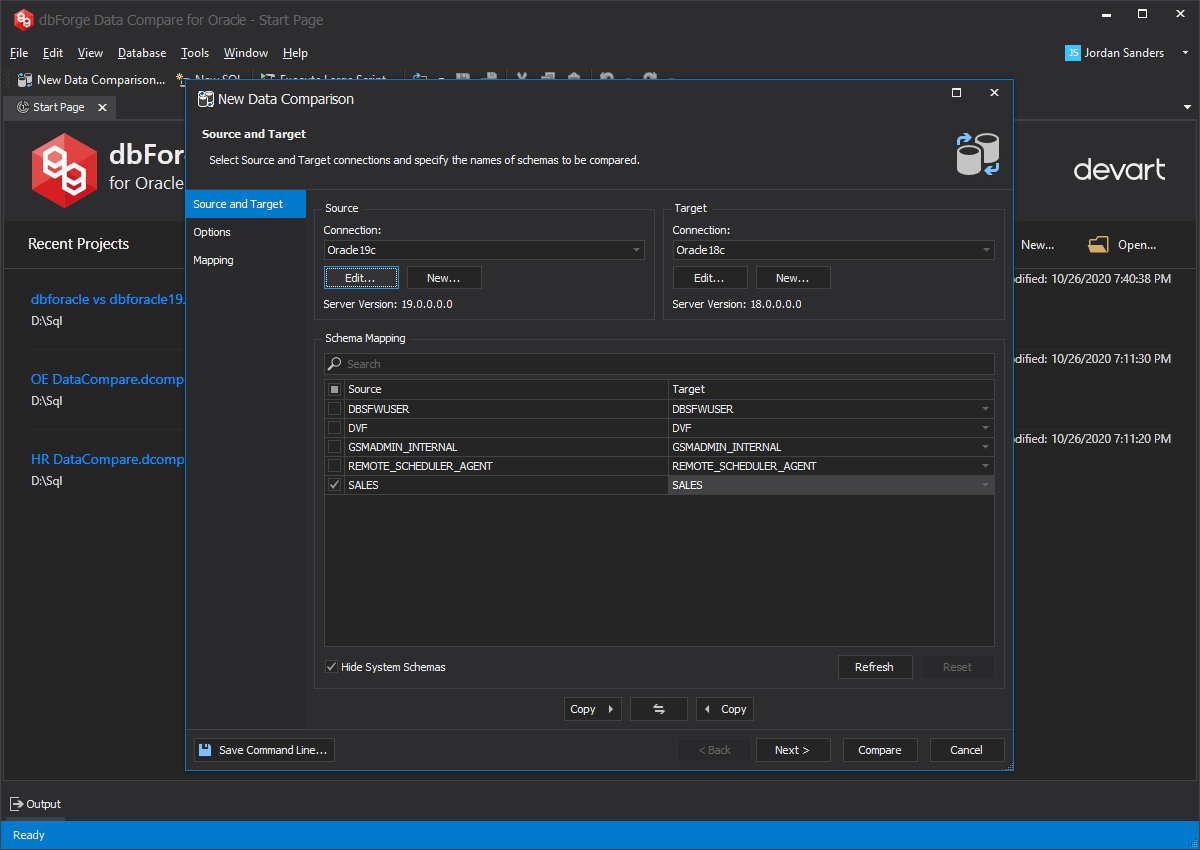
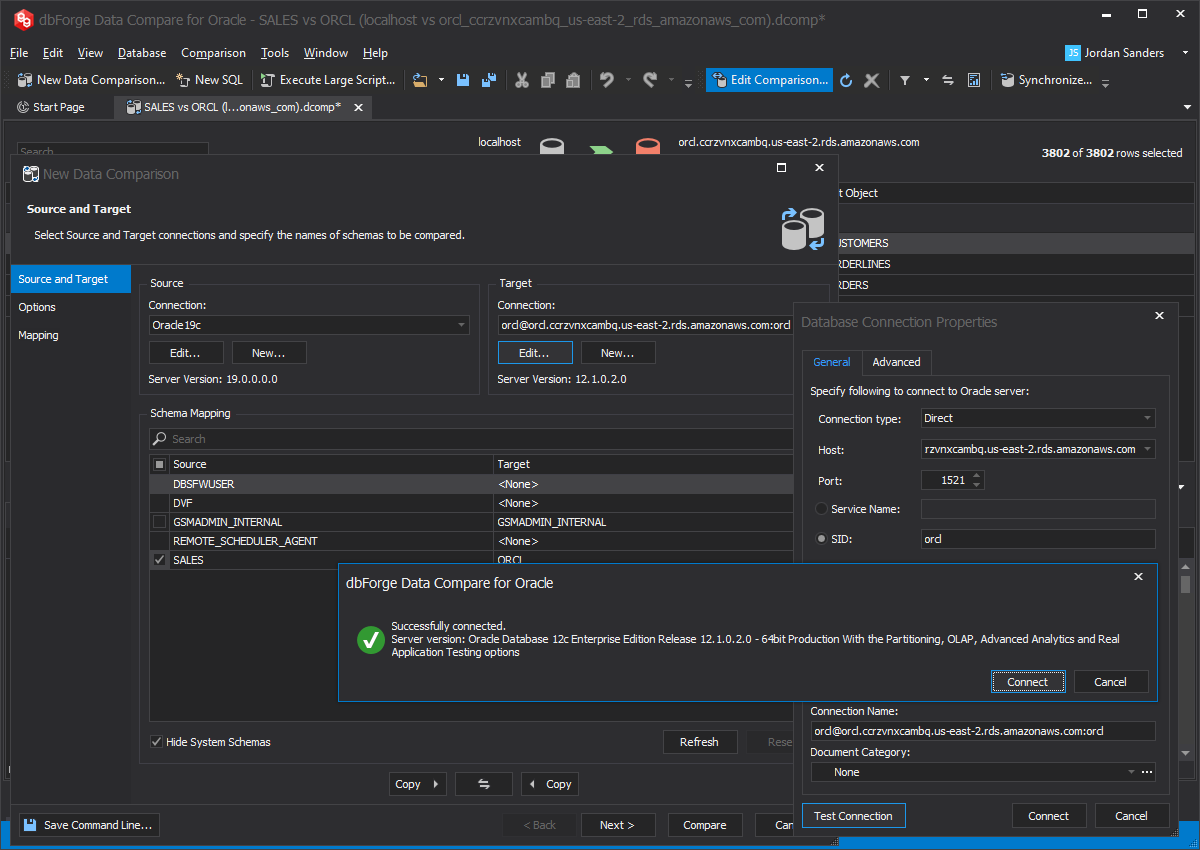
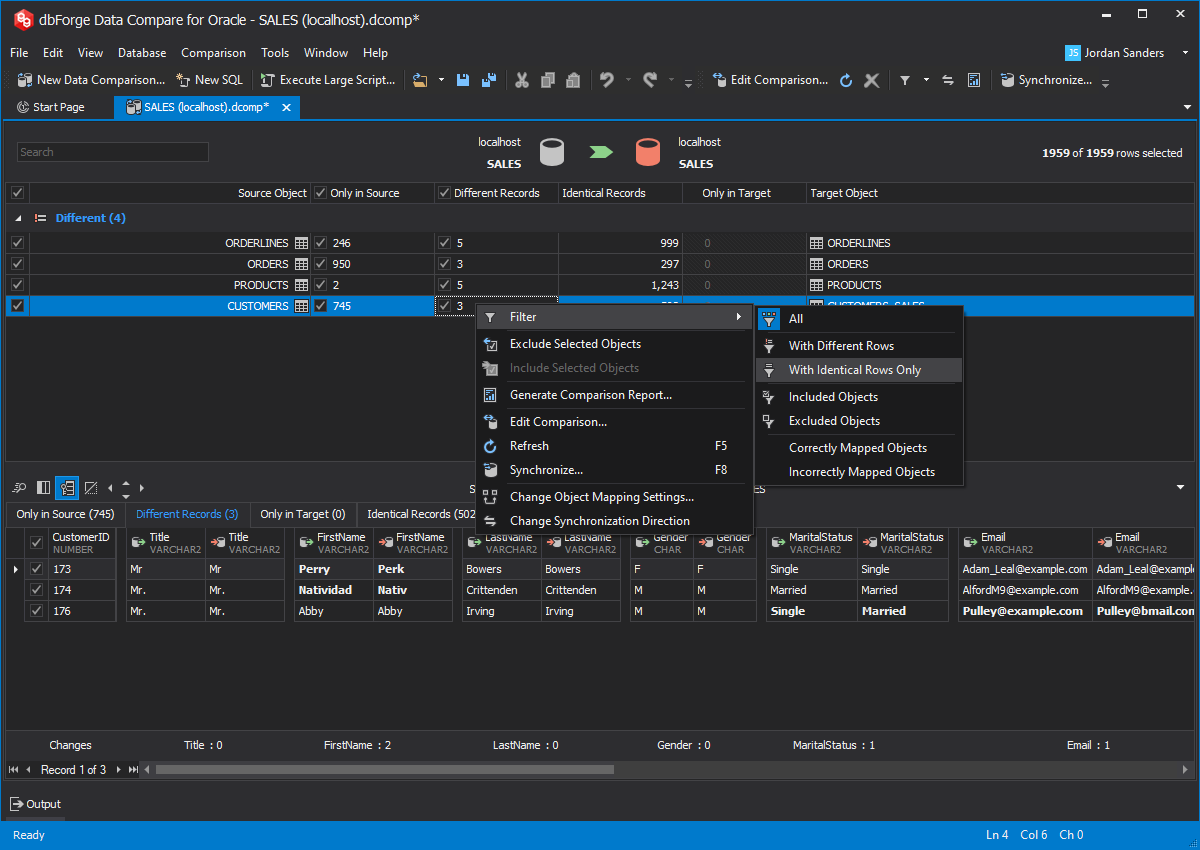
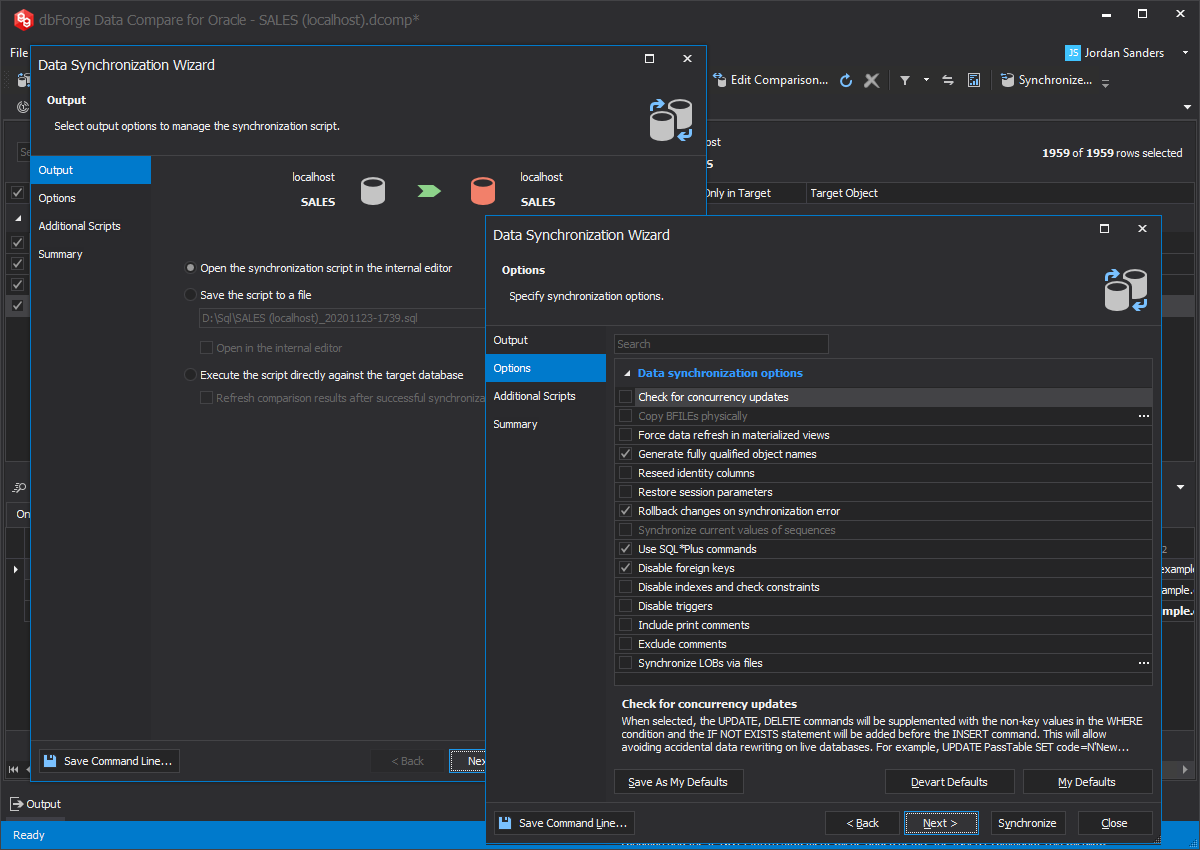
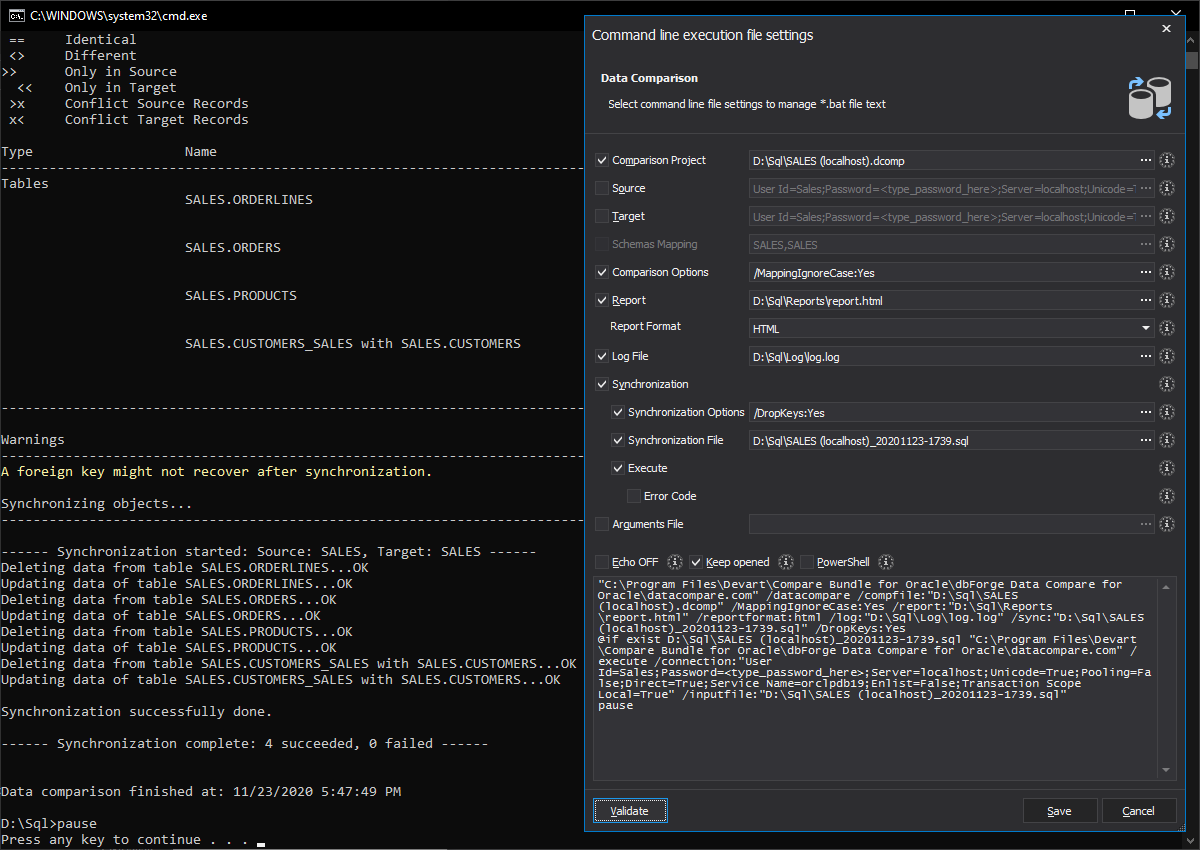
dbForge Data Compare for Oracle is a powerful, fast, and easy-to-use tool for Oracle database comparison and synchronization. It helps you quickly compare data in tables, find the differences at a glance, and generate a script to effortlessly synchronize data. All this is done in a clear graphical interface.
Why need an Oracle data compare tool?
Typically, dbForge Data Compare for Oracle is used in environments that share a database object at multiple databases. The tool is essential when:
- Databases went out of sync due to network outage or human errors
- Databases differ in structure and need custom data synchronization
- Data replication features are not available because you run Oracle standard edition
- You are moving data between environments when developing and don't need replication
What can Oracle DBAs and developers do with such tool?
- Compare data in Oracle databases to detect changes
- Analyze data differences between two databases
- Synchronize two databases that went out of sync
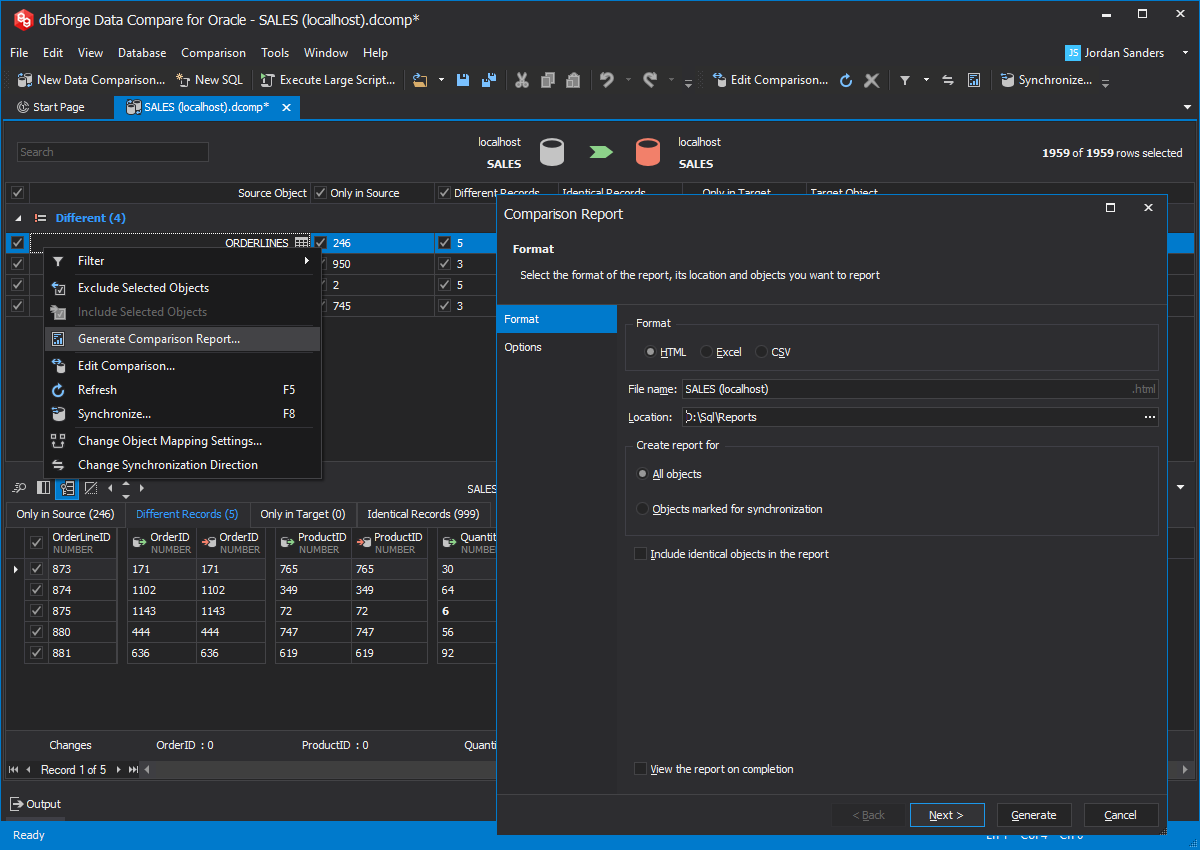
- Generate data comparison reports in Excel and HTML formats
- Generate SQL*Plus script to update data in one database to match another
- Copy look-up data from development database to production
How will an enterprise benefit from dbForge Data Compare?
- Reduce system downtime caused by data replication errors and speed up the recovery
- Accelerate application development thanks to fast deployment of data changes
- Enable data synchronization for databases that run on Oracle standard edition
- Build custom data synchronization scenarios at low cost
Why choose our instrument?
- Custom data synchronization scenarios that are not available with standard Oracle packages
- Outstanding performance when comparing large databases
- Wide support of Oracle server versions
- Affordable price and one year of free product updates
- Excellent user support. We go all the way when solving our users' problems.
What can I do next?
To get more familiar with dbForge Data Compare for Oracle, you can follow the pieces of advice from the list:
- Learn more about the product usage.
- View new features available in version 3.0.
- As product comes in two editions, Express (free) and Standard, learn the differences between them at the editions page to find the one that will answer your needs best.
- To get more information on the product more quickly, use the links below.
Need a tool for schema comparison? Check out dbForge Schema Compare for Oracle »