Visual Object Editors for Oracle
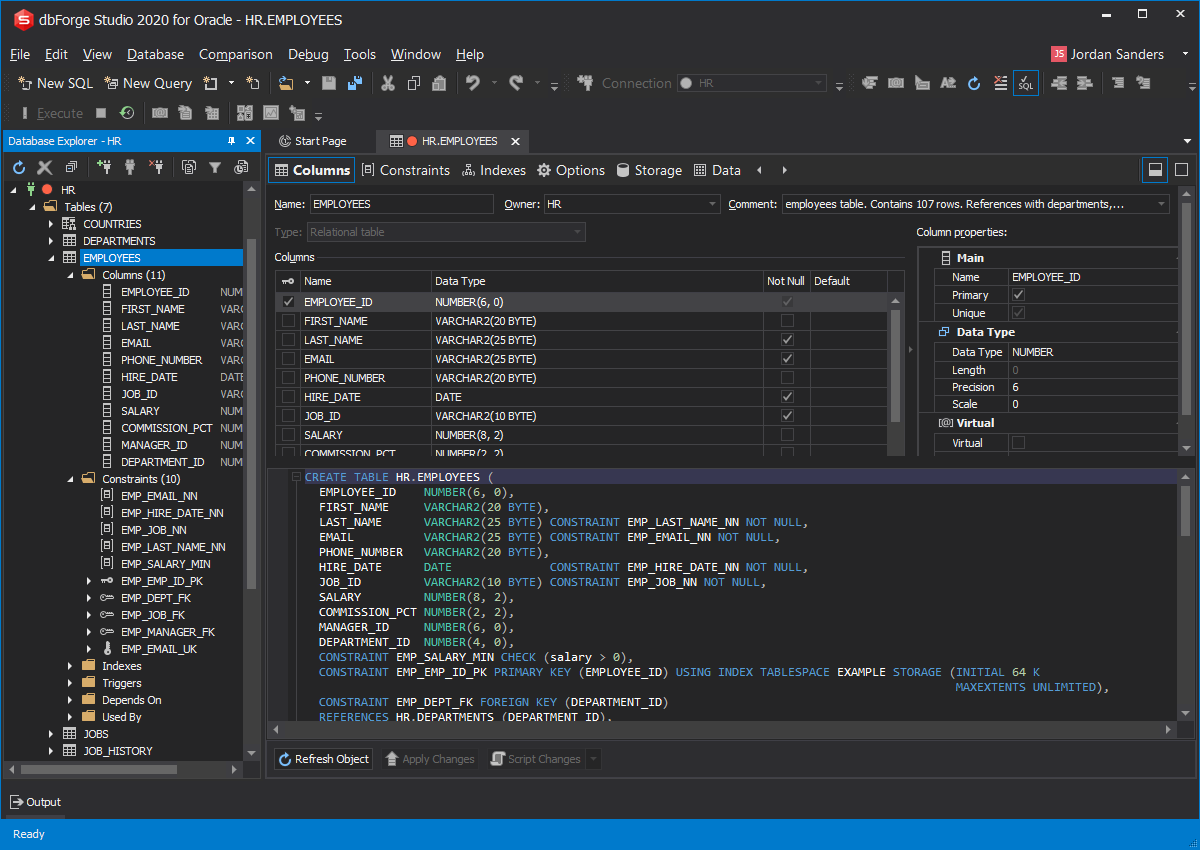
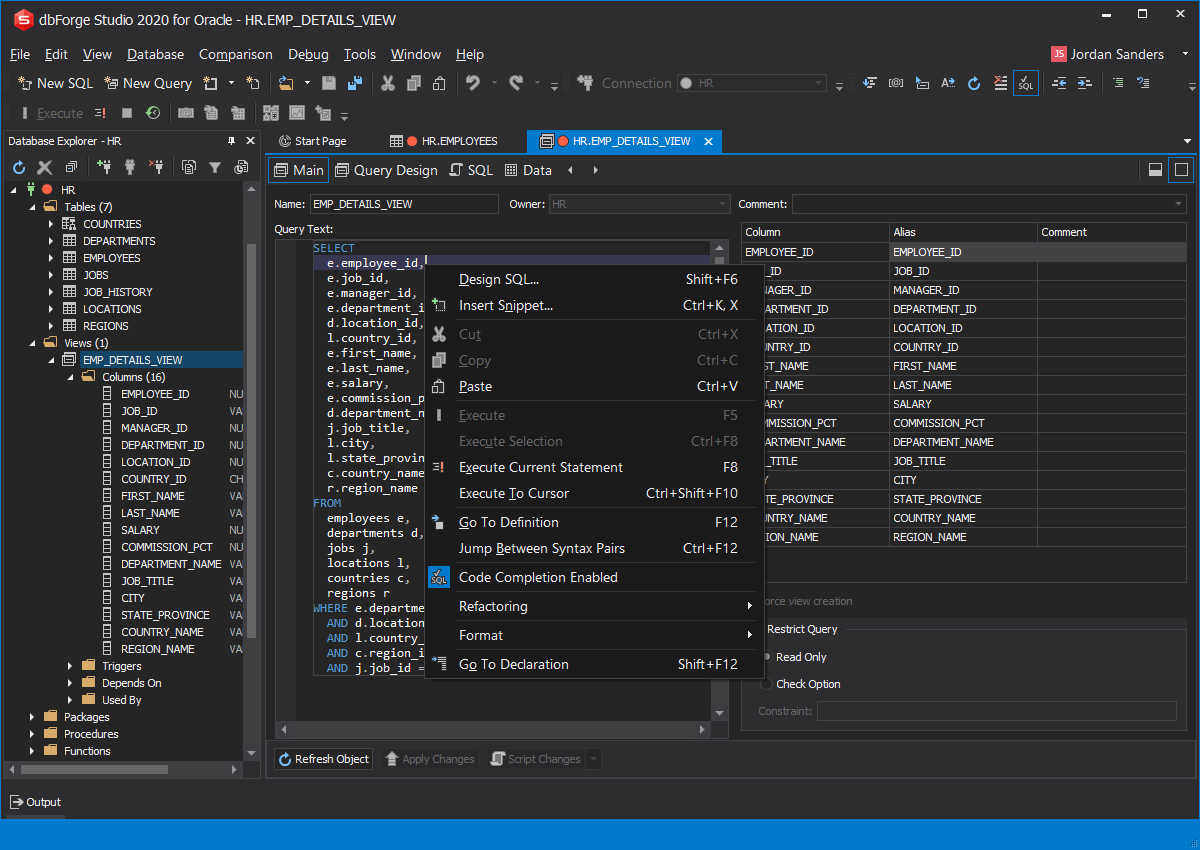
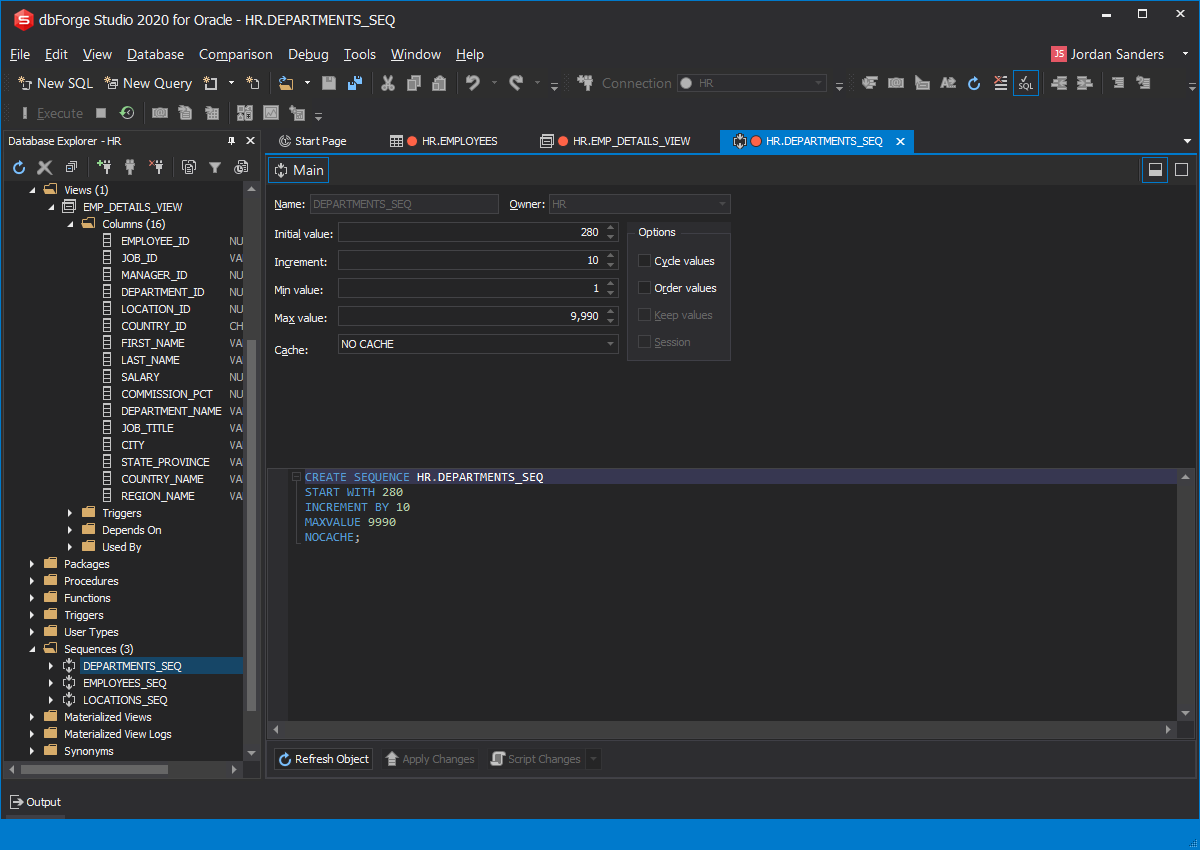
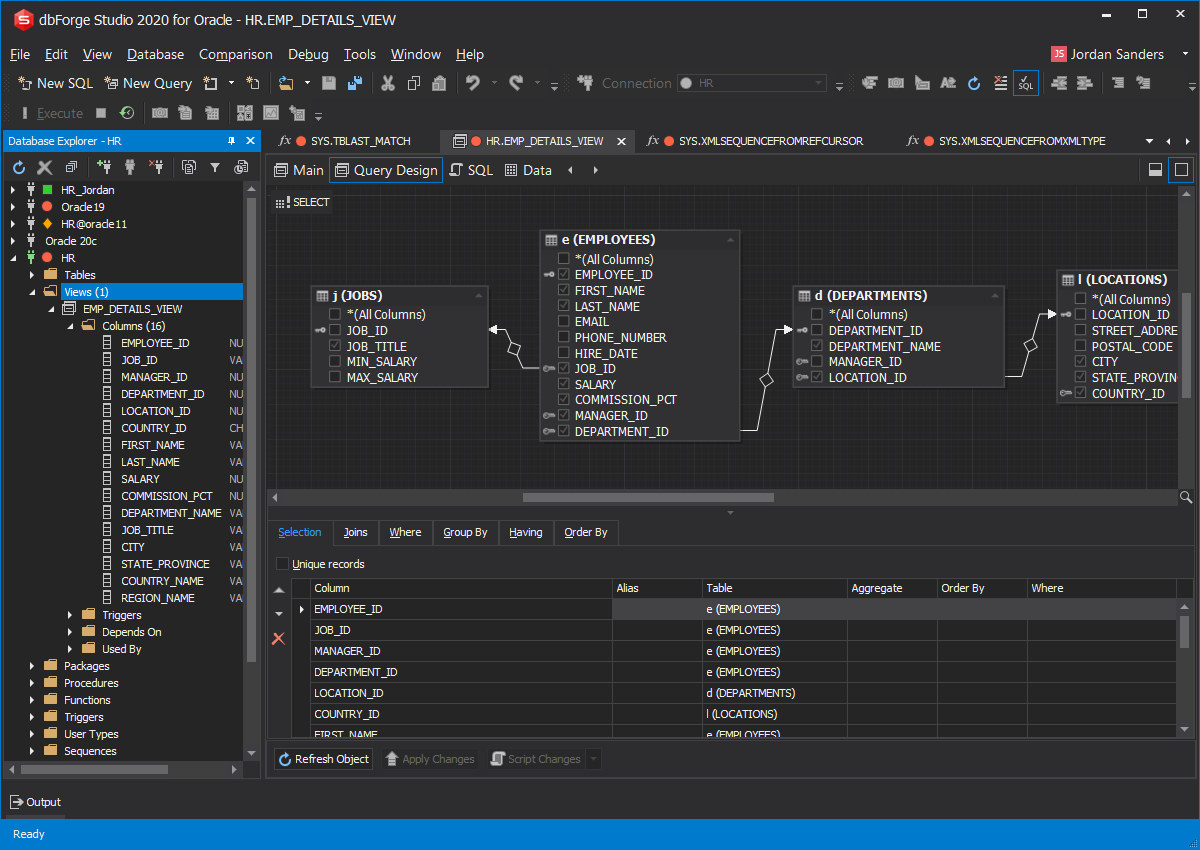
Visual Object Editors will help you modify database objects from the context menu as easily as possible.
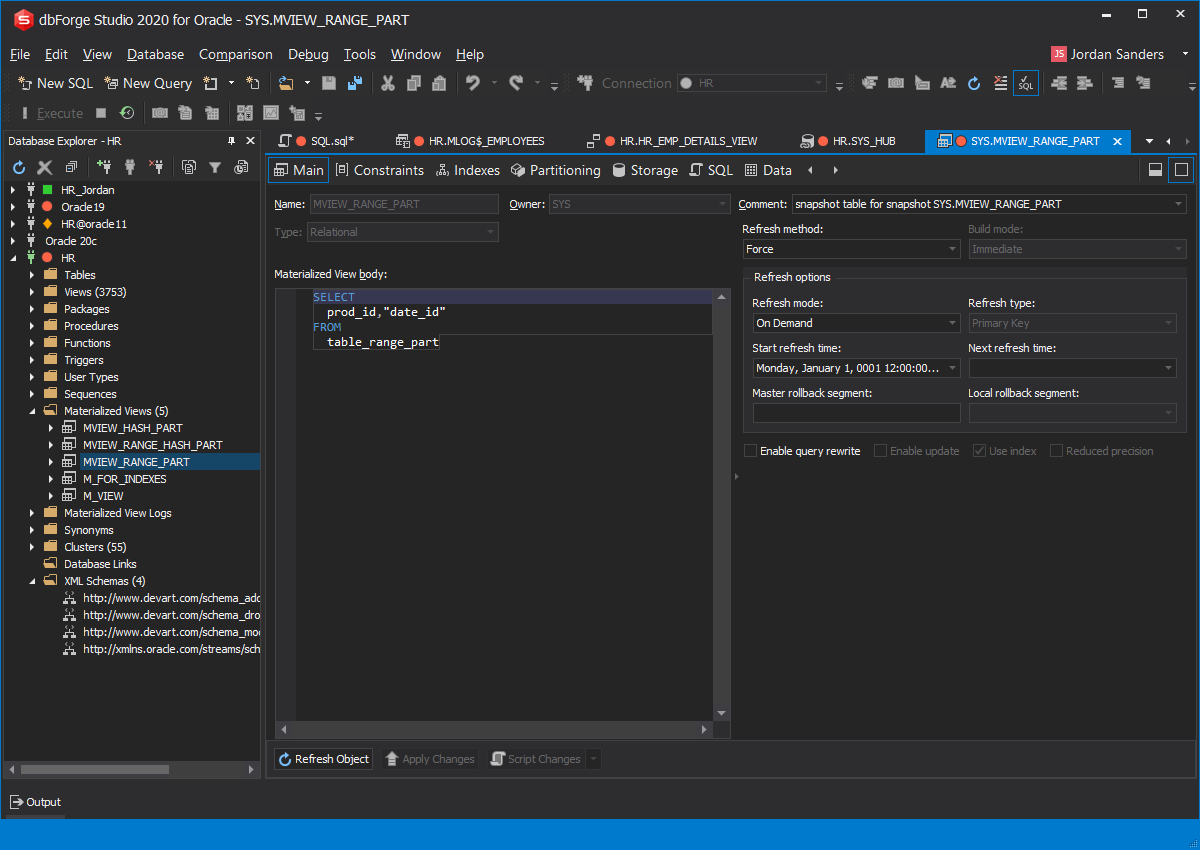
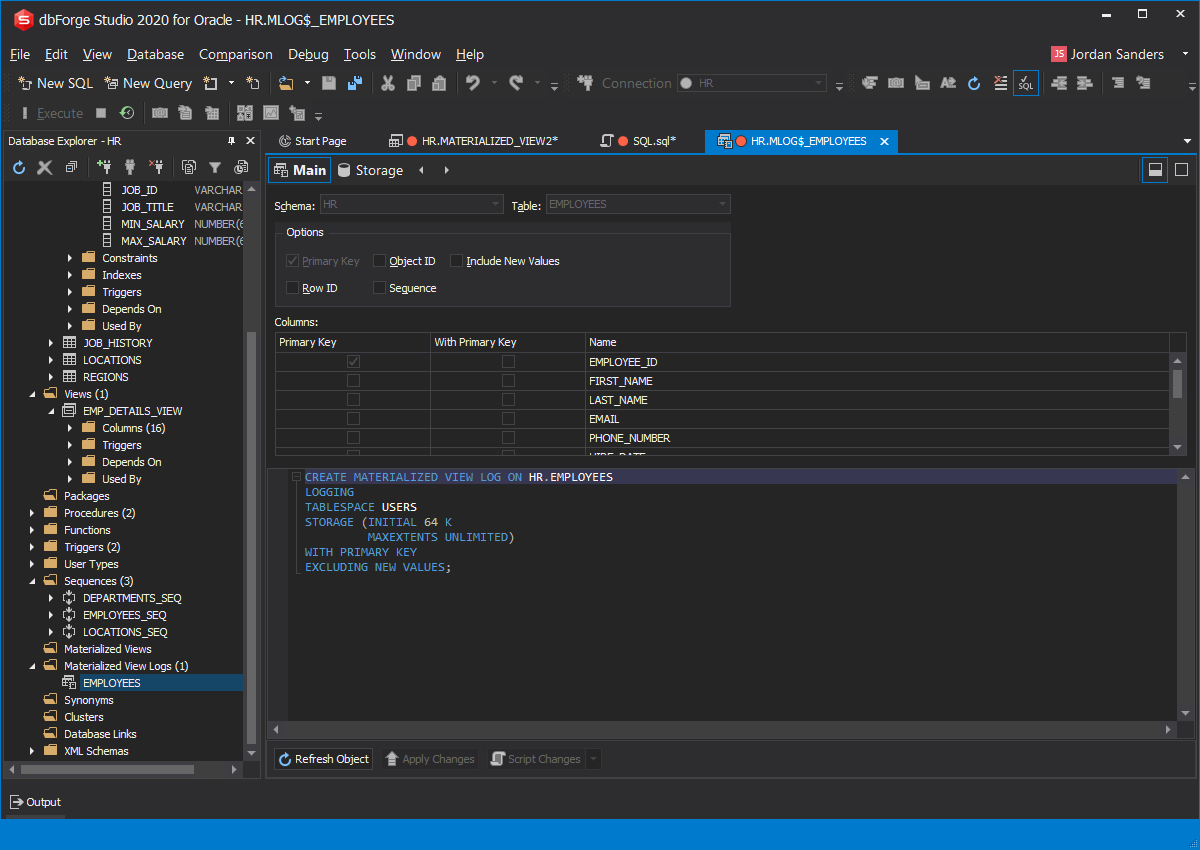
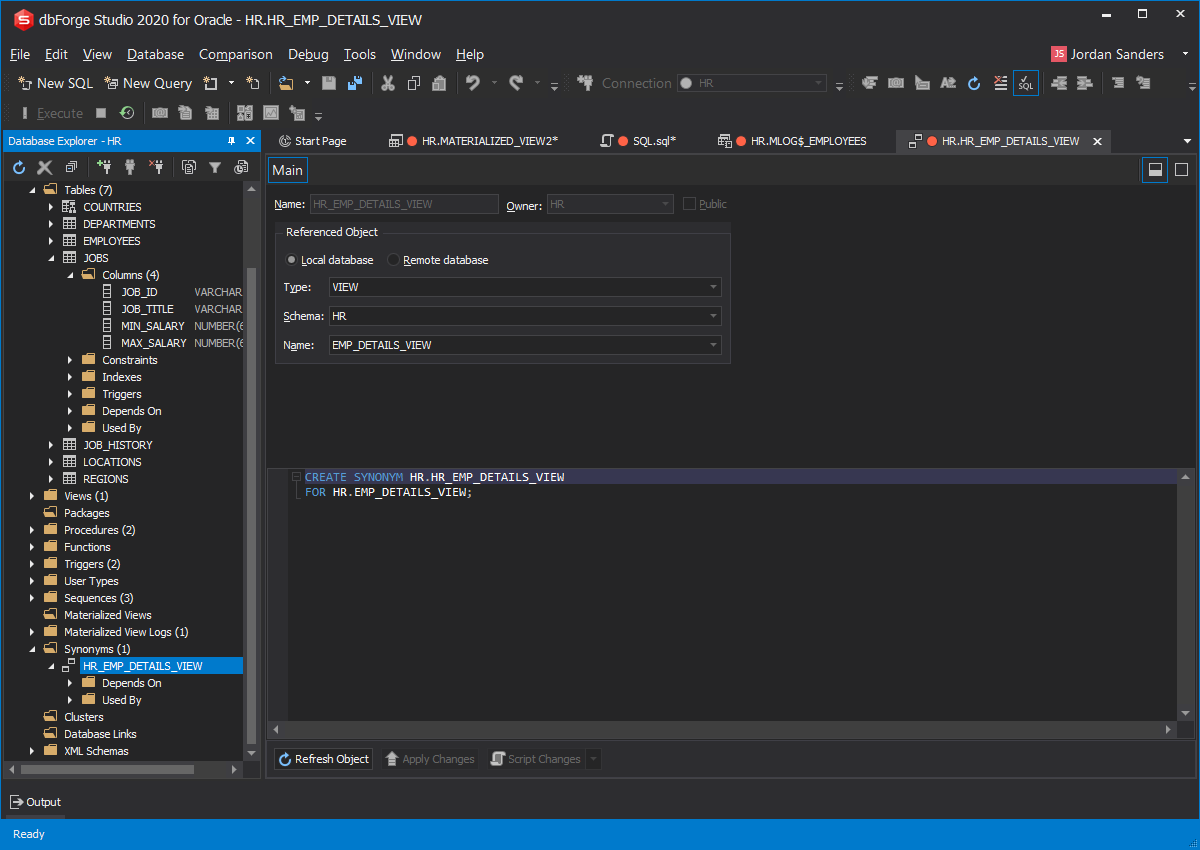
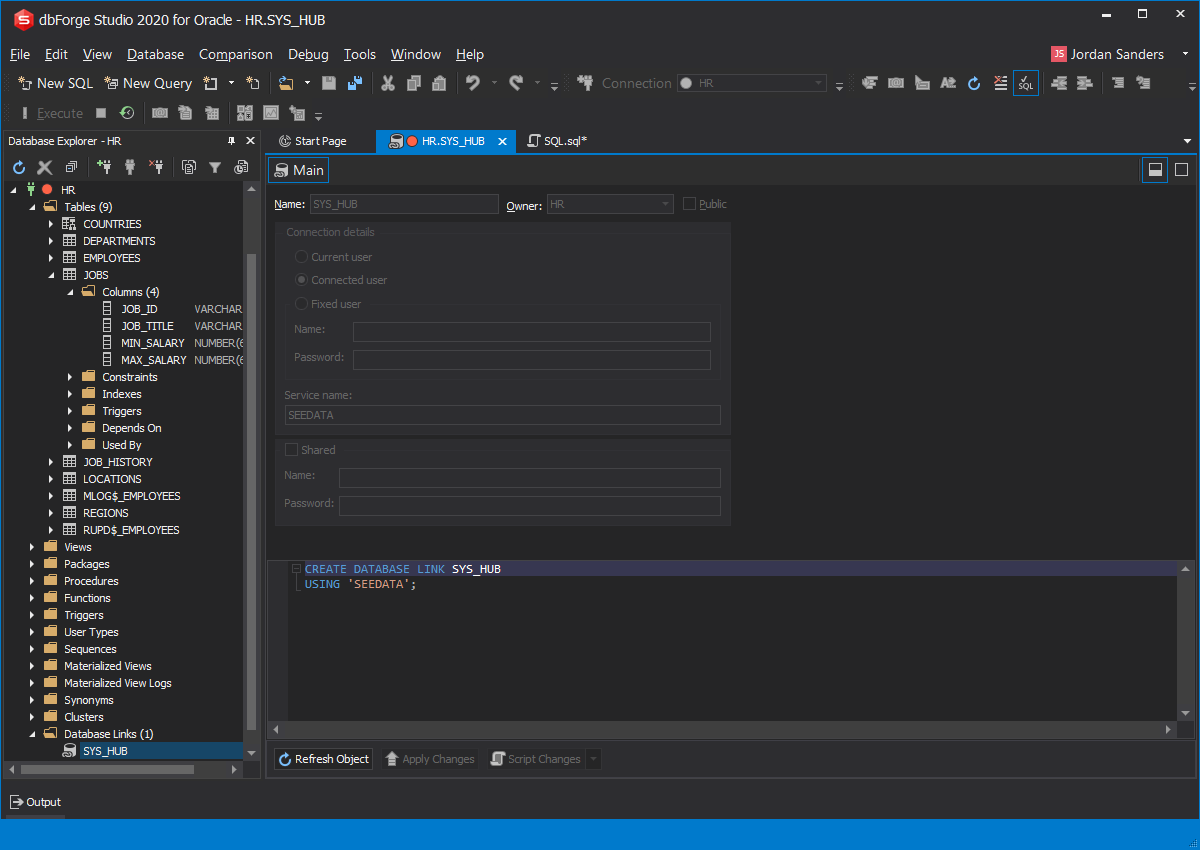
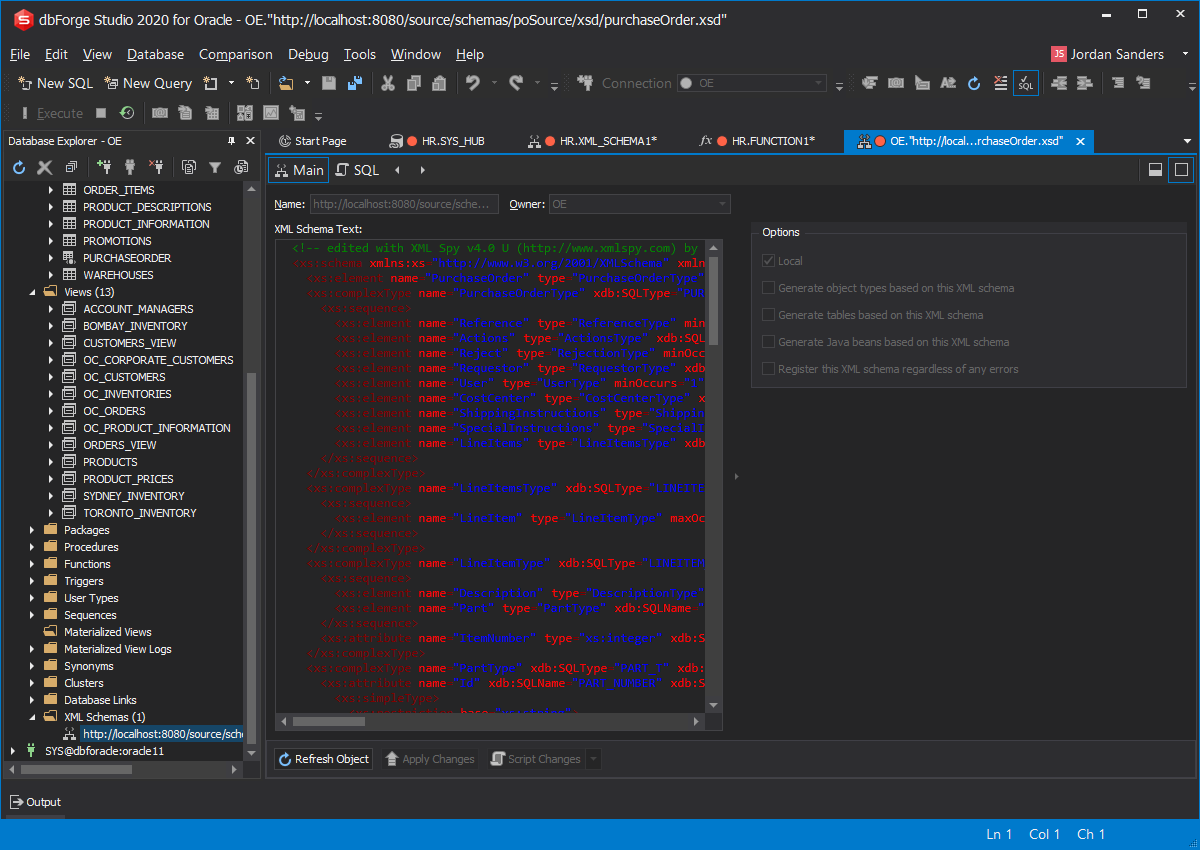
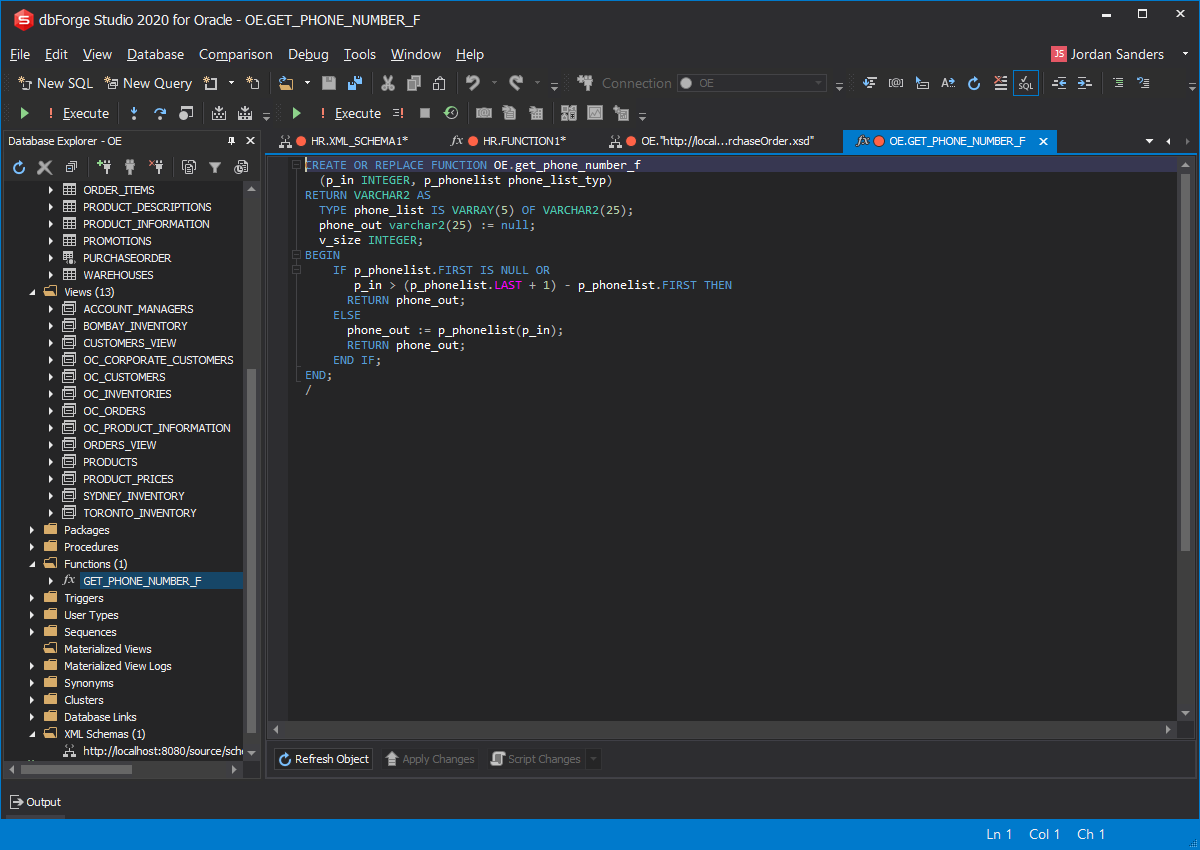
dbForge Studio for Oracle provides an opportunity to create and edit objects using visual objects editors. So there is no need to type SQL code to create or edit database objects in Oracle as this can be done simply from the context menu of the corresponding object (node) in Database Explorer.
There are objects editors for the following object types: tables, views, packages, procedures, functions, triggers, user types (array types, object types, table types), sequences, materialized views, materialized view logs, synonyms, clusters, database links, XML schemas.