dbForge Studio for Oracle Feature List
This page provides a comprehensive listing of features available in dbForge Studio
for Oracle. For a list of dbForge Studio for Oracle 3.1 new features see
What's New in 3.1.
Table of Contents
-
Administration Tools
-
Data Analysis
-
Data Comparison
-
Data Editor
-
Database Explorer
-
Debugger
-
Exporting and Importing Data
-
Oracle Database Connectivity
-
Object Editors
-
Oracle Export and Import Utilities Support
-
Projects
-
Query Builder
-
Query Profiler
-
Schema Comparison
-
Schema Export and Import
-
SQL Editing and Execution
-
Visual Database Designer
-
User Interface
Administration Tools
-
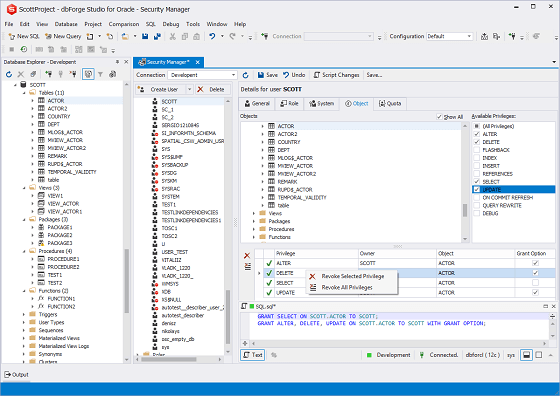
Comprehensive Security Manager to administer user accounts and privileges
-
Session manager for monitoring active Oracle server connections
-
Event Monitor for monitoring Oracle database alerts and pipe messages
Data Analysis
-
Master-detail data browser
-
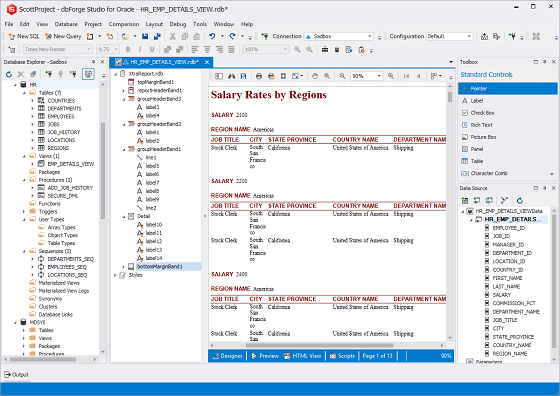
Data report generation wizard
-
Data report designer
-
Pivot table designer
-
Chart building wizard
-
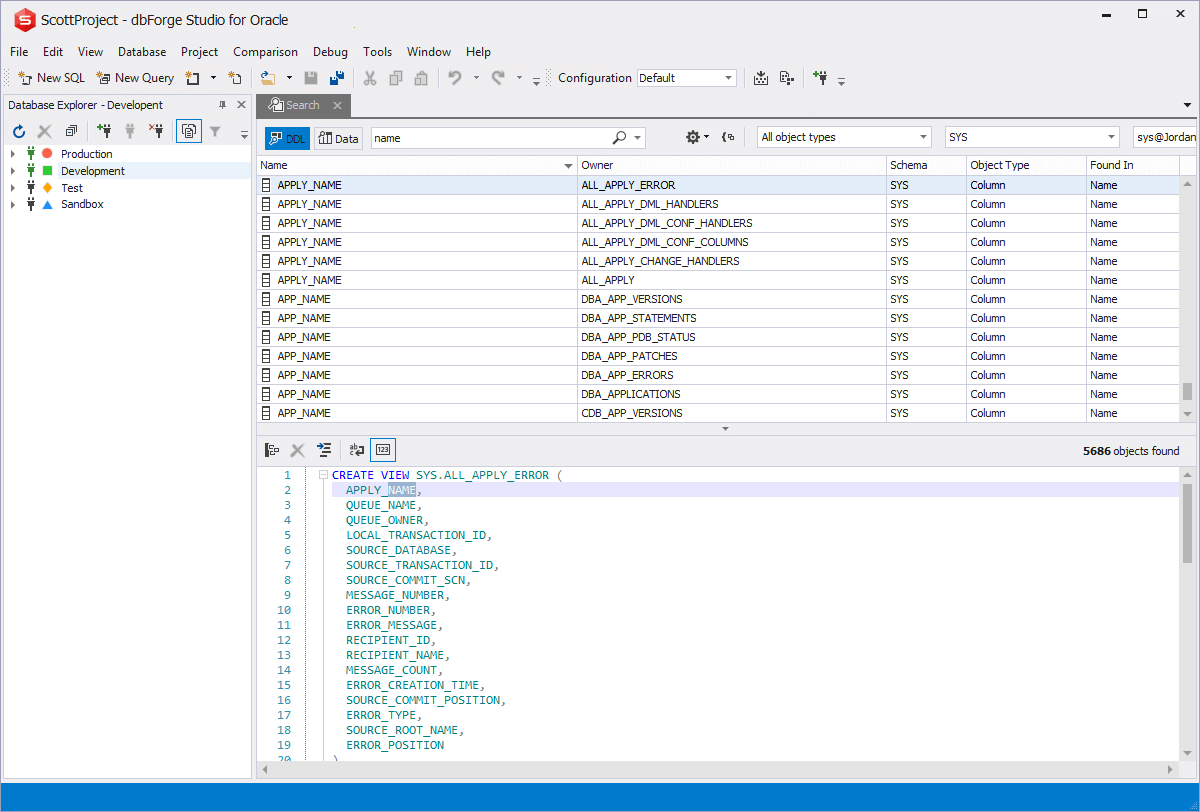
Data search on a live database
Data Comparison
-
Comparing and synchronizing data in databases of virtually any size
-
Comparison of tables, views, materialized views, and custom queries
-
Custom comparison keys support
-
Option for BLOB data comparison
-
Comparison results filtering
-
Data synchronization script generation
-
Per record viewing of data differences
-
Excluding tables and records from synchronization
-
Saving and loading of comparison settings
-
Command line interface for data comparison and synchronization
-
Generating accurate comparison reports in HTML and Excel formats
You can learn the full feature list for data comparison tool.
Data Editor
-
Asynchronous data fetch with ability to cancel the operation
-
Batch table update mode when changes are accumulated and applied explicitly
-
Copying data with column headers for quick pasting to spreadsheet
-
Custom data filters of any complexity
-
Data Viewer window for browsing images, rtf, and binary cell values
-
Date time editor with visual interface
-
Foreign key lookup editor for easy editing of fields referencing other tables
-
Free copying of any block of data to clipboard
-
Full-text search (Ctrl+F) in data grid
-
Graphical card view
-
Grouping by arbitrary columns
-
Incremental search (Ctrl+I) through data grid
-
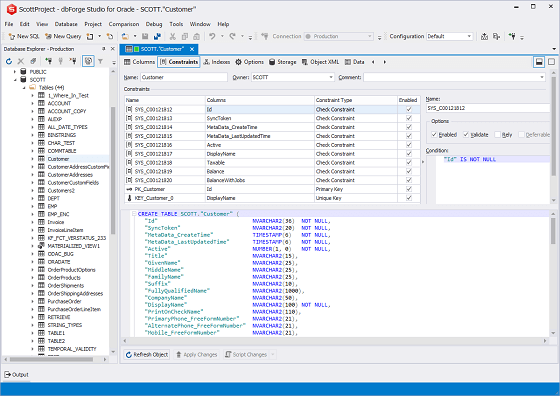
Large objects (LOB) editor
-
Multi-table query result set editing
-
Paginal data browsing for large result sets
-
Printing of data
-
Quick filter feature available for each data cell
-
Record numbering option
-
Read-only state indication
-
Report, chart, and pivot building directly from data editor
-
Server-side sorting and filtering to help dealing with large data sets
-
Visible columns picking dialog box
-
Editing of multiple execution results of one script on separate tabs
-
Support of various ADT in a separate editor
Database Explorer
-
Multiple database connections allowed
-
Asynchronous connecting to server with ability to cancel the operation
-
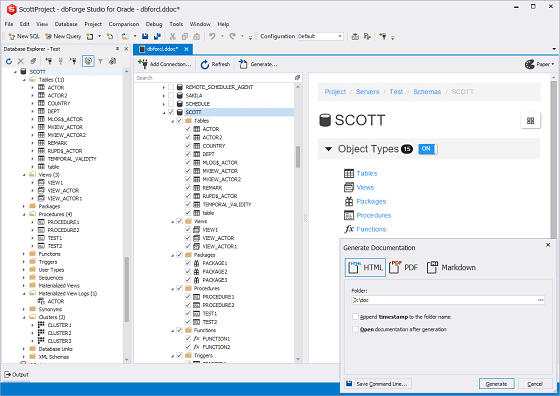
Detailed object properties and data browsing in Object Viewer window
-
Dependency tree browsing for each object
-
Duplicate object feature
-
Quick template script generation for selected object: SELECT, INSERT, EXECUTE, etc.
-
Customizable DDL generation via wizard
-
'Send To' command for quick sending of tables to Query Builder, Data Report, and
other tools
-
Quick access to object privileges (GRANT) from the popup menu
-
Multi-selection for batch operations on objects
-
Database navigation history
Debugger
-
PL/SQL code debugging
-
Script debugging
-
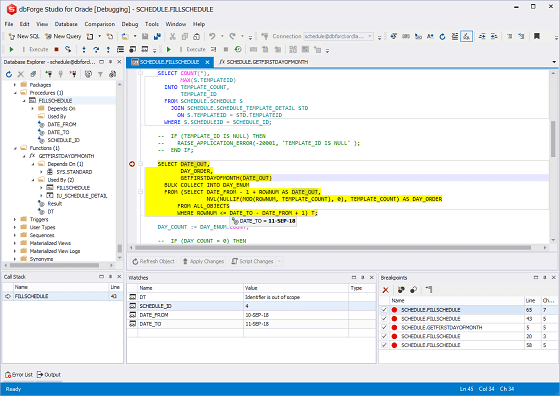
Step Into, Step Over, and Step Out commands for step-by-step execution
-
Breakpoints support for procedures, functions, triggers, and scripts
-
Breakpoints window
-
Call Stack window with navigation
-
Watches window for variable evaluation
Exporting and Importing Data
-
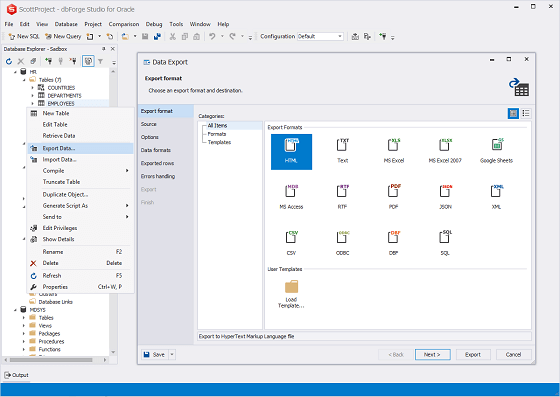
Data export to:
-
CSV
-
XML
-
Text
-
XLS
-
PDF
-
DBF
-
HTML
-
RTF
-
MDB (Access)
-
ODBC
-
SQL
-
Export data from multiple tables at once
-
Export data from command line interface
-
Data import from:
-
CSV
-
XML
-
Text
-
XLS
-
XLSX
-
DBF
-
MDB (Access)
-
ODBC
-
Import data from command line interface
-
Templates for exporting and importing
Oracle Database Connectivity
-
Support for Oracle versions from 8i to 11g
-
Ability to use several Oracle Homes in single application
-
Instant Client support
-
Optional direct access mode for establishing connections without Oracle client software
Object Editors
-
Visual editors for following schema object types:
-
Database link
-
Cluster
-
Check constraint
-
Foreign key
-
Index
-
Materialized view
-
Materialized view log
-
Package
-
Sequence
-
Stored function
-
Stored procedure
-
Synonym
-
Table
-
Trigger
-
Unique key
-
User type
-
View
-
XML schema
-
Undo option for object editor
-
Ability to browse schema objects in a single editor (pin document)
-
Schema object search based on a variety of parameters
Oracle Export and Import Utilities Support
-
Support for Exp and Imp utilities
-
Wizards for export and import procedure setup
-
Quick access from Database Explorer
Projects
-
New project wizard with import from an existing database
-
Project Explorer window for managing project files
-
Schema View window for browsing logical project structure
-
Project export into one of multiple scripts
-
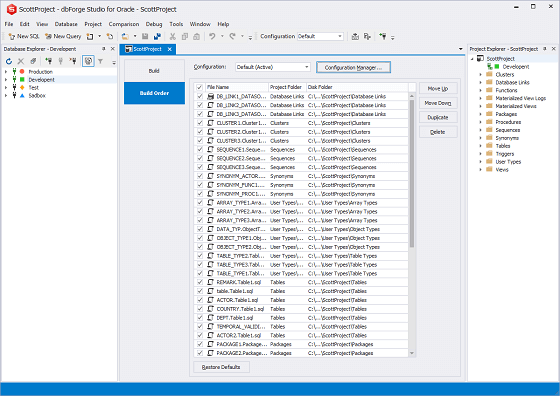
Multiple build configurations
-
Single-click project deployment on the server
-
Workspace saving
Query Builder
-
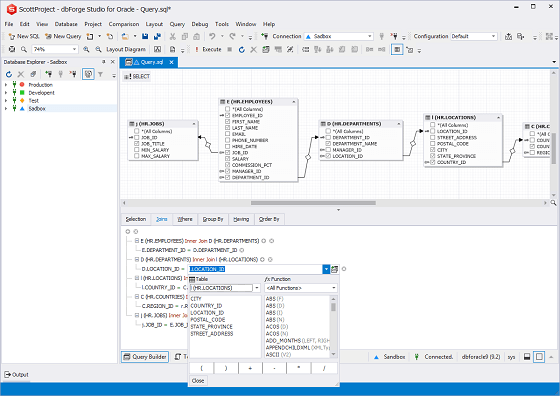
The state-of-art diagram with zooming and keyboard support
-
Preview and printing of the diagram
-
Visual addition of sub-queries to any part of the main query
-
Query outline (displayed in Document Outline window)
-
Visual editing of sub-queries
-
Expression builder for creating complex conditions
-
Copy/Paste for tables on the diagram
-
Undo/Redo support
-
Saving queries to a file
Query Profiler
-
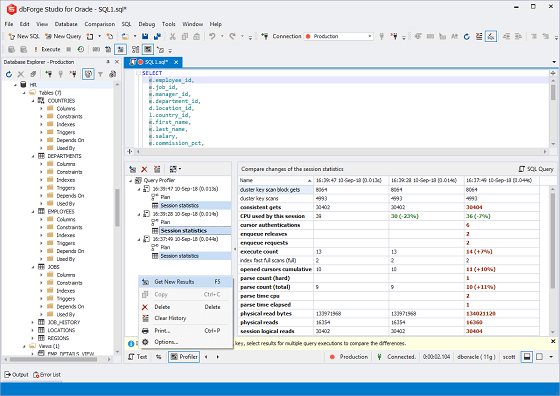
EXPLAIN results and session statistics displayed in a UI
-
Plan of the query displayed in the tree view for easy review
-
Profiling history that can be saved for further analysis
-
Compare profiling results feature with differences highlight
-
Profiling results printing
Schema Comparison
-
Capability to compare and synchronize Oracle database schemas
-
Schema comparison reports generation
-
Command line launch for schema comparison and synchronization
-
Synchronization between different server versions
-
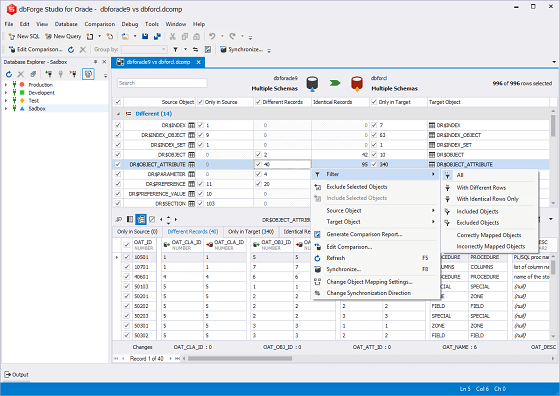
Comparison results filtering
-
Schema synchronization script generation
-
Per object viewing of DDL differences
-
Objects exclusion from synchronization
-
Saving and loading comparison settings
You can find the full feature list for schema comparison tool.
Schema Export and Import
-
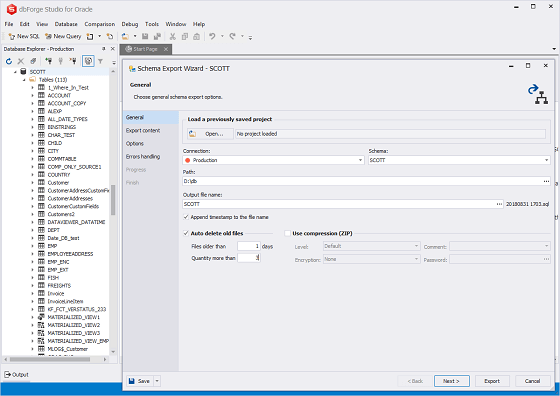
Comprehensive Oracle database schema export and import wizards
-
Schema or data only backups in addition to full schema dump
-
Large database (exceeding 2 Gb) support
-
Schema export projects to save settings for future use
-
Zip compression for export output files
-
Command line support for automating schema export
-
Error and status logging
SQL Editing and Execution
-
Code collapsing/expanding with support of user-defined regions
-
Code snippets library with a browser window and editor
-
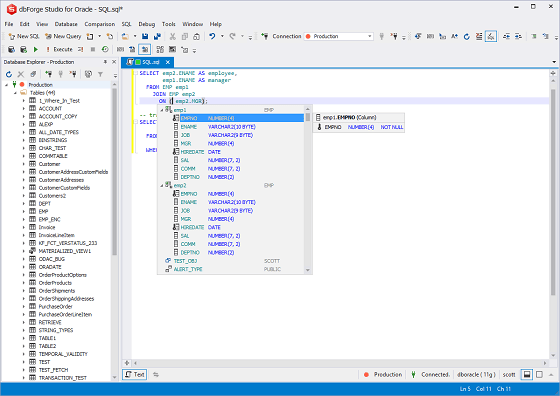
Context-sensitive code completion
-
Document Outline window for quick navigation through large scripts
-
Execution of scripts, selected SQL fragments, and statements
-
One-step access to a schema object editor from code (go to definition)
-
Parameter information for stored routines
-
Quick access to favorite templates from SQL editor
-
Quick information about schema objects
-
SQL editor with syntax coloring, bookmarks, and text search
-
Executed SQL history window for the document
Visual Database Designer
-
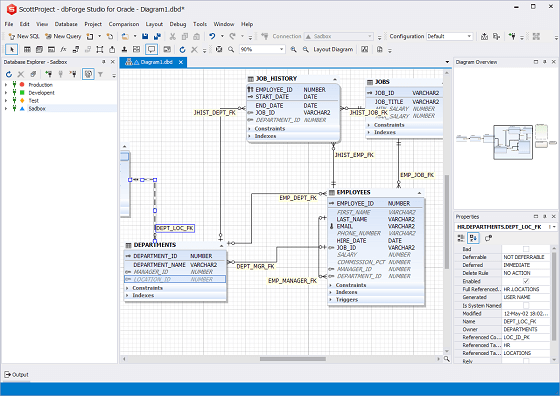
Visualization of tables, views, stored procedures
-
Easy access to database objects for viewing their properties, editing, retrieving
data, executing stored routines, etc.
-
Support for IDEF1X and IE notations
-
Customizable diagram look and feel with skin support
-
Smart diagram layout
-
Diagram export to different image formats
-
Searching database objects on diagram
-
Organizing diagram shapes with containers
-
Customizable diagram printing with a rich set of options
-
Optional displaying of table constraints, indexes, and triggers
-
Integration with Document Outline window
-
Diagram navigation with Diagram Overview window
-
Notes for adding your comments to the diagram
User Interface
-
Start page providing easy access to main product features
-
Rich user settings
-
UI skins
-
Customizable window layout
-
Tool windows with 'auto-hide' and 'float' modes
-
Multiple shortcut schemes with full shortcut customization
-
Syntax highlight customization
-
Tabbed groups for documents
-
Toolbars customization
-
Ability to browse schema objects in a single editor (pin document option)
-
Wizard for exporting/importing user settings