SQL Server IDE for Database Development
dbForge Studio is an AI-powered IDE for developers, data architects, DBAs, analysts, and basically everyone who needs a rich toolset for SQL Server and related cloud databases. Think a far superior alternative to SSMS that helps write and optimize SQL code, design and test databases, compare and sync schemas and table data, perform database administration, version-control databases, and complete a vast number of other tasks.
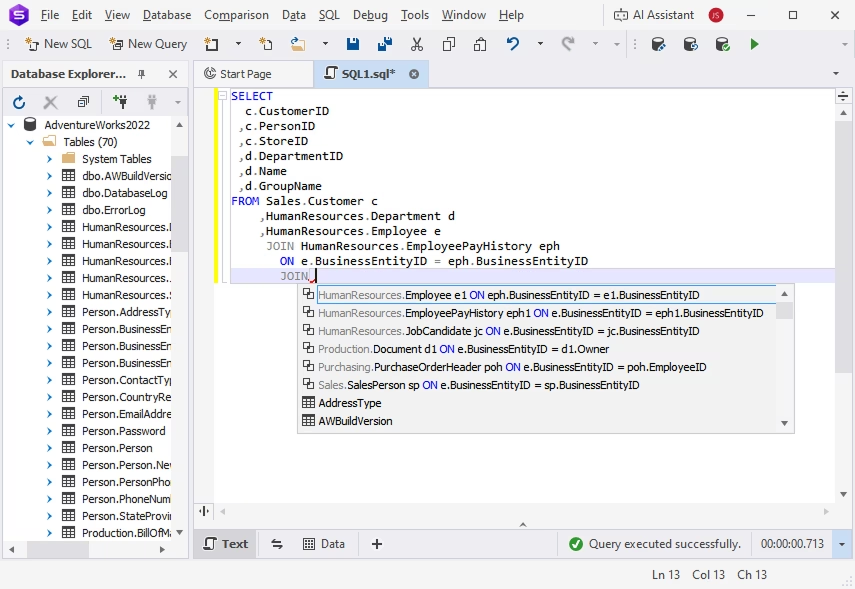
- SQL development
- Database design
- Data management
- Database operations
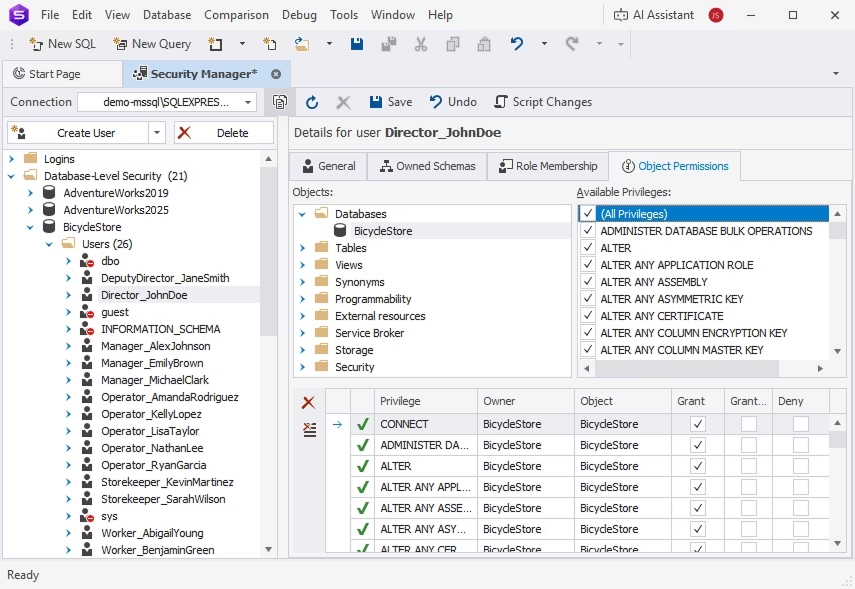
- Database administration
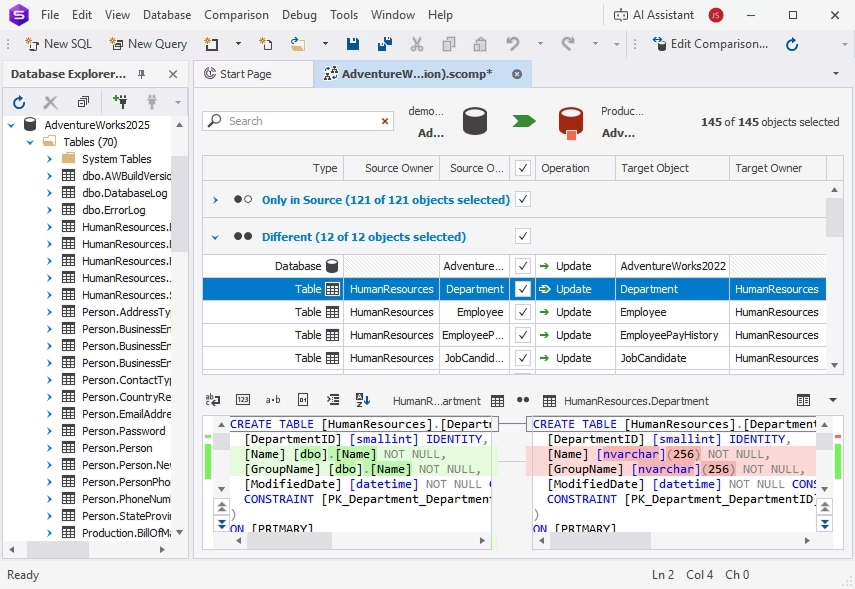
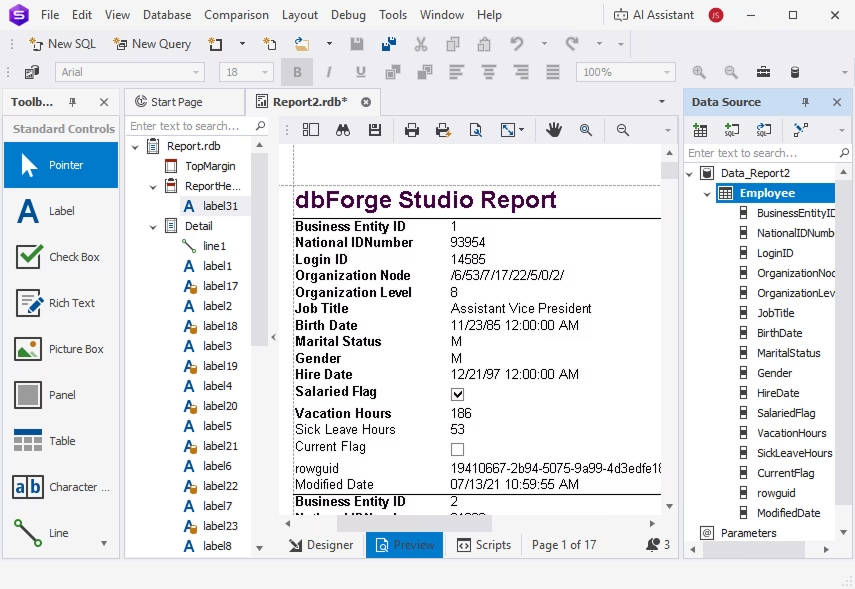
- Data analysis & reporting
- Version control
- Automation
 Microsoft SQL Server
 Amazon RDS
 Heroku Cloud
 Azure SQL Database
 Azure Synapse
 Azure SQL Managed Instance
 Azure Private Link
 Microsoft Entra
 Microsoft Fabric
 Microsoft Fabric Data Warehouse
 Microsoft Fabric OneLake
 ApsaraDB RDS