dbForge Studio for SQL Server Feature List

This page provides a comprehensive listing of features available in dbForge Studio for SQL Server.

Table of Contents

  1. Supported Microsoft SQL Server versions
  2. Data Analysis
  3. Data Comparison
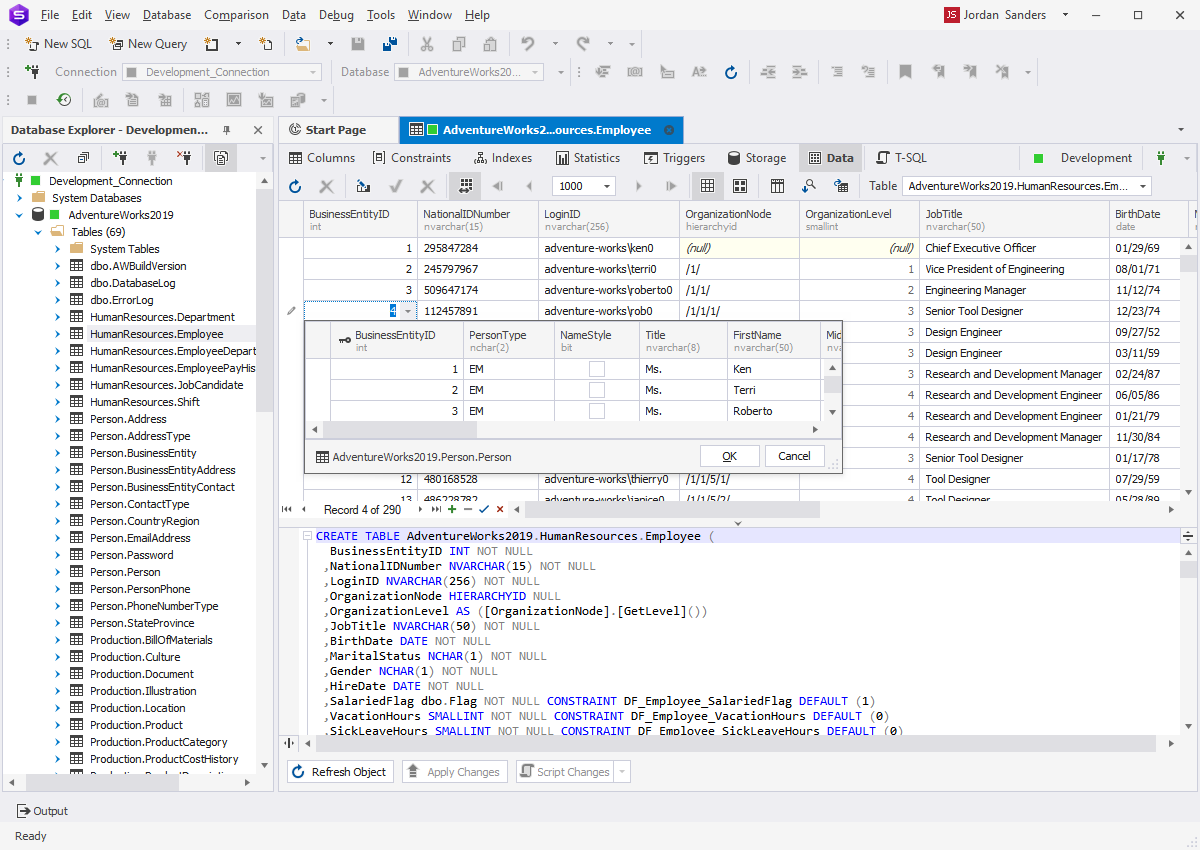
  4. Data Editor
  5. Database Explorer
  6. Database Search
  7. Exporting and Importing Data
  8. Object Editors
  9. Query Builder
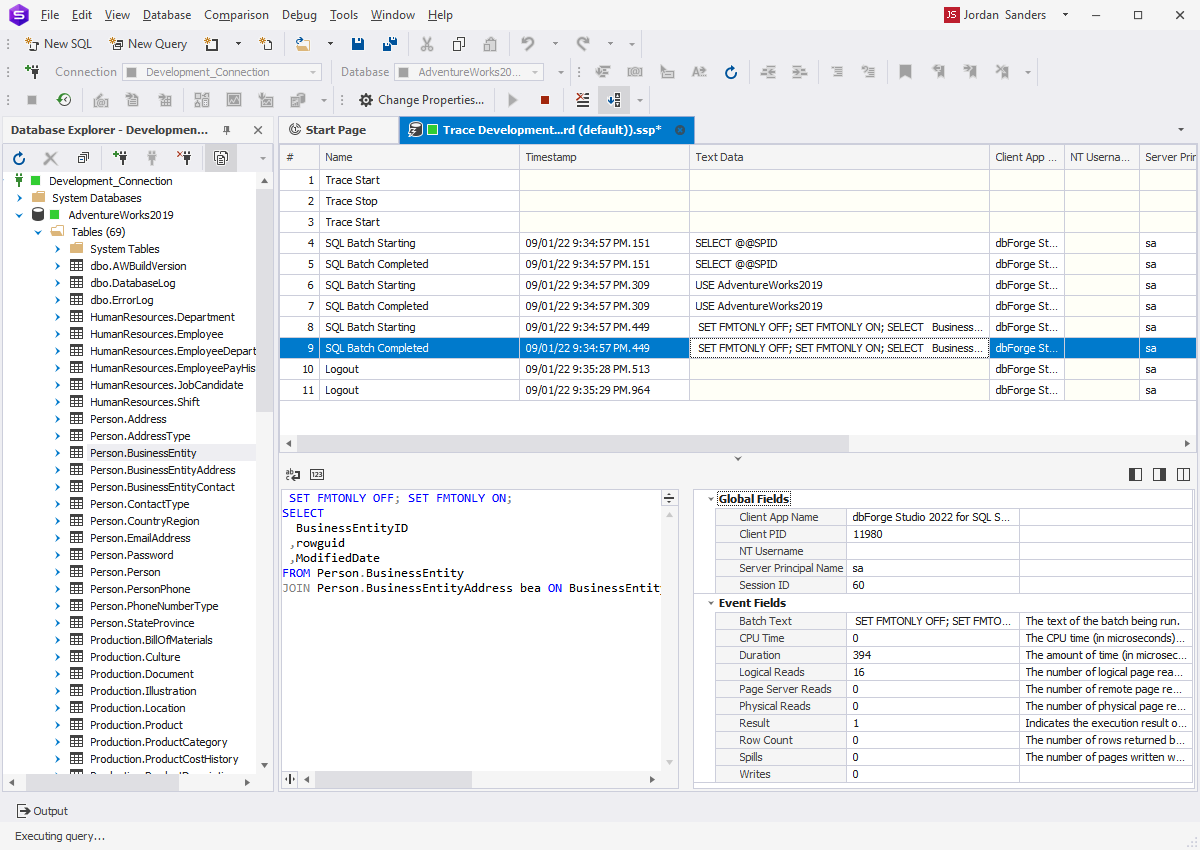
  10. Query Profiler
  11. Security Manager
  12. Schema Comparison
  13. SQL Editing and Execution
  14. T-SQL Debugger
  15. Visual Database Designer
  16. User Interface

Supported Microsoft SQL Server versions

  • SQL Server 2012
  • SQL Server 2008, 2008R2 (including Express edition)
  • SQL Server 2005 (including Express edition)
  • SQL Server 2000
  • SQL Azure

Data Analysis

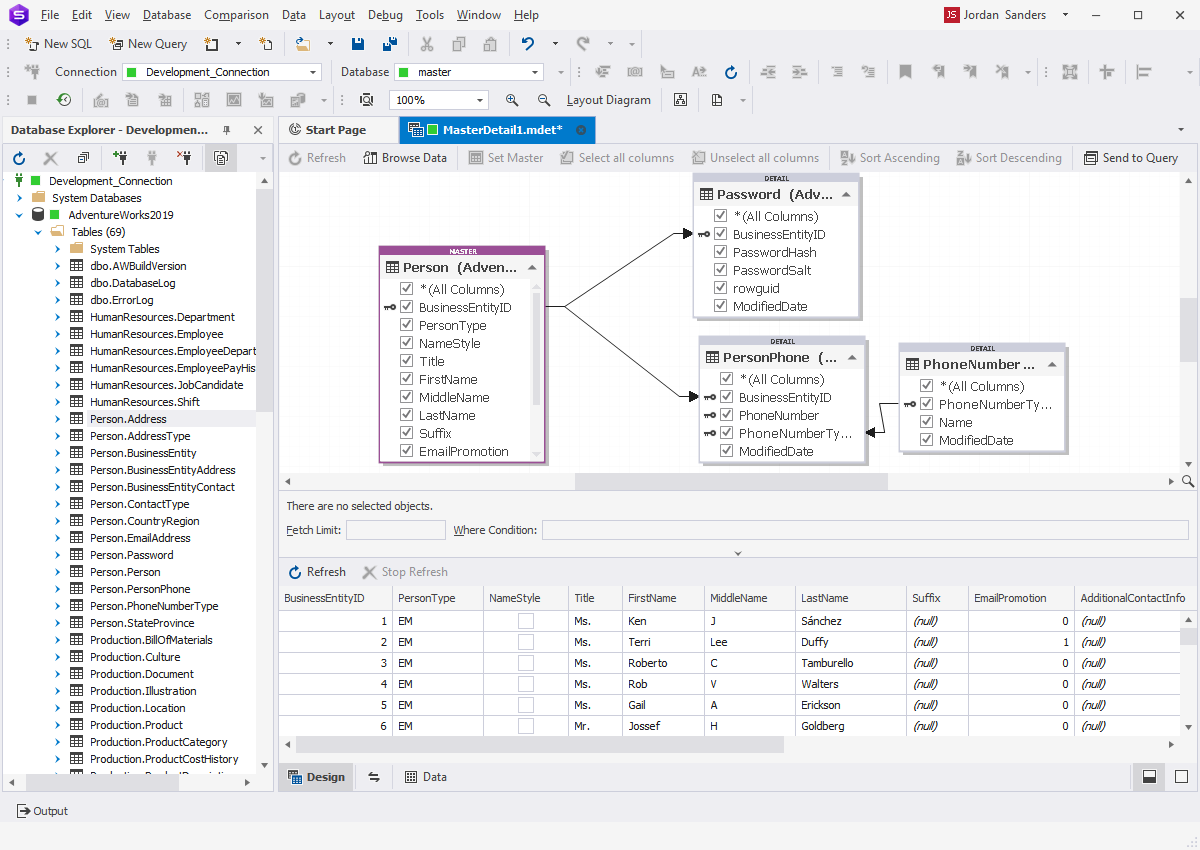
  • Master-detail data browser
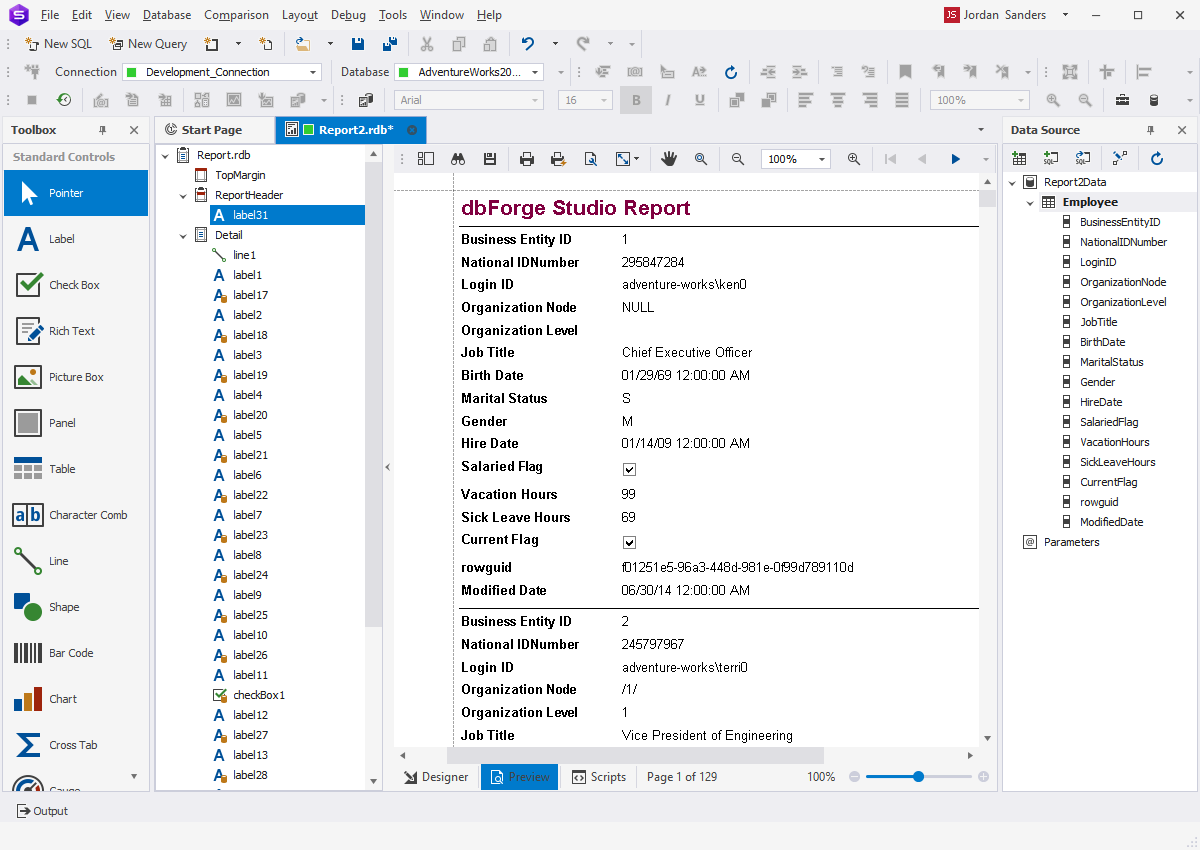
  • Data report generation wizard
  • Data report designer
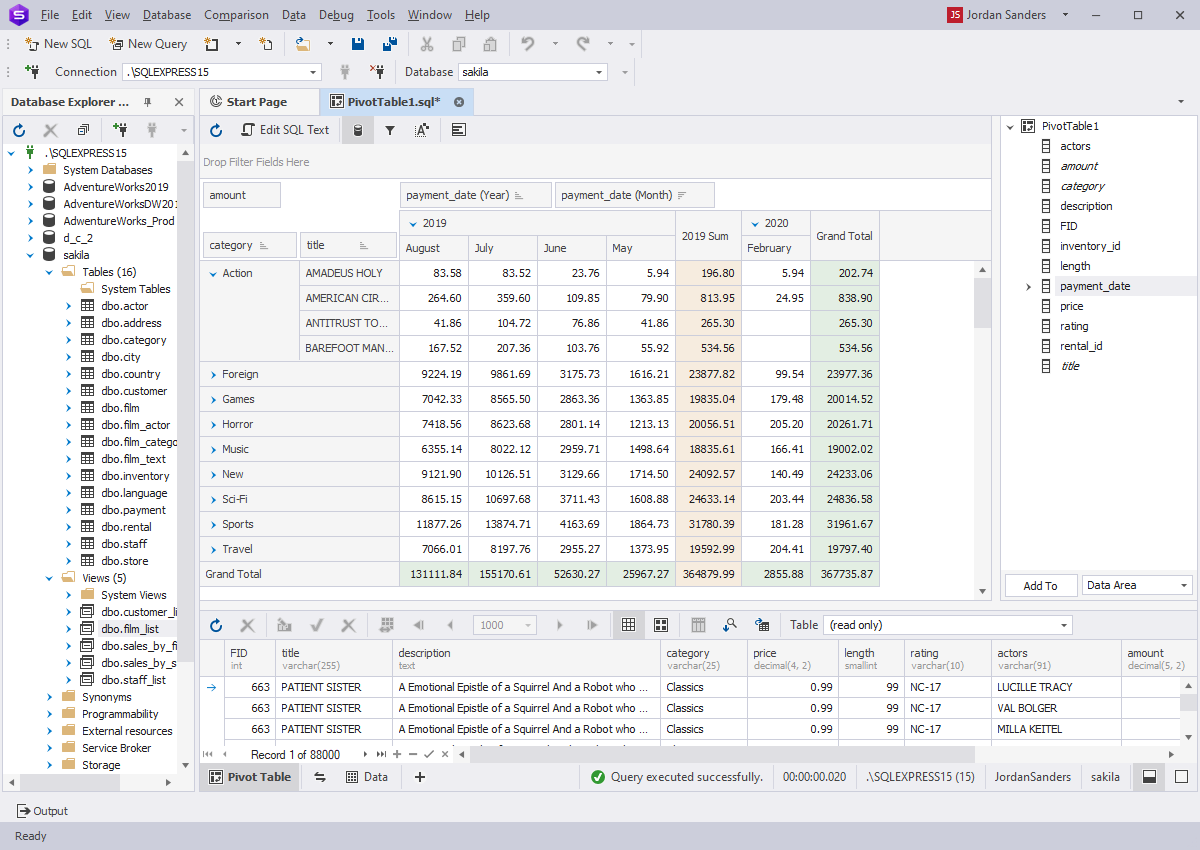
  • Pivot table designer
  • Chart building wizard

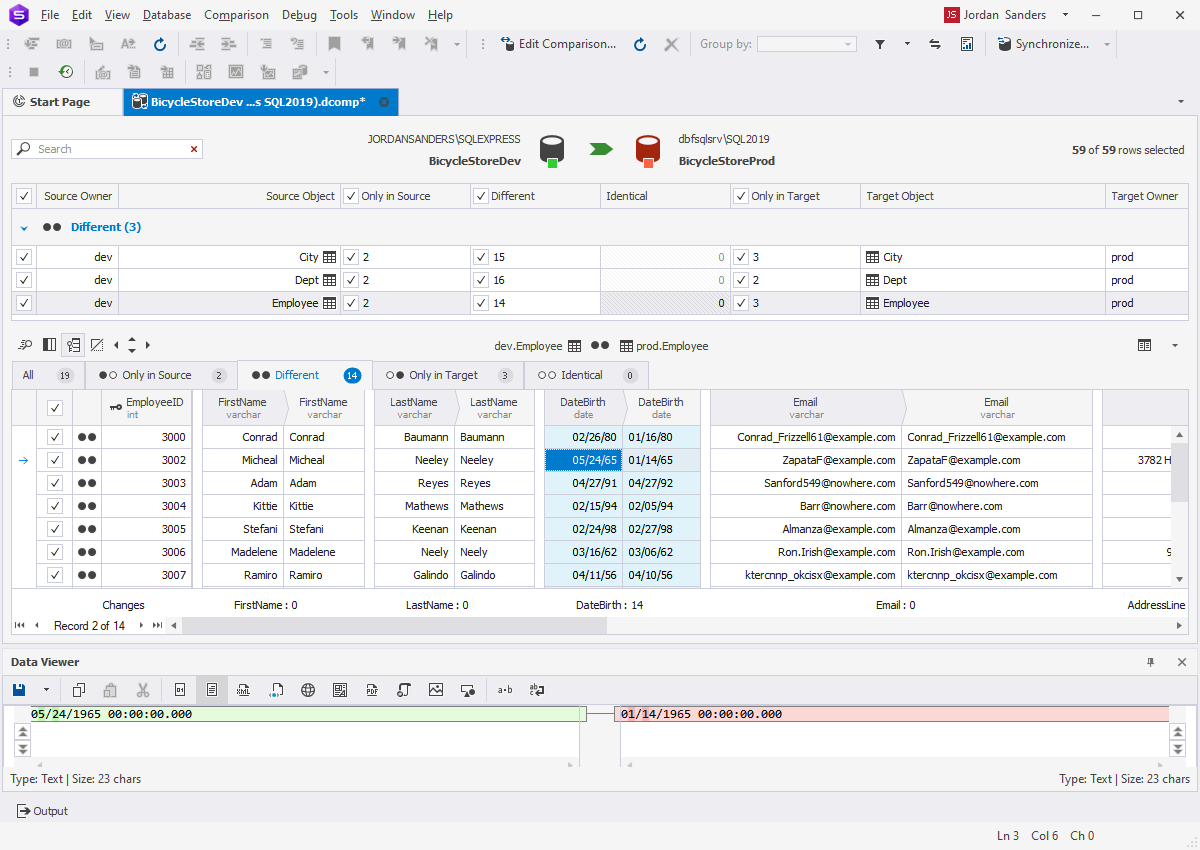
Data Comparison

  • Comparing and synchronizing data in databases of virtually any size
  • Comparison of tables, views, and custom queries
  • Custom comparison keys support
  • Comparison results filtering
  • Data synchronization script generation
  • Viewing differences on each record of data
  • Excluding tables and records from synchronization
  • Ability to save and load comparison settings
  • Command line interface for data comparison and synchronization
  • Generating precise comparison reports in HTML and Excel formats

Data Editor

  • Non-synchronous data fetch with possibility to cancel the operation
  • Batch updates for tables when changes are accumulated and applied explicitly
  • Ability to copy data with column headers for quick pasting to spreadsheet
  • Customizable data filters of any level of complexity
  • Data Viewer window for viewing images, rtf, and binary cell values
  • Date time editor with visual UI
  • Foreign key lookup editor for easy editing of fields referencing other tables
  • Ability to copy any block of data to clipboard
  • Full-text search (Ctrl+F) in data grid
  • Graphical card view
  • Grouping by user-defined columns
  • Step-by-step search (Ctrl+I) through data grid
  • Large objects (LOB) editor
  • Multi-table query result set editing
  • Paginal data browsing for large result sets
  • Printing of data
  • Quick filter for each data cell is available
  • Record numbering option
  • Read-only status indication
  • Quick building of report, chart, and pivot table directly from data editor
  • Server-side sorting and filtering to help dealing with large data sets
  • Visible columns picking dialog box
  • Ability to edit several execution results of one script on separate tabs

Database Explorer

  • Multiple database connections are available
  • Non-synchronous connecting to server with possibility to cancel the operation
  • Detailed object properties and data viewing in Object Viewer window
  • Quick template script generation for selected object: SELECT, INSERT, EXECUTE, etc.
  • 'Send To' command for quick sending of tables to Query Builder, Data Report, and other tools
  • Quick access to object privileges (GRANT) from the popup menu
  • Group-selection for batch operations on objects
  • Navigation history for database

Database Search

  • Data search on a live database
  • Schema object search by name
  • Schema object search by substring of DDL text

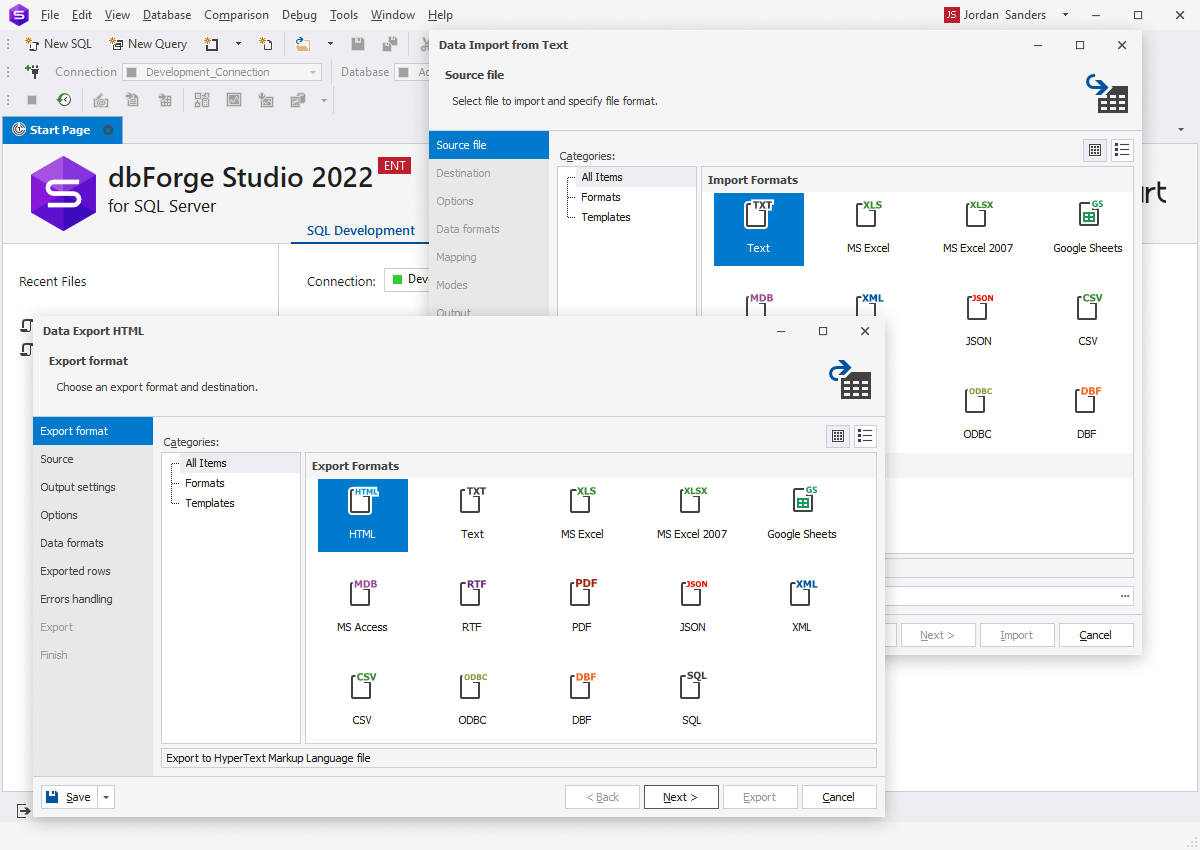
Exporting and Importing Data

  • Data export to:
    • CSV
    • XML
    • Text
    • XLS
    • PDF
    • DBF
    • HTML
    • RTF
    • MDB (Access)
    • ODBC
  • Export data from multiple tables at once
  • Export data from command line interface
  • Data import from:
    • CSV
    • XML
    • Text
    • XLS
    • XLSX
    • DBF
    • MDB (Access)
    • ODBC
  • Import data from command line interface
  • Templates for exporting and importing

Object Editors

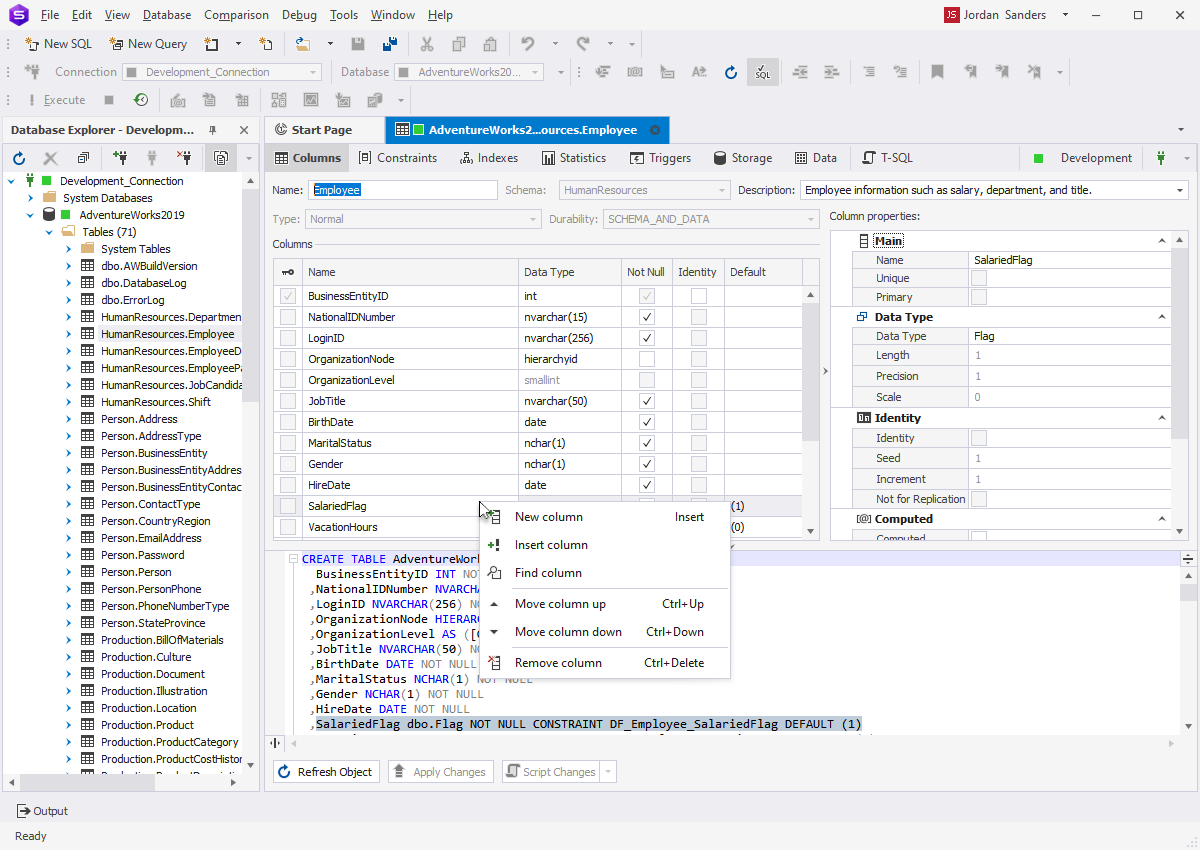
  • Visual editors for the following schema object types:
    • Check constraint
    • Foreign key
    • Index
    • Table
    • Unique key
  • Source-based editors for the following schema object types:
    • Sequence
    • Stored function
    • Stored procedure
    • Synonym
    • Trigger
    • View
  • Ability to preview changes before database modification
  • Undo option for object editor
  • Ability to browse schema objects in a single editor (pin document)

Query Builder

  • Support building SELECT, INSERT, UPDATE, and DELETE statements
  • The state-of-art diagram with zooming and keyboard support
  • Preview and printing of the diagram
  • Visual addition of sub-queries to any part of the main query
  • Query outline (displayed in Document Outline window)
  • Visual editing of sub-queries
  • Expression builder for creating complex conditions
  • Copy/Paste for tables on the diagram
  • Undo/Redo support
  • Saving queries to a file

Query Profiler

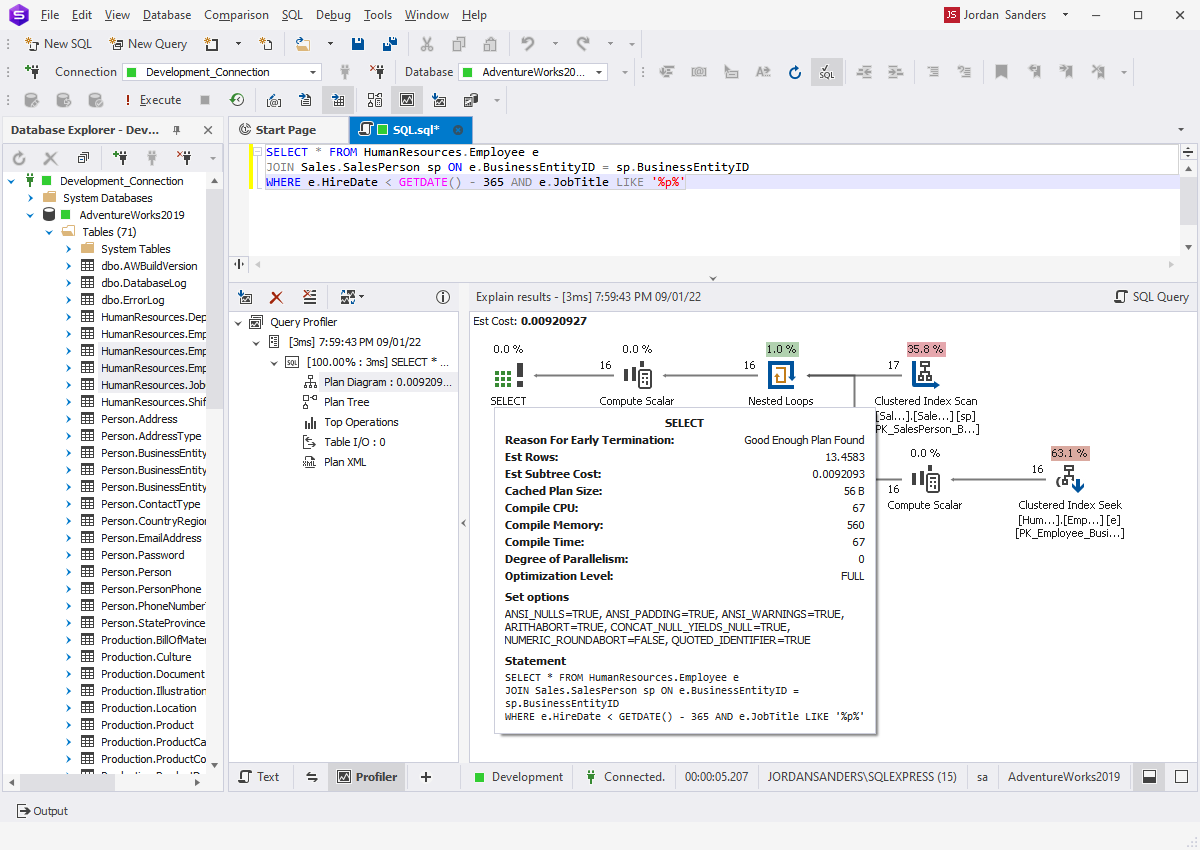
  • Ability to get estimated and actual execution plans
  • Plan diagram with visualization of expensive nodes
  • Plan tree that displays operations hierarchy and cost parameters
  • Top operations list that to sort operations by CPU and IO costs
  • Profiling history that can be saved for further analysis
  • Comparing of main query metrics with differences highlight
  • Profiling results printing

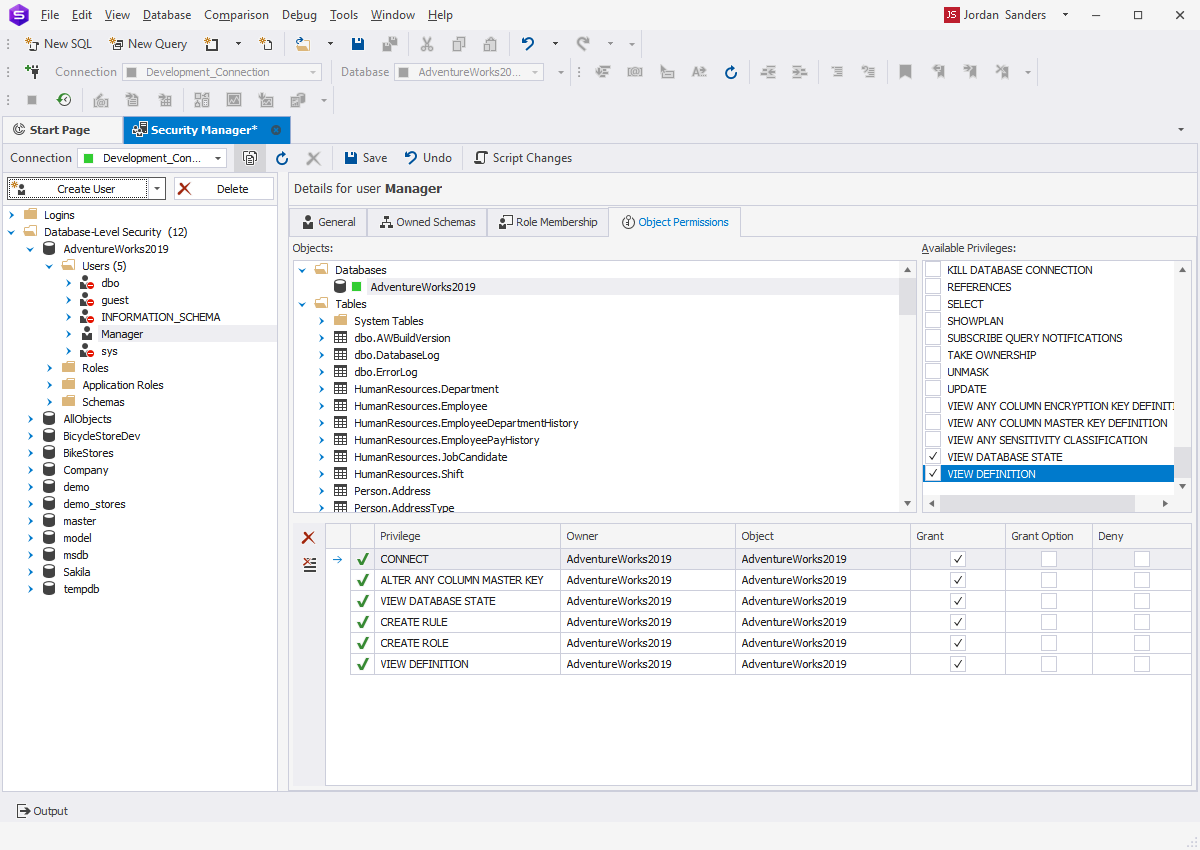
Security Manager

  • Visual editors for the security principal objects:
  • Login
  • User
  • Role
  • Application Role

Schema Comparison

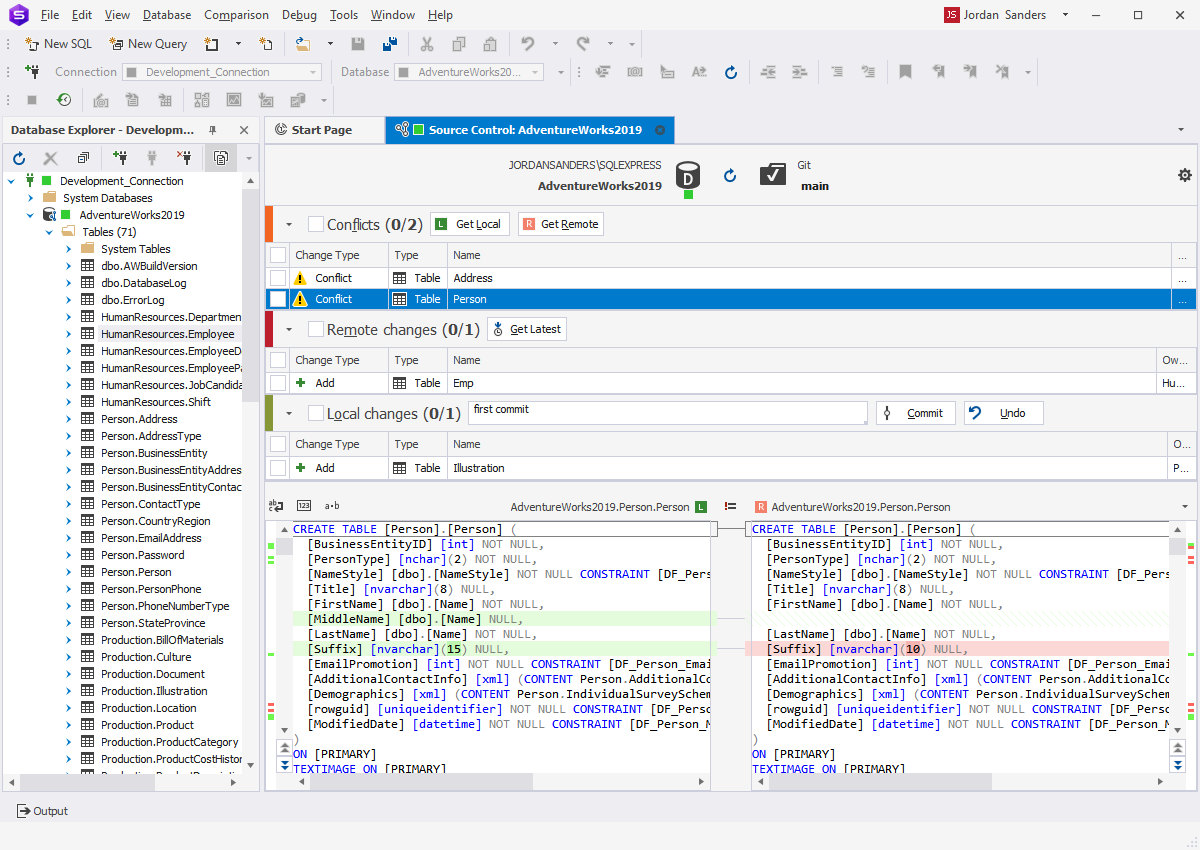
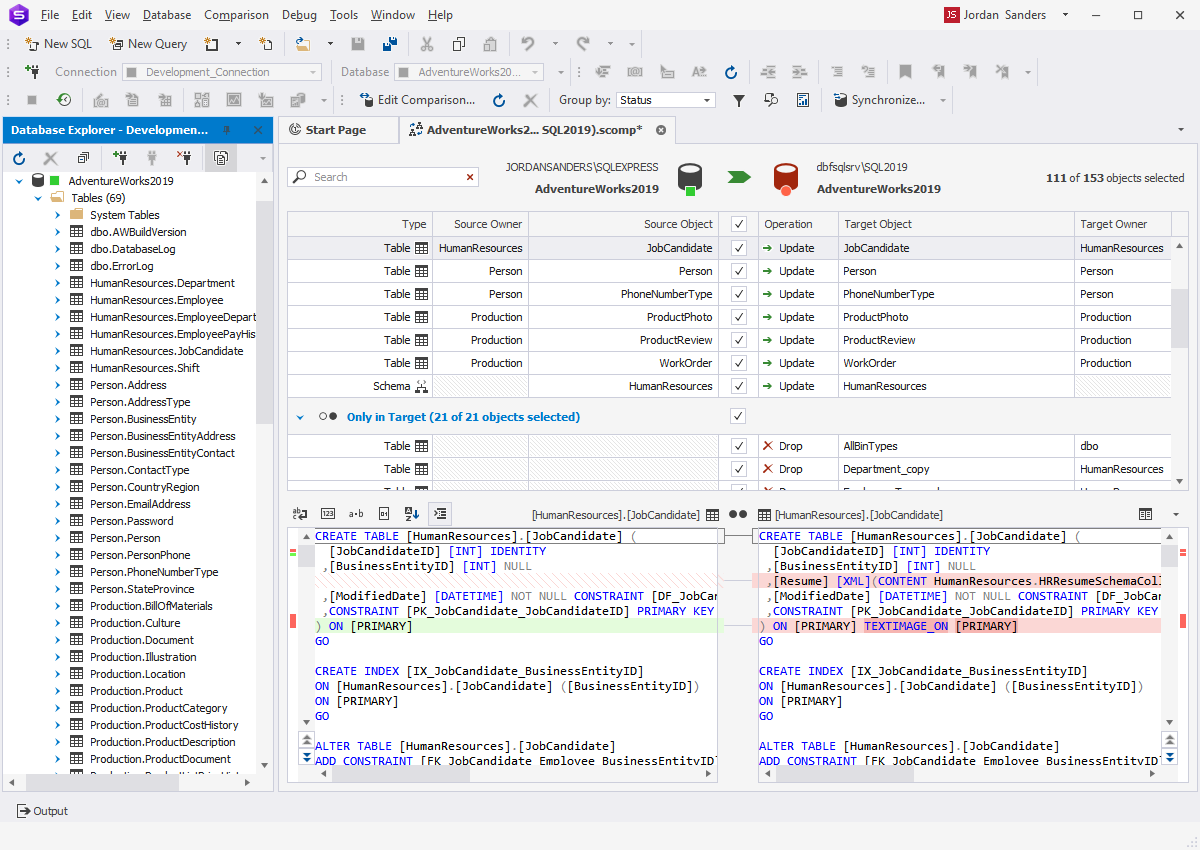
  • Ability to compare and synchronize SQL Server database schemas
  • Ability to generate schema comparison reports
  • Command line launch for schema comparison and synchronization
  • Synchronization between different server versions
  • Comparison of native SQL Server backups
  • Comparison filtering results
  • Schema synchronization script generation
  • Viewing of DDL differences on each object
  • Exclusion of objects from synchronization
  • Ability to save and load comparison settings

SQL Editing and Execution

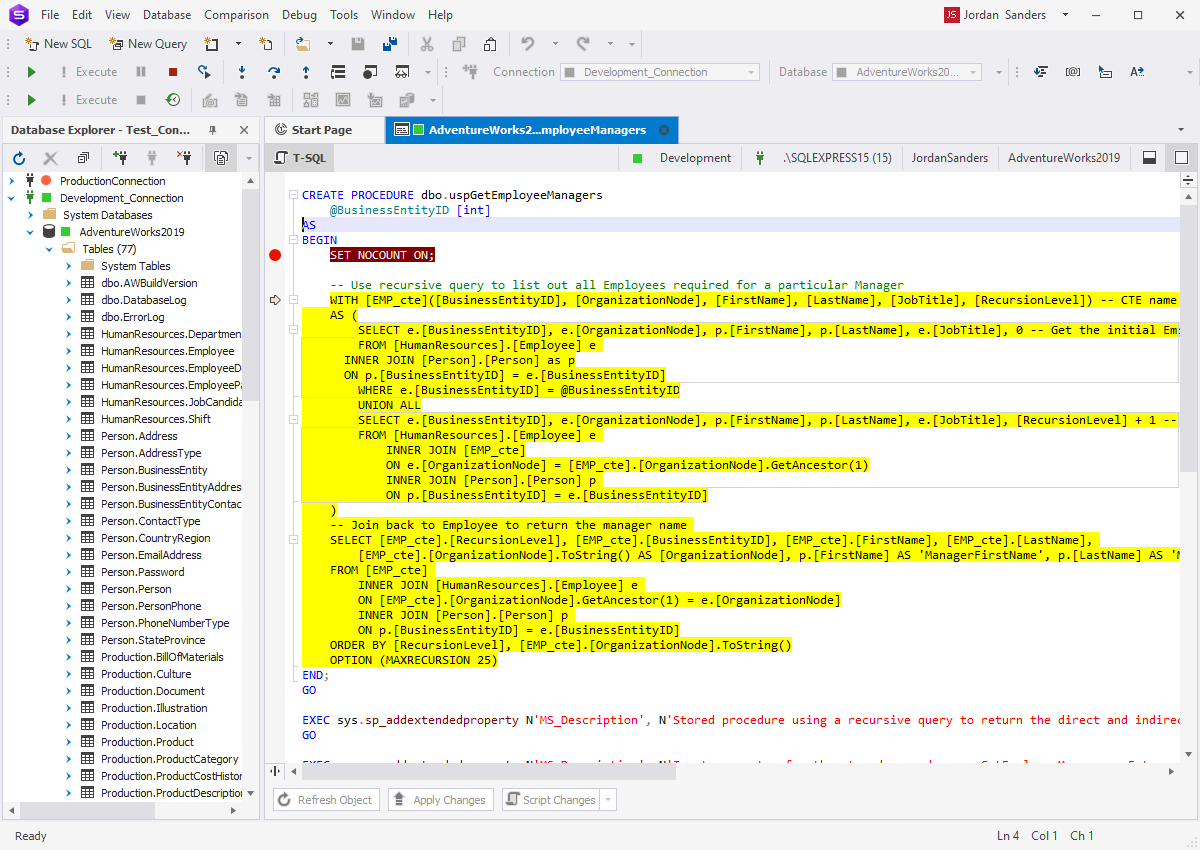
  • SQL editor with syntax coloring, bookmarks, and text search
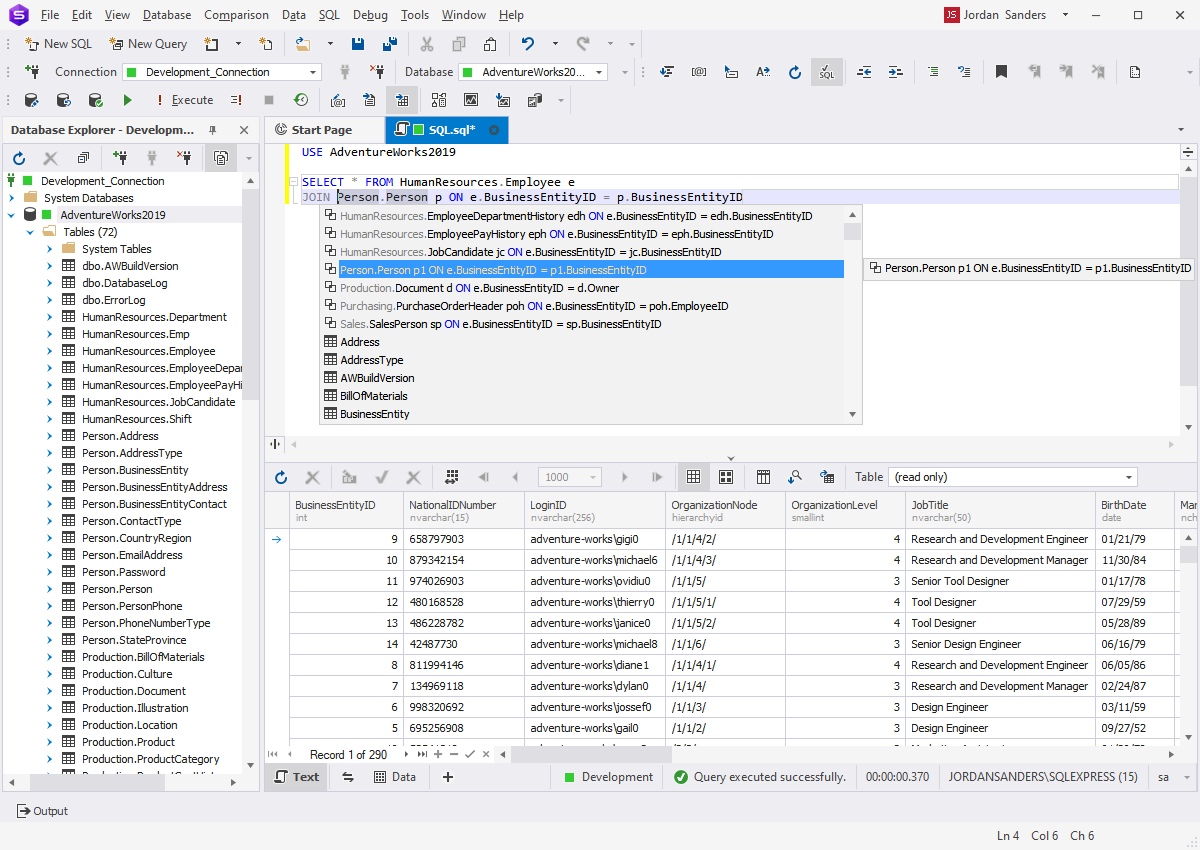
  • Context-sensitive code completion
  • Code collapsing/expanding with support of user-defined regions
  • SQL formatting with rich options
  • SQL snippets library with a browser window and editor
  • Document Outline window for quick navigation through large scripts
  • Execution of scripts, selected SQL fragments, and statements
  • One-step access to a schema object editor from code (go to definition)
  • Parameter information for stored procedures and functions
  • Quick access to favorite templates from SQL editor
  • Quick information about schema objects
  • Executed SQL history window for the document

T-SQL Debugger

  • Quick debugger launch from Database Explorer
  • Step Into, Step Over, and Step Out commands for step-by-step execution
  • Breakpoints support for procedures, functions, triggers, and scripts
  • Breakpoints window
  • Call Stack window with navigation
  • Watches window for variable evaluation

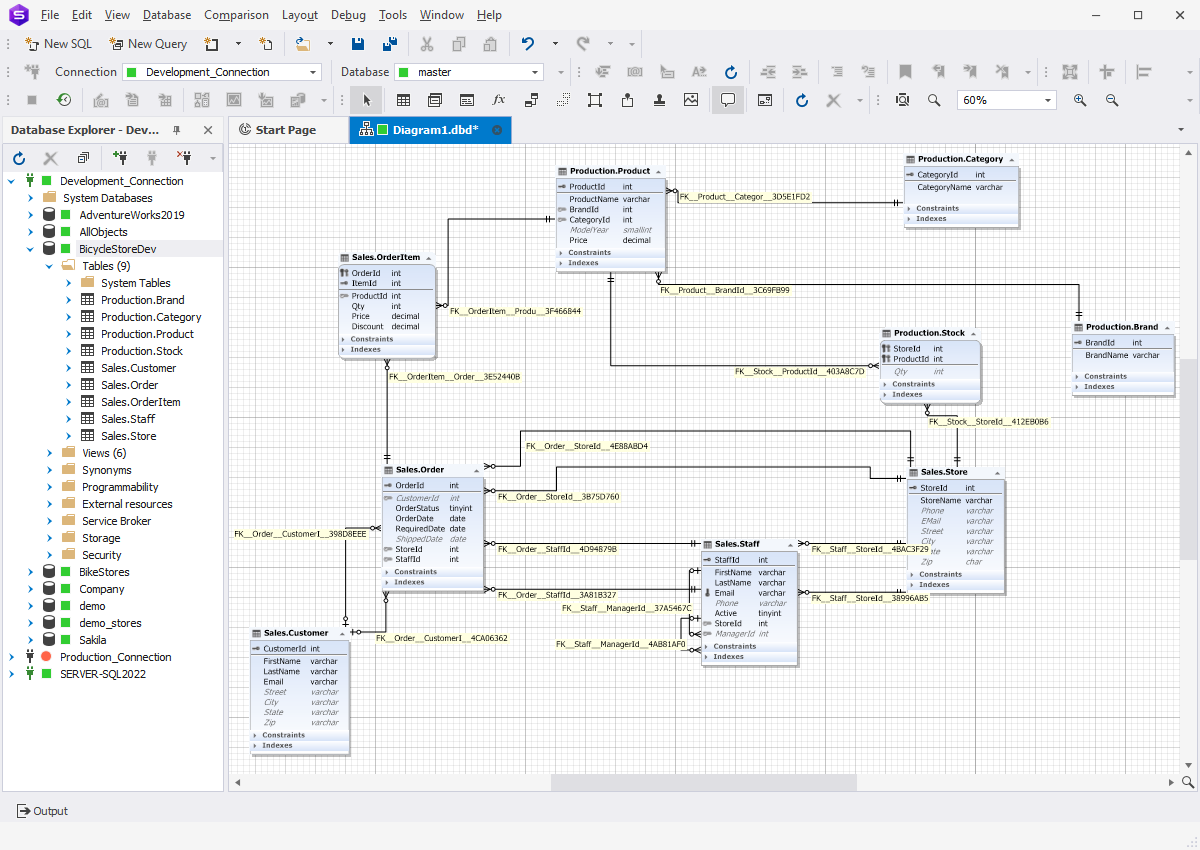
Visual Database Diagram

  • Visualization of tables, views, stored procedures
  • Easy access to database objects for viewing their properties, editing, retrieving data, executing stored routines, etc.
  • Support for IDEF1X and IE notations
  • Customizable diagram look and feel with skin support
  • Smart diagram layout
  • Diagram export to different image formats
  • Searching database objects on diagram
  • Organizing diagram shapes with containers
  • Customizable diagram printing with a rich set of options
  • Optional displaying of table constraints, indexes, and triggers
  • Integration with Document Outline window
  • Diagram navigation with Diagram Overview window
  • Notes for adding your comments to the diagram

User Interface

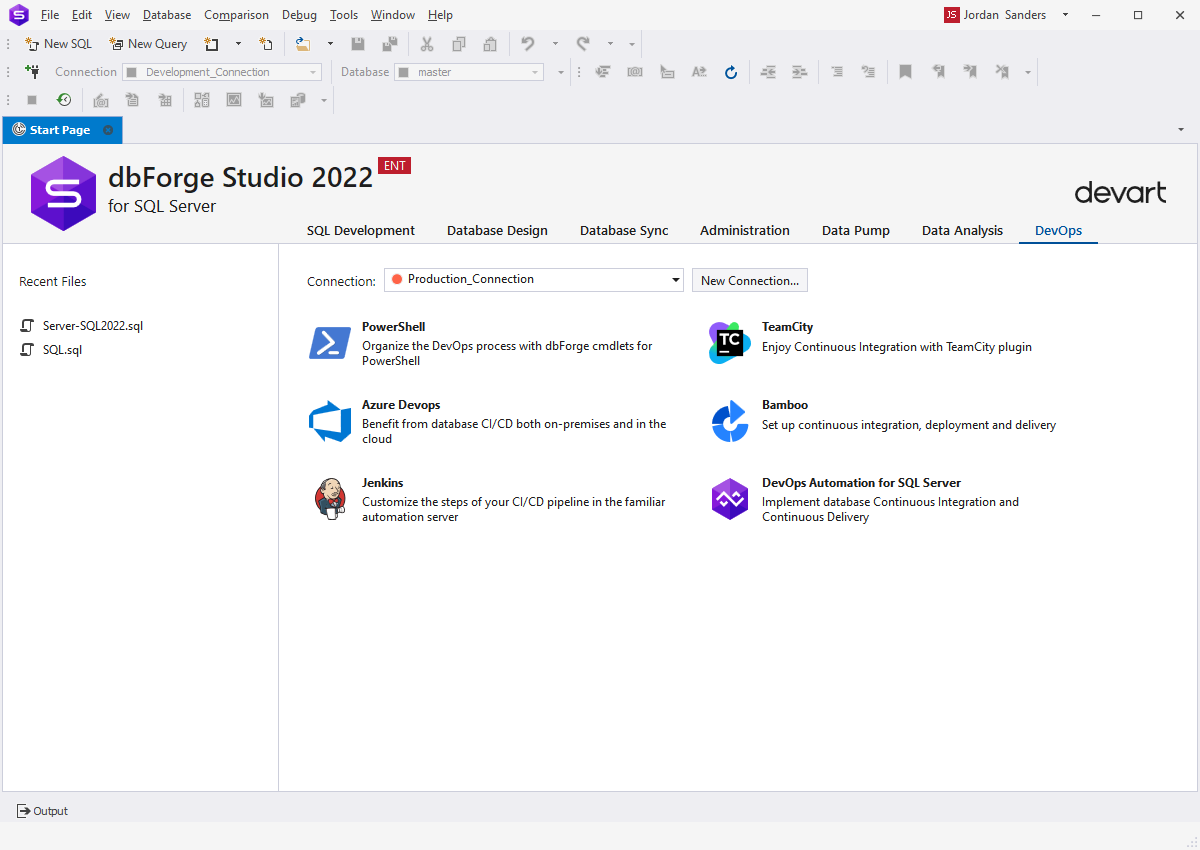
  • Start page provides easy access to major product features
  • Rich set of user settings
  • UI skins
  • Customizable window layout
  • Tool windows with 'auto-hide' and 'float' modes
  • Multiple shortcut schemes with full shortcut customization
  • Customization of syntax highlighting
  • Groups of tabs for documents
  • Customization of toolbars
  • Ability to view schema objects in a single editor (pin document option)
  • Wizard for exporting/importing user settings


dbForge Studio for SQL Server