SQL Query Builder
Designing SELECT Query Demo
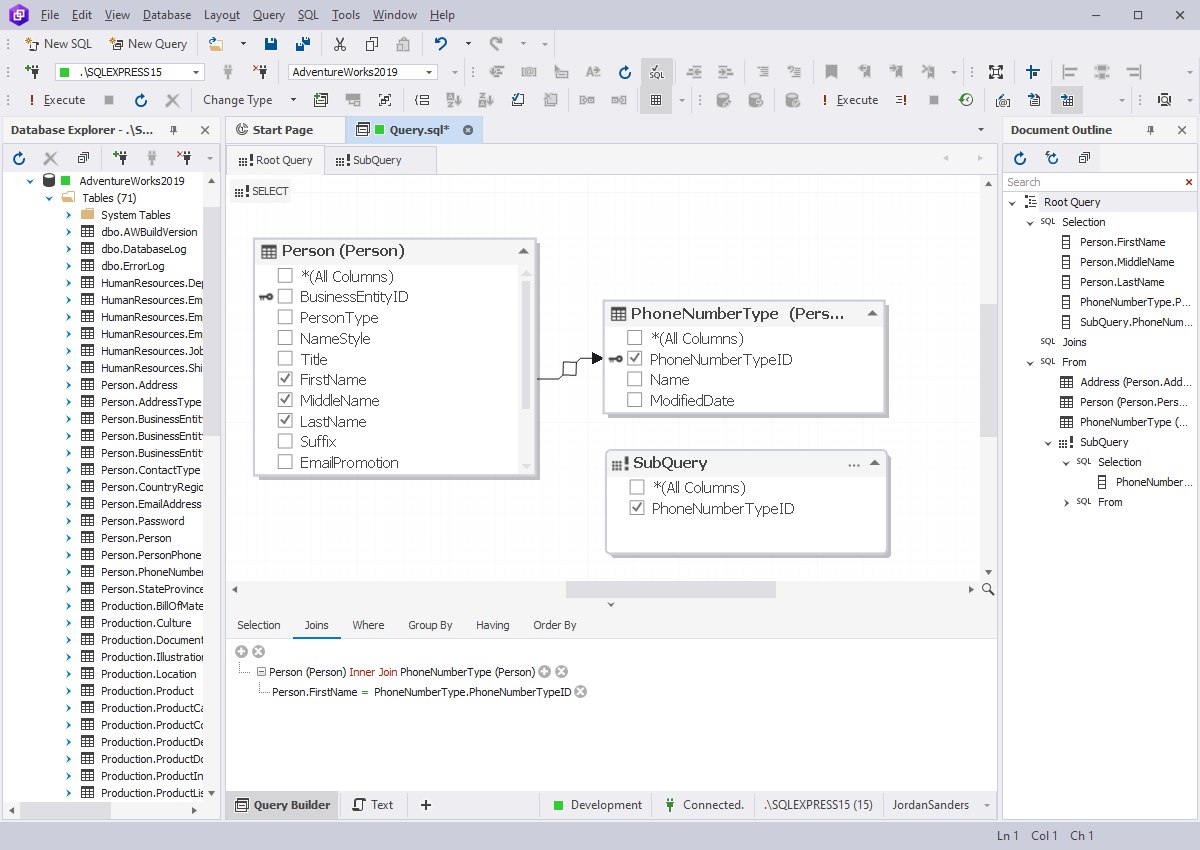
dbForge Query Builder for SQL Server allows users to build complex SQL queries
via an intuitive visual query building interface easily and without manual code
writing. Our visual SQL query tool is destined for simplification of developing
SQL queries for SQL Server. This SQL query designer will be useful to those, who
often create queries to databases.
Visual features to create queries, usage of graphical SQL query creator to interactively
build queries, would be most appreciated by users who have no experience in writing
queries manually. But
even experienced users can save a lot of time on routine work.
Our SQL query builder tool is compatible with Microsoft SQL Server 2000,
2005, 2008, 2008R2, 2012, and SQL Azure.
Using this SQL query tool user can
- Create SELECT queries using only a mouse
- Step-by-step create complex query with help of Wrap to Subquery function
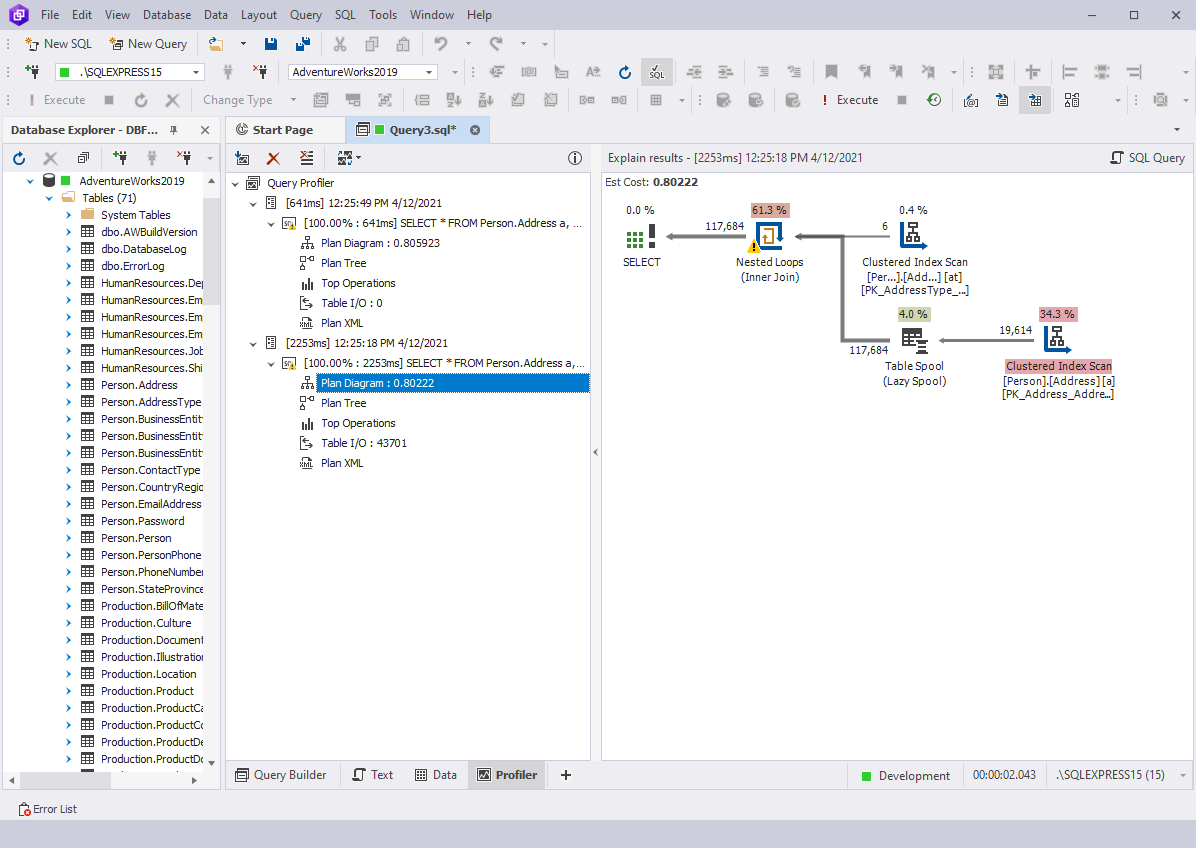
- View query execution statistics with Query Profiler tool
- Easily and quickly execute of precise request editing with help of Code Completion
function
- Perform separate subqueries to check their correctness without leaving a diagram
interface
- Navigate between editors of separate parts of query with help of Document Outline
- Visually create INSERT, UPDATE, and DELETE queries
- Quickly convert SELECT query into UPDATE or DELETE with saving of WHERE condition.
This is useful when you preview the records that user is going to edit or delete
- Turn SELECT queries into INSERT statement. This helps quickly create a query that
inserts sampling results from one table to another
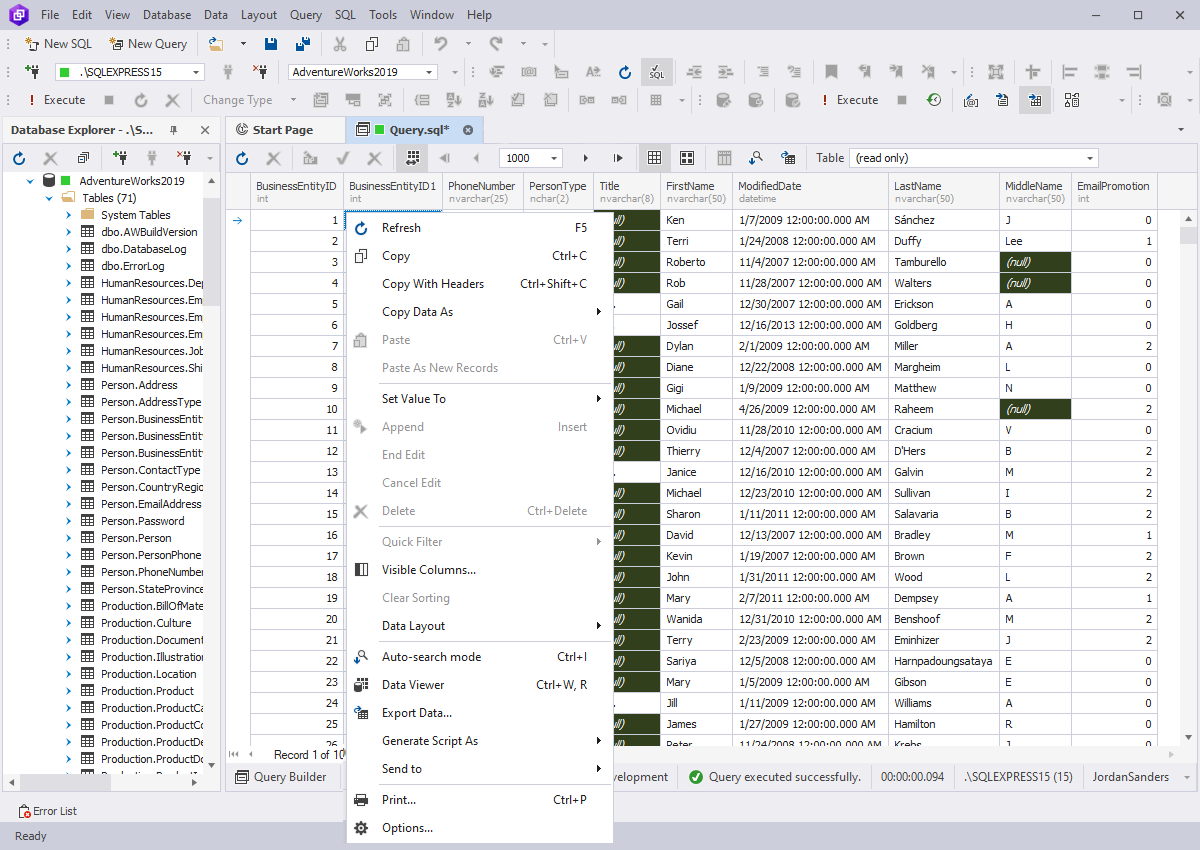
- Simulate a query by using live data with help of advanced data editor
- The set of functions of data editor such as quick filtering, sorting, and grouping
allows simulate results of a query without its creation. It is often useful to analyze
data
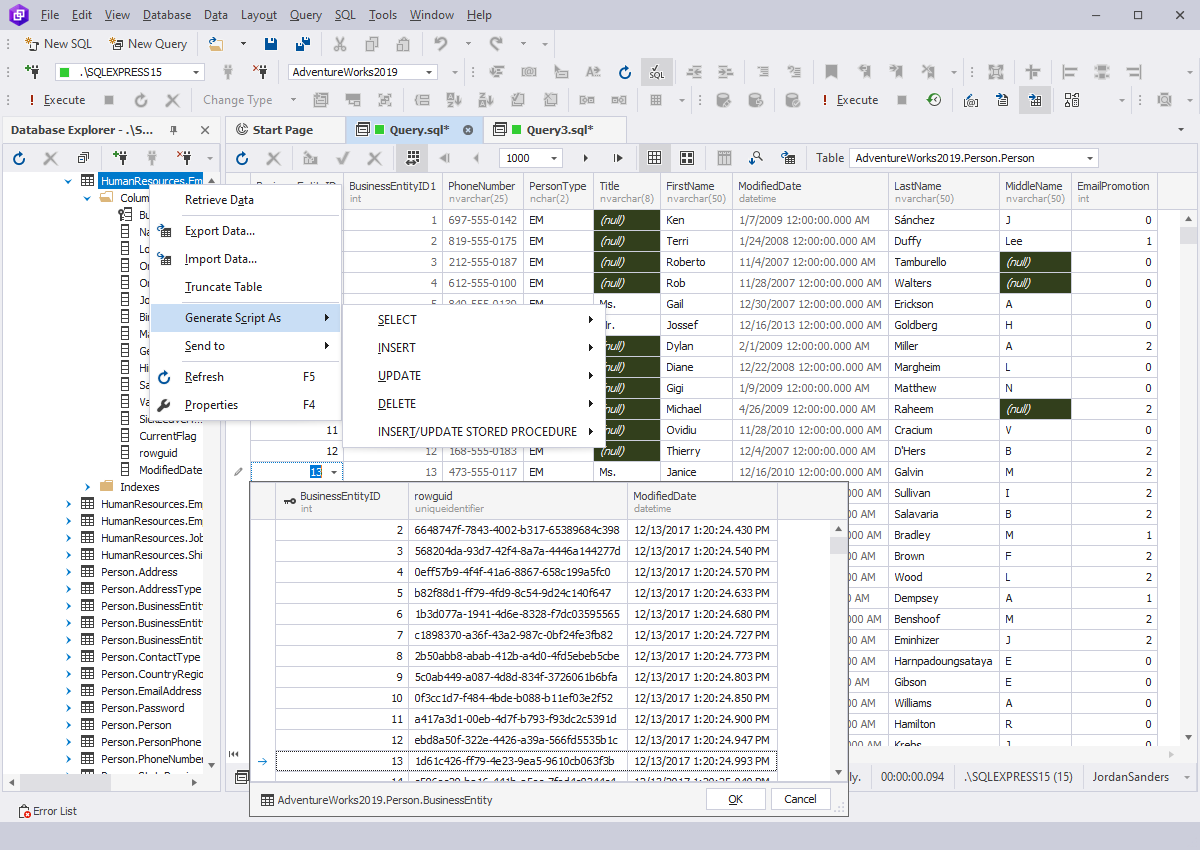
- Edit selected data, view images that are stored in tables
- Convert selected data into SQL queries (e.g. into INSERT statements)
- Generate template SQL SELECT, UPDATE, INSERT, DELETE scripts for tables
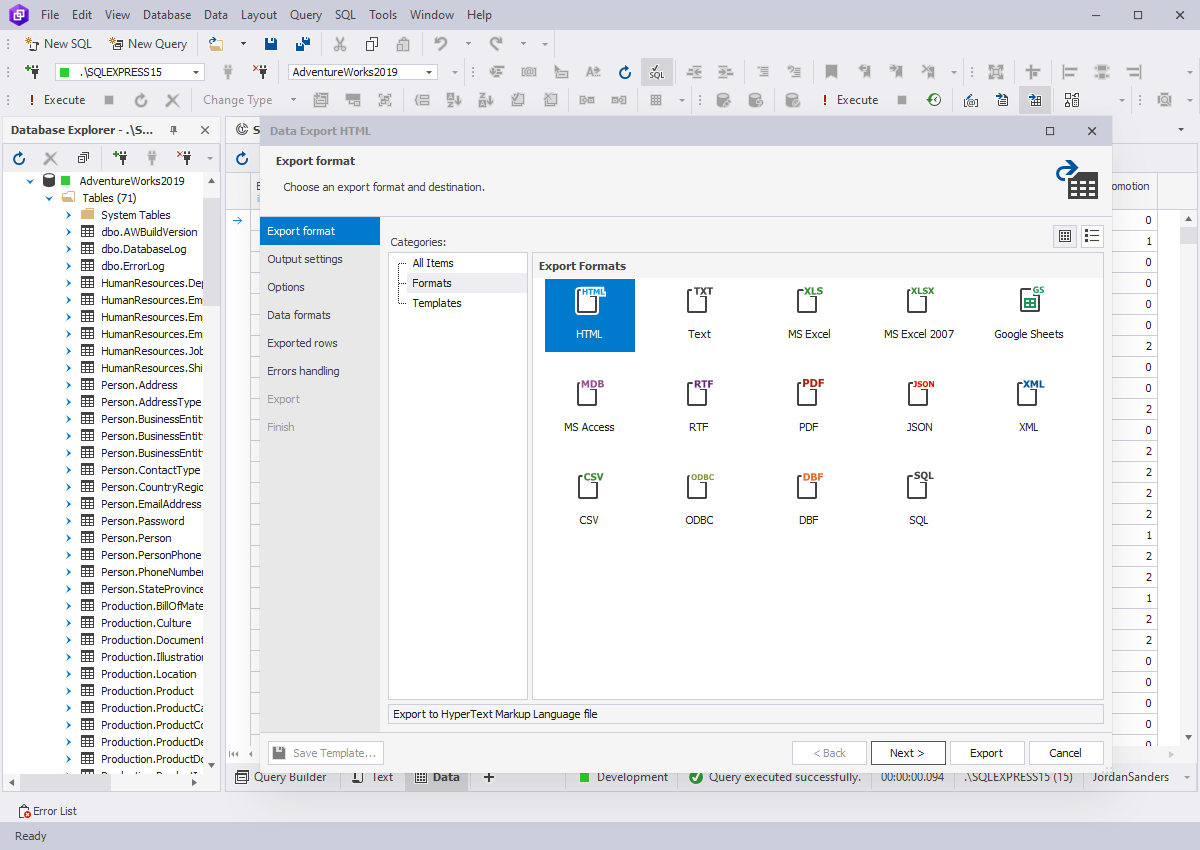
- Export SQL Server data into 9 widely-used data formats: HTML, Text, MS Excel,
MS Access, RTF, PDF, XML, CSV, DBF
- Transfer data to a table in another database using ODBC
- Run large SQL script that does not fit entirely in memory
View screenshots
Learn how to use our SQL query builder tool in a few minutes
- Designing Select Query Video
See how to create a simple query, a subquery, learn how to join a table with a subquery.
Learn how to design WHERE condition for reducing data amount and view queried data.
- Designing Insert Query Video
See how to create a query for insert one record, create a query for insert rows
array, and also check the inserted data.
- Designing Delete Query Video
See how to design SELECT query for deleting data. View the data that will be removed.
Convert SELECT query to DELETE query.
- Designing Update Query Video
See how to design SELECT query for preview updated data, convert SELECT query to
UPDATE query, and check updated data.
- Viewing Data Video
Learn how to add data into a table, use spreadsheet-like datagrid, insert a record
using card view, setup predefined value for a cell, and export inserted data to
SQL query.
- Editing Data Video
See how to grouping and ordering data, view related data using foreign key lookup,
view data using paginal mode, and send data to print.
Need more than just a query tool for SQL server?
dbForge Studio for SQL Server is a set of dedicated
database development tools to view, edit, analyze data, create data reports efficiently, and much more.
Query Builder for SQL Server is a part of dbForge Studio for SQL Server.