dbForge Query Builder for MySQL Overview
dbForge Query Builder for MySQL is a visual tool for quick creation of
queries and extended data management. It allows you to effortlessly create and edit any complex
queries in just several clicks.
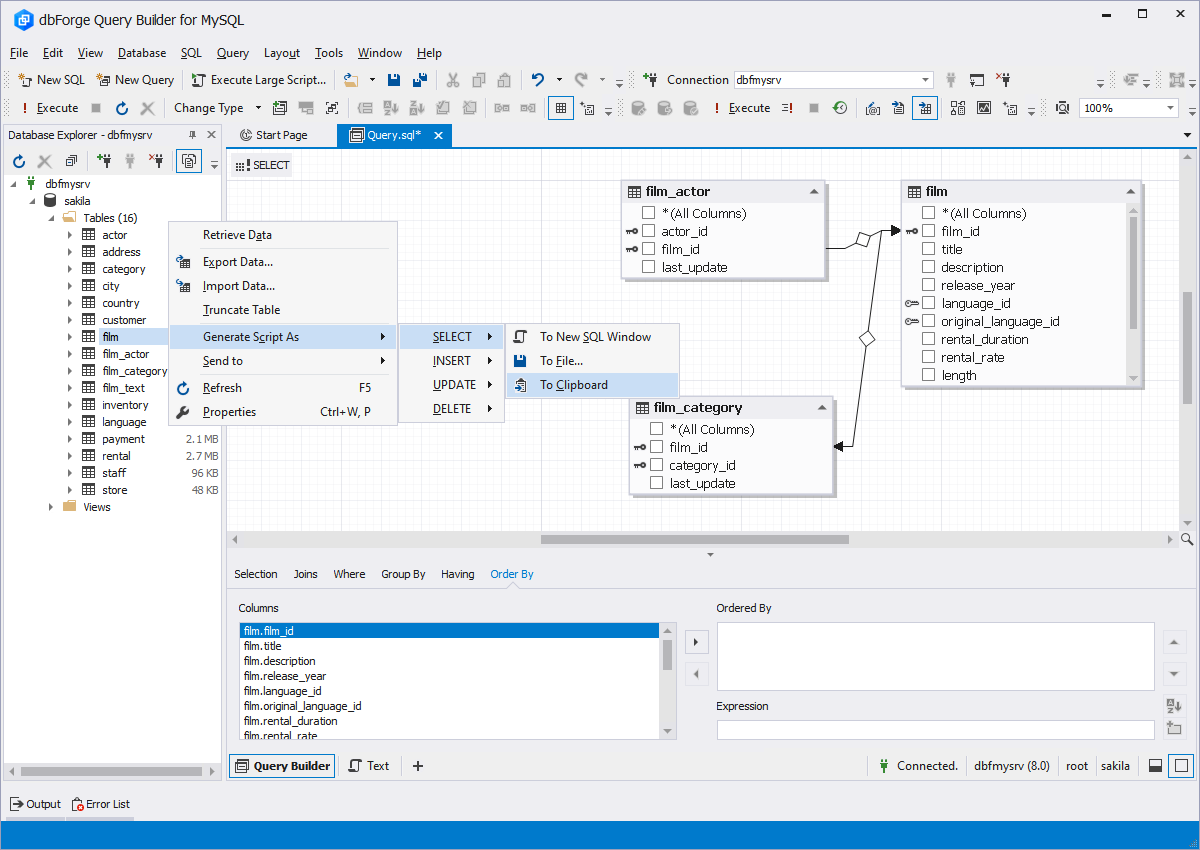
You don't need to type any code at all - you can just "draw" your query on the diagram. In case you need to type some SQL code manually, comprehensive suggestions will simplify your task.
Visual query diagram
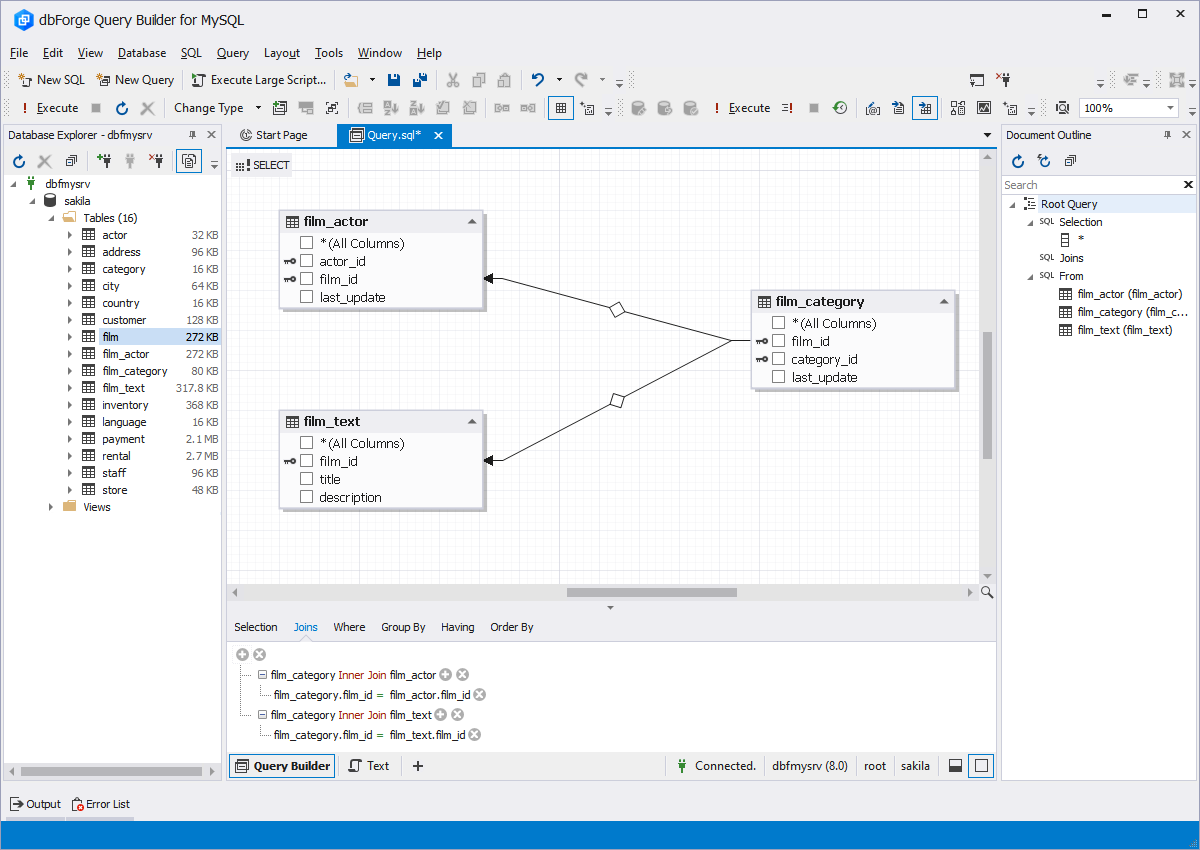
Simply draw your query on the elaborated diagram instead of writing code manually.
Drag’n’drop required tables to the diagram, join them, and select columns
visually. For better view, use zooming options.
Creation of subqueries
Work with complex subqueries and manage them as simple queries with visual query
building tool for MySQL. Using the tabbed window, you can edit subqueries
in separate windows and easily access the main query.
INSERT, DELETE, INSERT Queries
Designing DML queries
INSERT, DELETE, and UPDATE queries can be designed using dbForge Query Builder for
MySQL. The query type is stated on the label on the diagram. You can use this label
to choose a table to work with.
Expression editor
Automate your work with query criteria. See and visually edit them on the separate
tabs under the diagram where you're drawing your query.
You don't need to type the columns' names or remember complex rules. Just
select required data from the lists and enjoy the results.
Code Completion and Formatting
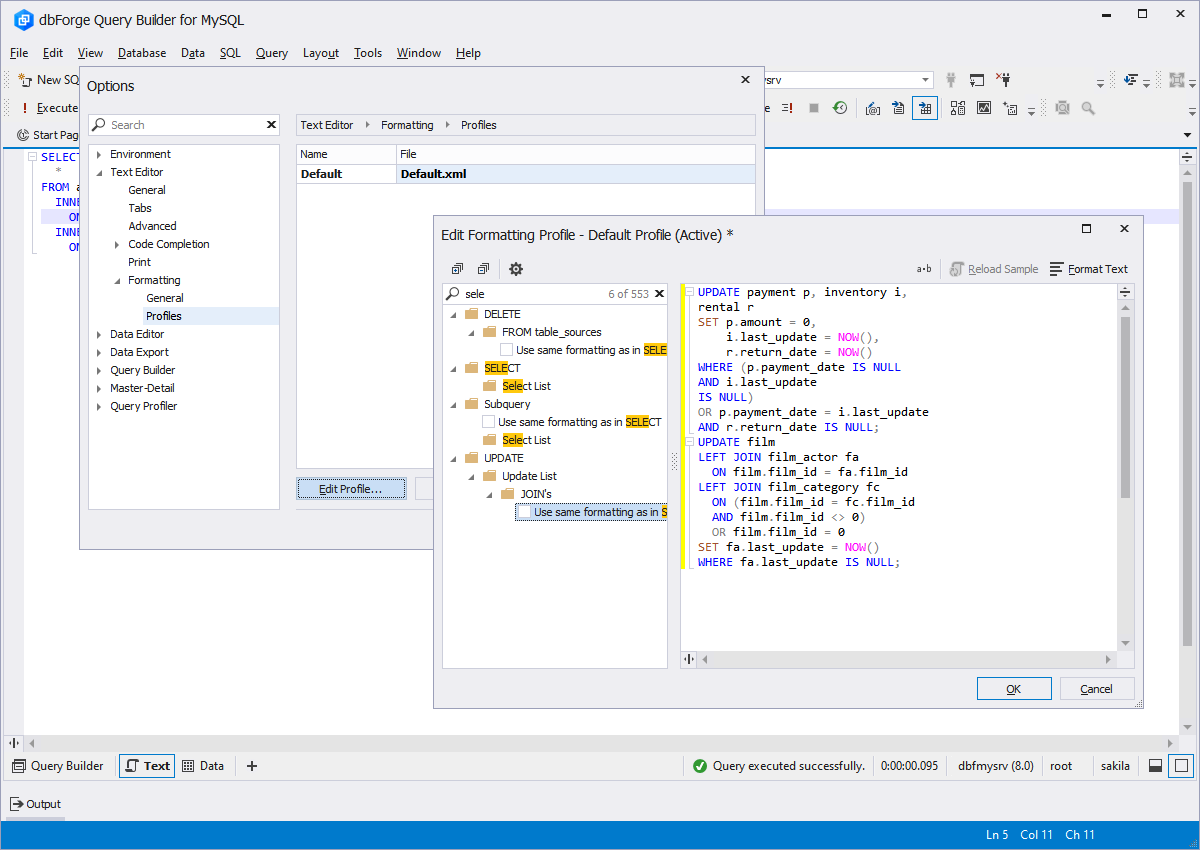
SQL code beautifier
Query building tool for MySQL will help when you are writing SQL code yourself or modifying existing
code by suggesting possible variants for completing words and showing information
on database objects.
Make your code formatting standard-driven using customizable profiles.
Visual query profiling
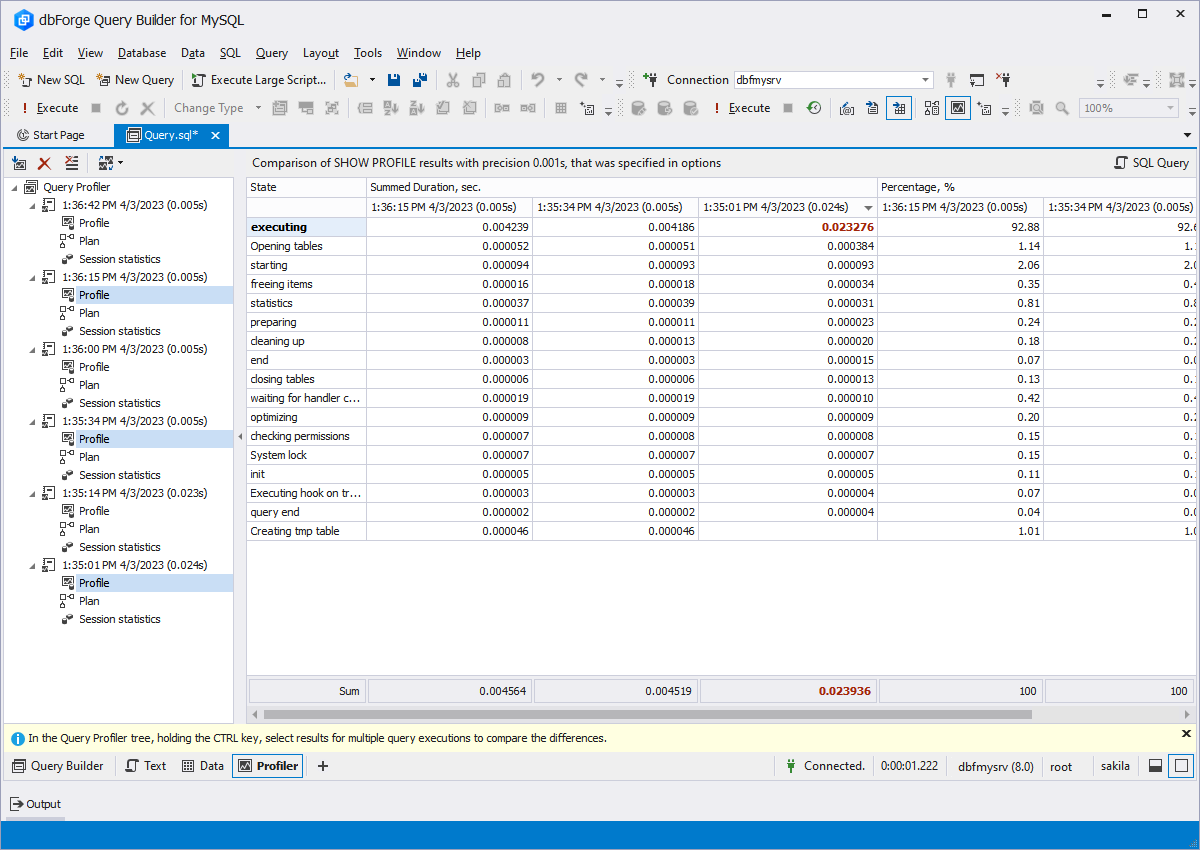
Leave behind challenging query profiling from the command line. Get EXPLAIN, SHOW
PROFILE, and SHOW STATUS results in a convenient UI.
Select results for two query executions and get the differences highlighted.
Data management
Data management has become more convenient.
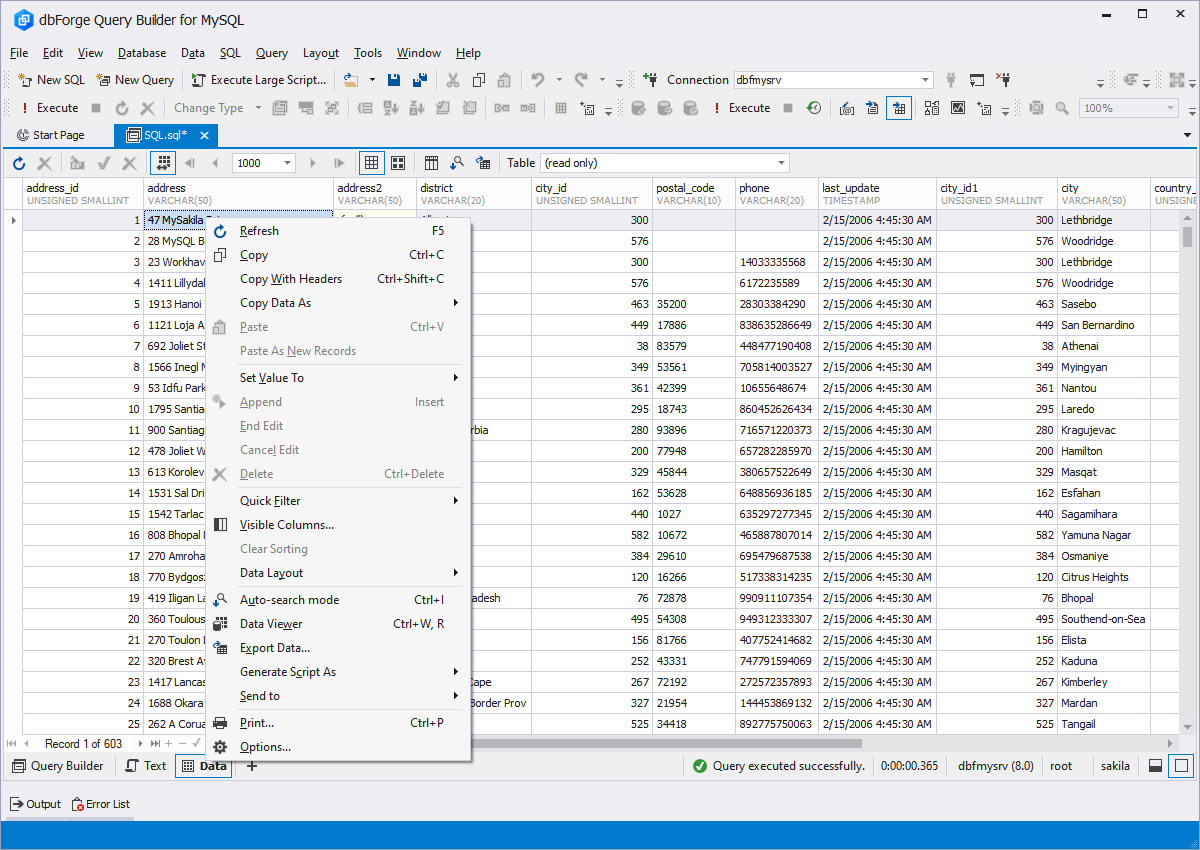
Group, sort, and filter data in the grid. For better data view and editing, use
various modes. Benefit from cached updates and manage your data based on your needs.
Moreover, you can print or export query results.
Foreign key lookup editor
Edit foreign keys directly in the data grid with the help of the Foreign key lookup
editor. If the table you want to edit has foreign keys, just click the needed cell
- and data of the parent table will be shown.
Data Export to 10 formats
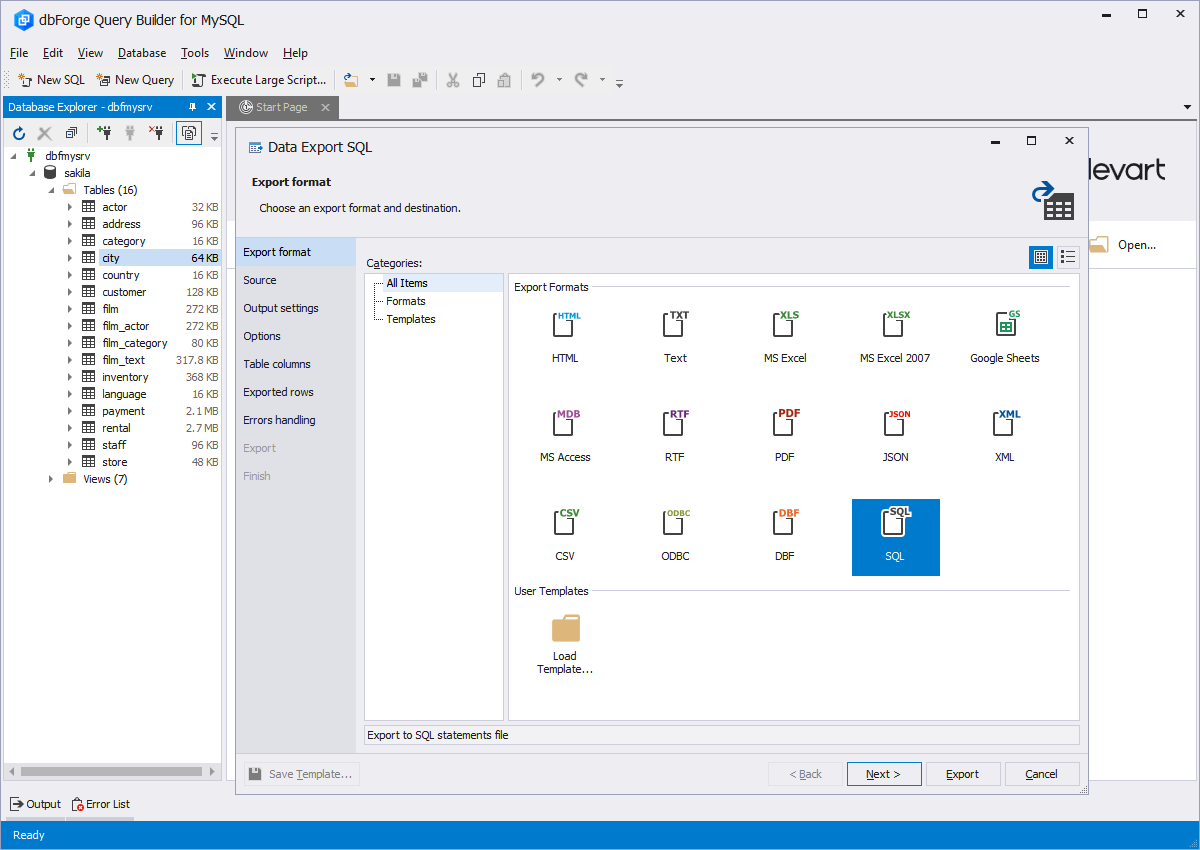
Experience visual and accurate data export to 10 widely-used data formats: HTML,
Text, MS Excel, MS Access, RTF, PDF, XML, CSV, DBF, ODBC. The export process is
highly customizable and it is possible to use templates.