The Best MySQL GUI Tool You Can Find
dbForge Studio is a universal MySQL GUI tool that enables a MySQL developer or MySQL
administrator to create and execute queries, develop and debug MySQL routines as
well as automate MySQL database object management in the convenient environment.
This MySQL front-end provides utilities to compare, synchronize, and backup MySQL
database with scheduling, and gives possibility to analyze and report MySQL tables
data. Over 15,000 users rely on our tool to manage, maintain, and monitor their
MySQL databases.
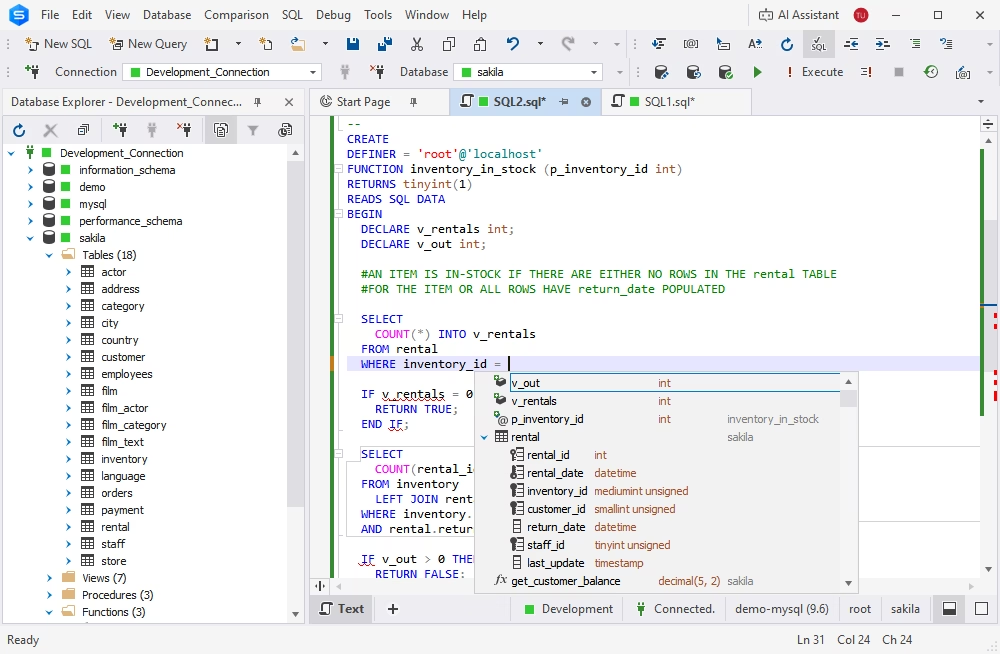
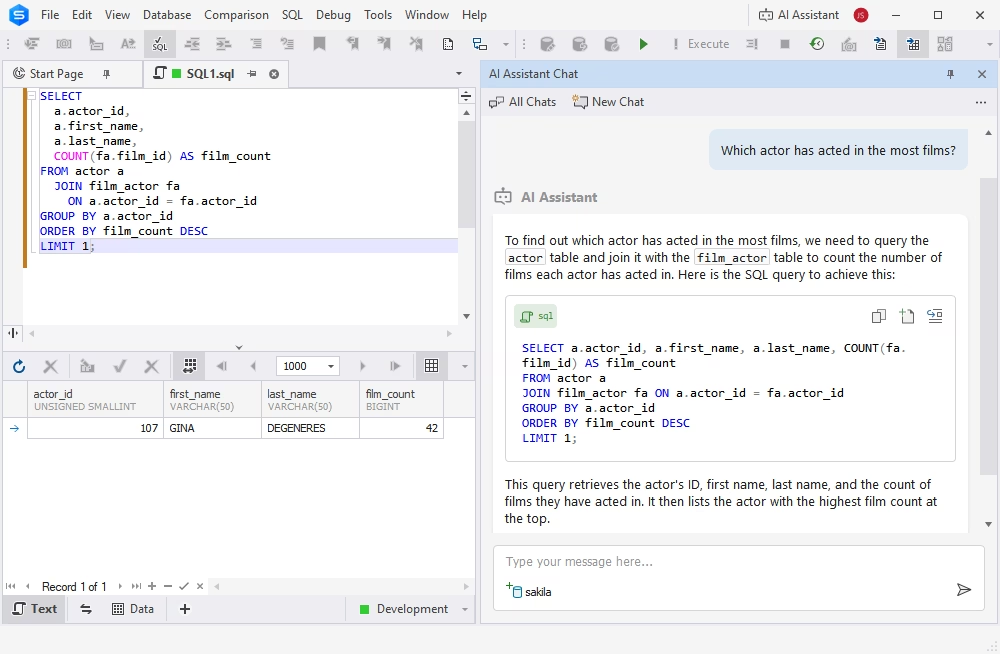
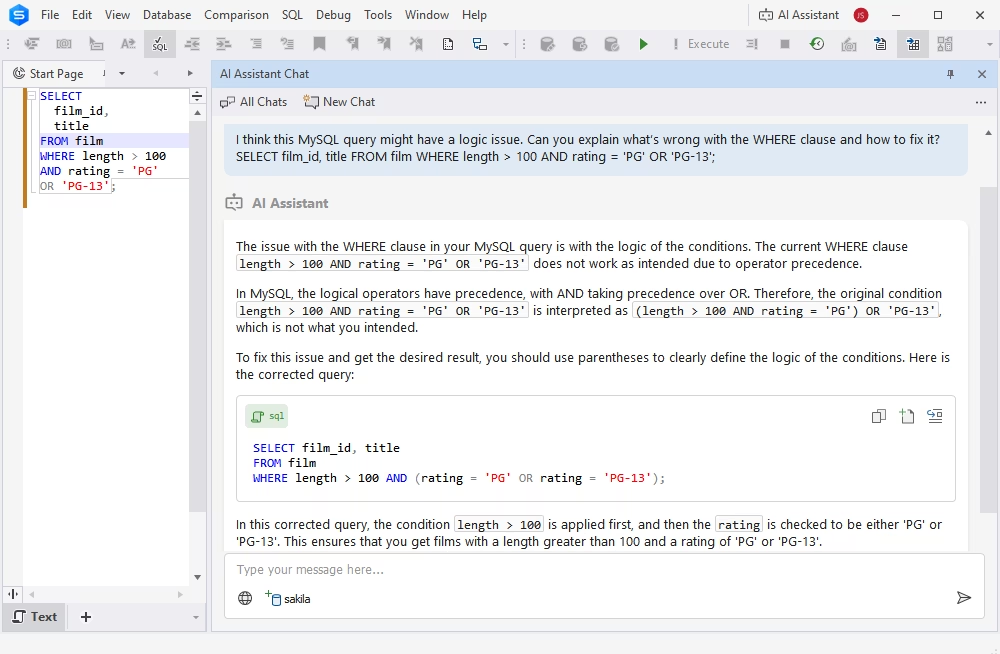
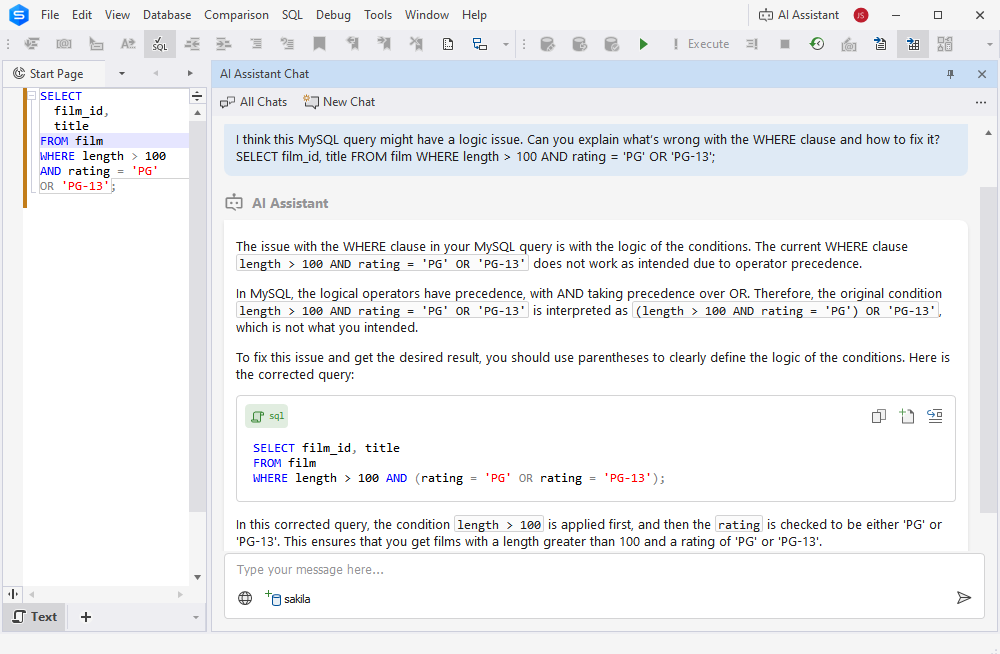
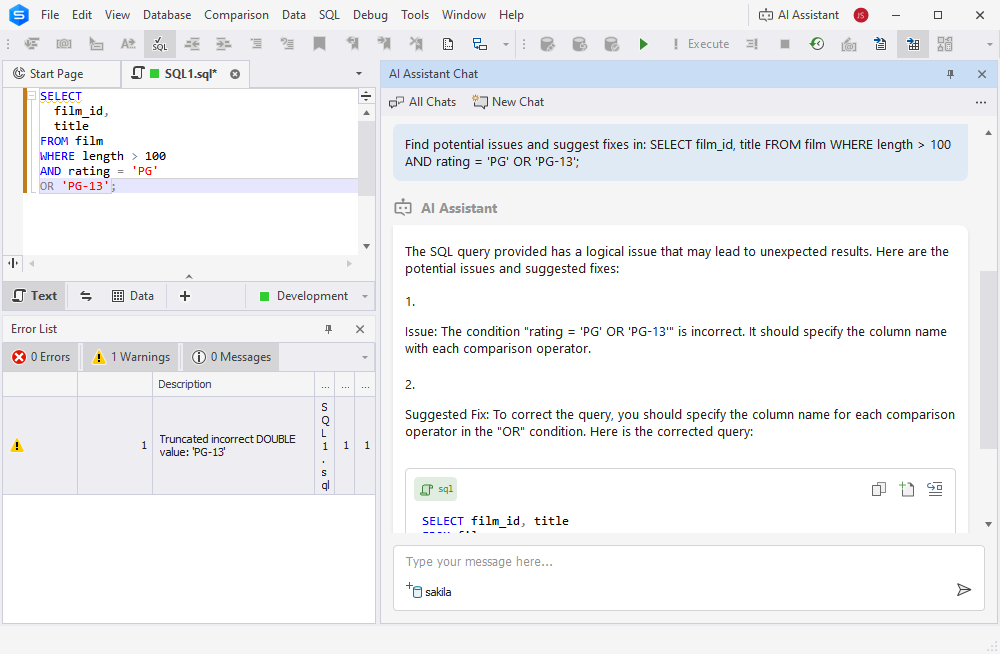
Intelligent SQL Coding
Intelligent code completion, formatting, code snippets bring
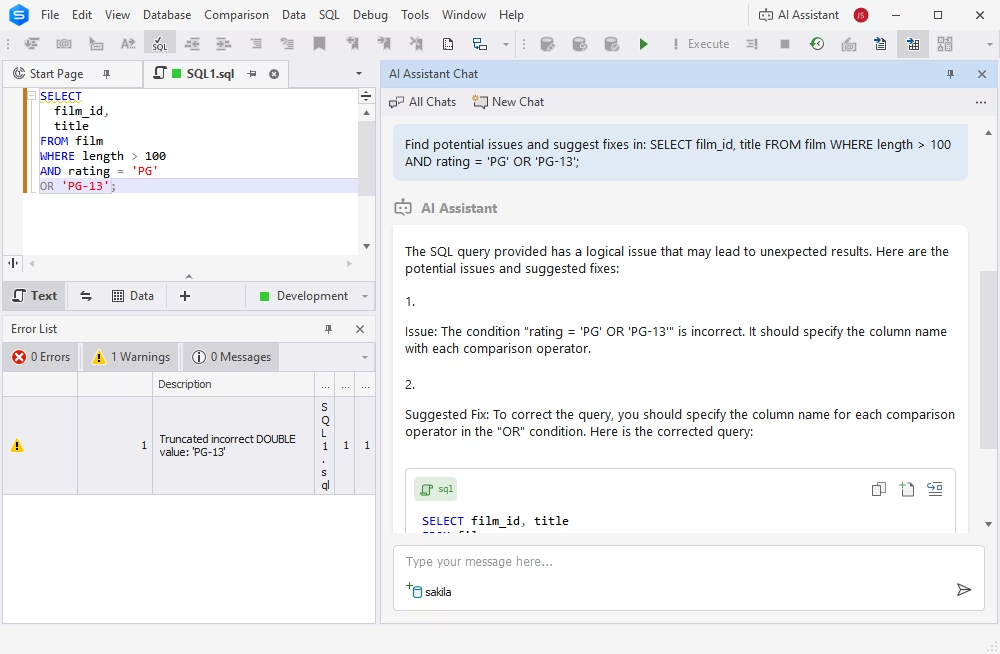
convenience and effectiveness to your SQL code writing. Code navigation,
obtaining quick object information, and syntax check are performed
instantly.
More on SQL coding »
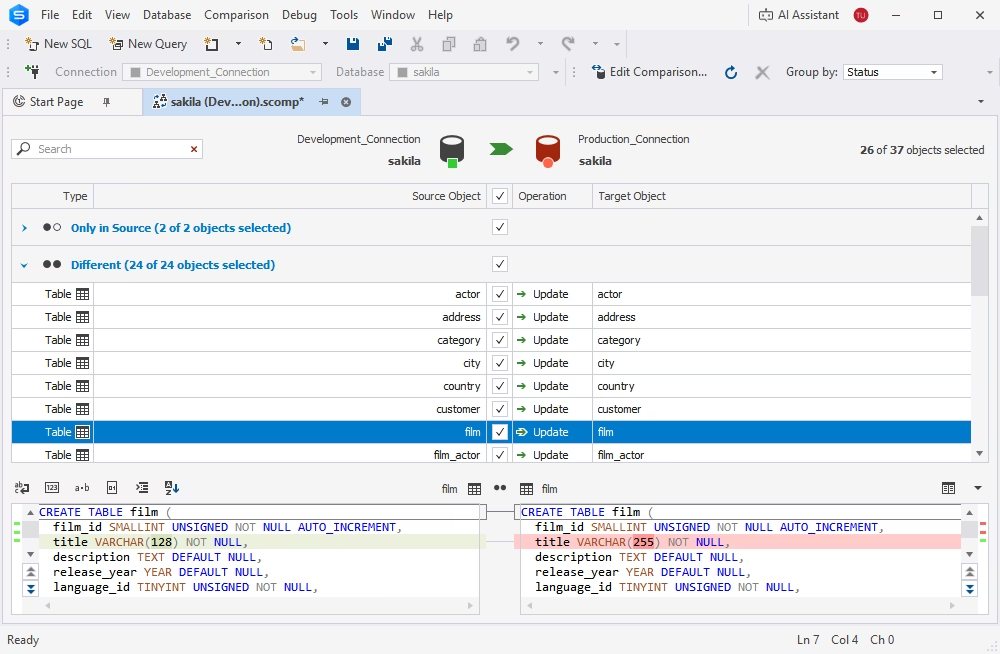
Database Compare and Sync


When modifying MySQL database structure, transferring data between servers, analyzing
differences between databases, you will:
- Compare and sync data and schemas
- Schedule regular database sync tasks
- Generate comparison report
More on data comparison »
Visual Query Builder
Visual query creation with diagram and expression editor. Queries
of any complexity can be created in several seconds. The GUI tool automatically
adds joins between tables and allows working with INSERT, UPDATE,
DELETE statements.
More on building queries visually »
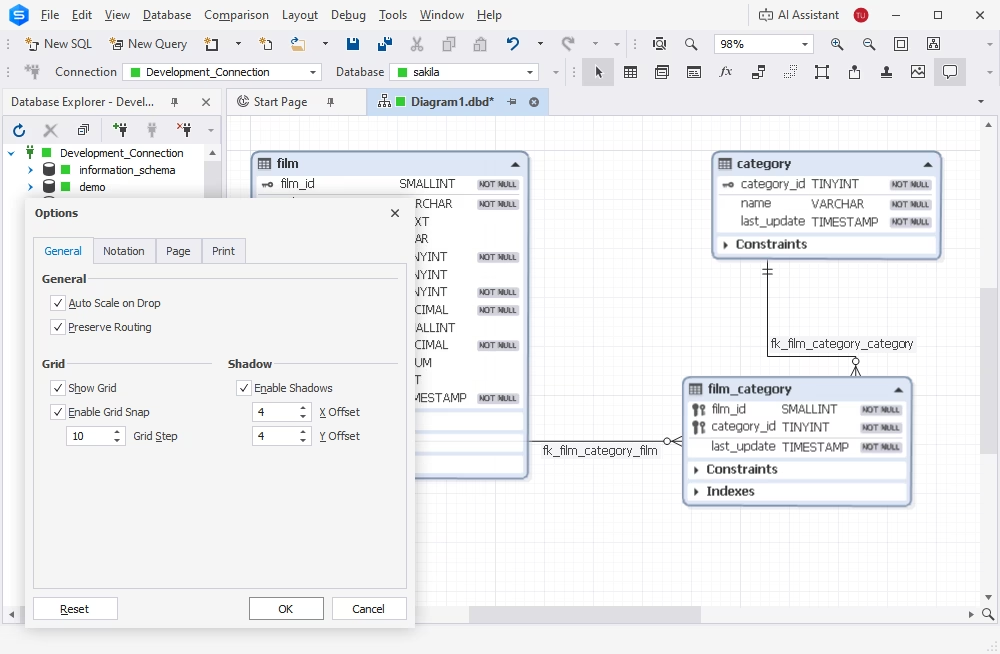
Database Designer
Use database diagram for creating, analyzing, reverse-engineering, printing
and customizing your MySQL databases and for:
- Viewing foreign key relations
- Displaying DB objects with properties
- Execution of stored routines
More on database designer »

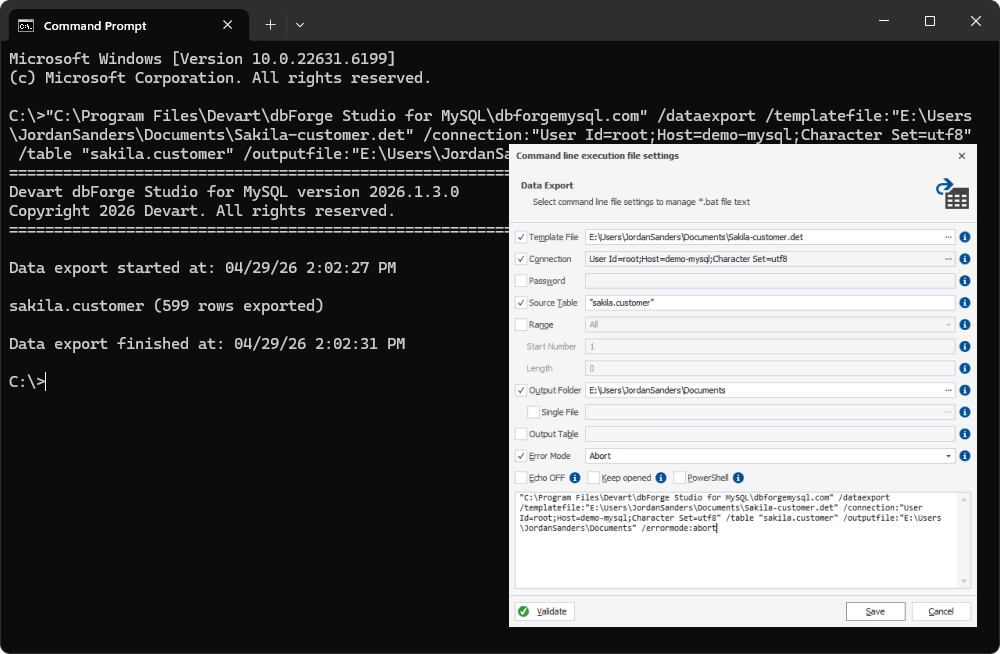
Import/Export Data
Fill MySQL databases with external data using our export and import tools. They
support more than 10 popular data formats and allow customizing the whole
process. Templates, automating data import and data export tasks through command
line are also available.
More on data export and import »
Database Backup

Dump databases in SQL format and schedule regular MySQL database backups.

Use 5 levels of file compression and wide set of options to fine-tune backups.
Save your settings and connections as a project for the next time or to use in the
command line.
More on dumping MySQL databases »
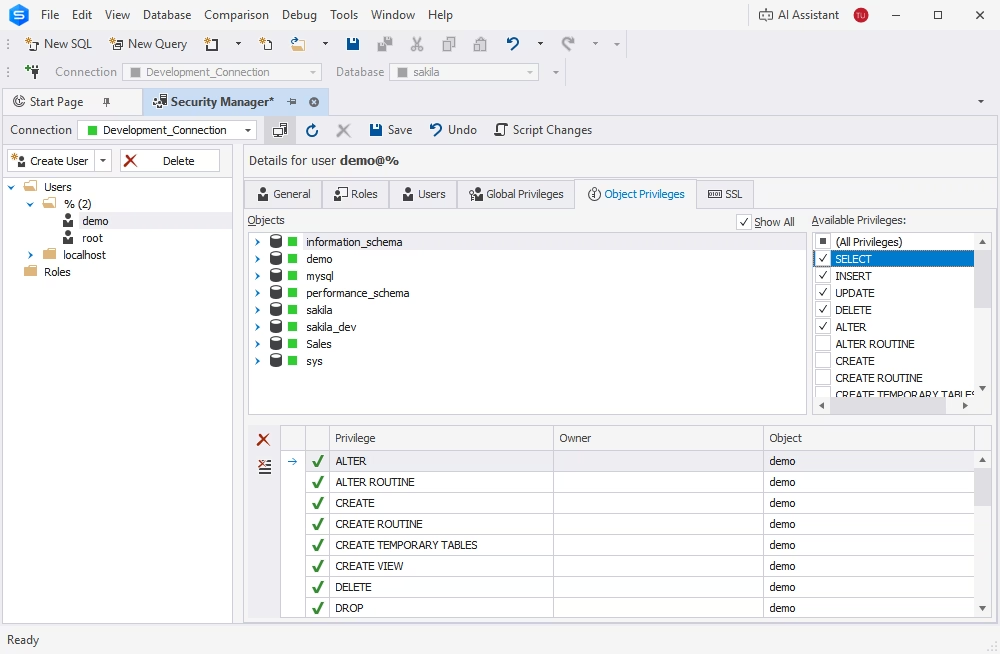
Database Administration
Tools for MySQL database administration and management include means for:
- Managing user privileges
- MySQL service control
- Managing server variables
- Table maintenance
- Managing server sessions
More on database administration »
MySQL Debugger
The first debugger for MySQL that offers step-by-step code execution, breakpoints,
watches, a call stack, a variables evaluation mechanism to automate debugging
of MySQL stored routines and triggers and keeps MySQL server's logic of procedure
execution.
More on routine debugger »
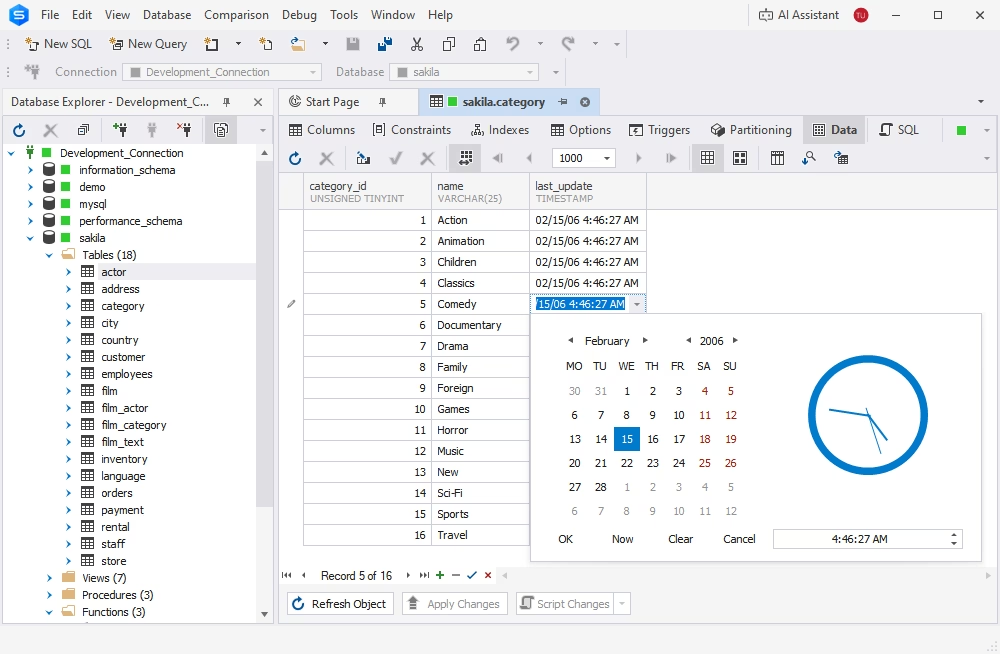
Table Designer
Visual designer for modifying or creating table structure and indexes.
Get full control over the changes you have made, the heuristics feature will
suggest the column type on creating a column basing on the name you enter.
More on table designer »
Database Refactoring
Improve MySQL database design by applying small changes. When such changes are performed,
they are fully transparent and application takes care of all dependencies
in the database:
- Renaming database objects with preview
- Refactoring script
More on database refactoring »
Query Profiler
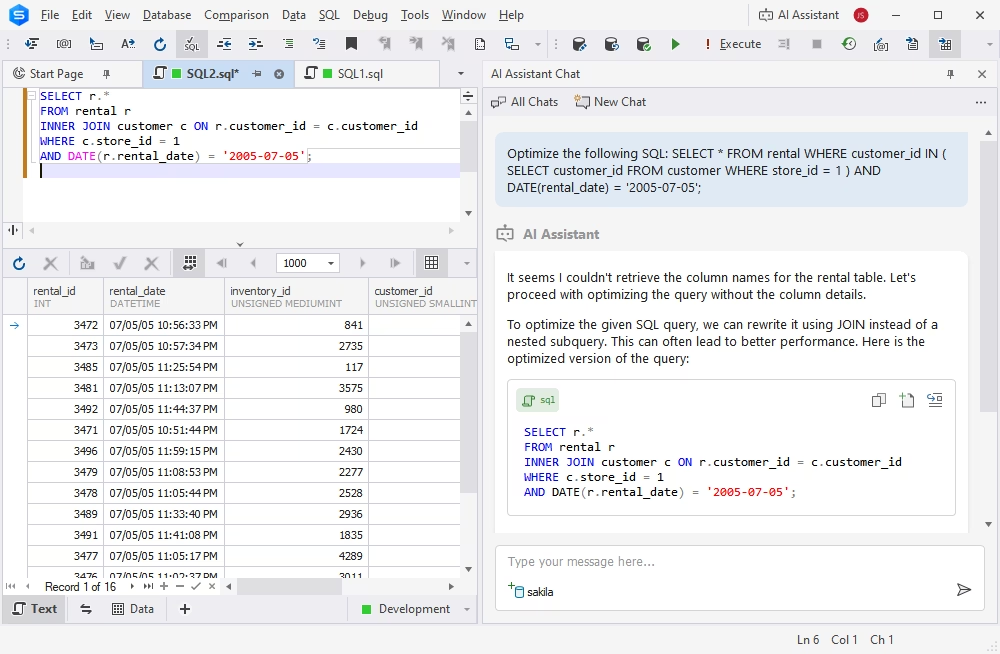
Improve multi-second queries using Query Profiler. The tool helps you detect problems
and optimize SQL queries via GUI. Profiler:
- Offers visual query profiling
- Compares profiling results
More on query profiling »
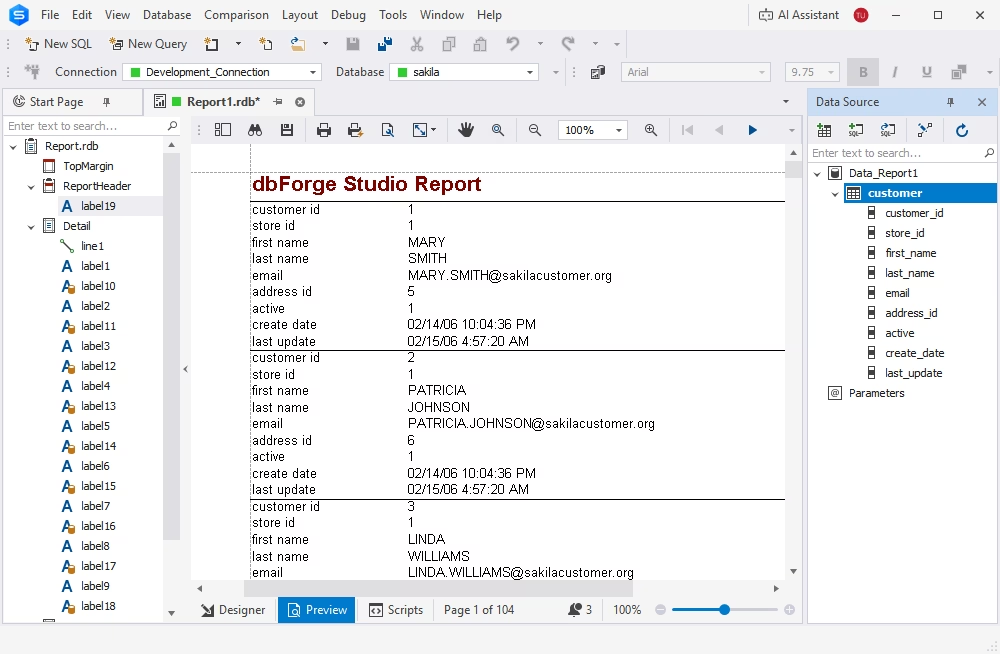
Report and Analysis
Data reporting is performed using wizard with rich feature set, manually,
or via command line. Ready reports can be imported to 9 formats and
delivered to their recipients.
Group and summarize your data in pivot tables to make it easier to read and
understand.
More on data reports »