Data Export and Import Tools for MySQL
Do you need a MySQL import tool, and do you also prefer to have
a MySQL export tool together with it? Then you've found what you
were looking for. With dbForge Studio for MySQL, you can export data from tables
or views of your MySQL database, and after that you will be able to insert the exported
data into the table you need using our MySQL import tool.
dbForge Studio for MySQL delivers data import/export tools!
-
MySQL data export to 10 popular formats
-
Data import from 8 popular formats into MySQL table
-
Multitude of options to customize data import and export
-
Easy-to-follow data export and import wizards
-
Well-tested functionality, created by developers for developers
-
Free 30-day usage in a dbForge Studio
trial!
Thanks. I did import at once, without any problems. I've tried 8 converters and
got errors with any of them. Some of them failed to detect encoding, others required
to remove object dependencies, or data formats were incompatible... In general,
you have just perked me up!!!
Anatoly Terehov, owner of IT University, Co Ltd
Data Import
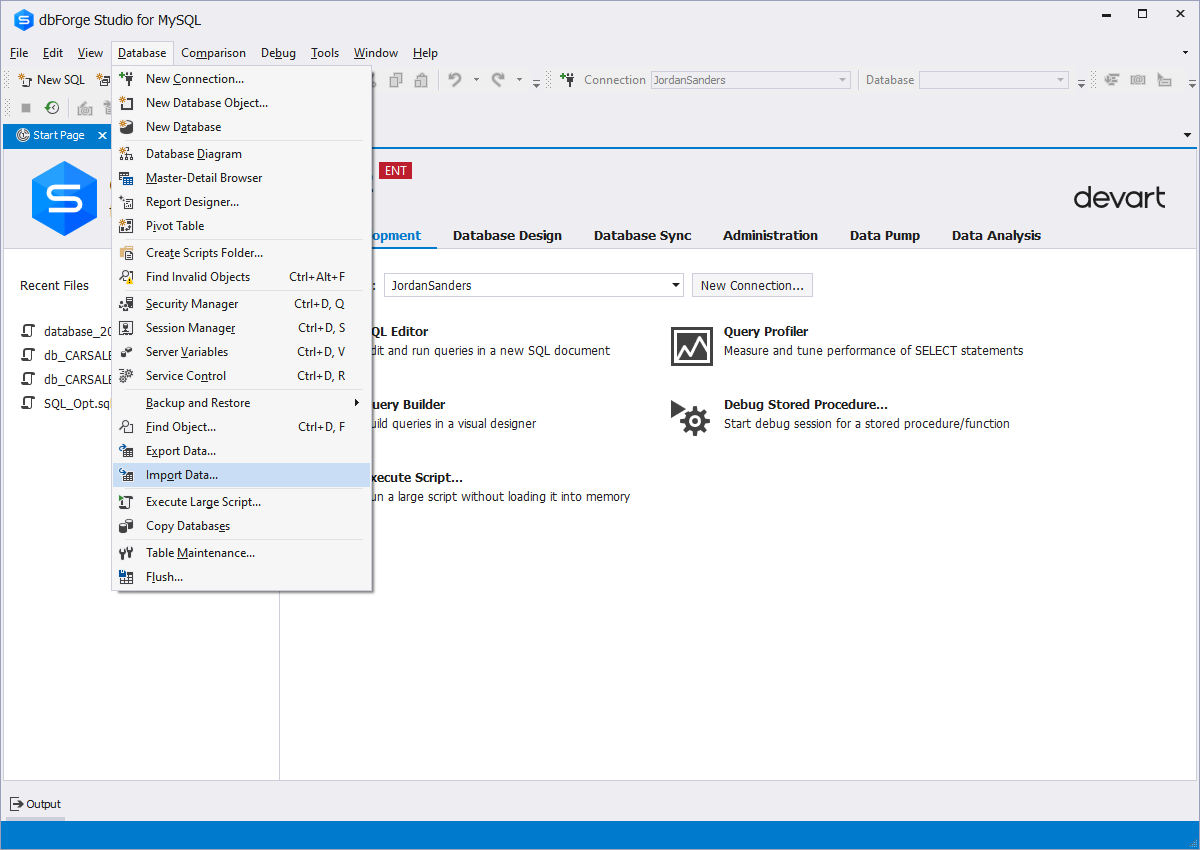
If you have to import data to tables of MySQL databases, you can rely upon dbForge
Studio. The MySQL import tool available in it will perform import the way you would
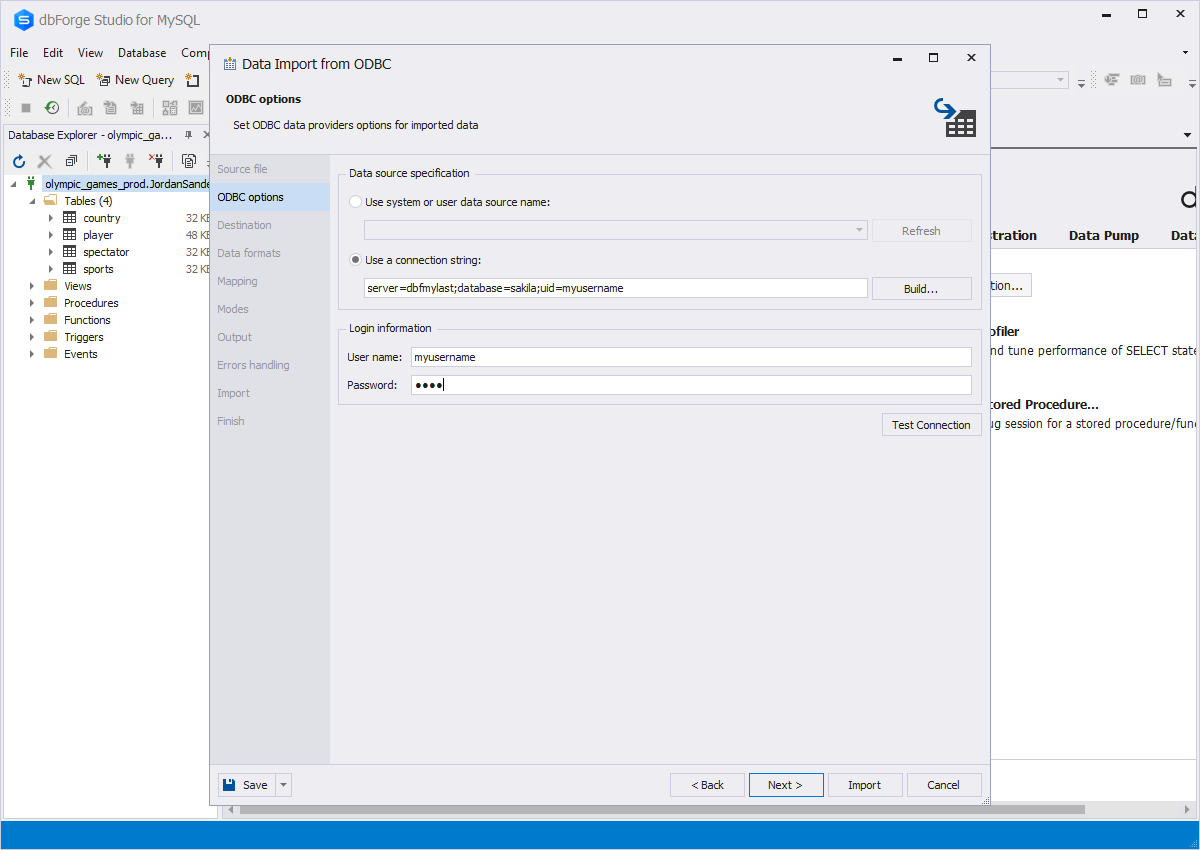
like it to be performed. It allows users to import data from eight widely-used formats
and tune the MySQL import process accurately.
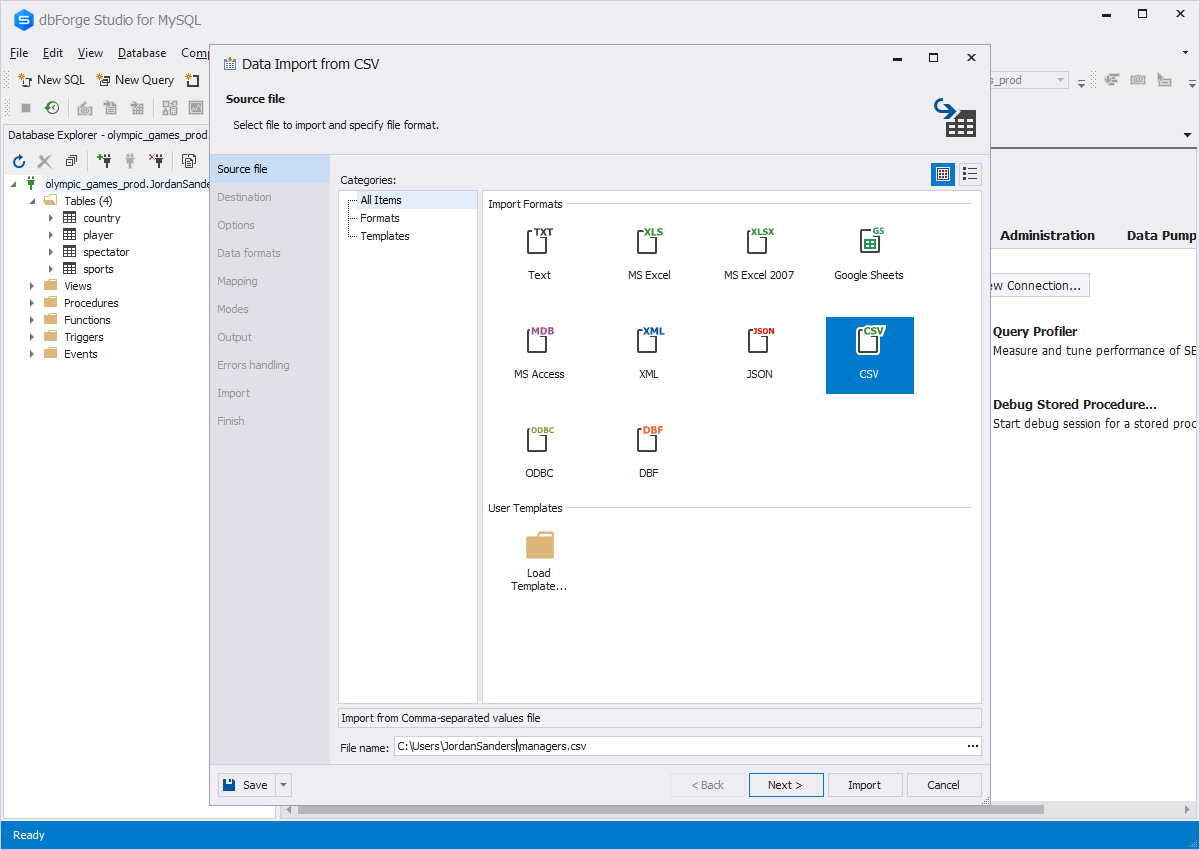
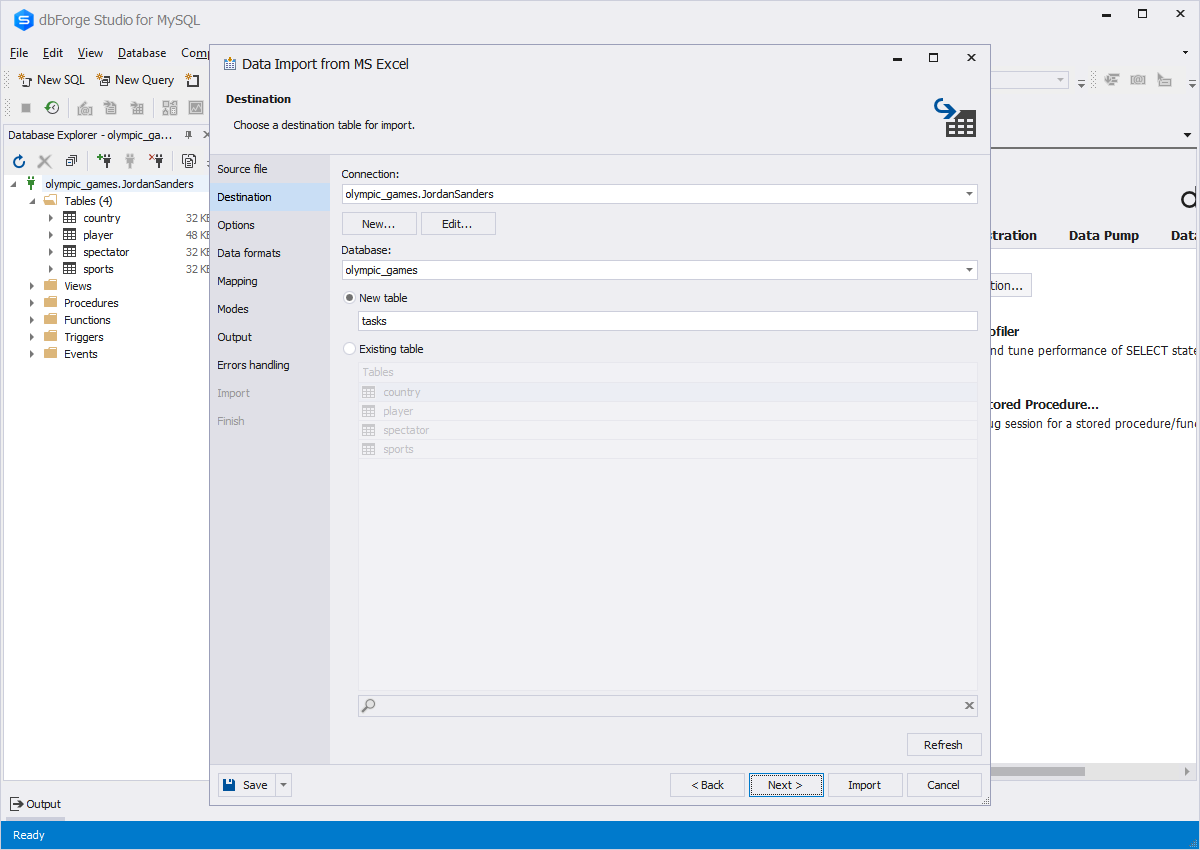
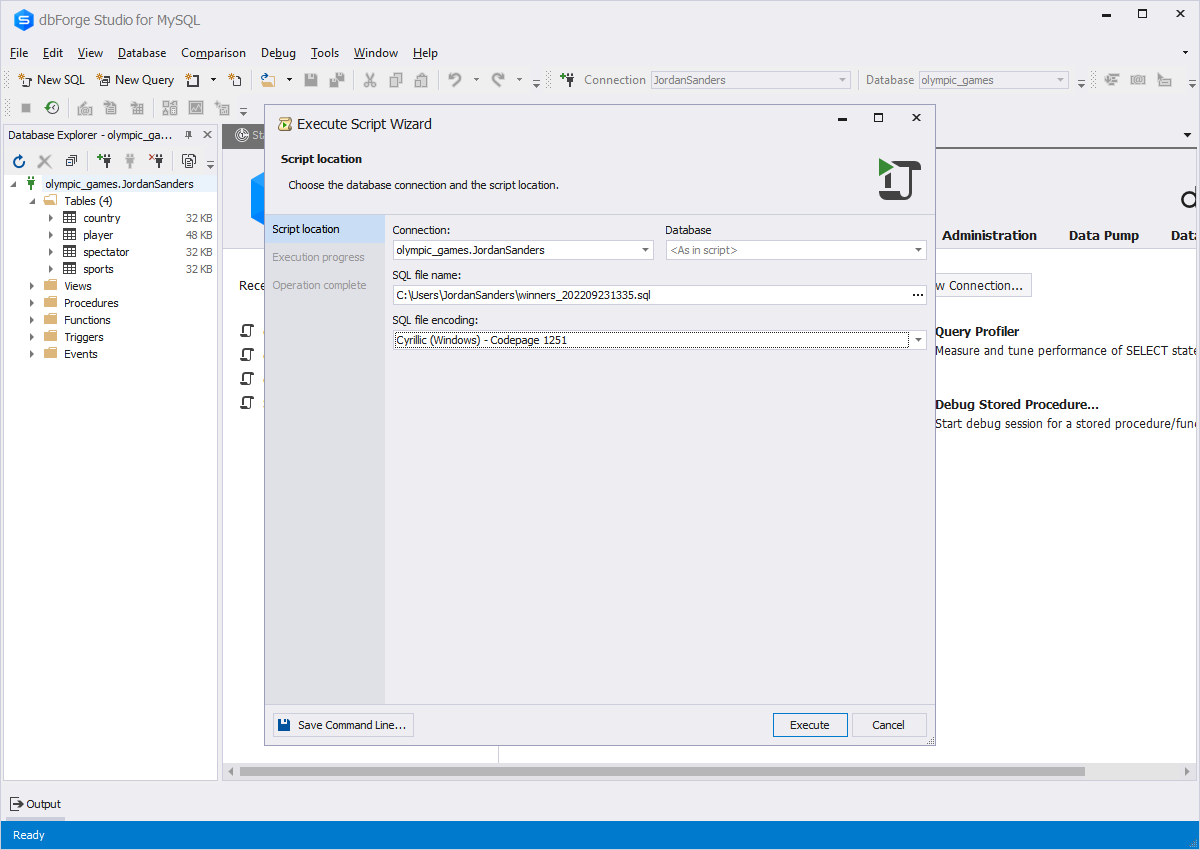
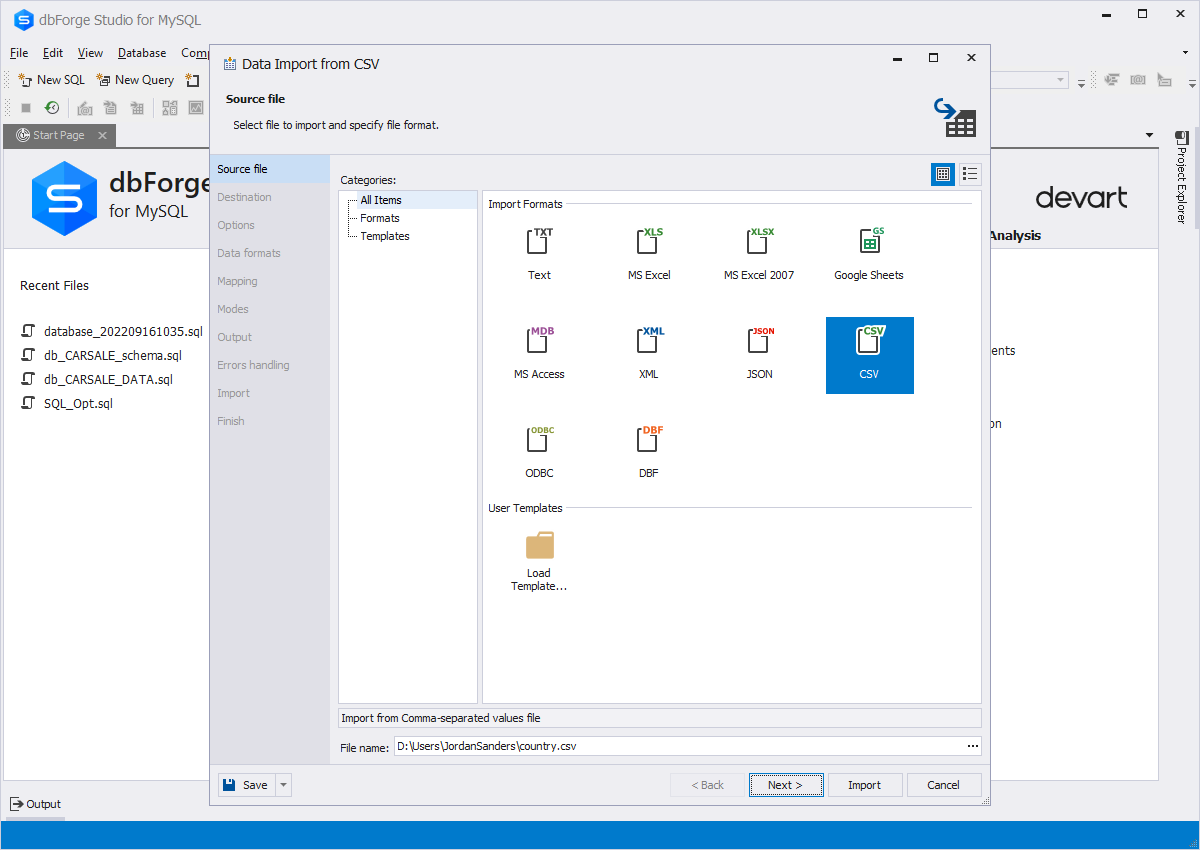
In dbForge Studio, MySQL import tool is represented as a well-designed comprehensive
wizard, where each step of the process is represented on a separate page. Besides,
you have a possibility of saving import templates that can be used afterwards to
import data via this very wizard or through the command line.
Data Import Wizard capabilities:
-
Import from 8 widely-used data formats (Text, MS Excel, MS Excel 2007, MS Access,
XML, CSV, DBF, ODBC)
-
Templates to save import settings for each data format
-
Import to existing or new tables
-
Preview of imported data
-
Selecting data formats and column settings for imported data
-
Selecting import modes: Append, Update, Append/Update, Delete, Repopulate
-
Bulk insert to speed up import
-
Setting up errors handling
-
Generating a log file with import session details
Find out more about MySQL Data Import feature in our blog:
How To: Import Data to MySQL from Text File
Data Import Wizard: XML, Excel, DBF, CSV etc.
MySQL Import Data Process:
Data Export
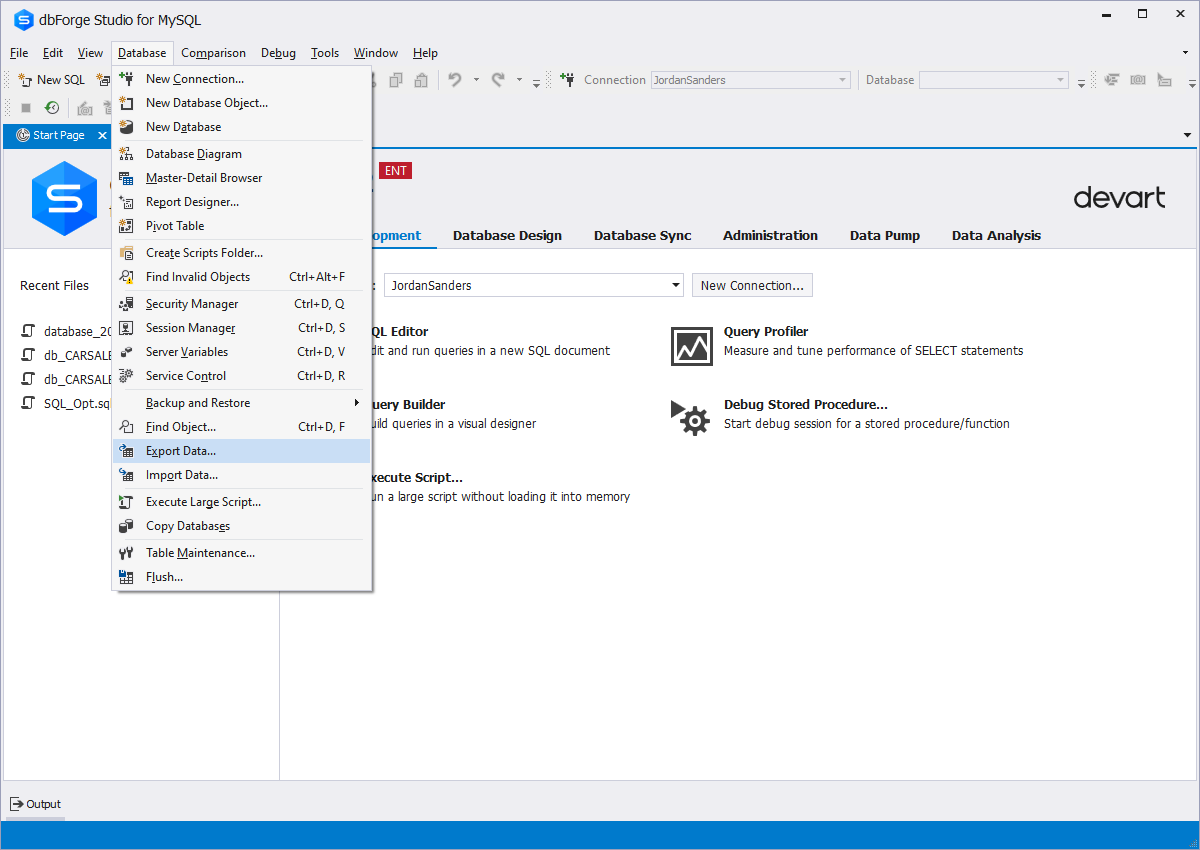
Along with the MySQL import tool, dbForge Studio delivers a data export tool as
well. It can export data to ten widely-used formats, and you can adjust the export
process the way you need.
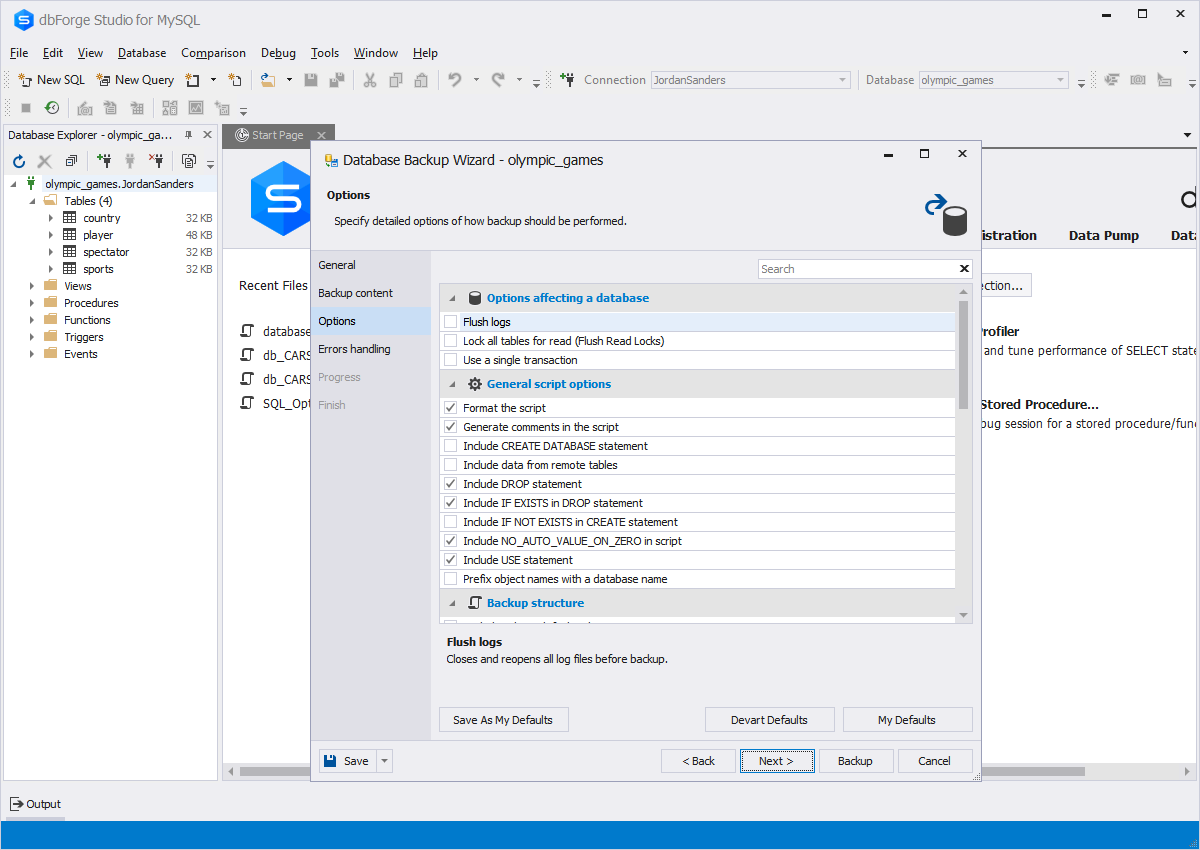
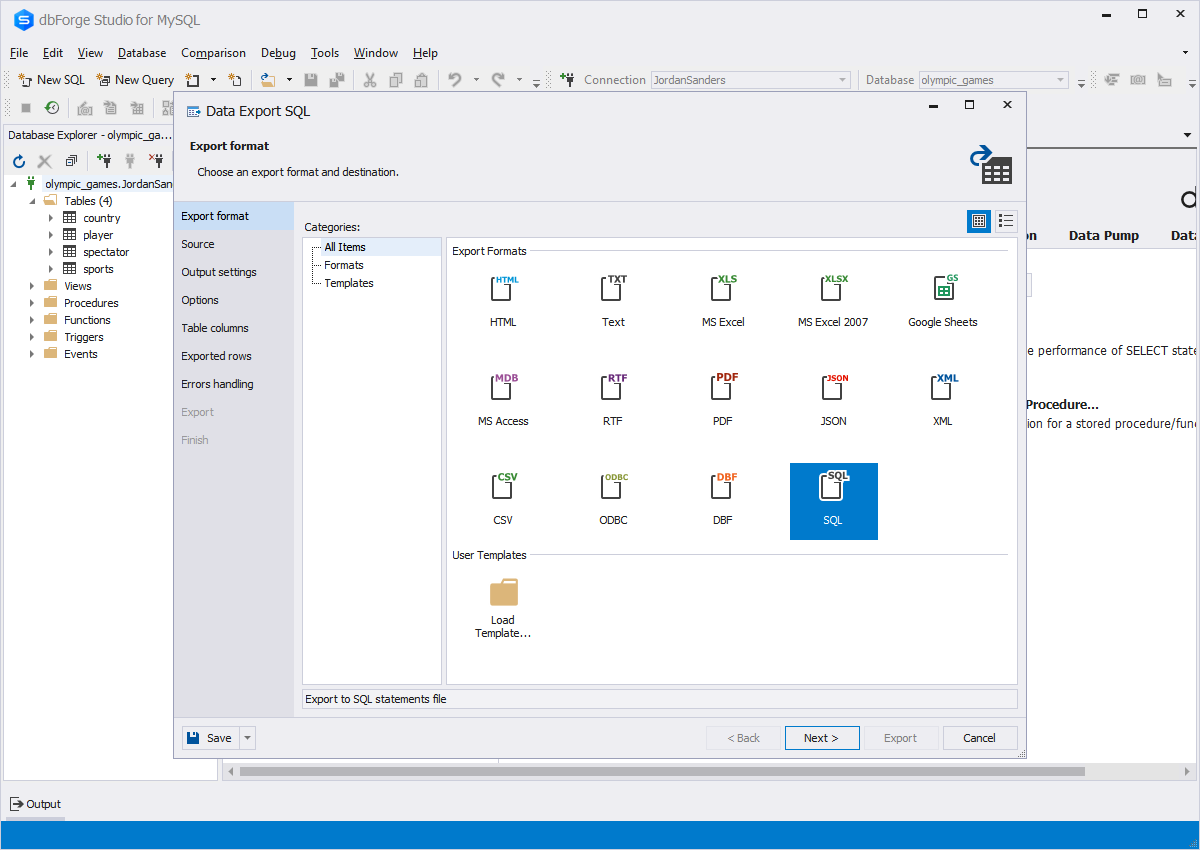
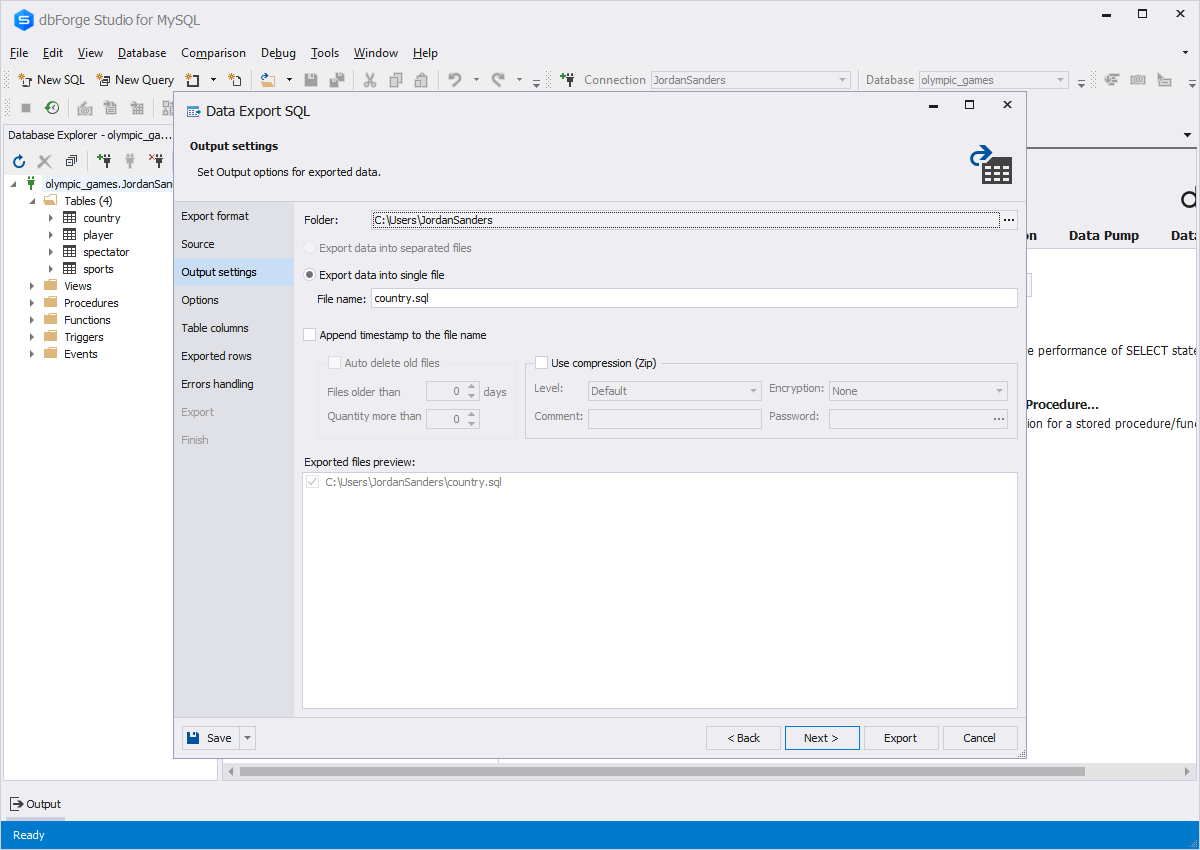
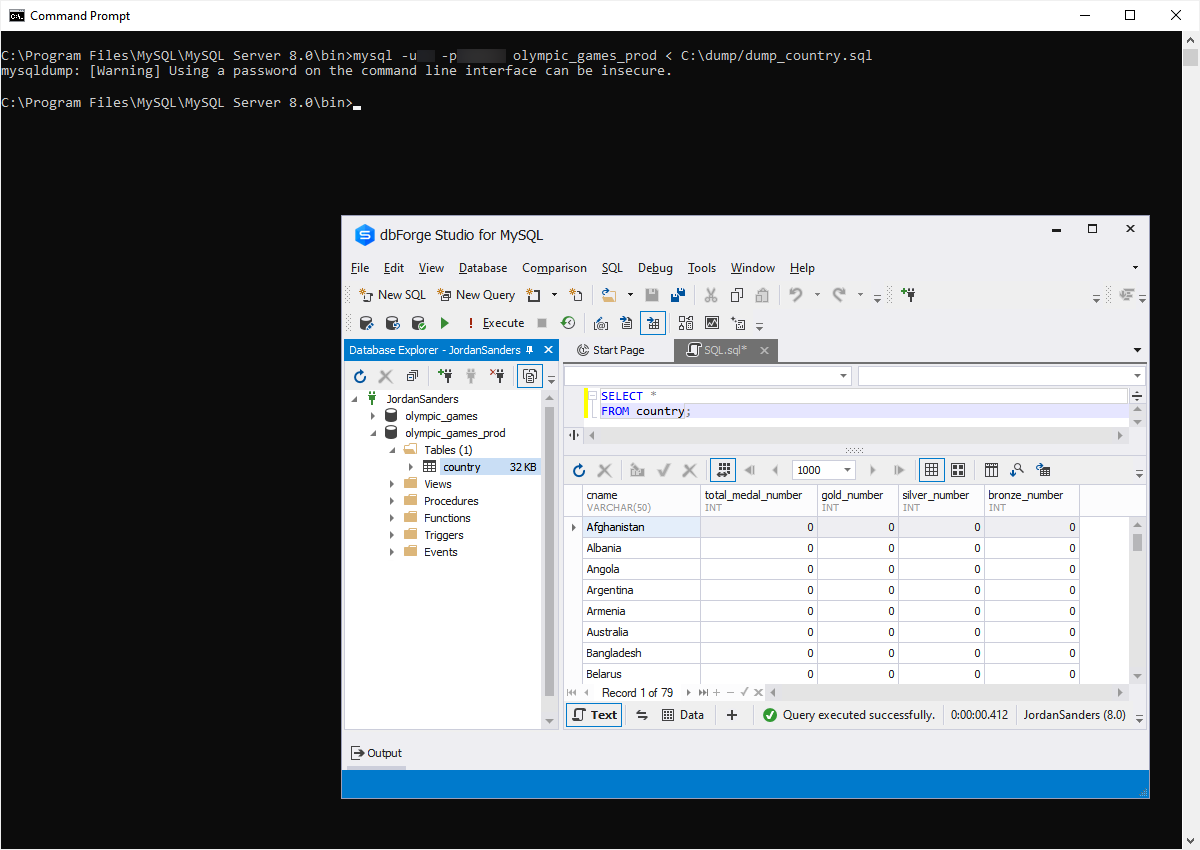
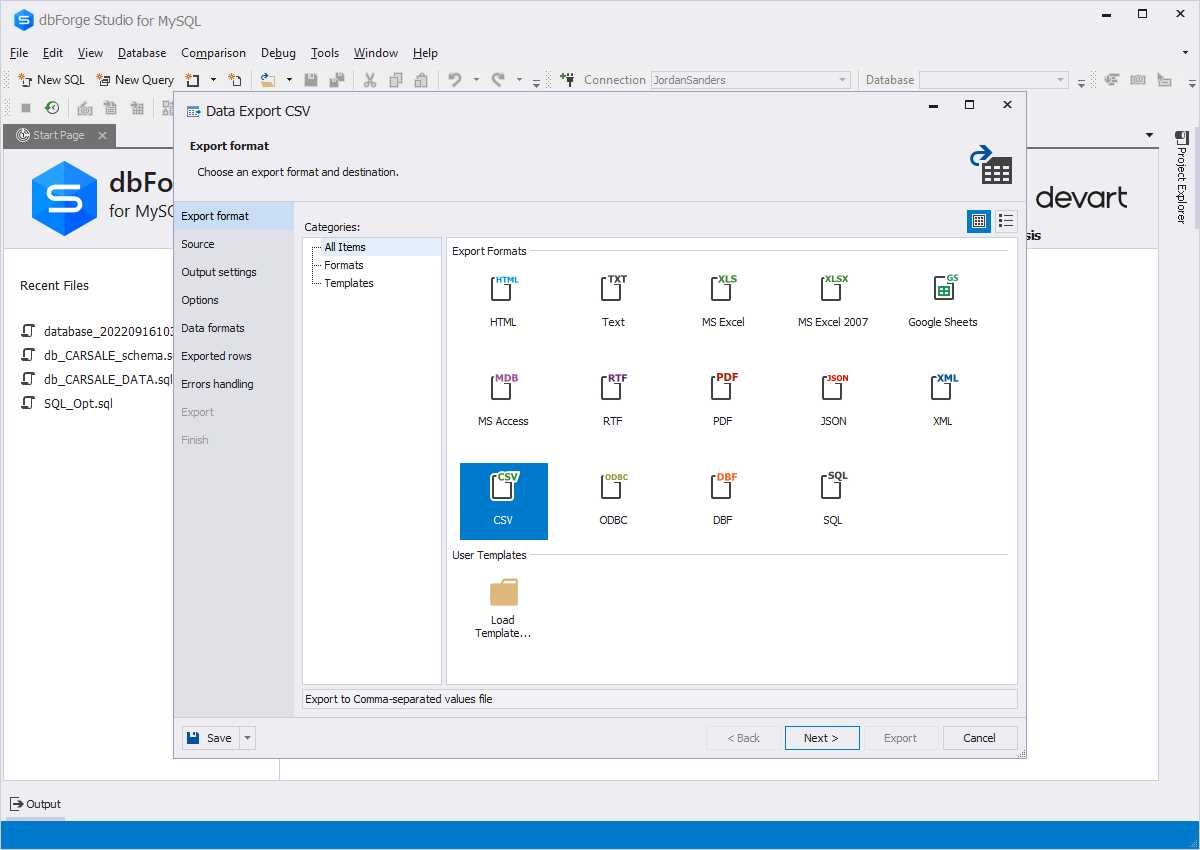
MySQL data export can be performed with the help of a wizard. In the wizard, you
can easily select tables or views to export data from, select columns or a range
of columns for export, and adjust formatting options (for text formats). Also you
can save a template with the needed settings to be used afterwards in the wizard
or through the command line.
MySQL Data Export Wizard offers:
-
Export to 10 widely-used data formats (HTML, Text, MS Excel, MS Access, RTF, PDF,
XML, CSV, DBF, ODBC, SQL)
-
Export from tables, views, or queries
-
Templates to save export settings for each data format
-
Selecting columns and a range of rows for export
-
Setting up fonts and colors for graphical formats
-
Selecting formatting for text formats
-
Setting up data formats for exported data
-
Page setup for RTF, PDF, MS Excel formats
-
Unicode support
Data Export Wizard: XML, Excel, DBF, CSV etc.
MySQL Export Data Process:
Availability
|
Features
|
Express
|
Standard
|
Professional
|
|
|
|
Data export
|
|
|
|
|
Data import
|
|
|
|
|
Command line support
|
|
|
|
* CSV format has no restrictions for data export and import, for other formats only first 50 rows are processed. User templates are not supported.