MySQL Data Reporting and Analysis Tool
Design in minutes any data reports with parameters, customizable
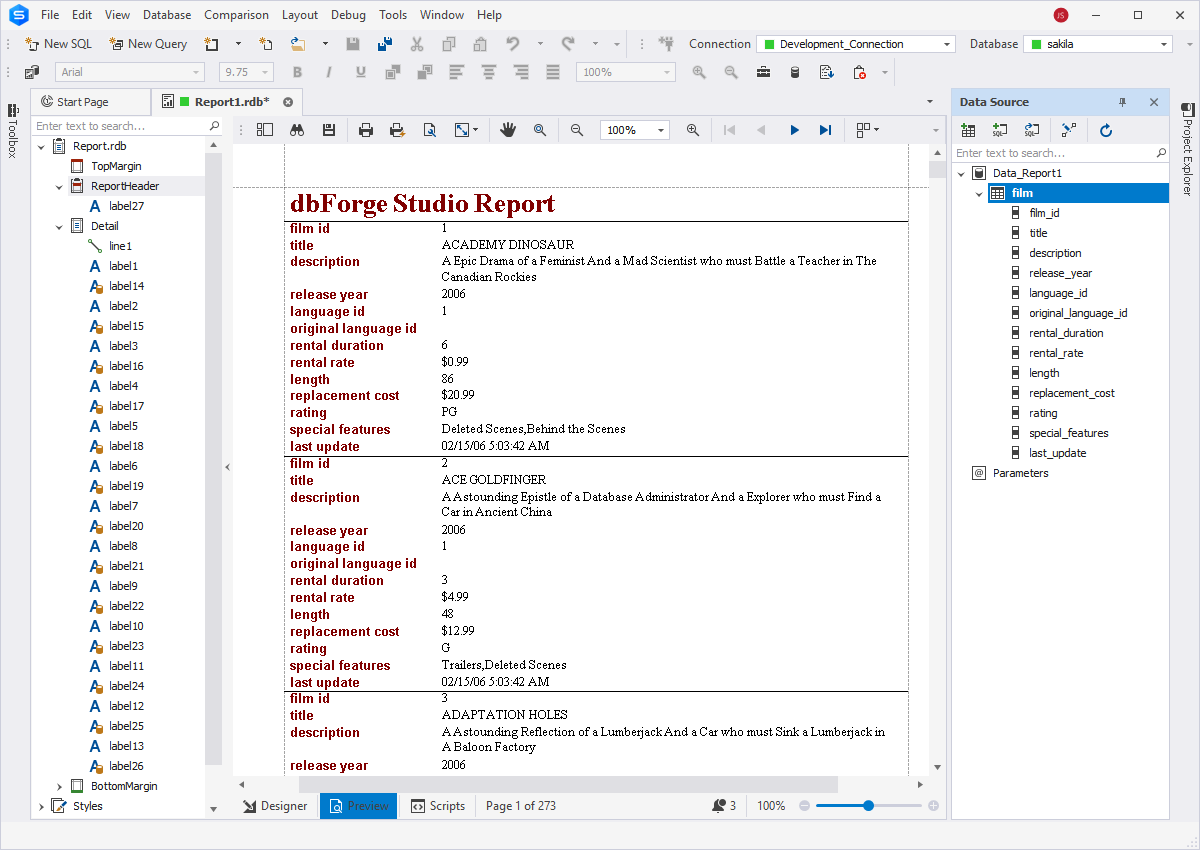
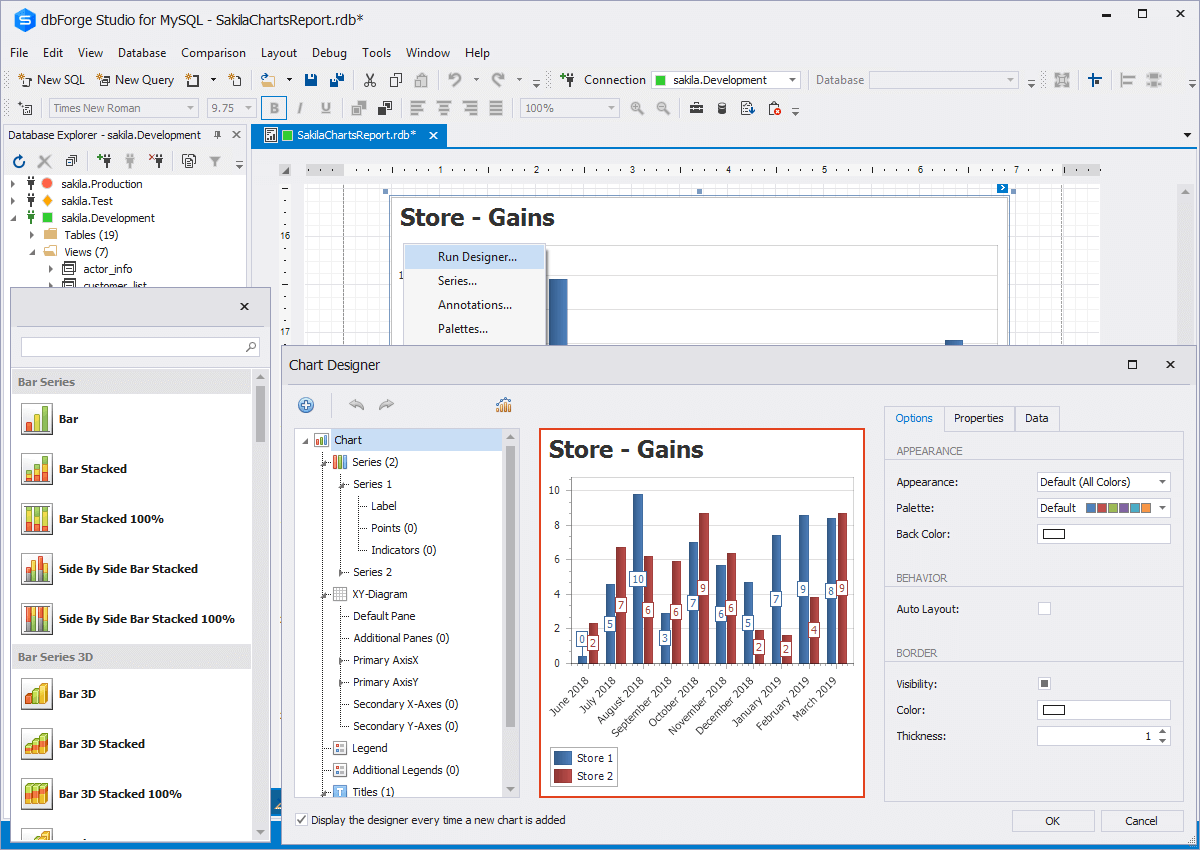
formatting, calculated summaries, etc with the help of the MySQL reporting tool provided by dbForge Studio. Streamline your work with multi-dimensional data,
visualize data trends and dependencies, make quick but reasonable business decisions,
convert your data in professionally-looking pivot tables.
dbForge Studio for MySQL delivers pivot table and data reporting tools
- Extended capabilities to prepare any data reports with MySQL reporting tool
- Conversion of row data to informative pivot tables
- Well-tested functionality to exceed your expectations
- Free 30-day usage in a
dbForge Studio trial!
Data Reports
Lots of people working with MySQL databases have to do MySQL reporting
from time to time. If you don't have too much to do with it,
you may still find the MySQL reporting tool offered by dbForge Studio useful,
as it will give you an opportunity to complete your task faster and produce a
report of high quality. In this case instead of being irritated by selecting
the needed data, sorting it, and making it look like a report, you will just
enjoy playing with easy-to-use instruments provided by our MySQL reporting tool.
If you face the necessity of doing MySQL reporting quite often, you will
appreciate all advanced features of our tool that are presented in a
comprehensive way. Most of all, you will get accustomed to them very
quickly. You can find useful:
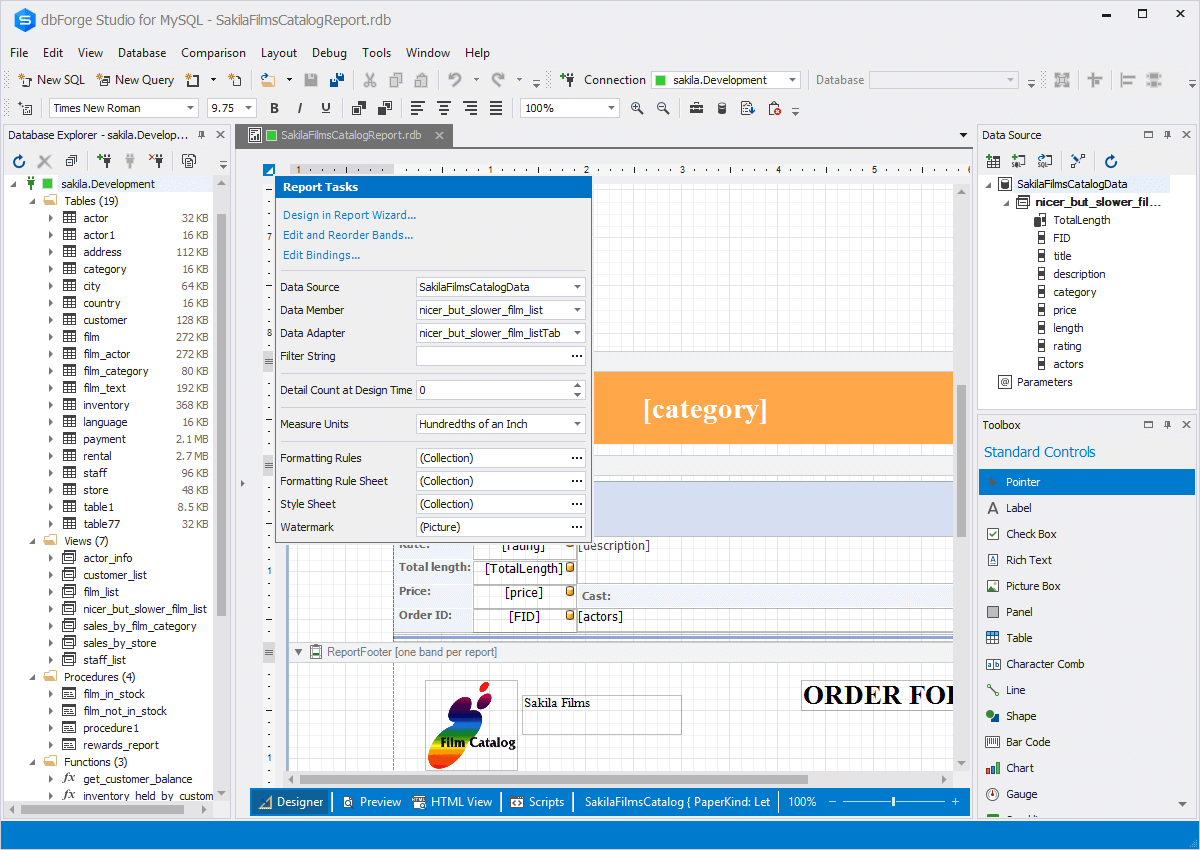
- Convenient and modern design to prepare accurate and smart-looking reports
- Easy data management within data reports
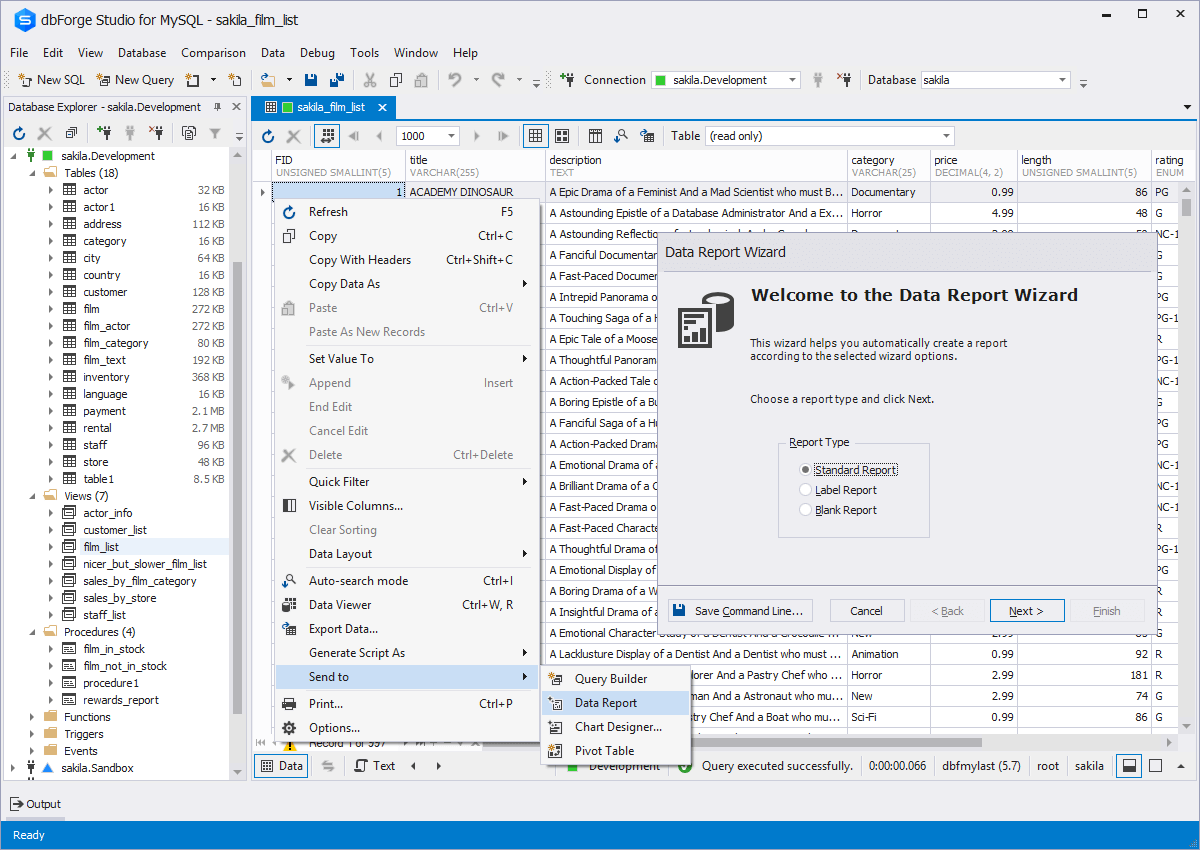
- Designing reports in a convenient wizard
- Custom queries can be used as data source, data association through drag-and-drop
- Rich set of controls
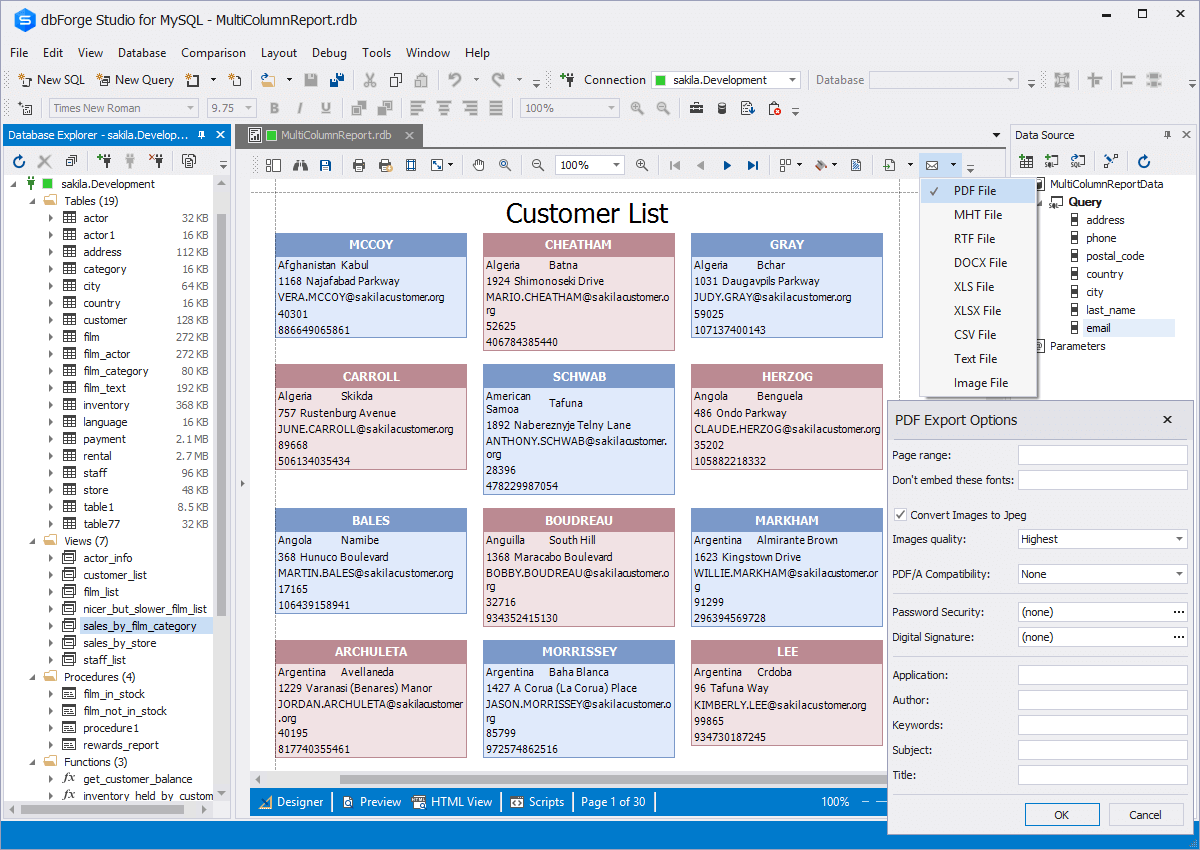
- Extended reports preview before printing
- Export to popular formats: pdf, html, excel, text, image, etc
- Extended capabilities to prepare complicated reports: master-detail, label, grouped reports
- Deep integration with dbForge Studio to arm you with all the dbForge tools while preparing data reports
Pivot Tables
When dealing with data, one often beats his brains with grouping,
sorting, or doing anything else to get required results and grasp
the whole picture. The Pivot Table tool is designed exactly to end
these miseries and enable you to fisk any obscure data with several
mouse clicks.
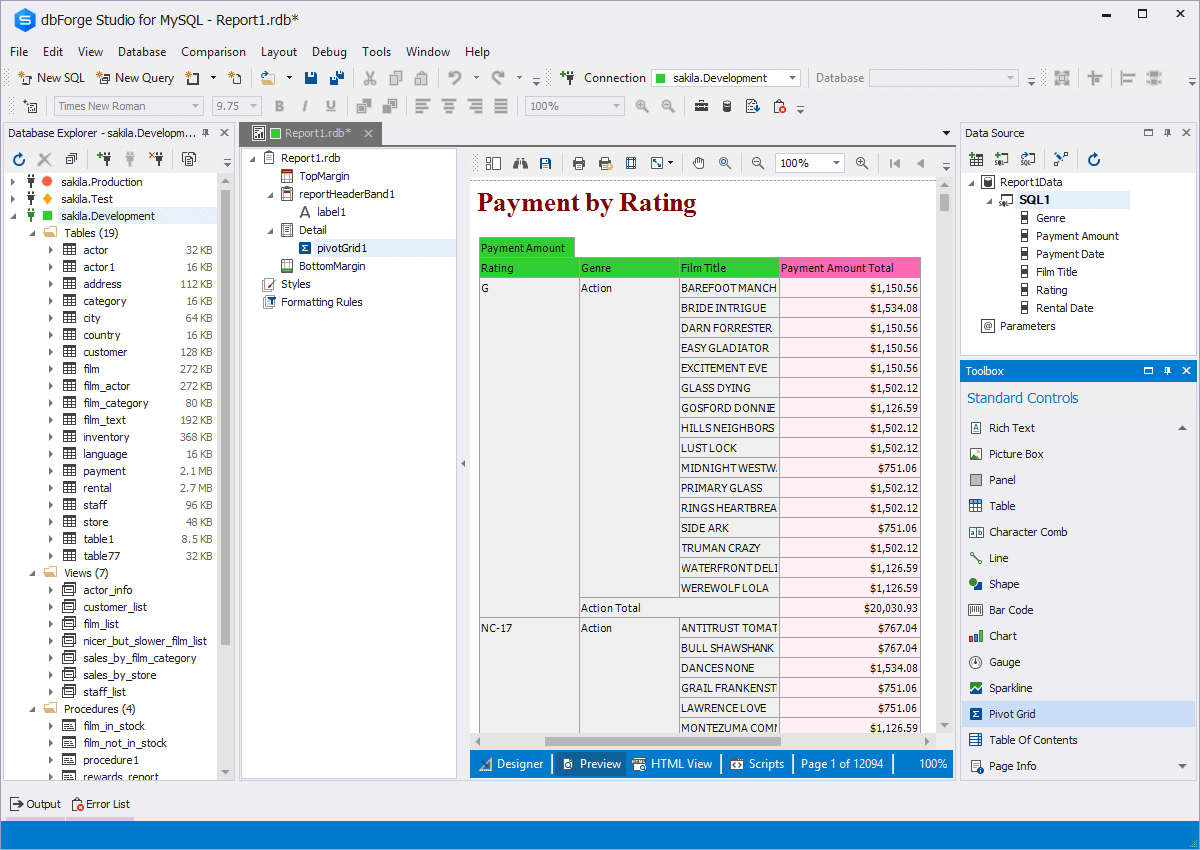
Pivot Table is a tool that converts large amounts of data into
compact and informative summaries - pivot tables. You can rearrange
(or pivot) your data by a simple drag of a mouse until you get the best
layout for understanding the data relations and dependencies.
When working with pivot tables, you may find useful:
- Convenient and modern design to fisk any obscure data into compact and informative summaries - pivot tables
- Momentary change of data display via drag-and-drop
- Wide choice of styles to change a pivot table appearance; convenient editor to add conditions and set up styles
- Automatic function calculation
- Various summary functions to calculate custom totals for required column or row fields
- Different types of filtering and grouping to display only required data in a pivot table; smart
Prefilter dialog to apply advanced filtering conditions
Availability
| Features |
Express |
Standard |
Professional |
| Data Reports |
 |
 |
 |
| Pivot Tables |
 |
 |
 |