MySQL Database Synchronization in Minutes
Maintaining data integrity is important for those working with databases. MySQL sync tools provided in dbForge Studio can greatly help with tasks, such as identifying and resolving data inconsistencies. For example, a software developer or database developer might use these tools for performance optimization, such as improving slow query responses by fine-tuning database structures or query execution plans. Moreover, they could use these tools to enhance data security by adding stricter access controls or meeting compliance rules.
MySQL and MariaDB operation and database management involve handling, optimizing, and maintaining these databases to ensure data availability, consistency, and security. The Studio will help managers or architects organize, store, manipulate, and protect data assets to meet their business objectives and support decision-making.
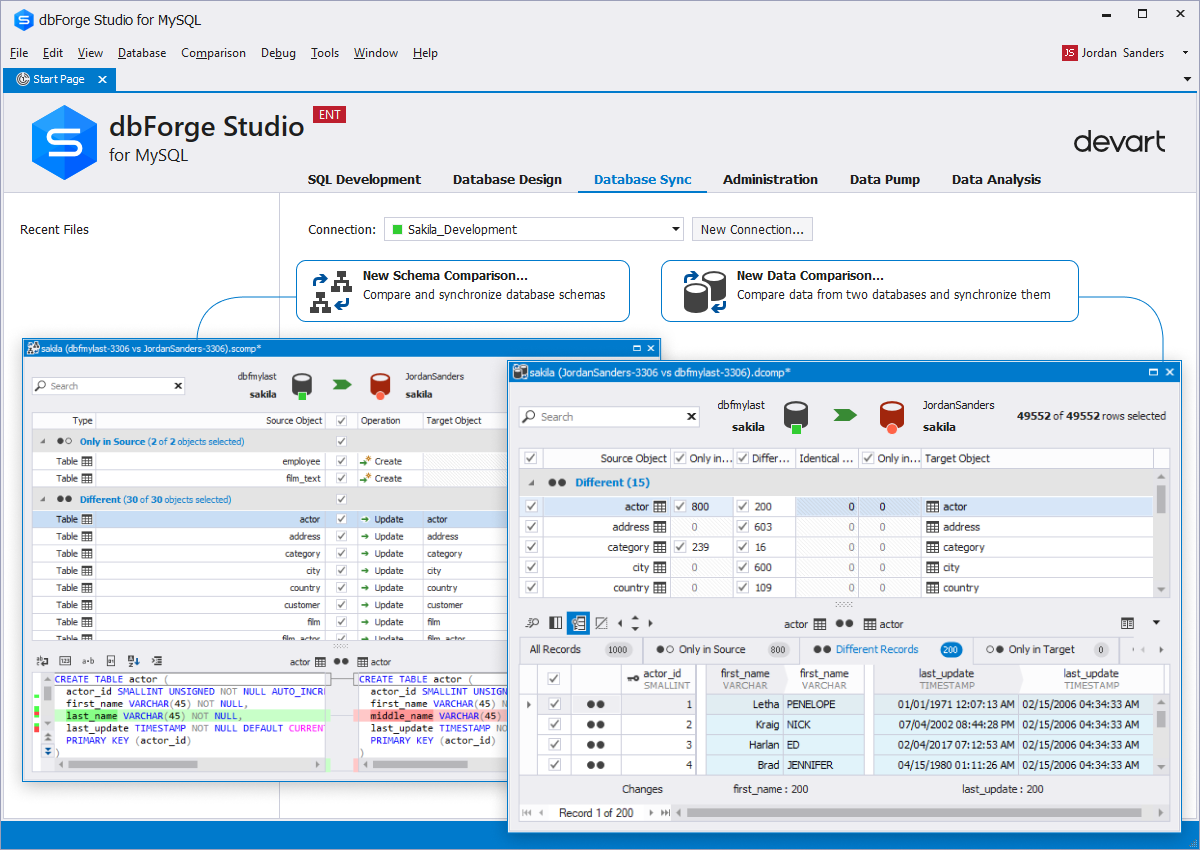
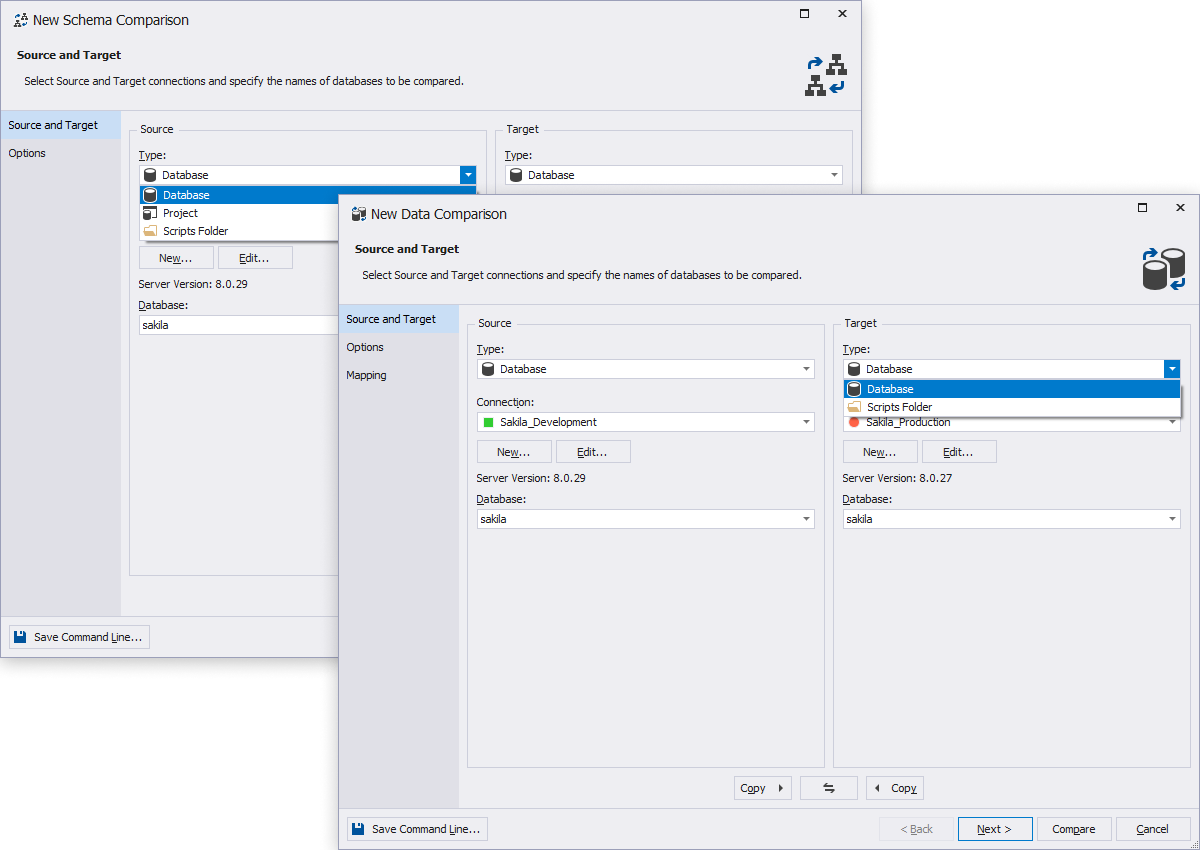
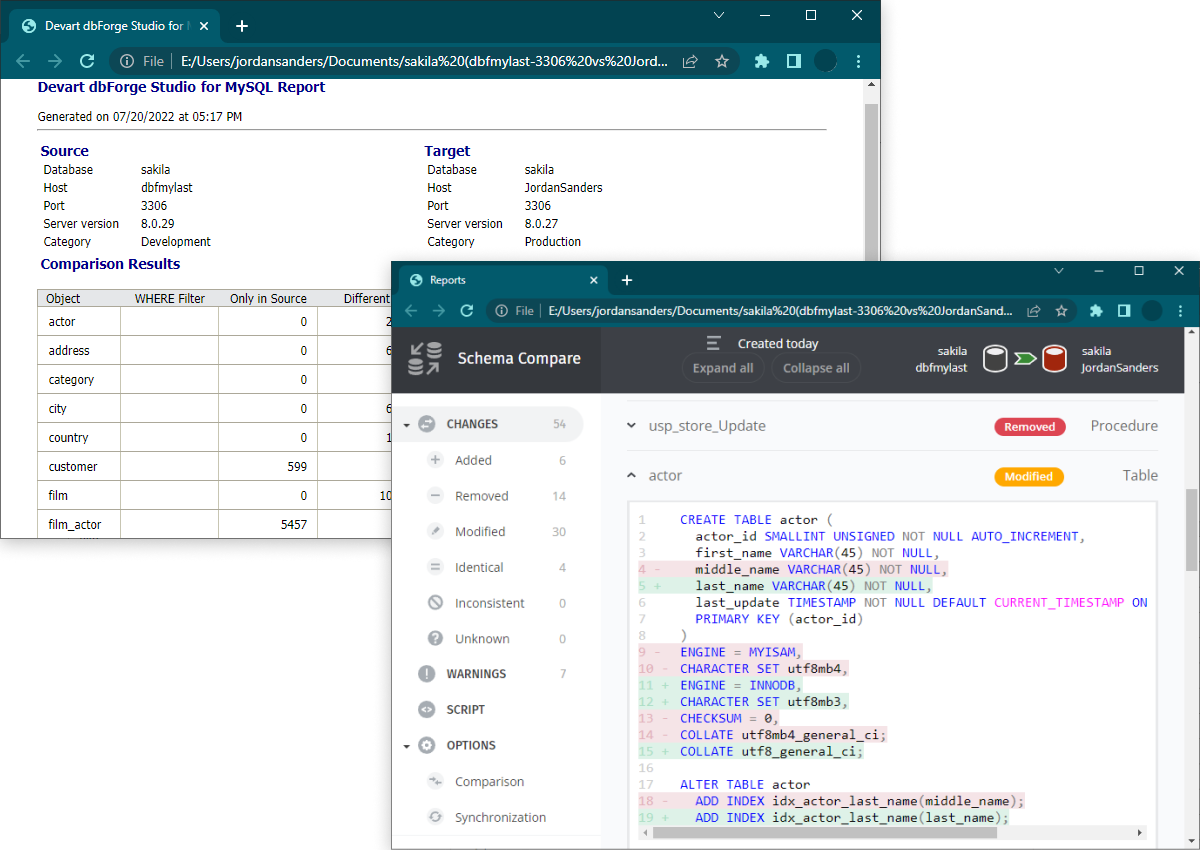
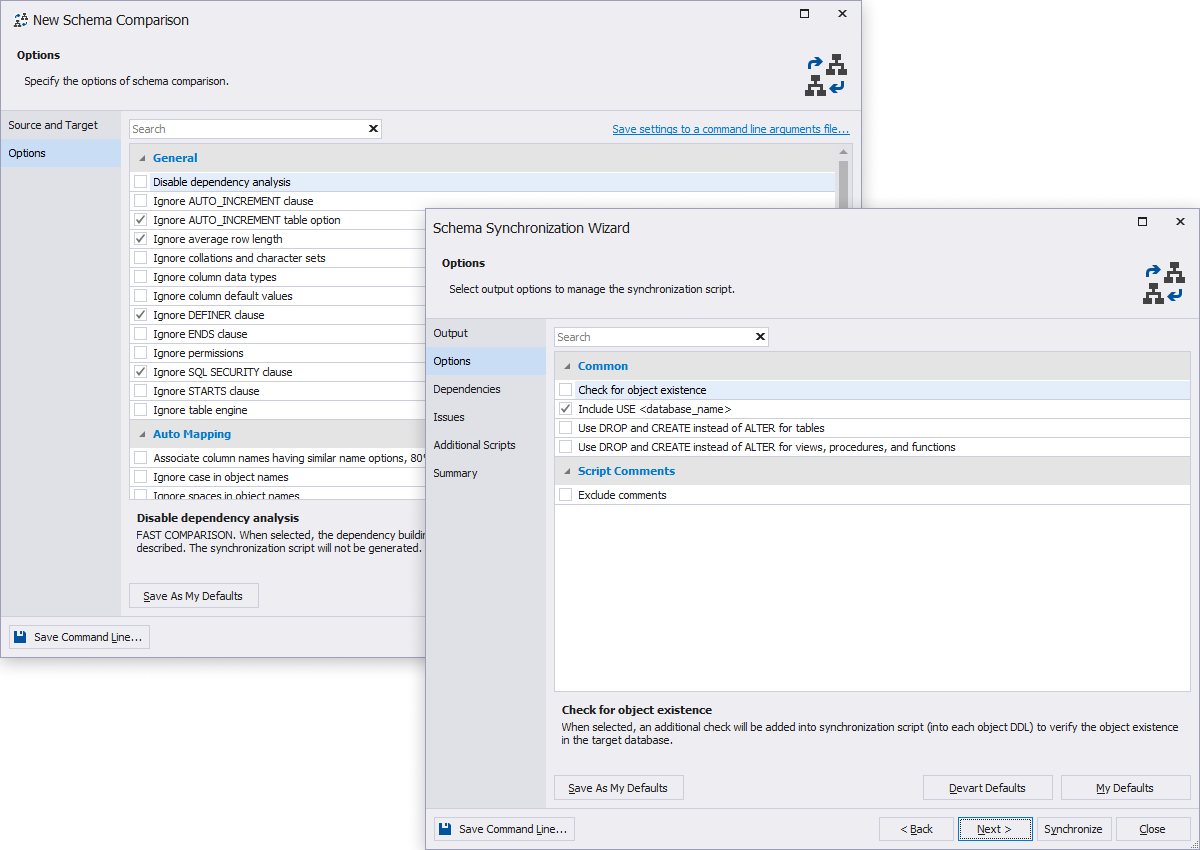
The Data Comparison tool allows you to compare and synchronize data between two databases. Also, you can automate the synchronization process via the command-line interface. The tool also supports comparing, analyzing, and synchronizing database schemas. For schema-related tasks, use the Schema Compare tool available in the dbForge MySQL Windows client. It helps you group and filter comparison results in the result grid and generate a comparison report.
Read the guide, and you'll learn:
- Why it's so important to synchronize MySQL databases
- What tools to use to implement necessary database updates, patches, and migrations while minimizing downtime and ensuring data integrity
- How to quickly synchronize MySQL databases with dbForge Studio
- How to maintain data consistency
- How to synchronize MySQL table data between two databases
with the Data Comparison tool - How to synchronize MySQL databases automatically from the CLI