SQL autocompletion tool for SSMS and Visual Studio

dbForge SQL Complete is an irreplaceable add-in that enhances SSMS and Visual Studio with multiple coding assistance features, helping developers, DBAs, and data analysts write SQL queries of any complexity with ease and convenience.

  • Context-aware code completion
  • Relevant object suggestions
  • Predefined and custom SQL snippets
  • Instant syntax validation
  • Manual and CLI-powered code formatting
  • Smart code refactoring
  • T-SQL code analysis and debugging

Your ultimate solution for SQL development

Code 2x-4x faster

dbForge SQL Complete is designed to help you code faster. It leads you fluently through the syntax of SQL queries and offers context-specific suggestions to make your routine coding easier and more intuitive.

  • Relevant statement and object suggestions
  • Statement expansion
  • Quick info on database objects
  • Simplified code navigation

Improve code quality

dbForge SQL Complete offers convenient refactoring and debugging tools to help refine entire databases.

  • Renaming of aliases, variables, and scripted objects
  • Auto-correction of references to renamed objects
  • Refactoring of statements and entire queries
  • Search for invalid objects
  • Debugging of stored procedures, triggers, functions, and T-SQL scripts

Unify coding standards

Consistency makes it easy to read, understand, review, troubleshoot, and share code, as well as unify coding standards across entire projects. The integrated SQL Formatter will help you achieve this level of consistency.

  • Rich set of formatting options
  • Predefined and custom formatting profiles
  • Wizard-aided bulk formatting
  • CLI-powered formatting

Analyze T-SQL code

The integrated T-SQL Code Analyzer is designed to make your code clean, consistent, and easily maintainable. For this purpose, it scans your code and defines whether it complies with a hefty selection of rules and best practices.

  • 180+ rules and best practices
  • Identification of possible performance and execution issues
  • Search for deprecated syntax constructs
  • Naming consistency supervision and style unification

Work safely with session restoration

Keeping your data safe has never been easier. dbForge SQL Complete helps minimize or completely prevent any loss of your code or data, recover SQL document sessions, and quickly take action in case of an emergency.

  • Restoration of documents and entire sessions
  • Execution warnings
  • Transaction reminders
  • Query history

Manage data from the results grid

Once you execute a query, you can perform a variety of operations with the output data directly from the SSMS results grid.

  • Data search, selection, and copying
  • Import of selected data into files
  • Data visualization in Data Viewer
  • Calculation of aggregates
  • Script generation
Leading companies choose dbForge SQL Complete
Pfizer
SpaceX
Intel
Jabil
Chesapeake Energy
AbbVie
McKesson

Pricing

Express

Available

Free
Get now

Key features:

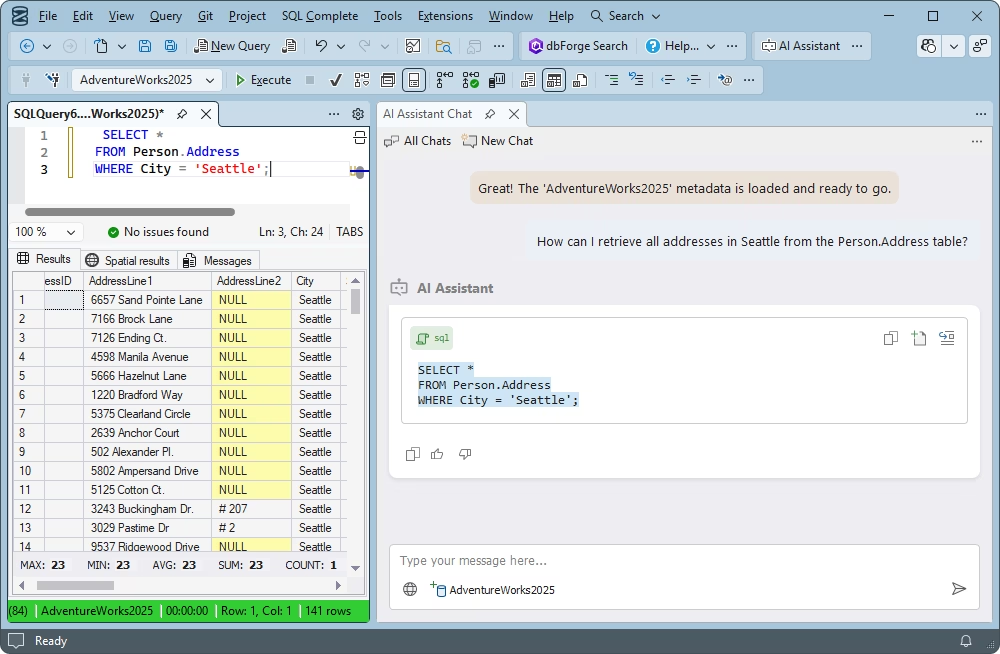
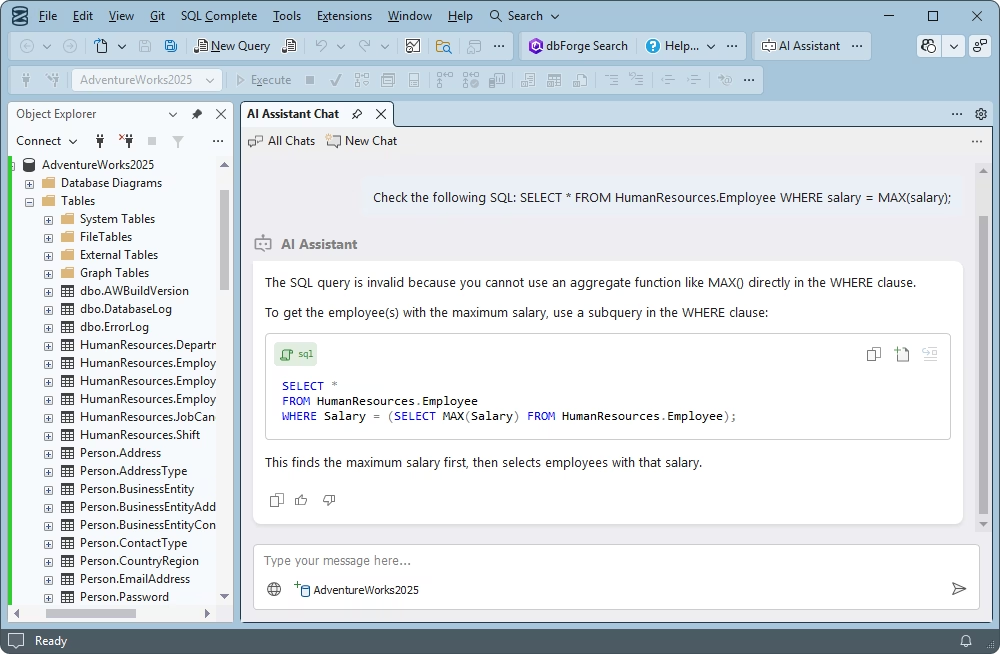
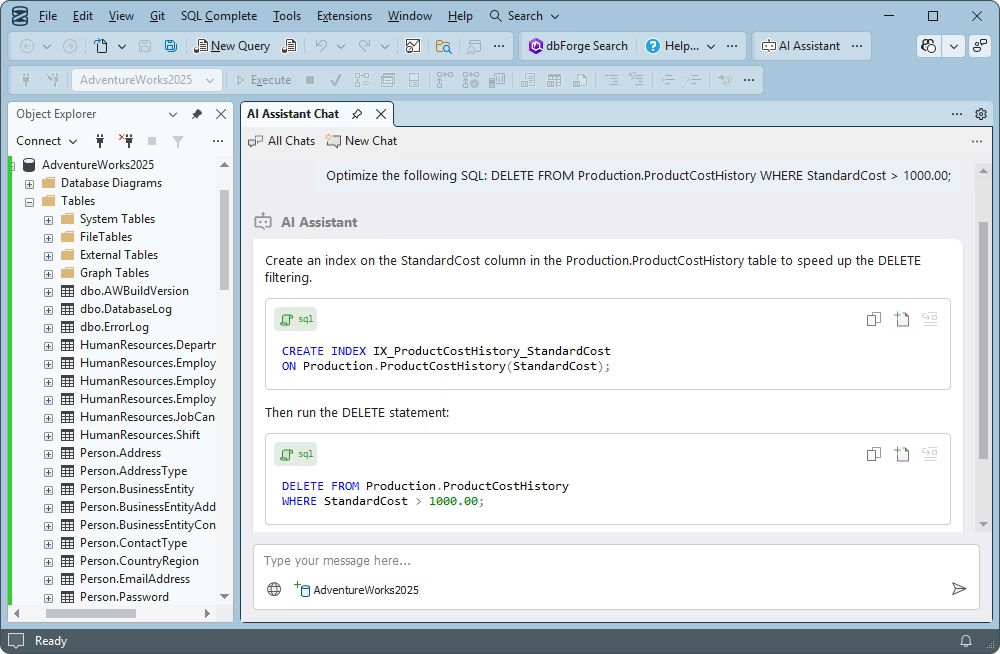
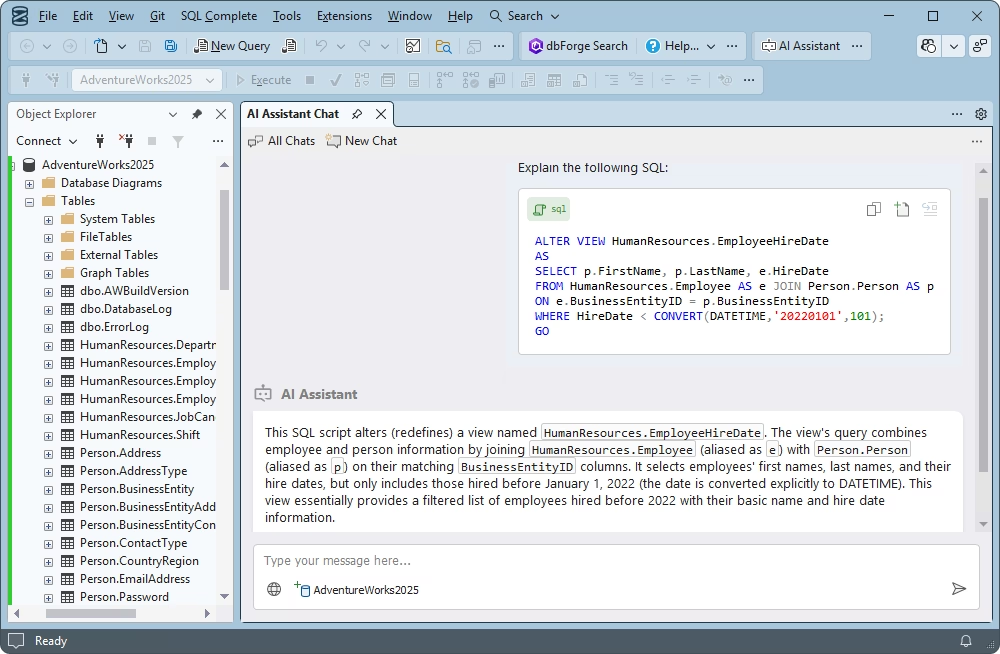
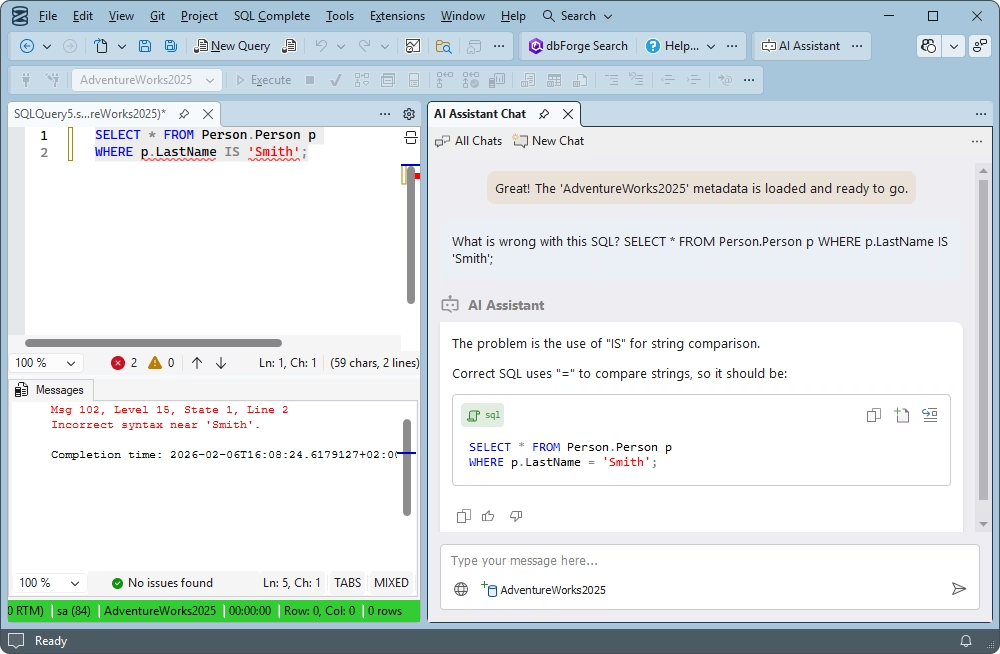
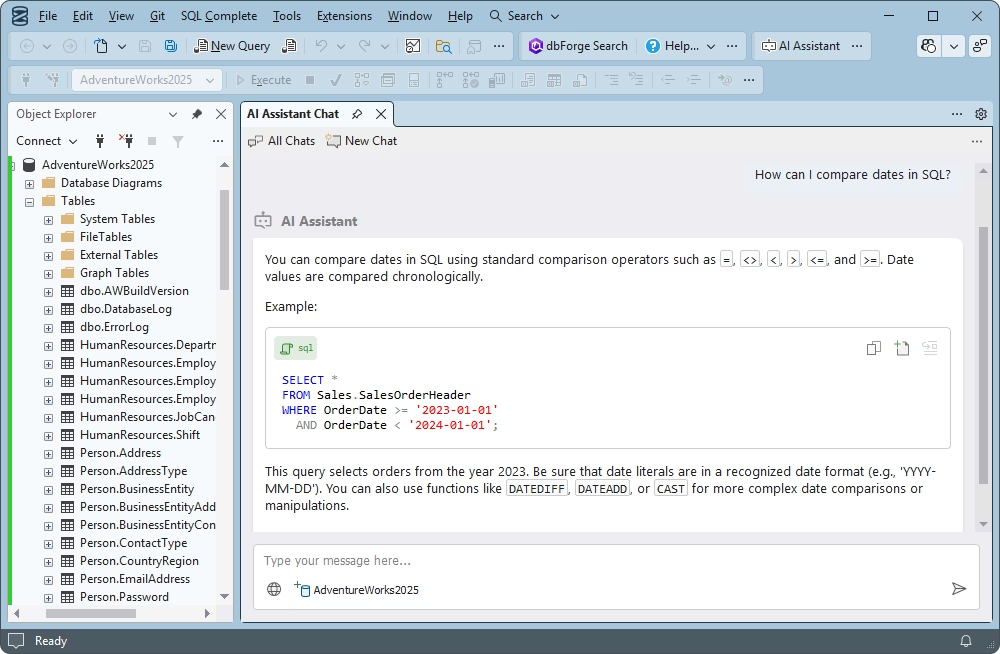
  • Integrated dbForge AI Assistant
  • Basic code completion
  • Basic code formatting
  • Quick object information
  • Query history

Standard

Starts from

$129.95
per year
Buy now

Key features:

  • Integrated dbForge AI Assistant
  • Context-aware code completion
  • JOIN clause auto-generation
  • Flexible code formatting
  • Code snippets library
  • Simplified query navigation
  • Custom alias mapping

Professional

Starts from

$149.95
per year
Buy now

All features from Standard +

  • T-SQL refactoring and debugging
  • Search for invalid objects
  • SSMS tab coloring
  • Results grid aggregates
  • Execution notifications
  • Productivity enhancements
  • CLI-powered automation

Enterprise

Starts from

$199.95
per year
Buy now

Key features:

  • Integrated AI Assistant
  • Context-aware completion
  • JOIN clause auto-generation
  • Flexible code formatting
  • Code snippets library
  • T-SQL refactoring
  • T-SQL debugging
  • Results grid aggregates
  • Query history
  • Tab and session recovery
  • Productivity enhancements
  • CLI-powered automation
  • Code analysis New

See the formatting capabilities of dbForge SQL Complete in action

Take a look at several predefined formatting profiles that are available out of the box. And if you would like to get some firsthand experience, feel free to download dbForge SQL Complete for a 14-day trial.

Formatting profiles

Ready to get started?

Try before buying

Try before buying

Get your firsthand experience with SQL Complete for free. Download it for a 14-day trial and see all of its capabilities in action.

Get bulk discounts

Get bulk discounts

We provide flexible purchasing options, including bulk discounts for multiple licenses, to meet your budget in the optimal way.

Need a hand?

Need a hand?

If you have any questions about our tools or purchasing options, feel free to get in touch. Our response won't keep you waiting.

Frequently asked questions

How does dbForge SQL Complete compare to the native SSMS IntelliSense?

dbForge SQL Complete was designed to become a superior replacement for the native IntelliSense capabilities of SSMS. The basic idea of SQL code autocompletion—thoroughly enhanced in SQL Complete with deeper, context-aware capabilities—was further augmented with formatting, refactoring, debugging, and a number of other features that help SSMS users do their job faster and easier.

In other words, SQL Complete is the ultimate solution for those who require more firepower for SQL development than the stock IntelliSense can possibly offer.

What limitations exist in the native SSMS IntelliSense?

The native SSMS IntelliSense has a number of limitations that can quickly show up in daily work, including but not limited to the following.

  • Incomplete SQL syntax support (e.g., not all T-SQL constructs are supported)
  • Limited context awareness
  • Performance issues on large databases
  • Inconsistent behavior on slow connections
  • No advanced productivity features for power users

Thus, IntelliSense is useful for simple, lightweight queries. But if you require better performance and stability, advanced SQL development capabilities, and a focus on productivity, you should consider high-end SSMS add-ins like dbForge SQL Complete.


Which SQL autocompletion tool is best for SQL Server developers?

There is no such thing as an objectively best autocompletion tool for SQL Server. Instead, you should make a choice based on your actual needs and requirements. However, a few tools have established themselves as top-tier solutions based on rich feature sets and consistently positive user feedback.

One of them is dbForge SQL Complete, which has earned an excellent reputation with its context-aware code completion, flexible code formatting, smart debugging and refactoring, advanced code analysis, and quite a few productivity enhancements. All this makes SQL Complete a worthwhile candidate for the best autocompletion tool for SQL Server.

Is dbForge SQL Complete compatible with SSMS and Visual Studio?

Yes, dbForge was actually designed as an add-in for SSMS and Visual Studio. It is regularly updated to be fully compatible with the latest versions of both IDEs.

When should teams consider upgrading from the native SSMS IntelliSense?

The answer is simple. Once the power of the stock SSMS IntelliSense is not enough, it's time to upgrade. If a team needs broader capabilities, better performance, more flexibility, and more automation, they should consider switching to a more advanced SQL development tool.

Is dbForge SQL Complete suitable for professional SQL Server developers?

Yes. Any professional SQL Server developer values their time and wants their job to be done as quickly and easily as possible. dbForge SQL Complete makes it happen with its high performance and a variety of smart features that reduce manual work to a minimum.