dbForge AI Assistant Features: Core and Advanced

Documentation
Find technical information on product installation, activation, and utilization
Go to documentation center
Release Notes
Discover the latest product launches, enhancements, and bug fixes
View revision historyCore features of dbForge AI Assistant
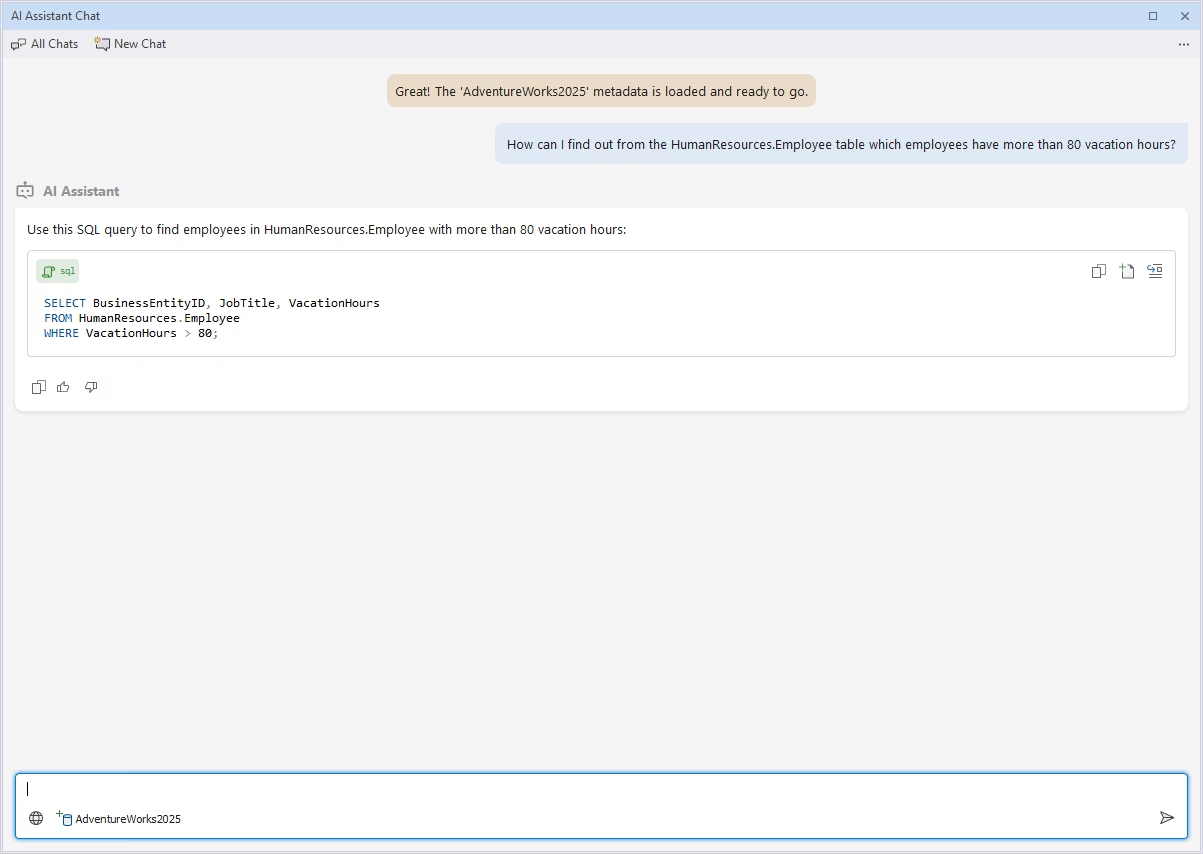
Conversion of natural language to SQL
With the AI Assistant, you can create SQL without writing it. Just describe what you would like to achieve, and the Assistant will translate it into valid SQL. Even complex queries can be built from natural-language prompts explaining the goal and specifics of the requested SQL.
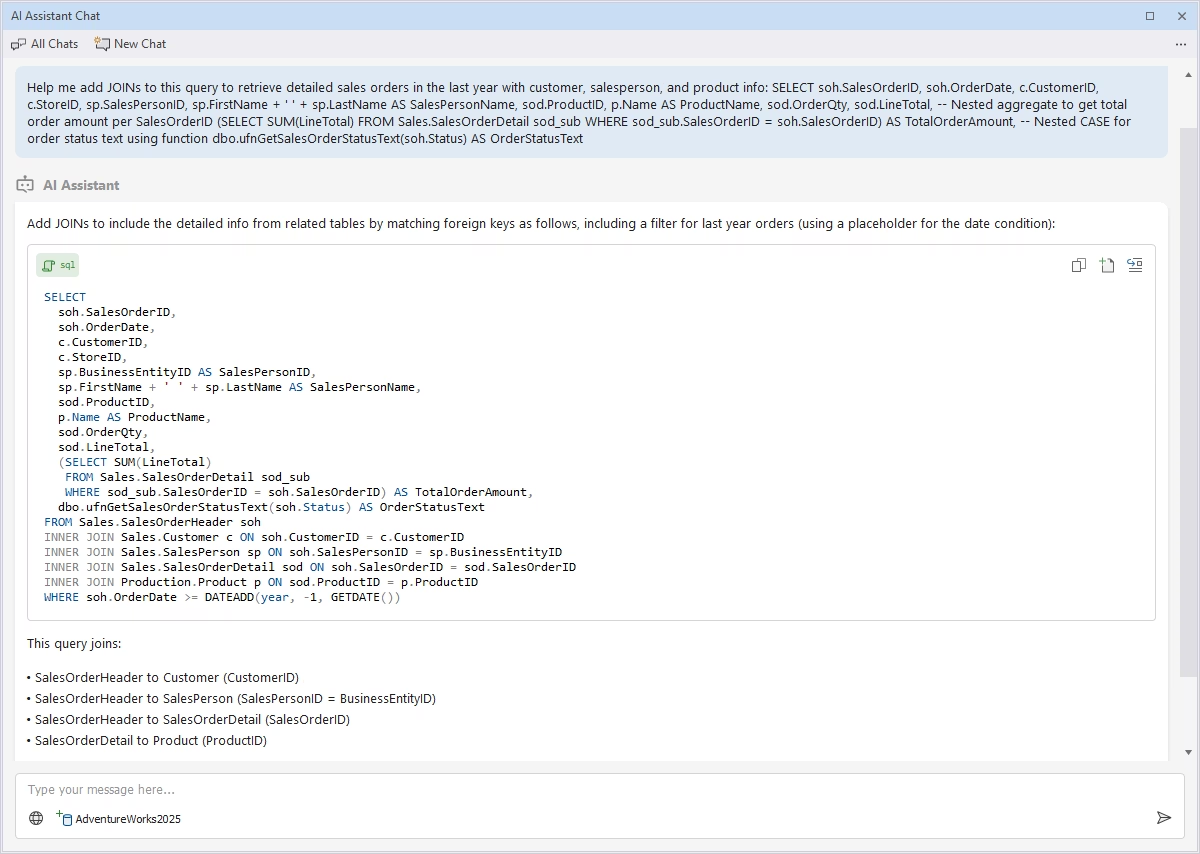
Smart code completion and contextual suggestions
The AI Assistant can build and format SQL queries based on the database context and your requests. When unsure about how to go on with your SQL code, ask the Assistant, and it will validate and troubleshoot your query to help you achieve the expected result.
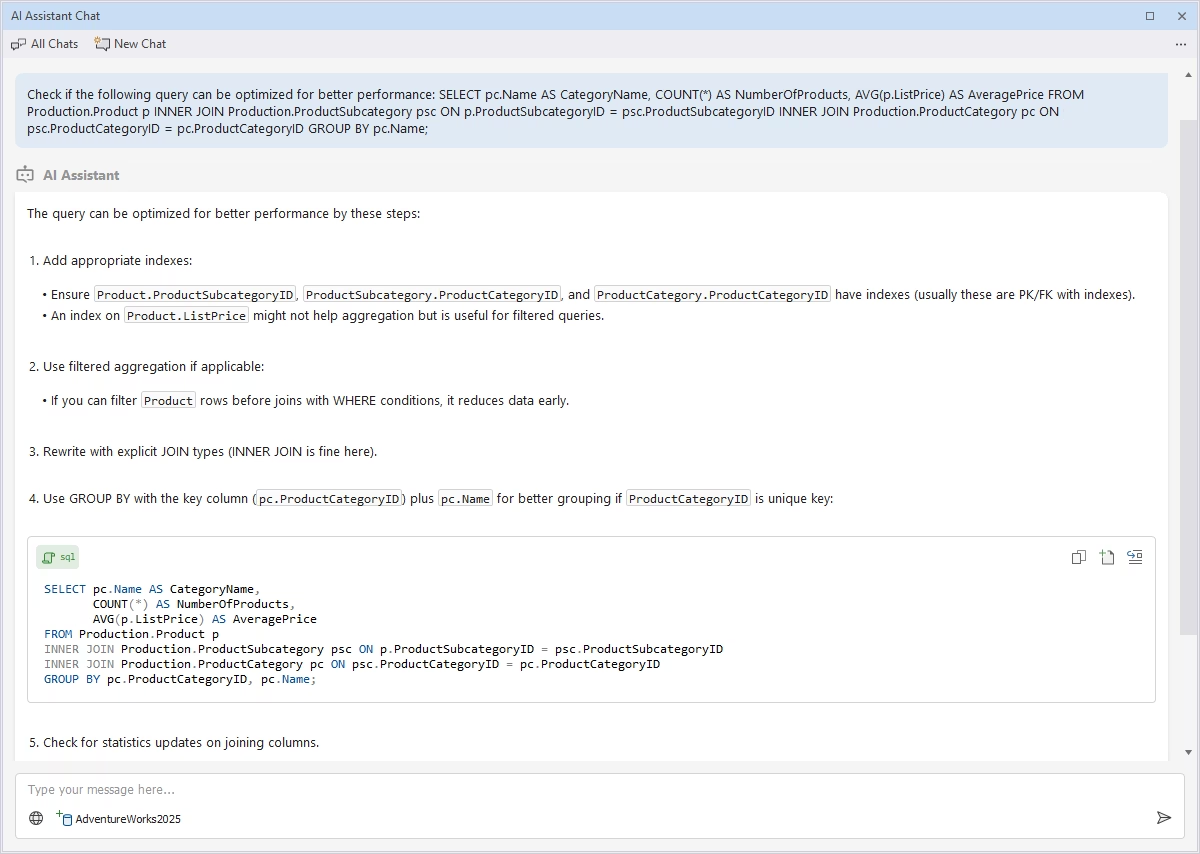
Query optimization and performance recommendations
With the help of dbForge AI Assistant, you can easily find inefficiencies that slow down your queries. Just paste your SQL into the AI chat, and the tool will show you where issues are and how to resolve them to improve query performance.
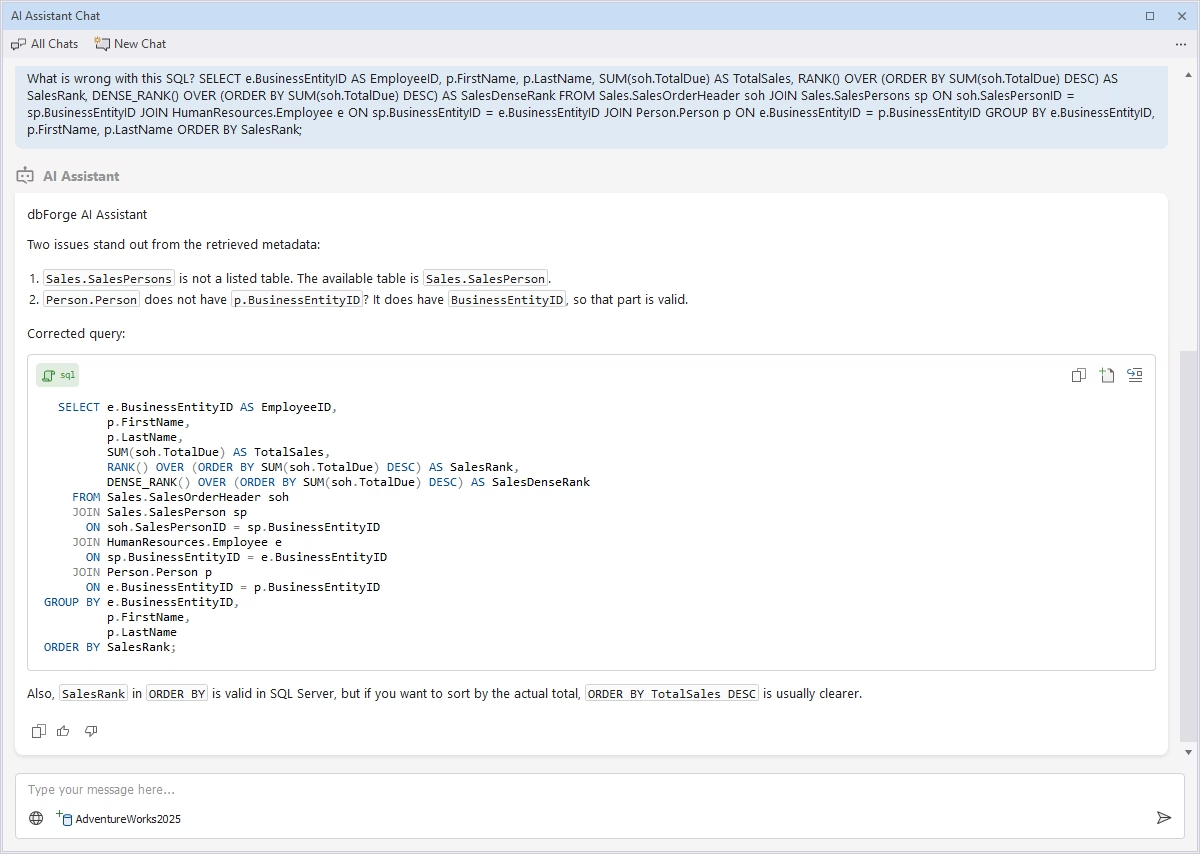
Error detection and auto-fix
The Assistant helps you find errors in your SQL and provides improvement suggestions. Enable the AI Assistant from the context menu or paste your query into the chat window, and it will pinpoint issues and give you a corrected version that can be executed right away.
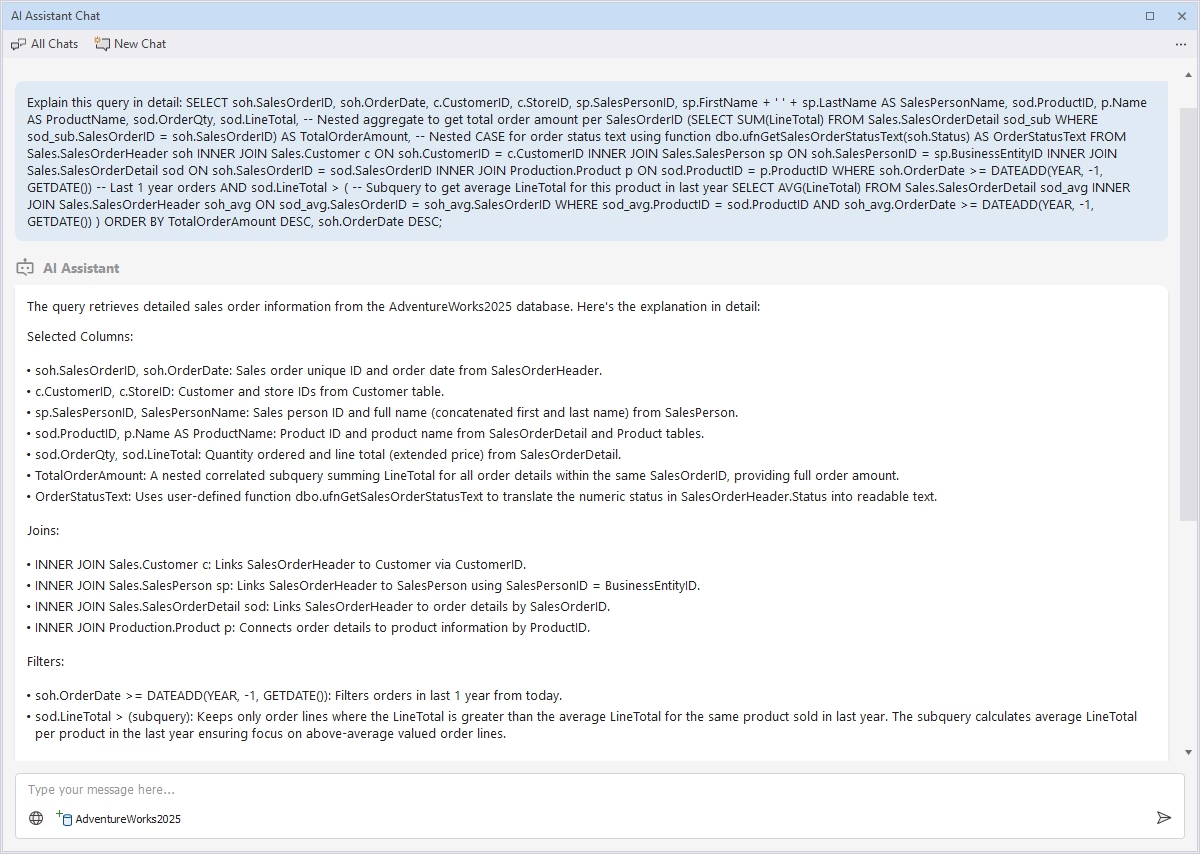
Query explanation and documentation support
dbForge AI Assistant supports you in understanding SQL queries and explains each element and its role in the underlying business logic. Whenever you need to get into the details of how your query works and how it produces results, just ask.
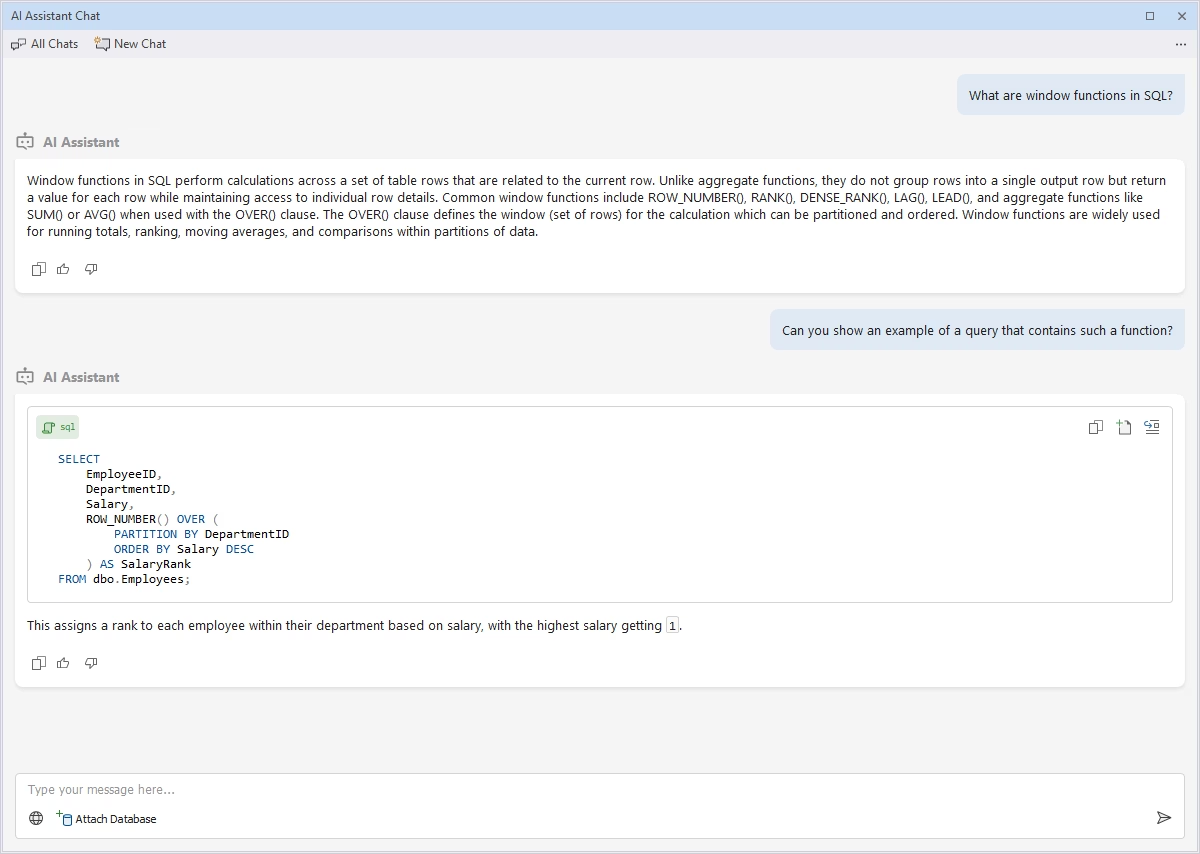
AI chat
If you are learning SQL, have questions about how dbForge products work, or just want to find answers to your questions, the AI Assistant is there for you. You can simply chat with it on any database-related topics, their development and management, SQL coding, and much more.
Advanced features of dbForge AI Assistant
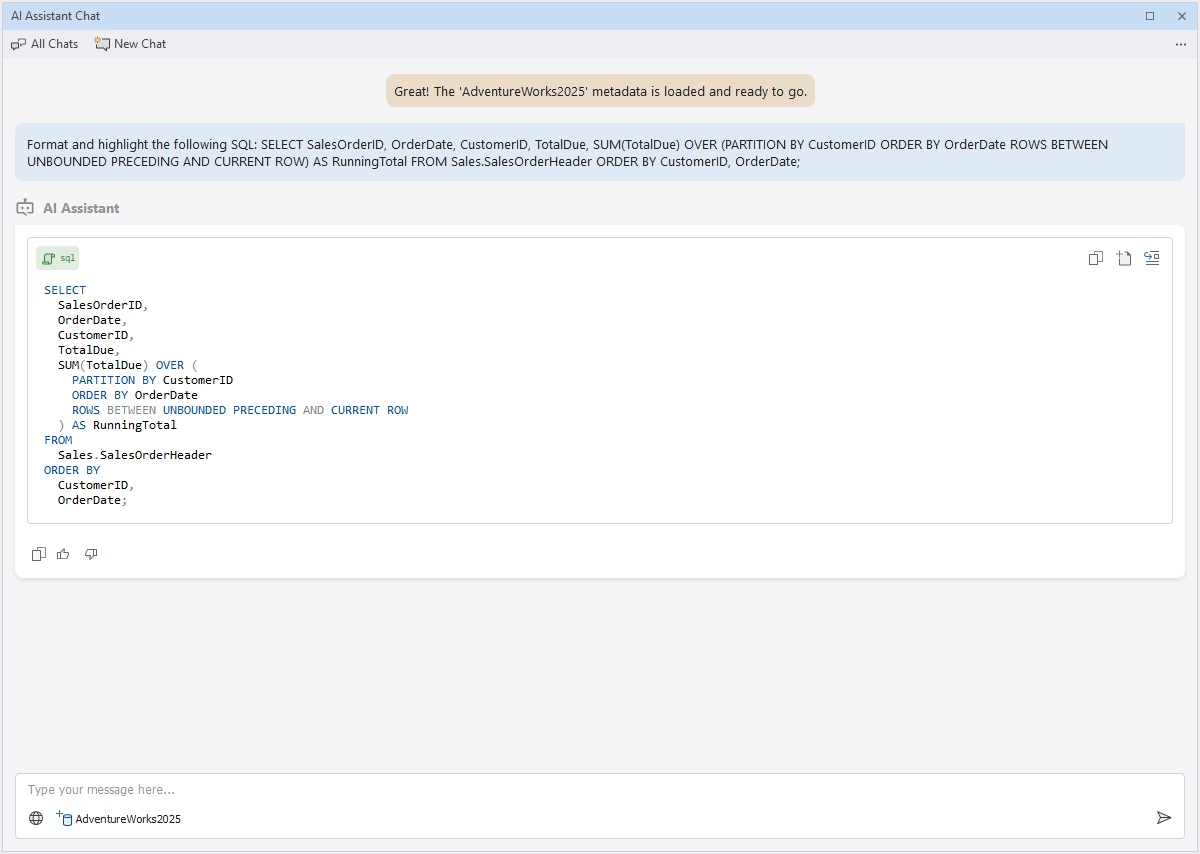
AI-powered query formatting and style enforcements
The AI Assistant can help you improve the readability and clarity of your code by formatting SQL according to the accepted standards. Just paste your query, and the Assistant will format, indent, and highlight the code, making its style clear and consistent.
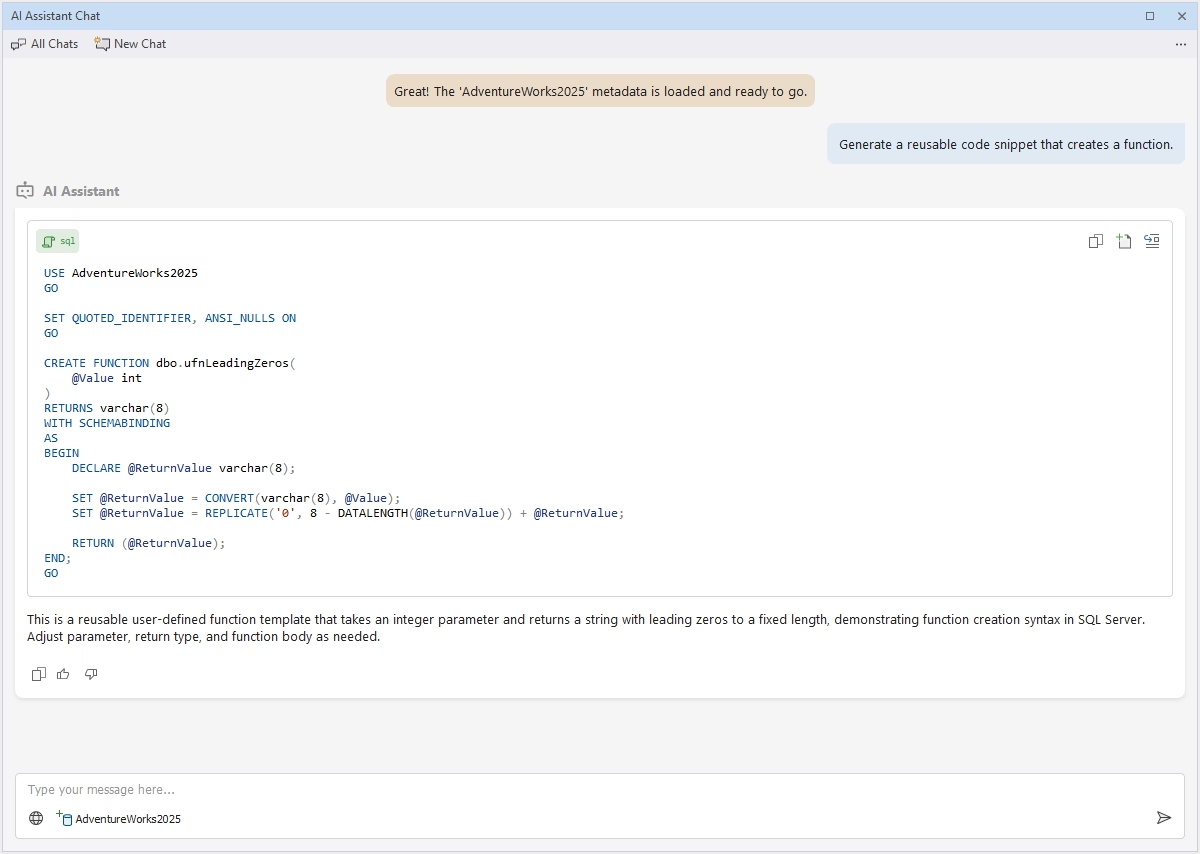
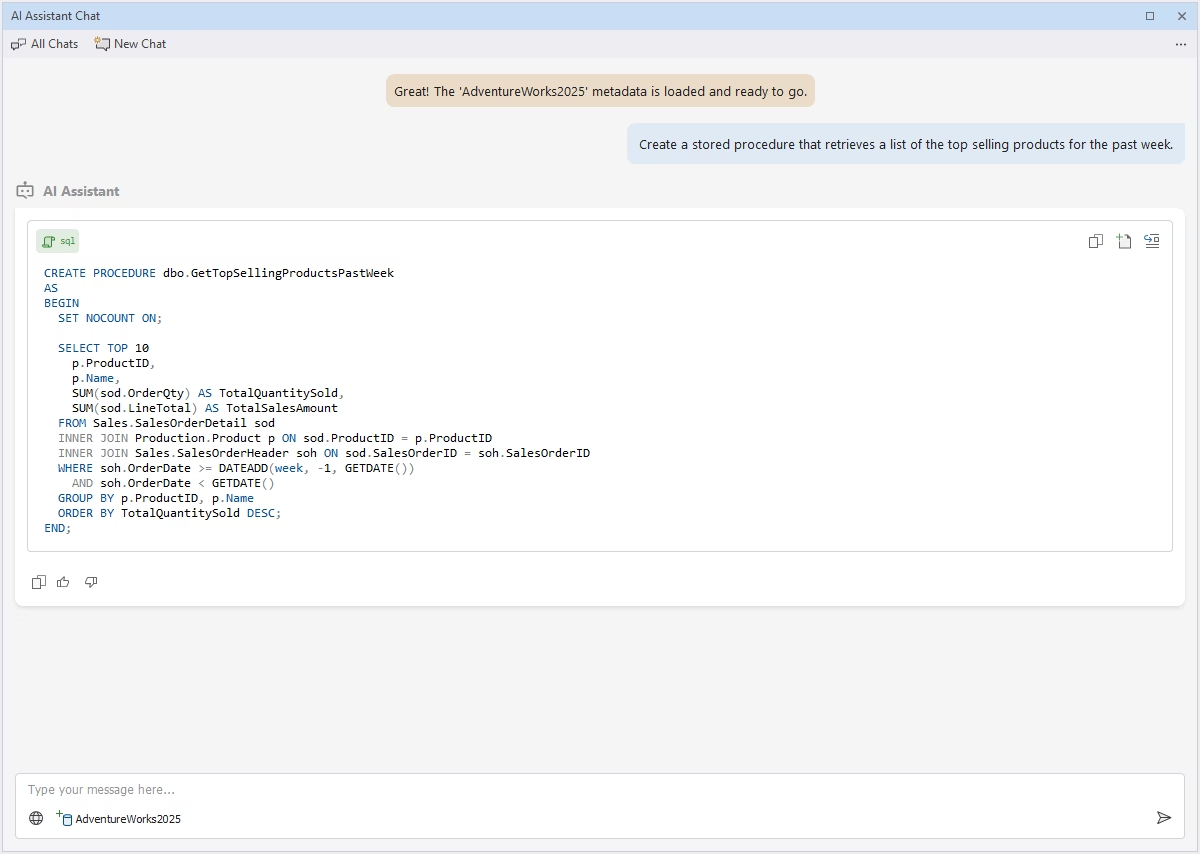
Generation of stored procedures and functions
With dbForge AI Assistant, you no longer need to manually write complex functions and stored procedures to implement reusable business logic. The Assistant can do it for you based on your natural-language prompt. Just add the procedure or function to your database and invoke it when needed.
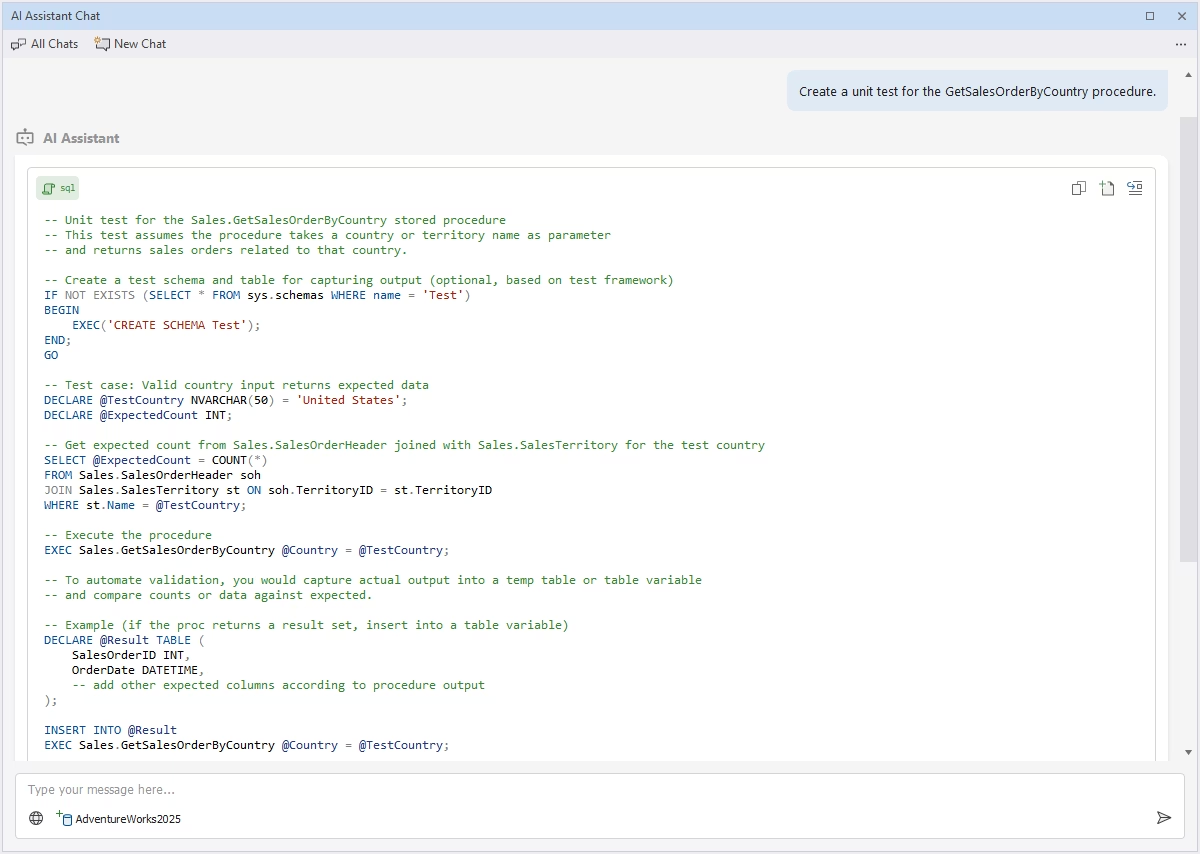
AI-assisted SQL unit testing
The AI Assistant can help you write unit tests for automated verification of the quality and consistency of database objects. Using the instructions in your prompt, it generates unit tests that you can use in your database management processes. Moreover, the Assistant provides comments explaining how the test works.
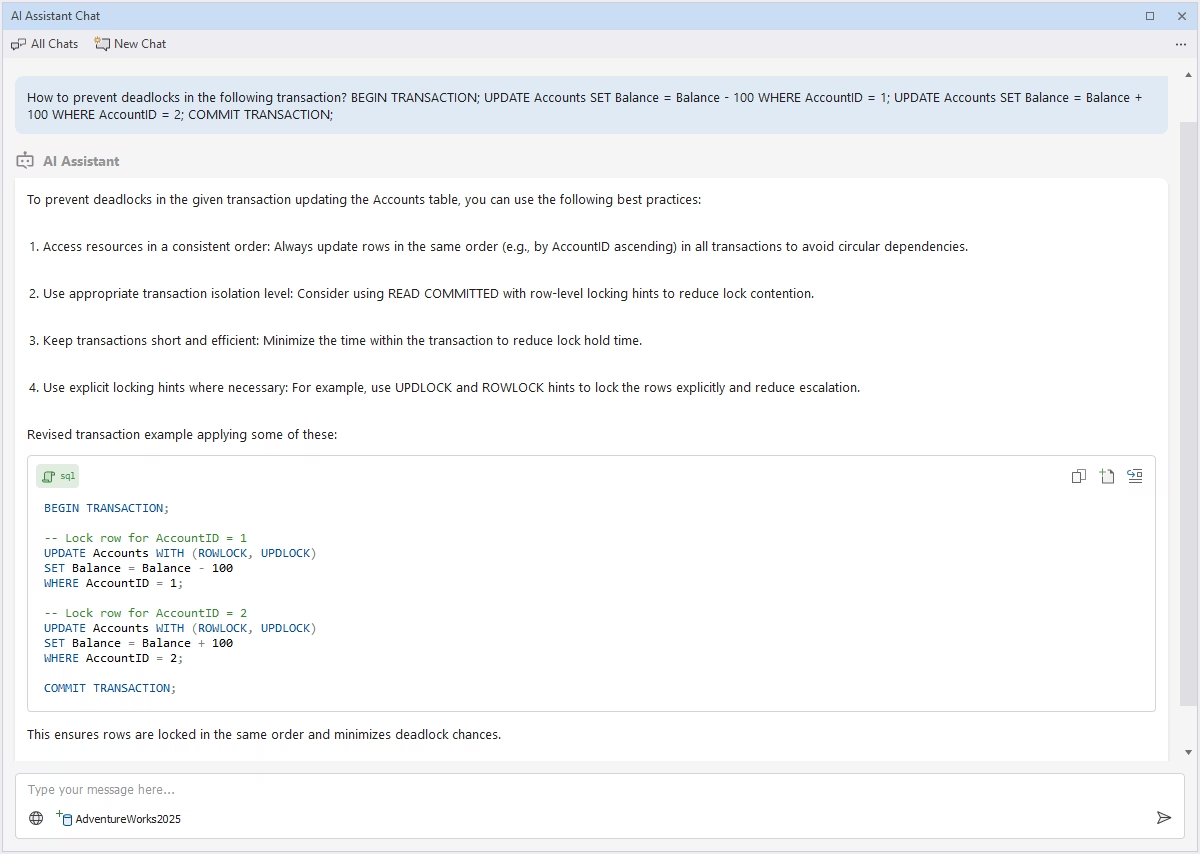
Transaction and error handling recommendations
dbForge AI Assistant can provide suggestions on the optimal management of transactions to prevent deadlocks and missed rollbacks. Just ask the Assistant to review the transaction, and it will return actionable recommendations and show how to apply them in real life.
AI-driven query snippet generation
For more efficient SQL coding, you can enhance your database with AI-generated code snippets—reusable pieces of SQL code that can be inserted from the context menu. Upon your request, the Assistant creates snippets designed to add pre-defined templates and fragments to your SQL.