Cloud-based database hosting is an extremely viable solution for modern apps. The entire management-and-maintenance thing is relegated to the hosting provider, scalability is not an issue, and you can free up lots of time to focus on actual product development.
And there you have MySQL, one of the world's most popular database management systems, with popularity driven by its open-source nature, high performance and reliability, broad integration options, and, of course, a massive community that never lets the system stagnate. MySQL is huge, and there are quite a few providers ready to deliver it to your software, fully managed, secure, and well-adjusted to your needs and resources.
In this guide, we break down the most reliable options for MySQL database hosting. Our goal is to give you a clear picture of what's currently available on the market and help you choose the right setup for your application and budget.
Introduction to MySQL hosting
Cloud hosting services are flexible and affordable. You can start with something simple and gradually switch to more advanced options as your product grows and demands a higher level of performance and security.
Now, nearly every hosting provider focuses on the same stuff: flexibility, which helps you make the most cost-effective choice for your project; scalability, which enables your product to grow without affecting end users; and responsive tech support, which is an absolute must for a top-tier market player.
Key features of top MySQL hosting providers
Let us expand a bit more on the key features that constitute the foundation of a decent MySQL Server hosting service.
Cost-effectiveness
First and foremost, you don't want to overpay. Most providers are extremely flexible in this aspect, so you can find a budget-friendly plan that does not require large upfront investments.
Performance and uptime
Any hosting provider lists performance among its key advantages. Indeed, that's their focus. As for the actual metrics—RAM, SSD storage, and so on—they depend on the selected plan, and you'll get exactly what you're paying for.
Security
Surely you want to keep your sensitive data intact, protected from unauthorized access, and that's where you get secure SSH/SSL connections, cloud firewalls, and automated backups of your databases.
Scalability
Your product is going to grow, and you need to make your upgrades invisible to end users. Managed databases offer exceptional scalability and easy adjustment of resources without significant downtime.
Reliability and availability
First, a cloud hosting provider must offer failover options to keep your databases up and running even during outages. Second, cloud infrastructures must be accessible from anywhere in the world, monitored 24/7, and always kept up-to-date without affecting your users. Third, in case anything goes wrong, you need quick access to tech support at all times.
Cheap vs. premium MySQL hosting: What's the difference?
MySQL hosting generally falls into two categories: cheap shared hosting and premium managed or dedicated hosting. Both run MySQL, but the experience, performance, and reliability differ.
Cheap MySQL hosting (shared hosting)
These plans place multiple customers on the same server, with shared resources, performance, and I/O. This approach keeps costs low but may reduce stability and consistency.
What you get:
- Low monthly cost
- Basic MySQL server access
- Simple control panel (usually cPanel)
- Limited CPU, RAM, and storage
Suitable for:
- Small websites
- Hobby projects
- Early MVPs
- Development or staging environments
Cheap MySQL hosting suits those users for whom uptime and performance are not mission-critical.
Premium MySQL hosting (managed or dedicated)
Instead of sharing a server with dozens of other users, you get dedicated or isolated resources, faster hardware, and professional support from experienced specialists.
What you get:
- Guaranteed CPU and memory
- Fast NVMe/SSD storage and better I/O
- Automatic daily backups and monitoring
- Higher uptime guarantees
- Easier scaling as your traffic grows
- Better security and isolated environments
Suitable for:
- Production applications
- SaaS products and eCommerce stores
- Workloads that must stay online
- Apps that handle sensitive or regulated data
Premium hosting is about stability. If downtime, slow queries, or sudden traffic spikes could cost you users or revenue, it's usually the safer bet.
Quick comparison table
| Feature |
Cheap MySQL hosting |
Premium MySQL hosting |
| Resources |
Shared with other users |
Dedicated or isolated |
| Performance |
Depends on server load |
Consistent and predictable |
| Backups |
Limited, often weekly |
Automated daily + recovery options |
| Scaling |
Manual plan upgrades |
Simple vertical/horizontal scaling |
| Security |
Basic protections |
Advanced security + improved isolation |
| Support |
General helpdesk |
DB-aware support teams |
| Best For |
Small projects, tests |
Production apps, business workloads |
How to choose:
- Consider cheap MySQL hosting for small, low-risk environments.
- Go for premium hosting when you need uptime, predictable performance, and long-term scalability.
If you're still unsure where to host a MySQL database, start by deciding whether your project is fine with low-cost shared hosting or it requires a more powerful and stable managed environment.
Hosting MySQL in the cloud vs. a self-managed server
Once you've chosen the type of MySQL hosting you want, the next big decision is how you want it delivered. Most teams compare two paths: hosting MySQL in the cloud or running it yourself on a VPS or dedicated server. Both approaches work well, but they come with different levels of flexibility, responsibility, and long-term cost.
What cloud hosting means
Cloud MySQL hosting gives you a fully managed environment where you get most of the operational work handled. Providers like AWS RDS, Google Cloud SQL, Azure Database for MySQL, and PlanetScale provide updates, monitoring, scaling, and backups, so you can focus on your application instead of infrastructure. Such platforms often belong to the best MySQL cloud hosting options for those requiring hands-off operations.
What you get:
- Automatic updates, patches, and backups
- Built-in monitoring and alerting
- High availability options (multi-zone replication, failover)
- Easy vertical and horizontal scaling
- Pay-as-you-go pricing
- Minimal setup time
Cloud hosting is ideal when you want reliability without managing servers yourself.
What self-managed hosting means
A self-managed MySQL server runs on a VPS or dedicated server that you configure and maintain. Providers like DigitalOcean are popular examples. You control everything: the OS, the MySQL version, resource allocation, performance tuning, and security.
What you get:
- Full control over configuration
- Ability to optimize MySQL at a deeper level
- Fixed monthly pricing
- No platform-specific limitations
- Flexibility to run additional services on the same machine
A self-managed setup is a good option for teams comfortable with server administration or applications that need custom tuning.
Cloud vs. self-managed: Key differences
| Factor |
Cloud MySQL hosting |
Self-managed MySQL (VPS/dedicated) |
| Setup Time |
Minutes, fully automated |
Manual installation and tuning |
| Maintenance |
Provider handles updates and patches |
You handle everything |
| Scaling |
One-click or automatic |
Requires manual upgrades/migration |
| Performance |
Consistent, isolated resources |
Depends on your tuning and server load |
| Pricing |
Pay only for what you use |
Lower base cost but higher admin effort |
| Control |
Limited system-level access |
Full control over OS and MySQL configuration |
| Best For |
Production apps, fast-growing startups |
Custom setups, skilled DevOps teams |
How to choose:
- Opt for the cloud hosting if you want stability, fast scaling, and less operational overhead.
- Consider a self-managed VPS or dedicated server if you need full control, predictable pricing, or deeper customization.
Both approaches are valid, the right choice depends on how much time you want to spend running servers versus building your product.
Now, let us proceed to platforms that rank among the best MySQL database hosting services based on uptime, automation, and ease of scaling.
5 Best MySQL hosting providers for 2026
Here are several most popular hosting providers that we caught sight of. All of them offer a wide range of services that go far beyond MySQL hosting.
1. Google Cloud SQL (MySQL)
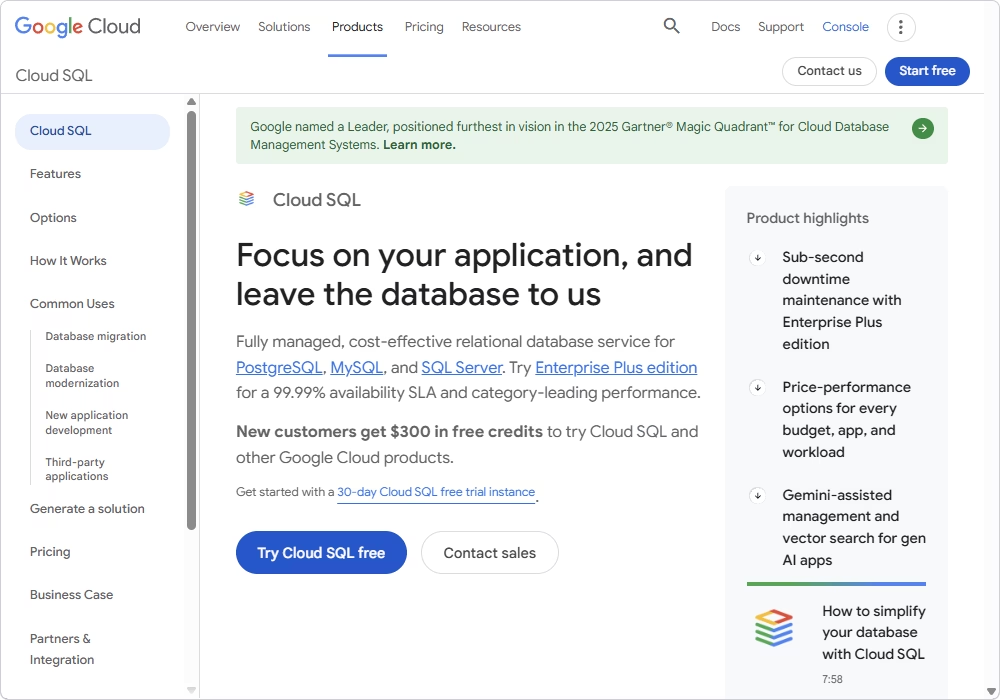
Google Cloud SQL is a fully managed MySQL hosting service built for teams that need strong uptime, automated backups, and hands-off maintenance. It handles updates, failover, replication, and scaling behind the scenes. This platform is ideal for businesses that want stable, production-grade MySQL hosting without managing servers.
Pros
- AI-powered assistance (Gemini)
- High availability with multi-zone replication
- Strong uptime SLAs suitable for enterprise workloads
- Deep integration with other Google Cloud services
- Vertical scaling (CPU and RAM)
Cons
- Higher pricing compared to VPS-based hosting
- Limited low-level server configuration
- Requires some familiarity with Google Cloud tools and navigation
Key features
- Automated daily backups and support for on-demand backups
- Creation of independent copies of an existing instance
- High Availability (HA) with automatic failover
- Data cache with local SSDs for a performance boost
- Near-zero downtime maintenance
- Automated data encryption
- Secure connections (Cloud SQL Auth Proxy, private IP through Virtual Private Cloud (VPC), SSL/TLS protocols)
- Query Insights diagnostic tool
- Integration with Google Kubernetes Engine (GKE), App Engine, and BigQuery
Price
Paid: from $0.0413 / 1 hour
Free trial: 30 days
Best for
Enterprises and teams already in Google Cloud that demand fully managed, secure, and scalable MySQL without infrastructure overhead; used for production apps requiring high availability, backups, and global scaling.
2. DigitalOcean Managed Databases (MySQL)
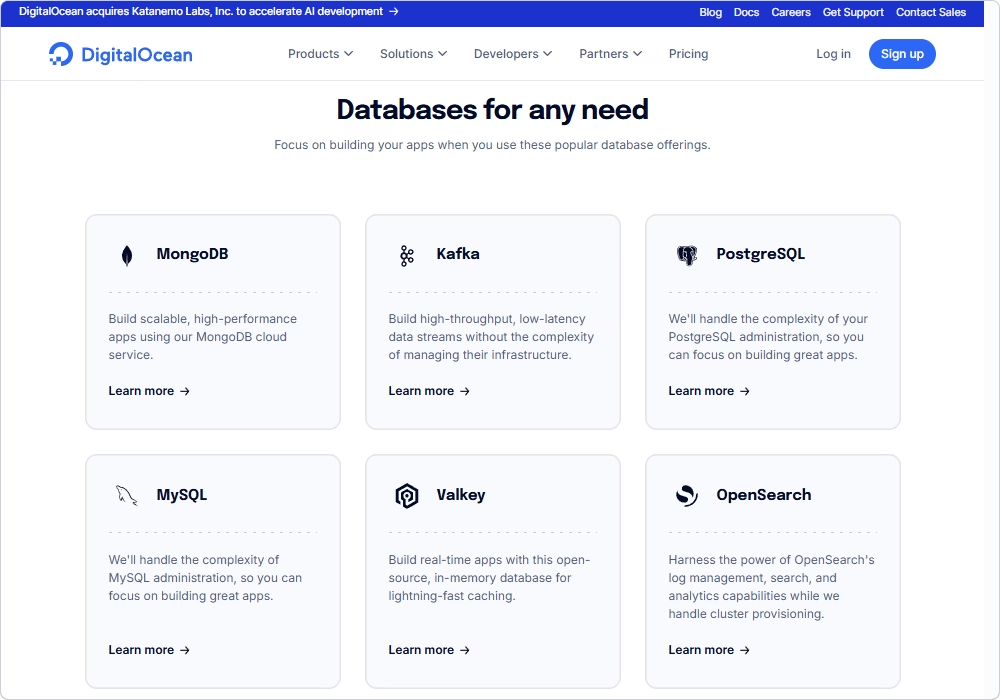
DigitalOcean Managed Databases provides a simple, developer-friendly MySQL hosting environment with predictable pricing and automated maintenance. It's a strong fit for small and mid-sized teams that want managed features without the complexity of large cloud ecosystems.
Pros
- Clean, intuitive interface for database management
- Automated updates, failover, and daily backups
- Predictable monthly pricing
- Easy to scale CPU, RAM, and disk space
- Affordability for managed hosting
Cons
- No free tier for MySQL
- Fewer enterprise-level features
- Limited to DigitalOcean's own resources
Key features
- Automated management and maintenance
- High availability and disaster recovery
- Zero-downtime scaling and storage autoscaling
- Automated daily backups with 7-day point-in-time recovery
- SSD-backed storage with read-only nodes for horizontal scaling
- Private networking (VPC), encryption at rest/in transit, and IP firewalls
- Integrated metrics dashboard (database health, query analysis, and alert functionality)
- Simple migration to DigitalOcean
Price
Paid: from $15 per month
Best for
Startups and developers who want simple, cost-predictable managed MySQL with the options of quick deployment and scaling app databases without handling maintenance.
3. PlanetScale
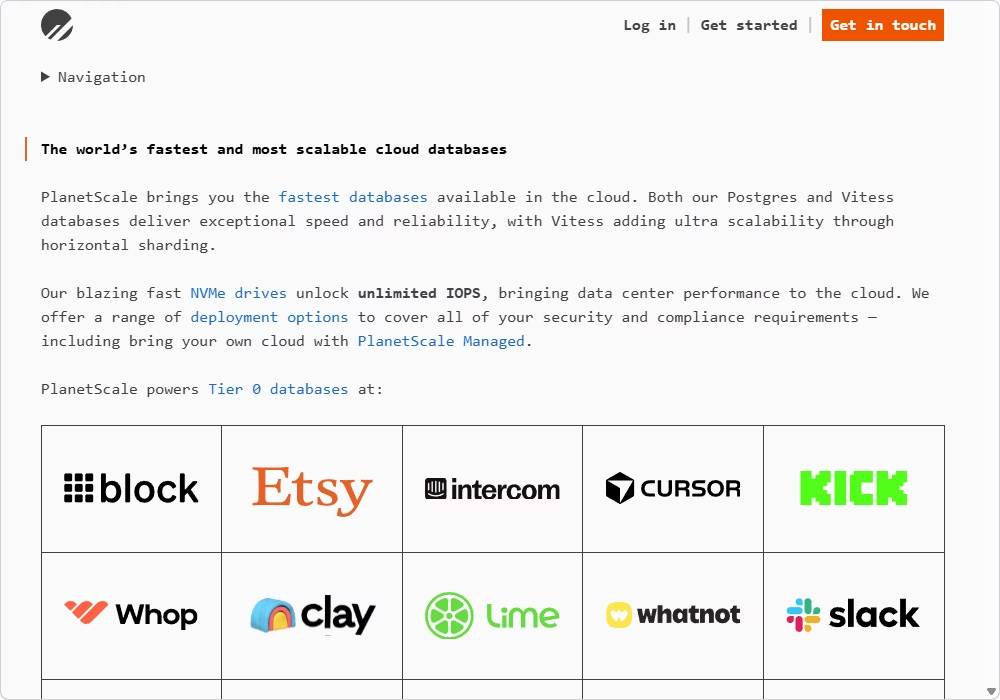
PlanetScale offers serverless MySQL built on top of Vitess, designed for modern SaaS products and applications that need to scale without downtime. It provides powerful features like schema branching, safe migrations, and global deployment options.
Pros
- Database branching (Git-like workflow)
- Automated scaling CPU and RAM
- Global distribution options with high availability
Cons
- No "root access" or low-level server controls
- Pricing can increase quickly as scale and usage grow
Key features
- Non-blocking online schema changes
- Horizontal sharding powered by Vitess
- Support for deploy requests (schema changes)
- Rollback schema changes
- Data branching (a full replica of production data for testing and debugging)
- High Availability and reliability with automatic failover
- Built-in connection management (connection pooling)
- Query insights and performance monitoring
Price
Paid: from $39/month (Base MySQL, 3 nodes)
Best for
High-growth tech companies and teams that need extreme scalability for large-scale applications with heavy traffic and sharded MySQL workloads.
4. Aiven for MySQL
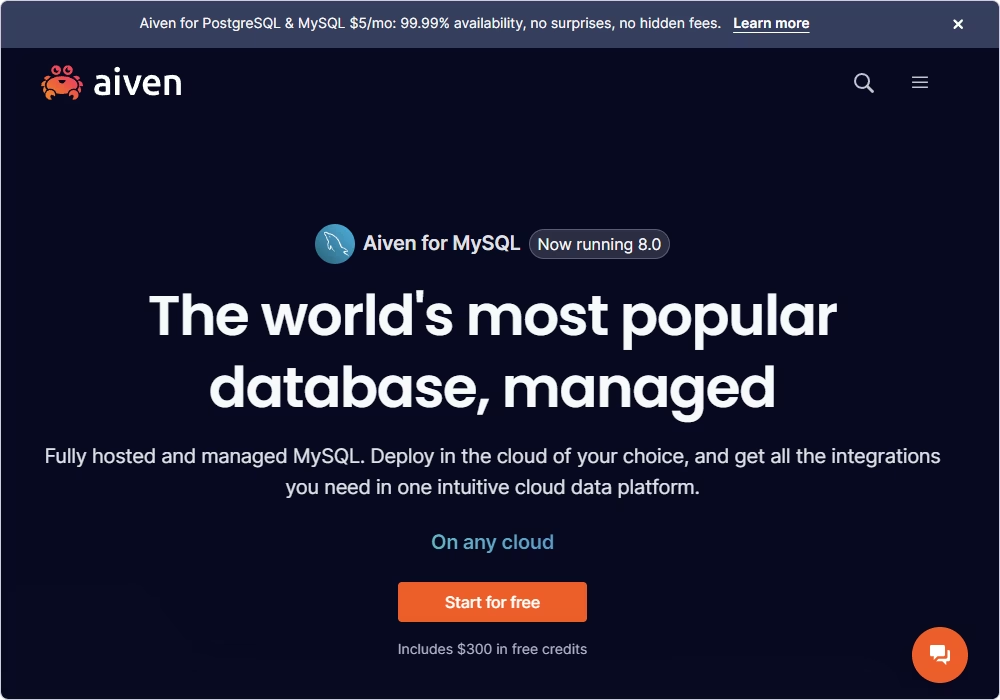
Aiven brings a managed MySQL service that runs on your chosen cloud (AWS, Azure, Google Cloud, etc.). It's ideal for teams that want flexibility, strong automation, and consistent tooling across multiple environments.
Pros
- Multi-cloud support and management tools
- Automated backups, updates, and fault-tolerant storage
- Integrated observability (metrics, logs, dashboards)
- High security, including encryption and access control
- Easily scalable plans for growing workloads
Cons
- More expensive than unmanaged VPS hosting
- Complexity increases for teams new to multi-cloud setups
- Some advanced features require higher-tier plans
Key features
- Point-in-time recovery (up to 30 days, depending on the plan)
- AI-driven database optimizer
- Automated detection and repair of node failures
- High Availability (HA) clusters
- Global read replicas
- Auto-tuning of memory settings
- Enterprise security (encryption at rest and in transit (SSL/TLS), VPC peering, and AWS PrivateLink)
- Access control through IP and integration with identity providers via SAML or SCIM
- DevOps-friendly tools (the Aiven API, CLI, or Terraform Provider)
Price
Free: limited functionality
Paid: from $5/month ($0.01/hour)
Free trial: 30 days ($300 credit)
Best for
Teams and businesses that want multi-cloud managed databases and mostly run MySQL alongside other data services with centralized operations and flexibility.
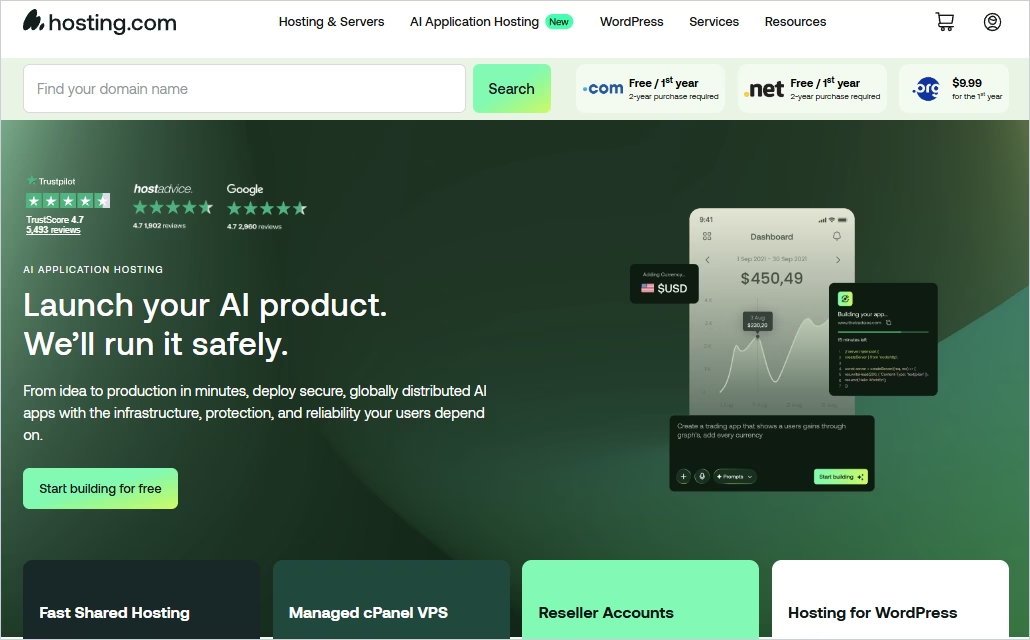
5. Hosting.com MySQL hosting
Hosting.com is often considered among the best MySQL web hosting options, offering cPanel-style environments. It's designed for businesses that run CMS-driven websites or small applications and want a familiar interface with straightforward pricing.
Pros
- Easy cPanel access for managing MySQL databases
- Affordable entry-level pricing for small businesses
- 10 global data center locations
- Simple infrastructure suitable for CMS platforms
- Good for users seeking everything in one account
- 30-day money-back guarantee
Cons
- Limited scalability compared to cloud-native platforms
- Performance depends on shared server conditions
- Not ideal for high-traffic or resource-intensive applications
Key features
- High-performance hardware (using advanced AMD EPYC CPUs and Samsung NVMe storage)
- Server-level optimization (LiteSpeed Web Server technology and smart resource management)
- Control panel integration
- Integrated Softaculous for instant deployment of MySQL-dependent applications like WordPress, Joomla, and Magento
- Integrated protection (DDoS protection, brute force defense, and malware scanning)
- Free SSL certificates
- Automated daily or weekly backups stored off-server
- Expert support (in-house technical teams)
- Free managed migration of existing databases from other hosts
Price
Paid: from $3.99/month
Best for
Small businesses and website owners who require basic MySQL hosting bundled with web hosting plans for standard websites and CMS platforms.
How to choose the best MySQL hosting provider for your needs
The first step is usually to get a provider that fits well into your budget and delivers the exact capabilities your project requires. As you compare options, remember that the best MySQL hosting service is the one that balances cost, performance, and long-term scalability for your specific workload.
In the long run, you will need space to grow, but there won't be any trouble with that. Our final recommendation is to get firsthand experience with a free trial whenever the provider offers one.
Benefits of using dbForge Studio for MySQL with cloud hosting
You got yourself a cloud-based MySQL instance, but where do you go next? You'll need a tool that will help you create, modify, and manage your databases, work with your data, perform routine database administration, and so on.
If so, you might try dbForge Studio for MySQL, a multifeatured integrated environment. The Studio offers broad compatibility options, working perfectly with both cloud and on-premises databases, in MySQL or MariaDB.
A clean, intuitive user interface and a slew of features make dbForge Studio one of the top MySQL management tools that efficiently help you in daily work with databases. The following features are at your service:
- An integrated dbForge AI Assistant with SQL query generation, analysis, troubleshooting, and optimization
- Context-aware SQL code completion, formatting, and debugging
- Source control integration with support for all major version control systems
- Comparison and synchronization of database schemas and table data
- Data import and export with 14 most popular formats
- Database design on ER diagrams
- Database refactoring
- Visual construction of SQL queries that involves no coding
- Data aggregation, analysis, and reporting
- Generation of column-intelligent test data
- Creation of searchable database documentation
- Database backup and recovery
- User and session management, service control, and table maintenance
dbForge Studio for MySQL
A powerful, all-in-one IDE for MySQL and MariaDB professionals that helps design, develop, manage, and optimize databases faster and with confidence.
Just like we recommended getting some firsthand experience with cloud hosting providers, we recommend starting with dbForge Studio by downloading it for a free 30-day trial. This way, you can get acquainted with all of its features, evaluate its performance, and see how it makes your routine operations with databases a breeze.
FAQ
What's the difference between managed and unmanaged MySQL hosting?
Managed MySQL hosting means the provider handles updates, backups, monitoring, uptime, and security patches for you. It's a hands-off experience designed for production workloads. Unmanaged hosting gives you full control but also full responsibility: you install MySQL, configure the server, handle backups, tune performance, and secure everything yourself. It's usually cheaper but requires technical expertise.
How do I migrate my existing MySQL database to a new hosting provider?
Most migrations follow these steps:
- Export your database using mysqldump or your host's backup tool.
- Create a new database on the new provider.
- Import the SQL file into the new environment.
- Update your application's database connection settings.
However, if you'd rather not handle the process yourself, many managed hosting providers offer assisted or fully automated migrations. It's often the quickest way to move your database without downtime or data loss.
Is cheap MySQL hosting reliable enough for production databases?
For small websites or low-traffic apps, yes: cheap hosting can be reliable enough. However, for anything mission-critical, customer-facing, or revenue-generating, it's risky. Cheap plans share resources with many other users, so performance can vary and backups or uptime guarantees are limited. Production databases usually benefit from managed or premium hosting.
Can I host MySQL databases for free? If yes, what are the limitations?
Yes, some providers offer free tiers, but they usually come with:
- Small storage limits
- Low CPU/RAM
- Restricted performance
- No guaranteed uptime
- Limited support
- No backups
Free tiers are fine for learning and experimenting, but not for production workloads.
Which provider offers the best MySQL hosting for small businesses or startups?
DigitalOcean is a strong fit for small businesses that want simple, predictable pricing. PlanetScale works best for SaaS teams and apps that expect fast growth. For basic CMS websites, shared hosts like Hosting.com are fine, but managed platforms scale better as your needs increase.
What's the difference between cloud-based MySQL hosting and on-premises servers?
Cloud-based hosting runs MySQL on platforms like AWS, Google Cloud, Azure, or PlanetScale. You get automated backups, easy scaling, and high availability without managing hardware. On-premises hosting means MySQL runs on servers you own and maintain. It gives full control but also full responsibility for hardware, networking, maintenance, and uptime.
How can I ensure my MySQL database remains secure on a hosting provider?
Security depends on good practices and choosing the right host. To keep your database safe, implement the following measures:
- Use strong passwords and rotate them regularly
- Enable SSL connections
- Restrict access by IP when possible
- Keep MySQL versions updated
- Use automated backups
- Monitor logs for suspicious activity
Most managed providers include these protections by default, reducing the security workload on your side.
 Google Cloud SQL
 DigitalOcean Managed Databases
 PlanetScale
 Aiven for MySQL
 Hosting.com MySQL Hosting


