Universal Database Tool: SQL IDEs for Multiple Databases

Covering all aspects of work with multiple database systems requires a consistent toolset that can be hard and costly to assemble. But what if we told you there's a single solution for it all, spanning across Microsoft SQL Server, MySQL, MariaDB, Oracle, PostgreSQL, and a number of related cloud databases and services? Enter dbForge Edge—it will make your work twice as effective from day one.

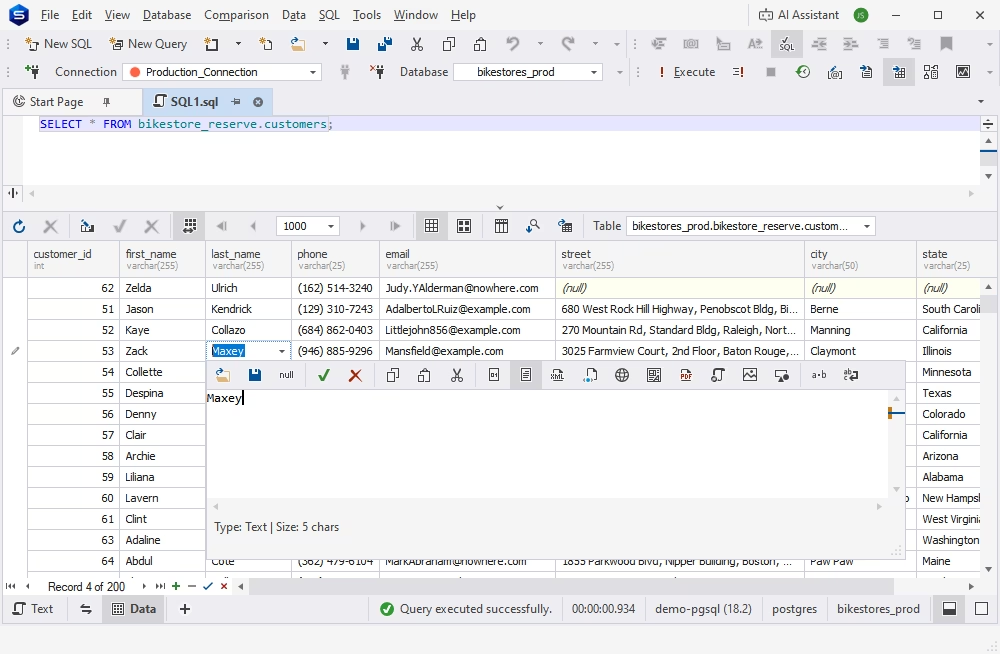
  • SQL development
  • Database design
  • Data management
  • Database operations
  • Database administration
  • Data analysis & reporting
  • Automation
  • Version control

Work with a rich variety of databases and cloud services

dbForge Edge is your universal database manager, fully compatible with the following database management systems and cloud services, allowing you to connect and start working within minutes.

Microsoft SQL Server Microsoft SQL Server
MySQL MySQL
MariaDB MariaDB
Oracle Database Oracle Database
PostgreSQL PostgreSQL
Galera Cluster Galera Cluster
Percona Percona
Greenplum DB Greenplum DB
Supabase Supabase
Google Cloud Platform Google Cloud Platform
Microsoft Azure SQL Microsoft Azure SQL
Heroku Heroku
Oracle Cloud Oracle Cloud
Amazon Redshift Amazon Redshift
Amazon RDS Amazon RDS
Amazon Aurora Amazon Aurora
TimescaleDB TimescaleDB
Alibaba Cloud Alibaba Cloud

AlloyDB AlloyDB
Tencent Cloud Tencent Cloud
YugabyteDB YugabyteDB
Aiven Cloud Aiven Cloud
Neon.tech Neon.tech
IBM Cloud for PostgreSQL IBM Cloud for PostgreSQL
Microsoft SQL Server Microsoft SQL Server
MySQL MySQL
MariaDB MariaDB
Oracle Database Oracle Database
PostgreSQL PostgreSQL
Galera Cluster Galera Cluster
Percona Percona
Greenplum DB Greenplum DB
Supabase Supabase
Google Cloud Platform Google Cloud Platform
Microsoft Azure SQL Microsoft Azure SQL
Heroku Heroku
Oracle Cloud Oracle Cloud
Amazon Redshift Amazon Redshift
Amazon RDS Amazon RDS
Amazon Aurora Amazon Aurora
TimescaleDB TimescaleDB
Alibaba Cloud Alibaba Cloud
AlloyDB AlloyDB
Tencent Cloud Tencent Cloud
YugabyteDB YugabyteDB
Aiven Cloud Aiven Cloud
Neon.tech Neon.tech
IBM Cloud for PostgreSQL IBM Cloud for PostgreSQL
Key features of dbForge Edge

SQL development
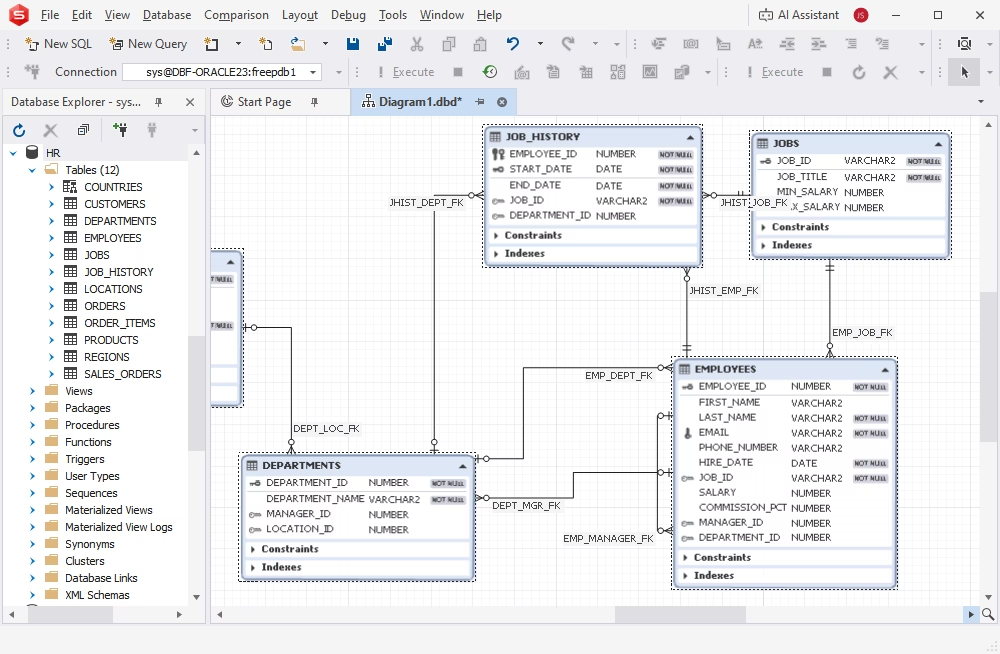
Database design
Data management
Database management and operations
Database administration
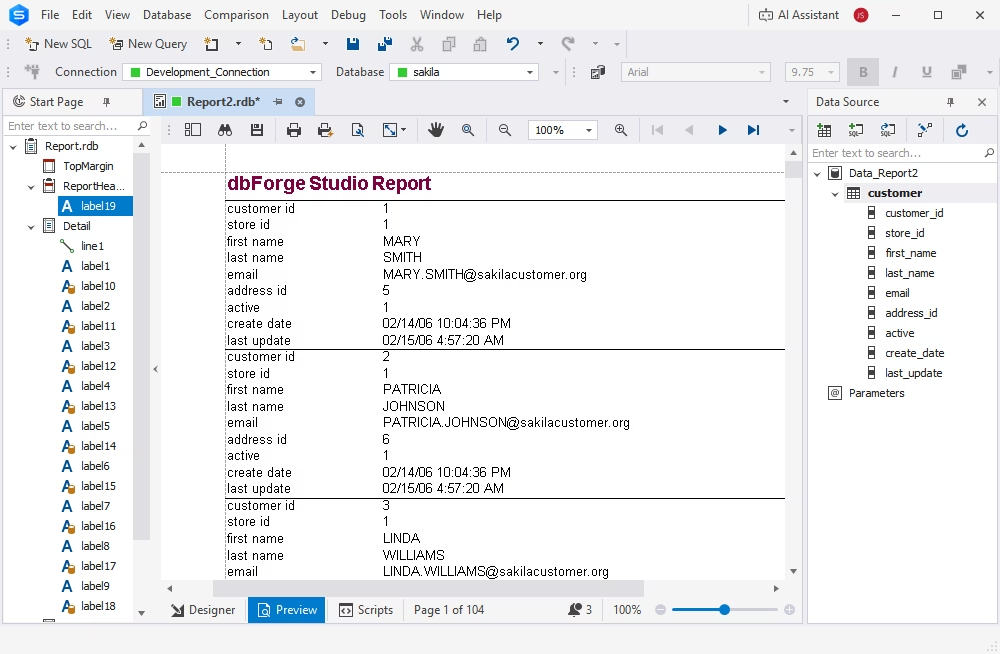
Data analysis and reporting
Automation

What's included in dbForge Edge?

dbForge Studio for SQL Server

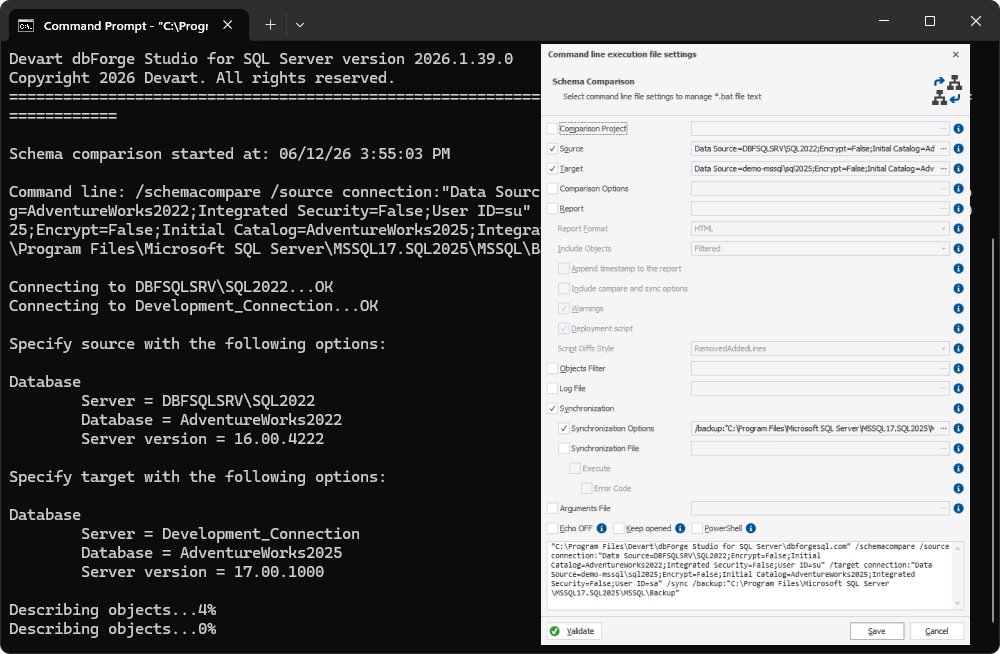
dbForge Studio for SQL Server belongs to the most powerful SQL Server tools. It is an IDE that covers nearly every task related to database development, management, administration, test data generation, data analysis and reporting, comparison and synchronization of database schemas and table data, as well as DevOps integration.

dbForge Studio for MySQL

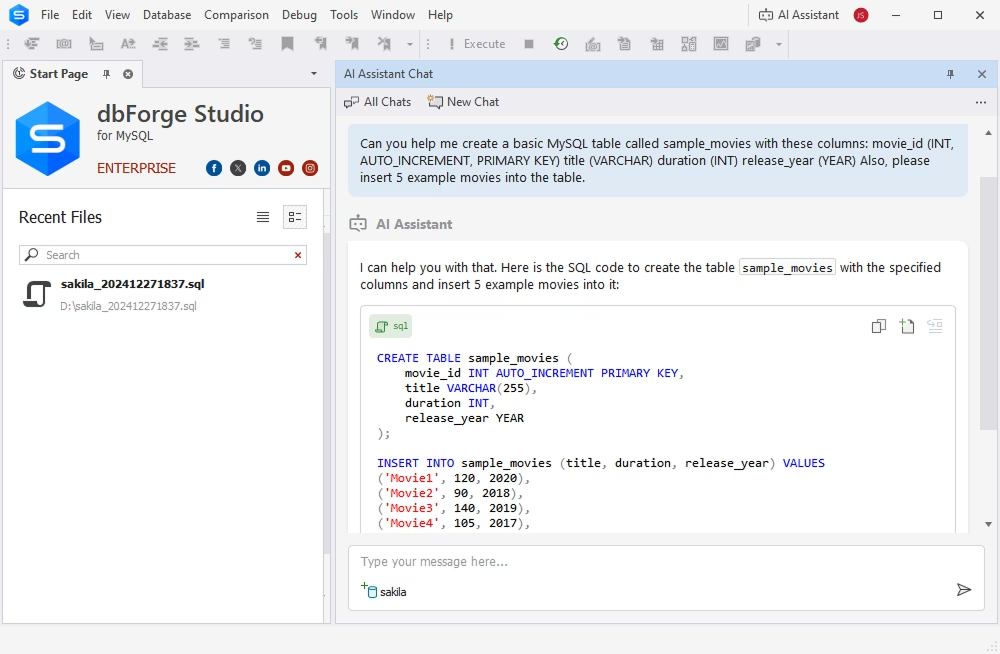
dbForge Studio for MySQL is an all-in-one IDE that simplifies every database-related task, whether it's database design, development, testing, deployment, or even data analysis and reporting. Being one of the top MySQL tools on the market, the Studio offers everything to make your work with MySQL and MariaDB easy and comfortable.

dbForge Studio for Oracle

This Studio is a multi-featured Oracle IDE that accelerates PL/SQL coding with advanced editing and debugging, supports visual query building, and offers tools for migrating in-database and external data. You can also compare and synchronize database schemas and table data across Oracle servers and administer databases with advanced features.

dbForge Studio for PostgreSQL

Similarly to other Studios, this PostgreSQL IDE expedites your routine SQL coding with autocompletion, formatting, and syntax validation. It also allows you to build queries visually, compare and synchronize database schemas and table data, populate your databases with realistic test data, perform data analysis, and create compelling reports based on your findings.

Trusted by thousands of data-driven companies
Assurant
Bristol Myers Squibb
Blackstone
Cardinal Health
Cisco
DXC Technology
Emerson
Expedia Group
Labcorp
Devart products are trusted by leading companies worldwide
Assurant Bristol Myers Squibb Blackstone Cardinal Health Cisco DXC Technology Emerson Expedia Labcorp

Pricing

dbForge Edge: Your ultimate
all-in-one multidatabase solution

  • dbForge Studio for SQL Server
  • dbForge Studio for MySQL
  • dbForge Studio for Oracle
  • dbForge Studio for PostgreSQL

Enterprise

Starts from
$749.95
per year
Buy now
Get started with dbForge Edge at no cost

Get started with dbForge Edge at no cost

Want some firsthand experience? Download dbForge Edge for a free 30-day trial and see all of its features and capabilities in action today!

Ready to get started?

Get started with dbForge Edge at no cost

Get started with dbForge Edge at no cost

Download dbForge Edge for a FREE, fully functional 30-day trial and see all of its features and capabilities in action today!

Buy multiple licenses with a substantial discount

Buy multiple licenses with a substantial discount

For your convenience, we provide you with flexible purchase options. When purchasing multiple licenses, you get a bulk discount.

Need a hand?

Need a hand?

If you need any help or have questions about our tools or purchase options, feel free to get in touch with us. Our response won't keep you waiting.

Frequently asked questions

Is dbForge Edge a universal database tool?

dbForge Edge is more of a solution or a toolset comprising 4 universal database clients called Studios, which allow developing and managing a vast number of database systems and cloud services.

Does dbForge Edge support SQL Server, MySQL, MariaDB, Oracle, and PostgreSQL in one solution?

Yes. These are the key database systems supported by dbForge Edge; however, the solution is compatible with an extensive number of other systems and cloud services.

What other databases are supported by dbForge Edge?

There are more than 30 databases and services supported by dbForge Edge. For further information, you may want to check the full list.

Does dbForge Edge include GUI tools for SQL development and database design?

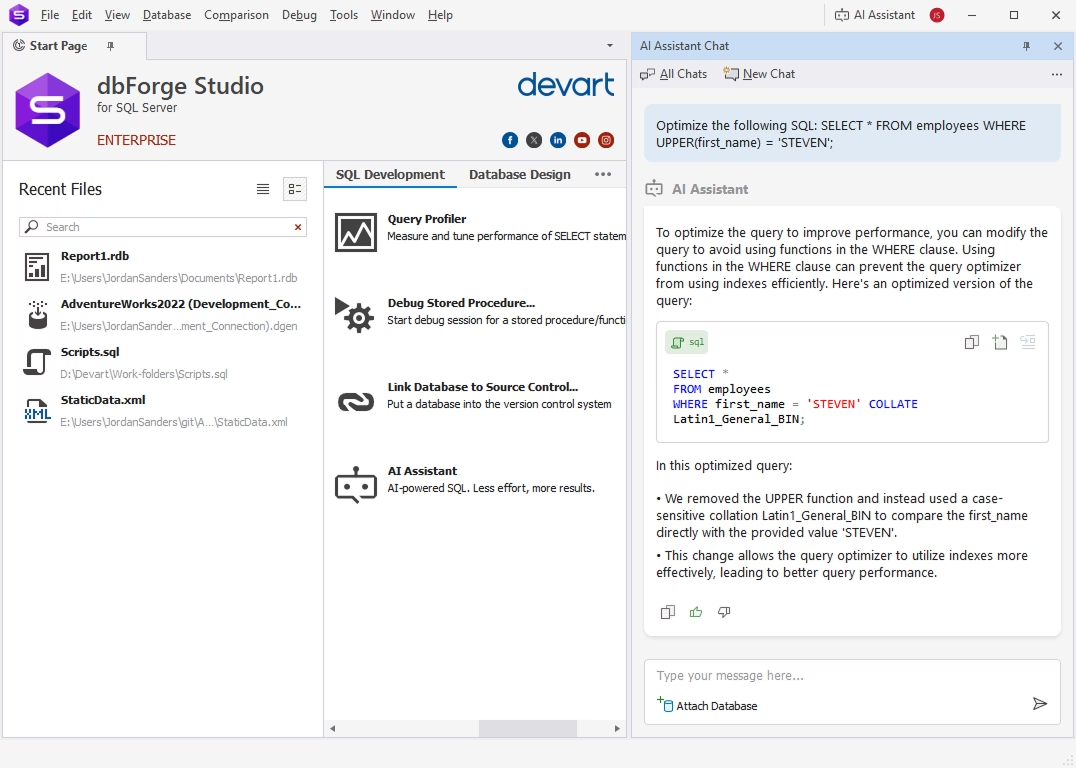
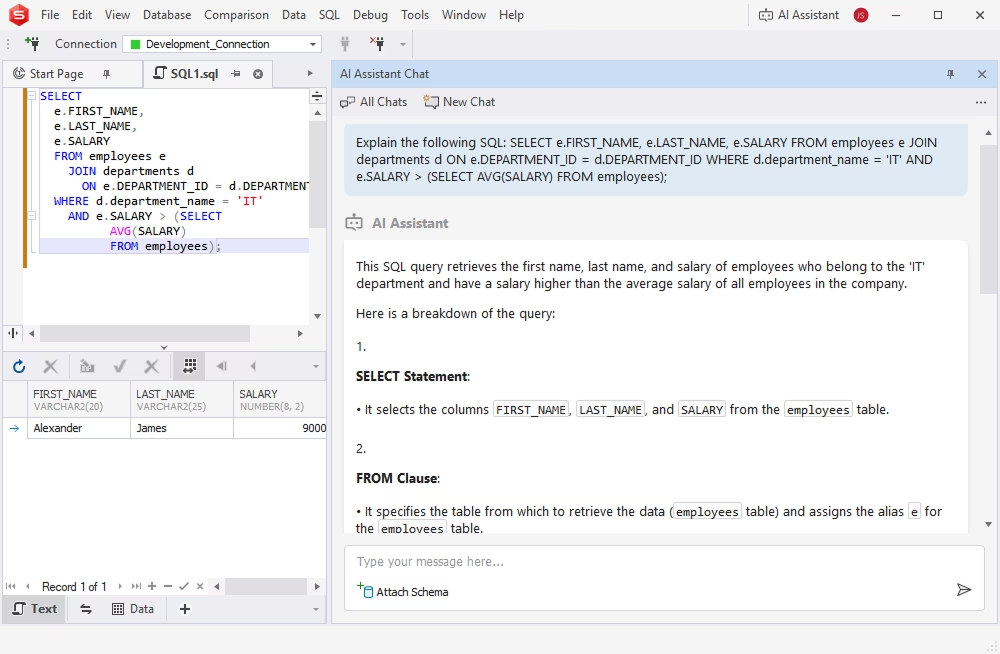
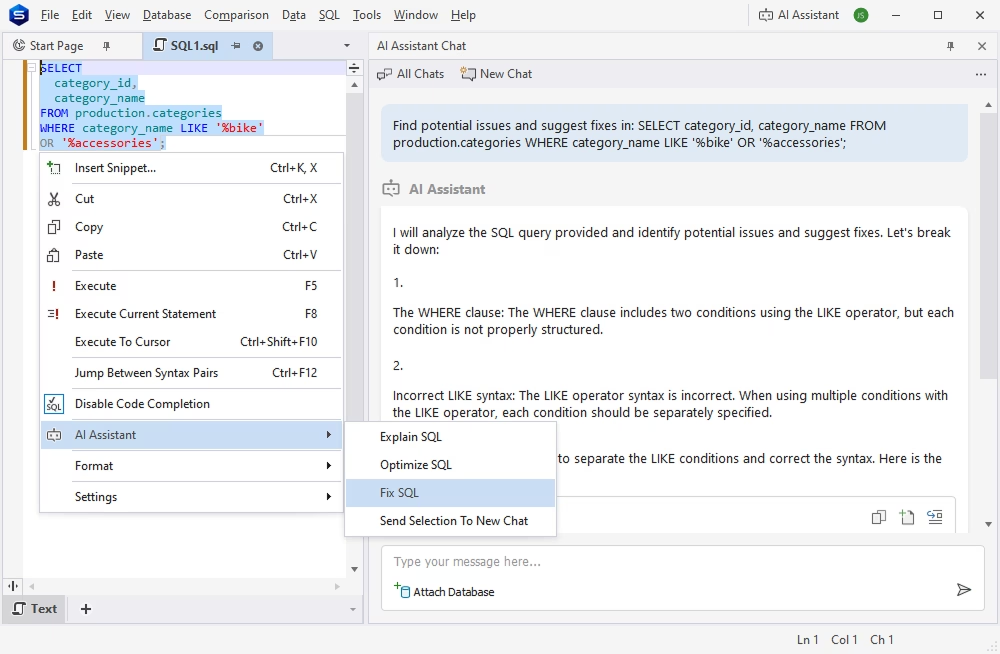
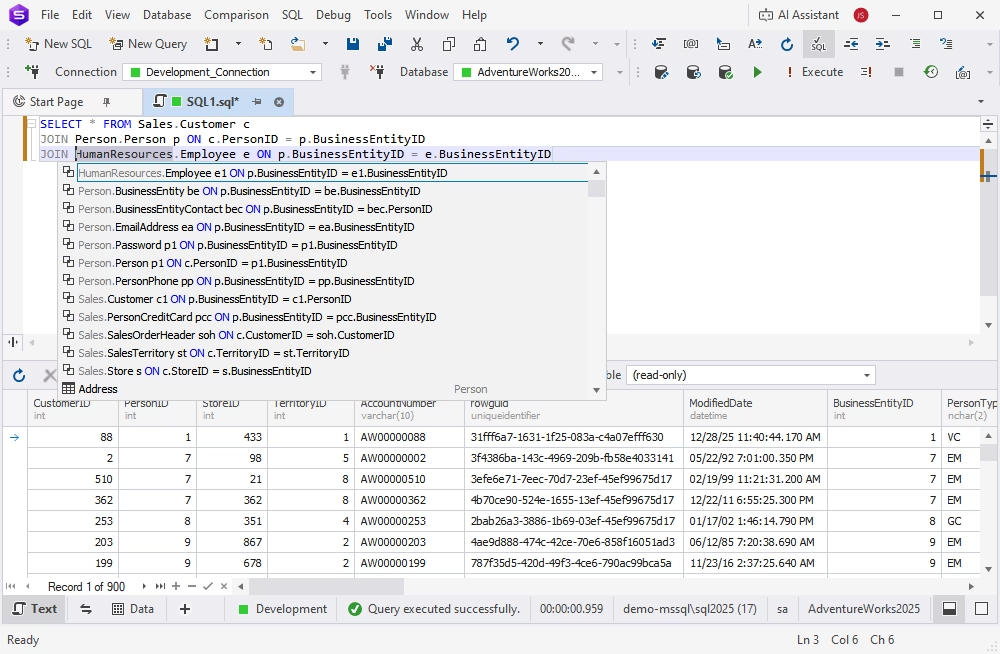
Of course! SQL development tools comprise a powerful SQL Editor with code completion, formatting, refactoring, and debugging. Additionally, you can use the integrated dbForge AI Assistant to generate, fix, and optimize queries instantly. When it comes to database design, dbForge Edge offers convenient visual tools that allow building and modifying databases on ER diagrams.

Does dbForge Edge include a visual SQL editor and query builder?

dbForge Edge delivers a visual Query Builder that allows constructing queries of any complexity on diagrams without any manual coding whatsoever. You can also convert these diagrams to SQL code automatically and run them against the required databases.

Can dbForge Edge generate, explain, and optimize SQL with AI?

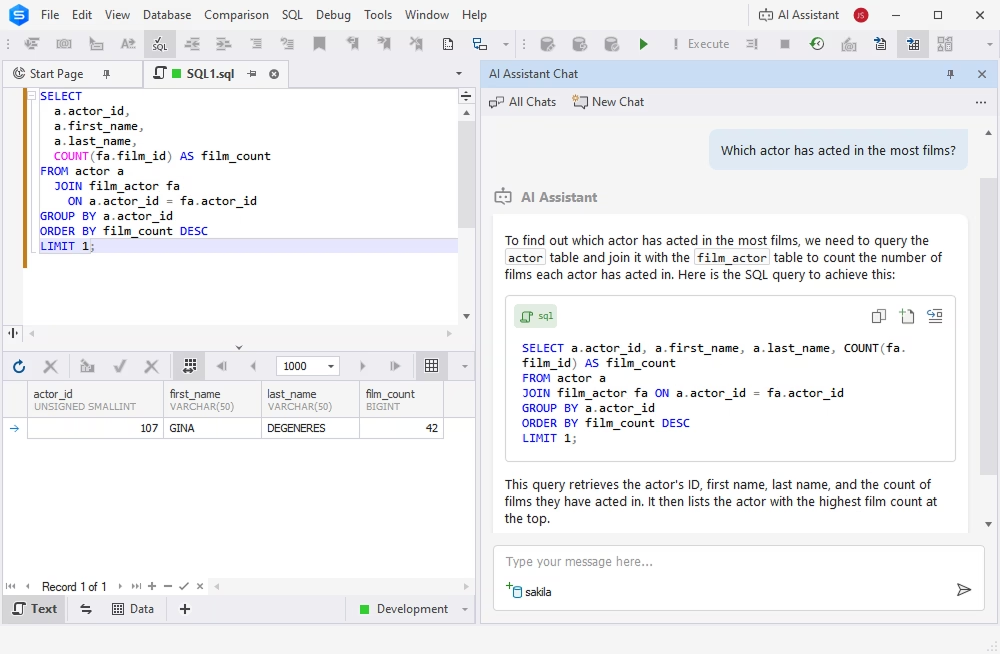
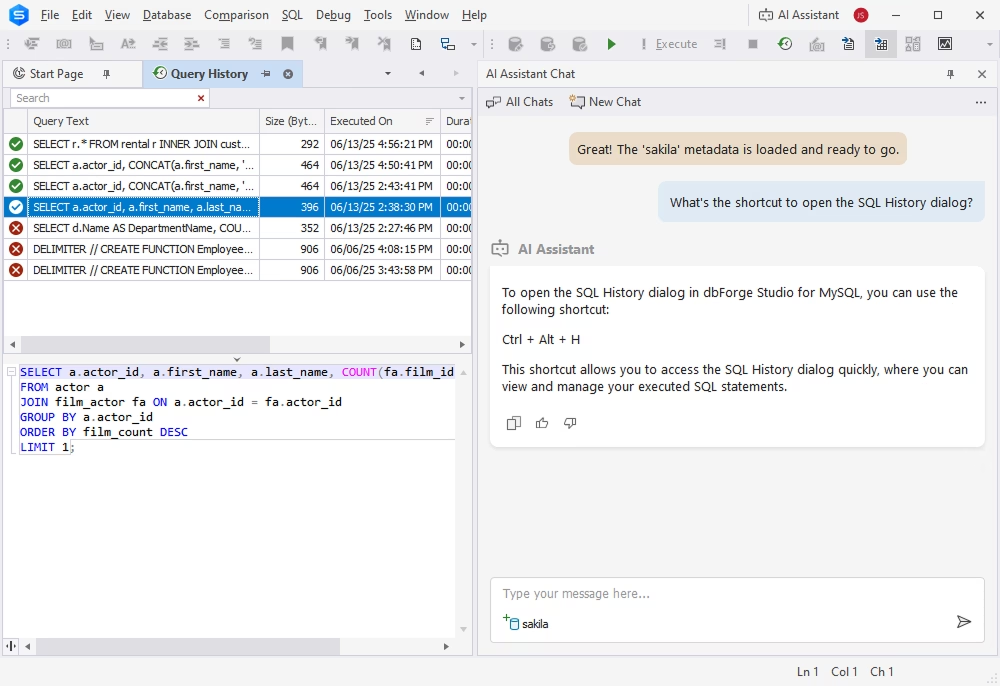
Yes! Most dbForge products offer an integrated dbForge AI Assistant, a smart copilot that generates, explains, optimizes, and troubleshoots SQL code. It also guides you on dbForge products and generally answers database- and SQL-related questions in a matter of moments.

Does dbForge Edge support schema comparison and synchronization?

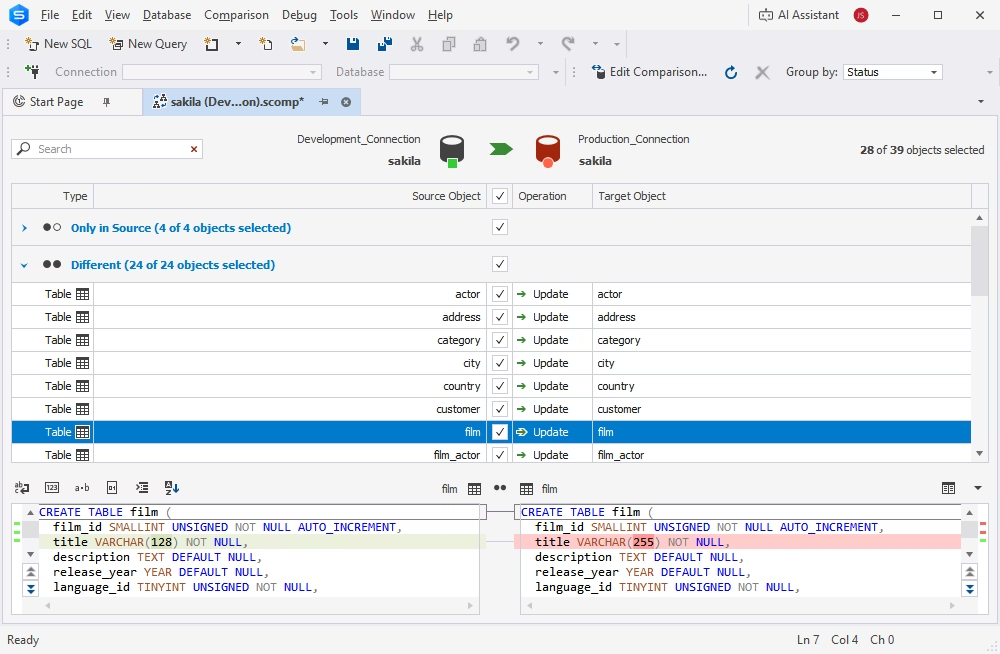
Yes. The integrated Schema Compare functionality works with all supported databases. It helps you detect differences between database schemas and synchronize and deploy changes across platforms (on-premises and cloud). You can also automate comparison and synchronization tasks.

Can dbForge Edge help with database administration and migration?

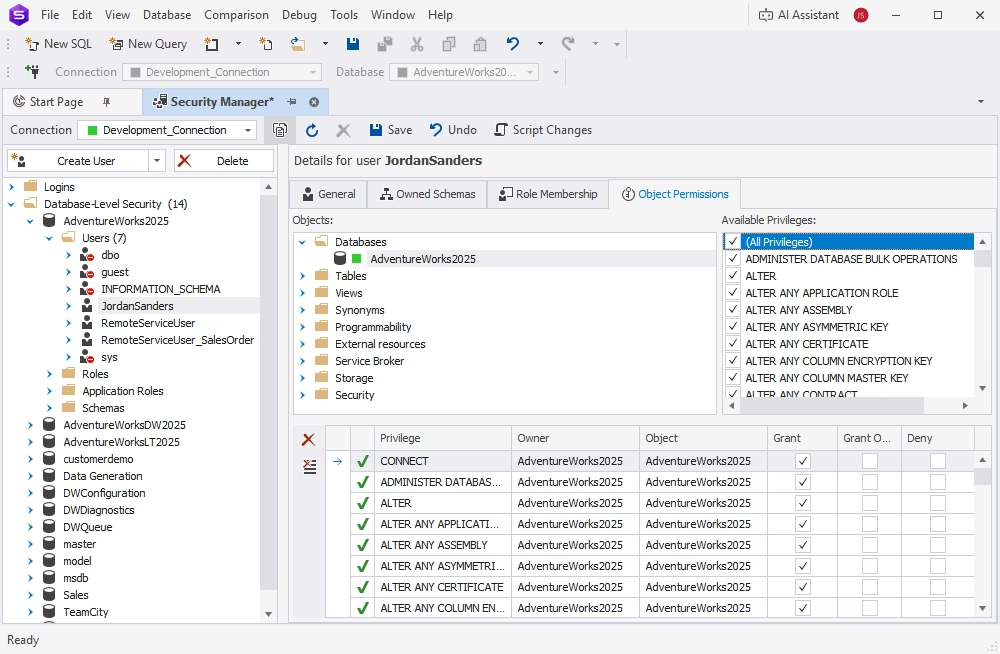
Yes. dbForge Edge offers a slew of database administration tools that include user and privilege management, server monitoring, automated backup and recovery, quick migration, and much more.

Is dbForge Edge suitable for both developers and data analysts?

Yes. dbForge Edge offers features that cater to the needs of both developers and analysts, making it a comprehensive solution for all database-related tasks.

Can I create ER diagrams and visualize my database structures in dbForge Edge?

Yes. The Database Designer feature enables you to create databases and objects from scratch using ER diagrams, perform reverse engineering to analyze existing databases, and visually edit database structures. Detailed documentation and tutorials are available to help you get started.

Why teams choose dbForge Edge as a universal database solution?

Both teams and individuals tend to choose one universal database solution instead of using separate SQL editors, GUI tools, administration tools, comparison tools, and viewers. That's where dbForge Edge comes in handy. It consists of four consistently designed and feature-rich IDEs that help work across multiple databases and services with minimum effort. The collaboration and automation features of dbForge Edge make it even more valuable for teams and enterprise-level operations.

What makes dbForge Edge different from other similar solutions?

Let's recap: dbForge Edge is a comprehensive, all-in-one multidatabase management solution that supports all major relational databases. It combines tools for development, management, analysis, and administration in a single platform. The key differentiators include broader functionality than most competitors, flexible pricing for individuals and teams, professional support, and a new feature: a built-in AI Assistant to help you write high-quality SQL, even if you are a beginner. Currently, dbForge Edge is among the most powerful and user-friendly solutions on the market.