ODBC Driver for SQL Server

Devart ODBC Driver for SQL Server is a high-performance, enterprise-grade SQL Server ODBC driver—one of the best SQL Server ODBC connectors for accessing SQL Server databases from ODBC-compliant reporting, analytics, BI, and ETL tools on 32-bit and 64-bit Windows, macOS, and Linux. It always keeps up with the latest SQL Server versions, up to SQL Server 2022. Our driver fully supports standard ODBC API functions and data types and enables easy and secure access to live SQL Server data from anywhere.

  • Verified compatibility with multiple BI and ETL tools
  • Simple installation on several computers
  • Easy access to live data from anywhere
  • Fast data transmission
How ODBC Driver for SQL Server works

High-speed direct connection

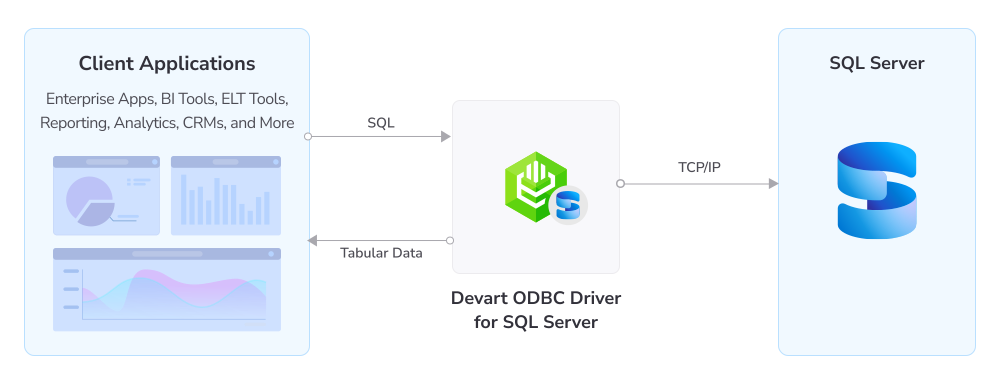
Our Driver allows various ODBC-aware applications to establish a direct connection to SQL Server via TCP/IP without the SQL Server Client. Direct connection accelerates data transmission between an external application and SQL Server for real-time analytics and facilitates the deployment process, since there is no need to distribute any additional client software.

The Driver supports the following SQL Server versions:
  • SQL Server: 2022, 2019, 2017, 2016, 2014, 2012, 2008 R2, 2008, 2005, 2000
  • Express editions of 2022-2005 and MSDE for 2000

Features

Secure SQL Server connections with SSL/TLS encryption and SSH tunneling

Secure connections

Your data is protected with enterprise-grade encryption, SSL/TLS, and SSH tunneling for all connections to SQL Server, with a choice of SQL Server or Windows authentication.

Access to SQL Server schemas, tables, views, stored procedures, and metadata

Flexible access

With the ODBC Driver, you can efficiently access all SQL Server database objects, including schemas, tables, views, stored procedures, and metadata.

Compatibility with SQL Server versions 2000–2022, Express editions, and MSDE

SQL Server compatibility

The ODBC Driver supports all major SQL Server versions from 2000 through 2022, including the corresponding Express editions and MSDE.

High performance through local data caching, connection pooling, and query optimization

High performance

Our ODBC Driver for SQL Server ensures superior performance through local data caching, connection pooling, and other query optimization techniques.

Clientless direct connection to SQL Server over TCP/IP without vendor libraries

Clientless connectivity

The Driver connects directly to SQL Server via TCP/IP without the SQL Server Client or any vendor libraries.

Bulk updates that batch SQL statements to modify large data volumes efficiently

Bulk updates

You can modify large amounts of data efficiently with bulk updates, combining SQL statements into batches.

Full ODBC conformance for interface, functions, and data types across all platforms

ODBC conformance

The Driver fully supports the ODBC interface, functions, and data types across all platforms.

Advanced bidirectional data type mapping between SQL Server and ODBC

Advanced data conversion

The Driver provides advanced bidirectional mapping between SQL Server and ODBC data types.

Pricing

ODBC Driver for SQL Server

Starts from

$179.95
per year
Try the Driver

Key features:

  • Compliance with ODBC 3.52
  • Direct connection to the data source without client software
  • Full compliance with ODBC API and data types
  • Support for multiple development platforms
  • Instant access to real-time data
  • Priority support

ODBC Drivers Universal Bundle

Starts from

$499.95
per year
Try the Universal Bundle

Key features:

  • Support for all 92 ODBC Drivers
  • Easy access to live data from anywhere
  • Full support for standard ODBC API functions and data types
  • No need for database client libraries
  • Support for ODBC-compliant reporting, analytics, BI, and ETL tools
  • Secure connections via SSL, SSH, and HTTPS tunneling

Verified compatibility with 200+ tools

Devart ODBC Drivers are verified to be compatible with leading analytics and reporting tools, various IDEs and programming languages. Get fast and secure access to your data in any application using our ODBC Drivers!

Roles

People working at their computers in an office

Managers and analysts

Access, analyze, and report on data from SQL Server databases via ODBC using familiar BI, analytics, and reporting tools. Efficiently connect to your data sources, execute queries, and benefit from data-powered insights in an intuitive environment.

IT & data teams

Configure connections, control access, monitor performance, and ensure stable data exchange between SQL Server and your internal systems or third-party platforms.

Developers

Rely on real-time SQL Server data accessible via a consistent ODBC interface to build and deploy applications in SQL, C++, Python, .NET, and other languages.

ODBC Universal Bundle

Get high-performance ODBC Drivers for 92 databases and cloud services in a single Universal Bundle with a 95% discount

Ready to get started?

Try the ODBC Driver for SQL Server for free

Get a free trial now

You can download our ODBC Driver for a free trial. It is a great way to see the Driver in action with no hurry.

Enjoy bulk discounts

Enjoy bulk discounts

We offer flexible options to meet your budget in the optimal way. You can get bulk discounts for multiple purchases.

Need a hand?

Need a hand?

If you need any help or have questions about our connectivity solutions or purchasing options, feel free to get in touch.

FAQ

How do I install the ODBC Driver for SQL Server?

Download the installation package for your operating system from the Devart website. On Windows, run the executable and follow the installation wizard, entering your activation key when prompted. On Linux, install the DEB or RPM package via the command line using dpkg or rpm. On macOS, run the .pkg file and complete the setup wizard. After installation, create a DSN in the ODBC Data Source Administrator to configure your connection to SQL Server.

How do I use ODBC with SQL Server?

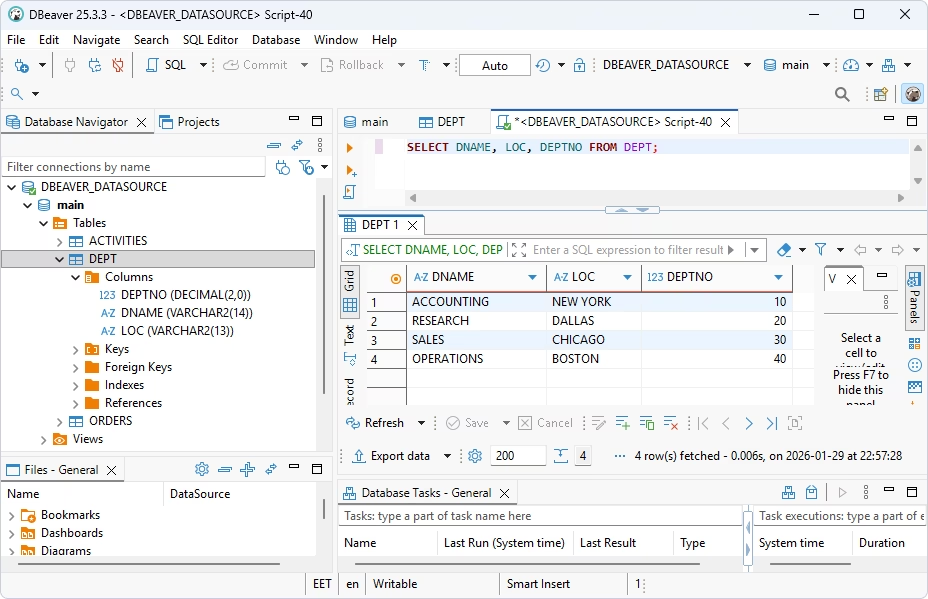
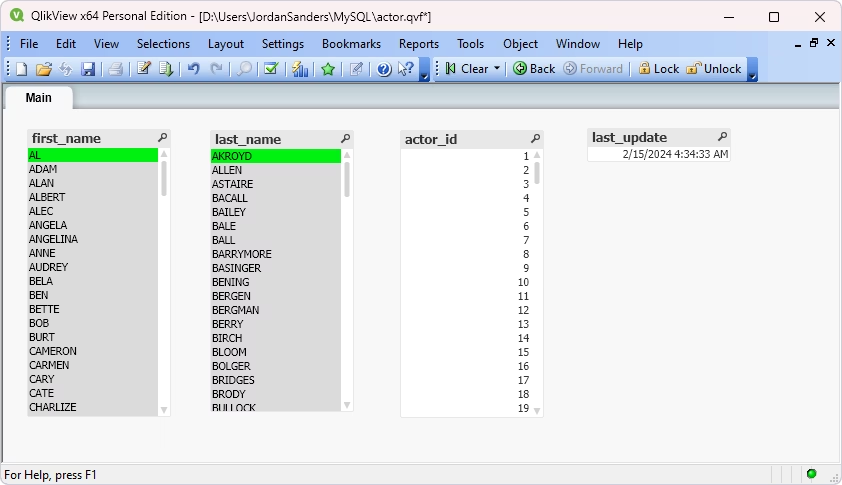
Once the Driver is installed and a DSN is configured, any ODBC-compliant application can connect to SQL Server using that DSN. In tools like Power BI, Excel, or DBeaver, select ODBC as the connection type and choose your SQL Server DSN from the list. You can then query SQL Server data using standard SQL statements directly from your preferred application or environment.

Can I use the ODBC Driver for SQL Server without installing additional client software?

Yes. Devart ODBC Driver for SQL Server connects directly to SQL Server via TCP/IP without requiring the SQL Server Client or any additional vendor libraries. The Driver is a standalone installation that handles all communication with SQL Server internally, reducing deployment complexity and costs.

Which SQL Server versions and editions does the Driver support?

The Driver supports all major SQL Server versions from 2000 to 2022, including Express editions for versions 2005 through 2022 and MSDE for SQL Server 2000.

Does the Driver support encrypted and secure connections?

Yes. The Driver supports SSL/TLS encryption and SSH tunneling for all connections to SQL Server, ensuring that data in transit is protected. These options can be configured directly in the DSN settings or via connection string parameters.

Can I use the Driver on Linux or macOS, or is it Windows-only?

The Driver is fully cross-platform and runs on Windows, macOS, and Linux. It supports both 32-bit and 64-bit applications across all three operating systems, making it suitable for teams working in mixed or non-Windows environments.

How do I connect to SQL Server using ODBC?

To connect to SQL Server, download and install the ODBC Driver and create a DSN (Data Source Name) for it, specifying your server name, port (the default value is 1433), and your SQL Server credentials. Connect to SQL Server using the DSN.

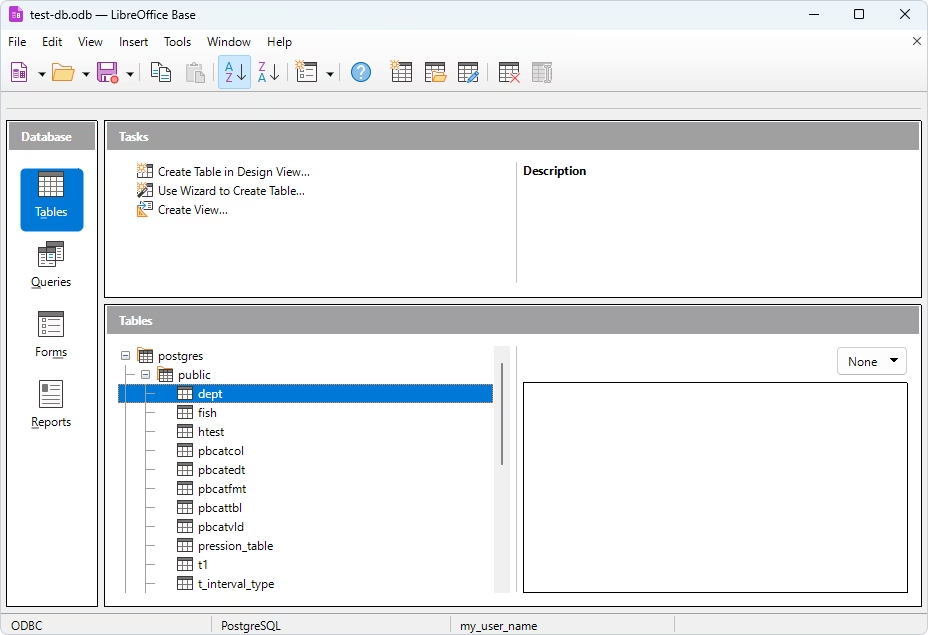
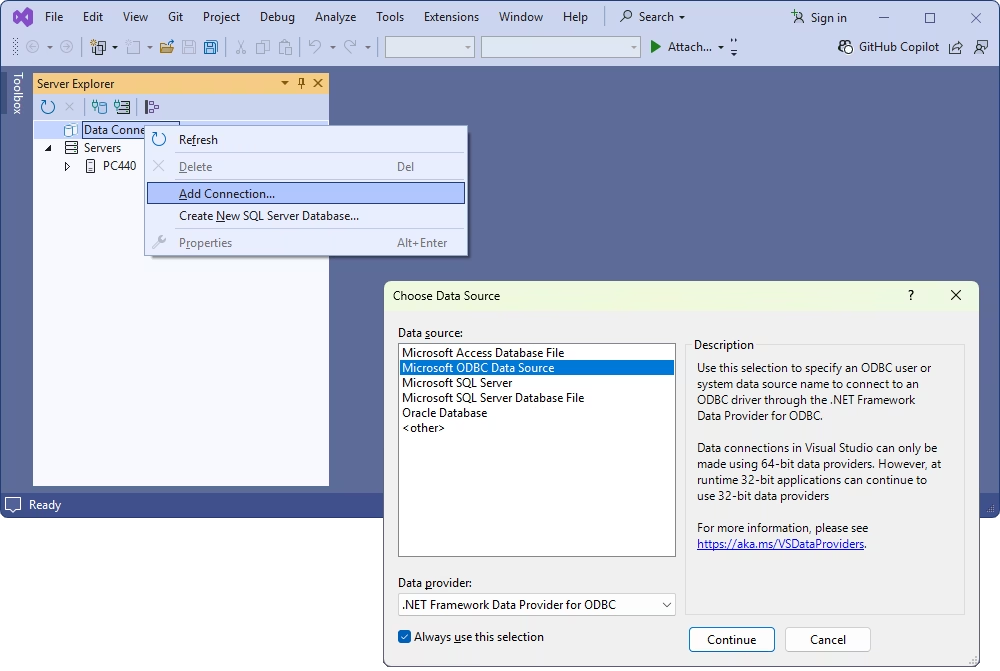
To manage SQL Server databases via any third-party ODBC-compliant tool, such as Power BI, Excel, Tableau, DBeaver, or others, use the data source you configured to access SQL Server data.

What is the SQL Server ODBC connection string format?

For DSN-less connections, use the following connection string: DRIVER={Devart ODBC Driver for SQL Server};Data Source=myhost;Initial Catalog=mydatabase;User ID=myuser;Password=mypass;Port=1433. Set Authentication=Windows to log in with a Windows account instead of a SQL Server username and password and append SSL/TLS or SSH parameters for encrypted connections.