dbForge AI Assistant: Reinvent your daily SQL development
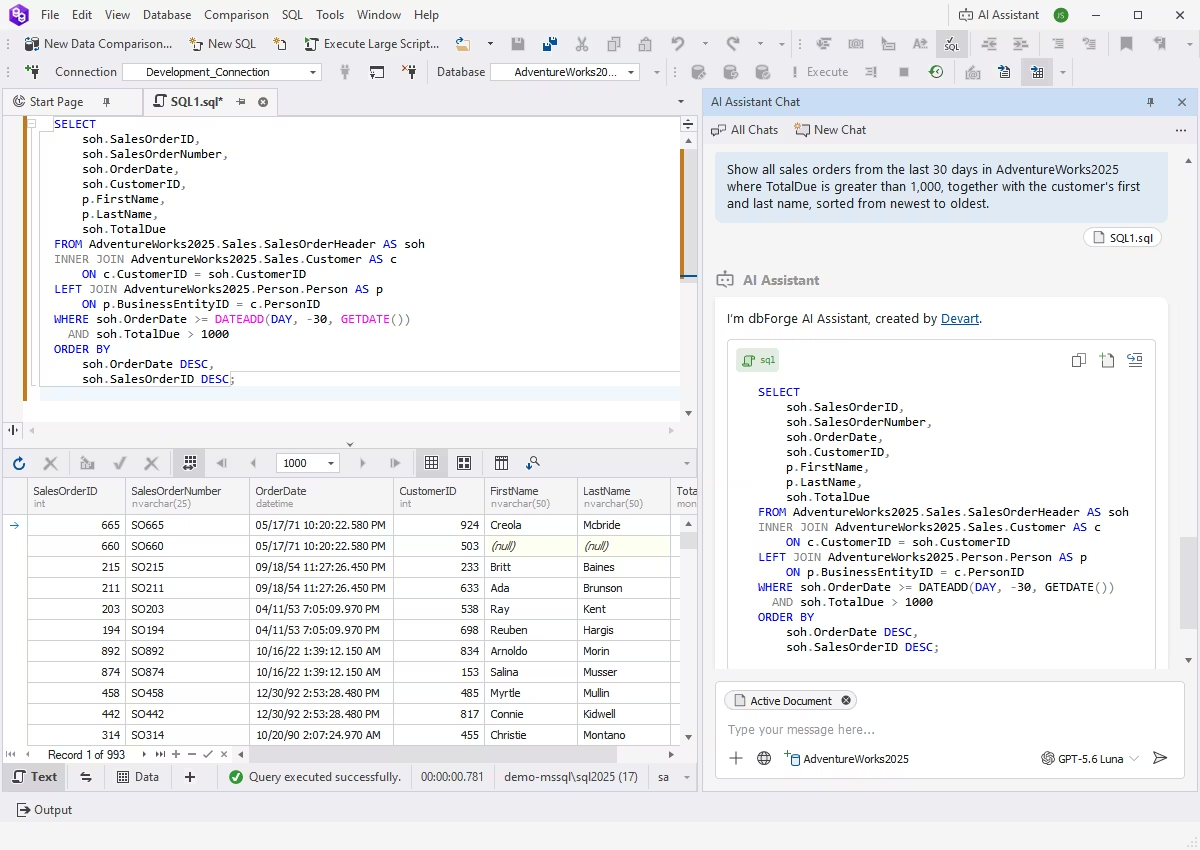
Context-aware query generation
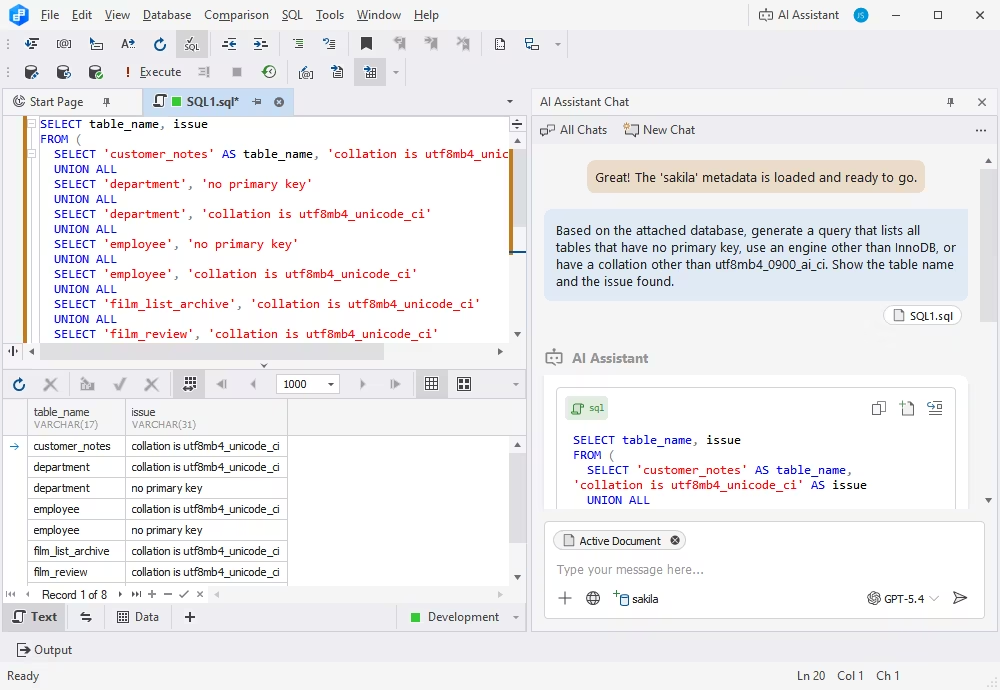
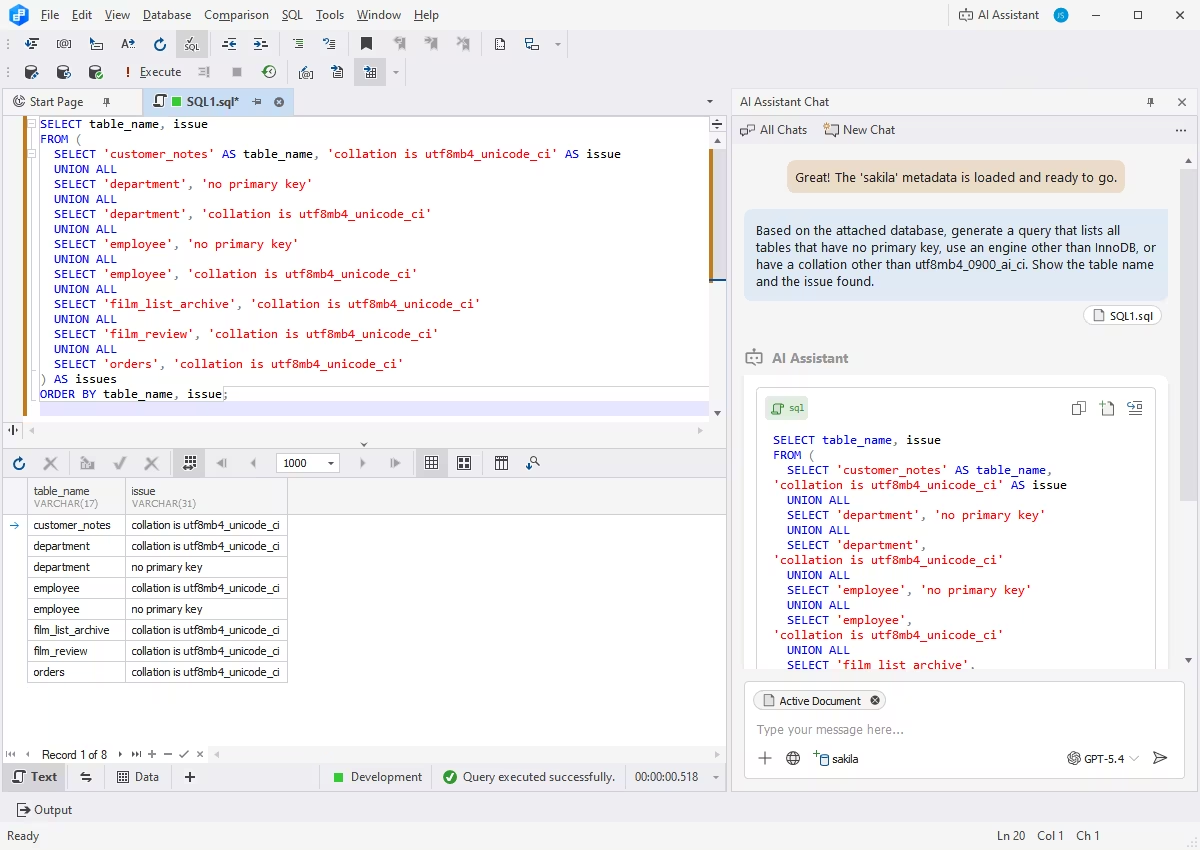
If you're not into manual SQL coding, you can have your queries generated in a matter of moments by the integrated dbForge AI Assistant. Just attach the required database for context, write your prompt, and the AI Assistant will instantly respond with a generated query that can be copied to the Studio's SQL Editor, modified, if necessary, and executed directly from there, all with just a couple of clicks.
Conversion of natural language to SQL
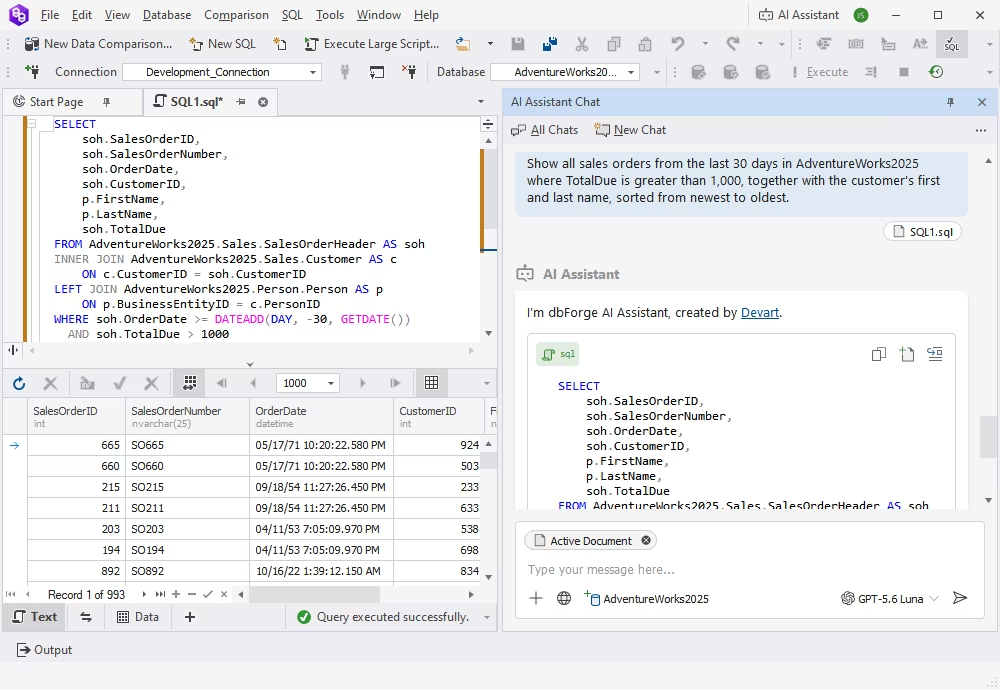
Even if you don't need any specific context, you can enter a prompt in any language and ask dbForge AI Assistant to translate it into an SQL query—and there you have it! This feature will definitely prove useful if you are still getting acquainted with SQL, or if you simply want to build even complex queries in no time. It can also help you quickly experiment with different query variations and refine them for your specific task.
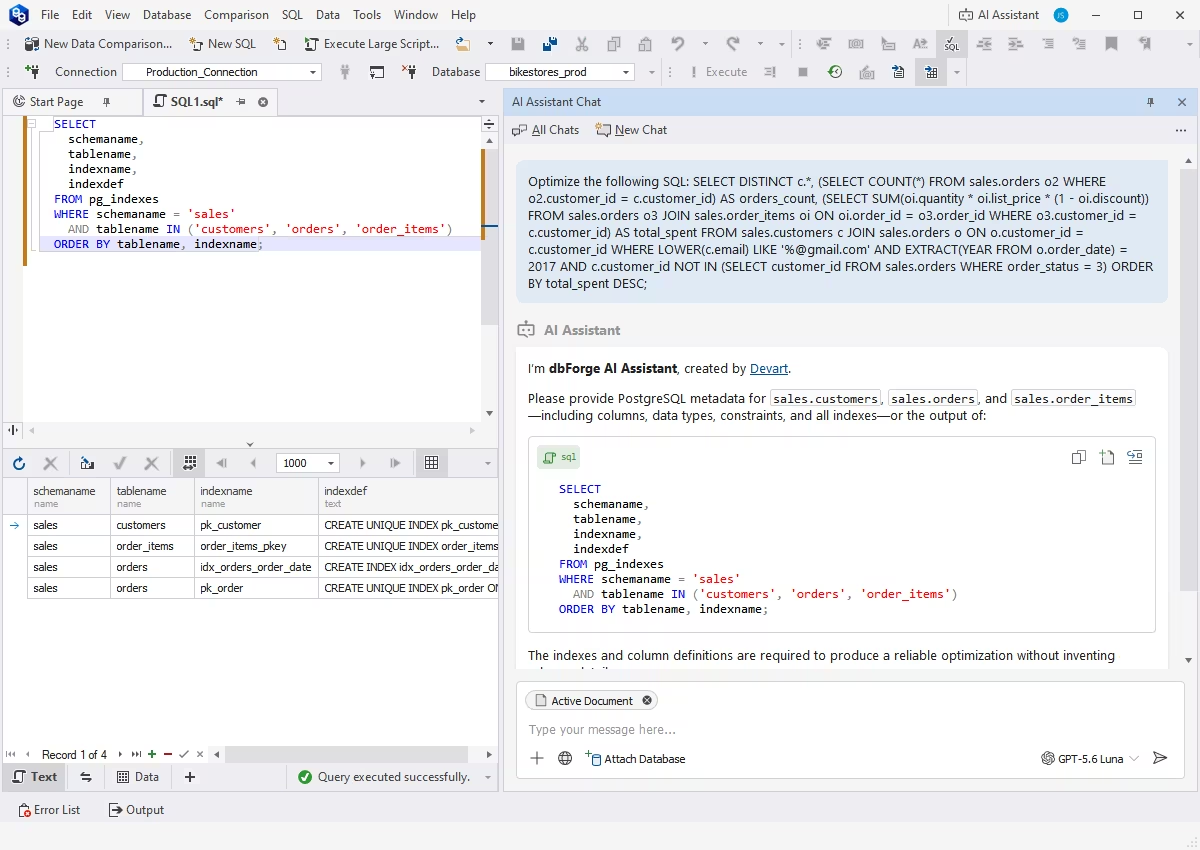
Query optimization
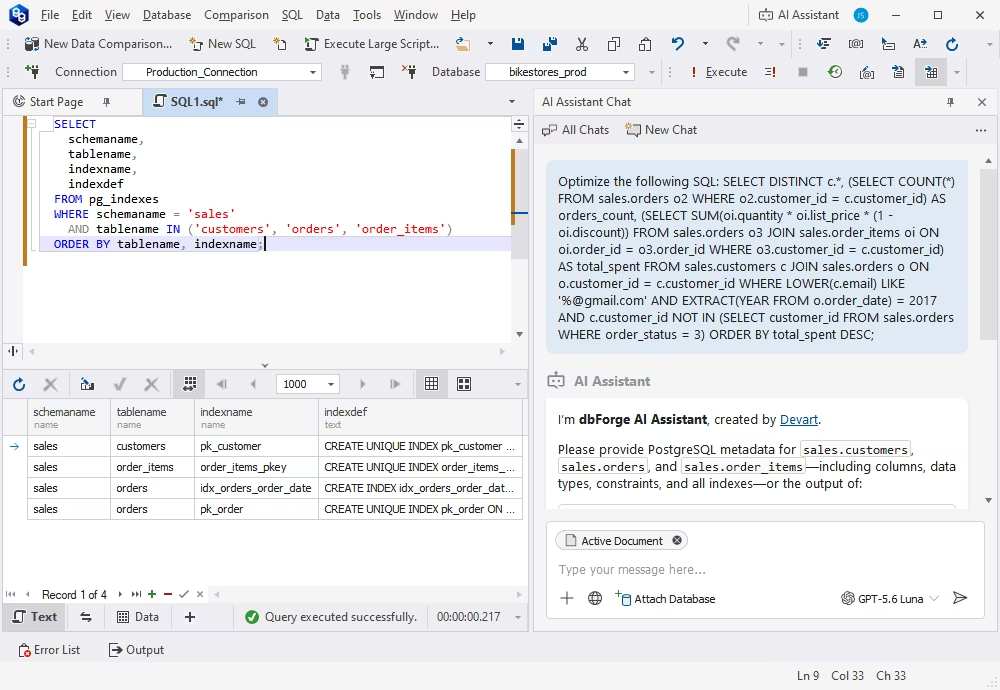
What about optimizing a manually written query and making it less resource-consuming? No problem. Just give it to dbForge AI Assistant, and in a few seconds you will receive it back, rewritten and optimized for better performance. The Assistant can also point out inefficient clauses and poorly designed indexes, and suggest practical ways to improve query execution.
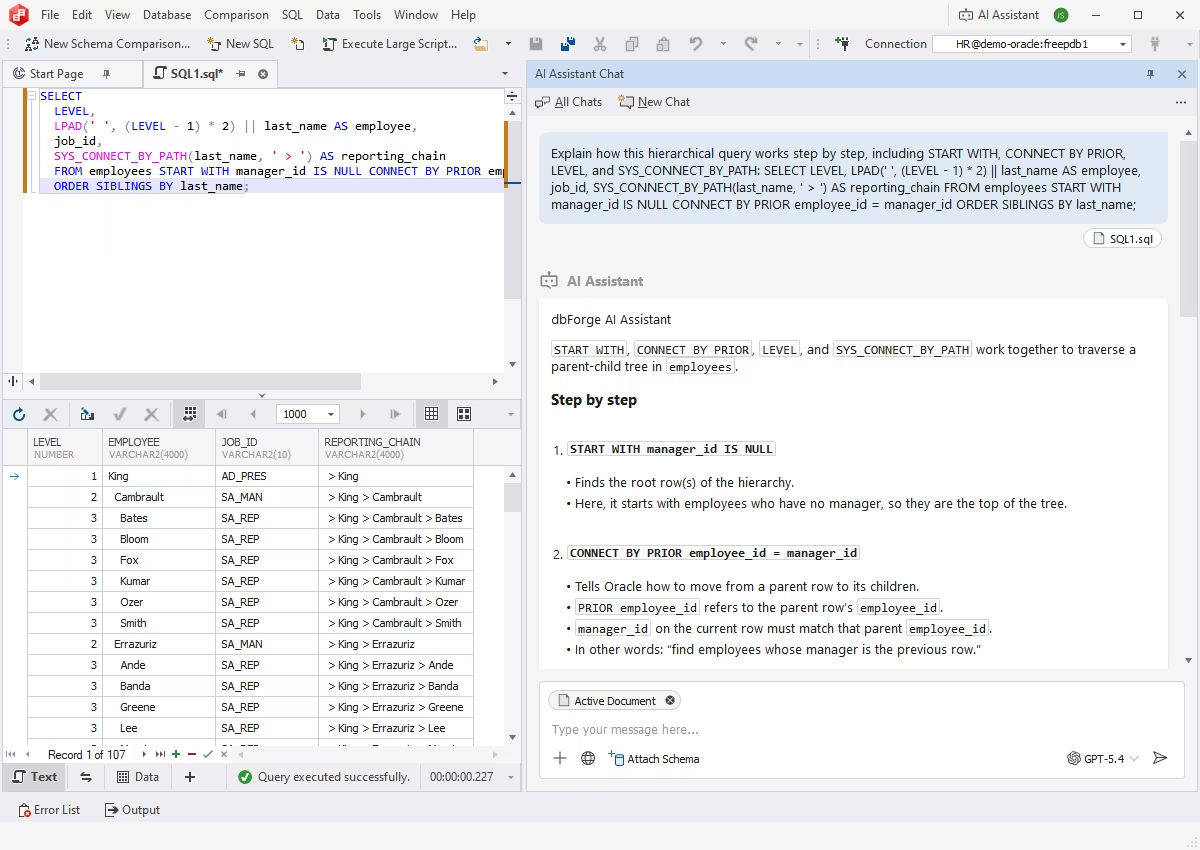
SQL explanations
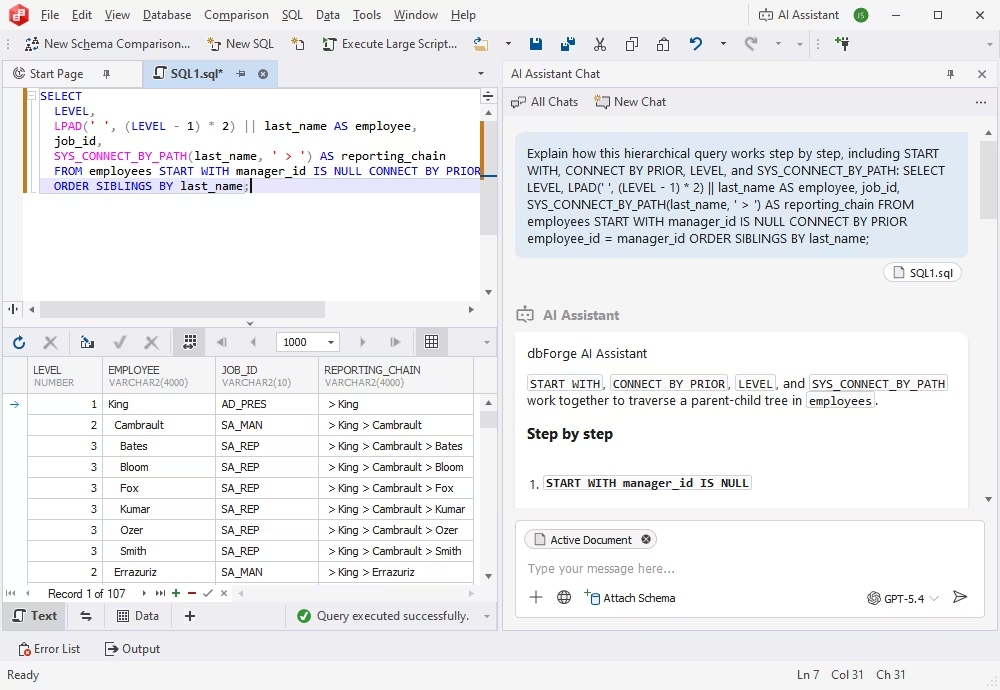
dbForge AI Assistant can also help you get a deeper understanding of your queries by providing you with clause-by-clause breakdowns and detailed explanations. Again, this feature will be especially helpful if you are a newcomer to SQL. It can also clarify how individual conditions, JOINs, and functions affect the final result. This makes it easier to learn from existing queries and apply the same logic in your own work.
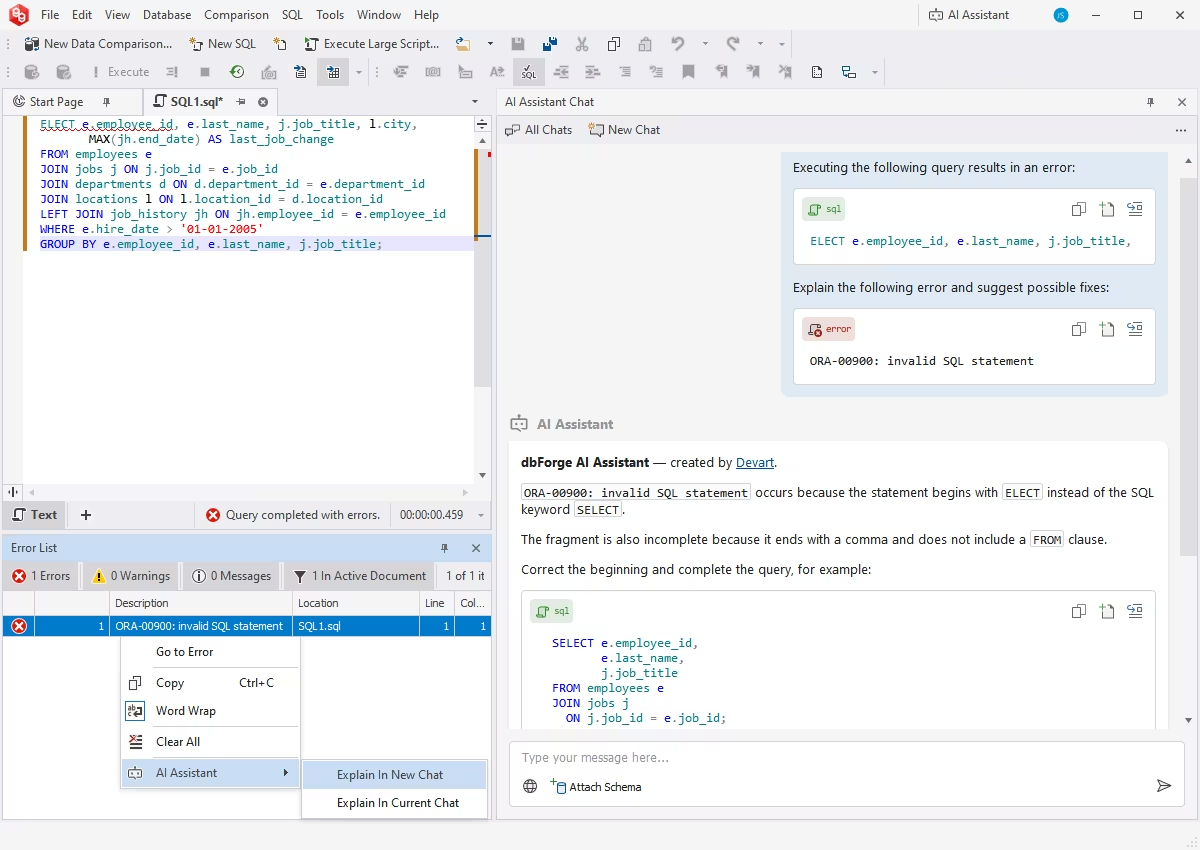
SQL troubleshooting
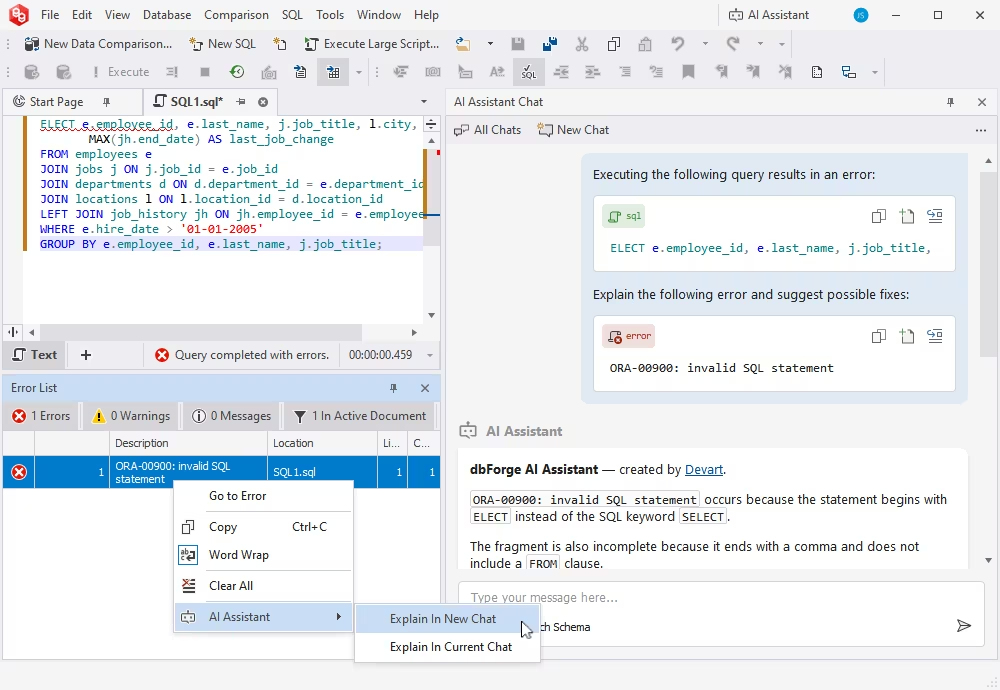
With dbForge AI Assistant, you can fix manually written queries of any size and complexity. Simply enter your query and ask the Assistant to check it; if there is something wrong with your query, the Assistant will pinpoint the issue and provide you with explanations and advice for improvement. Similarly, if you get an error when executing your query, the Assistant will explain what exactly went wrong and how to fix it.
AI chat
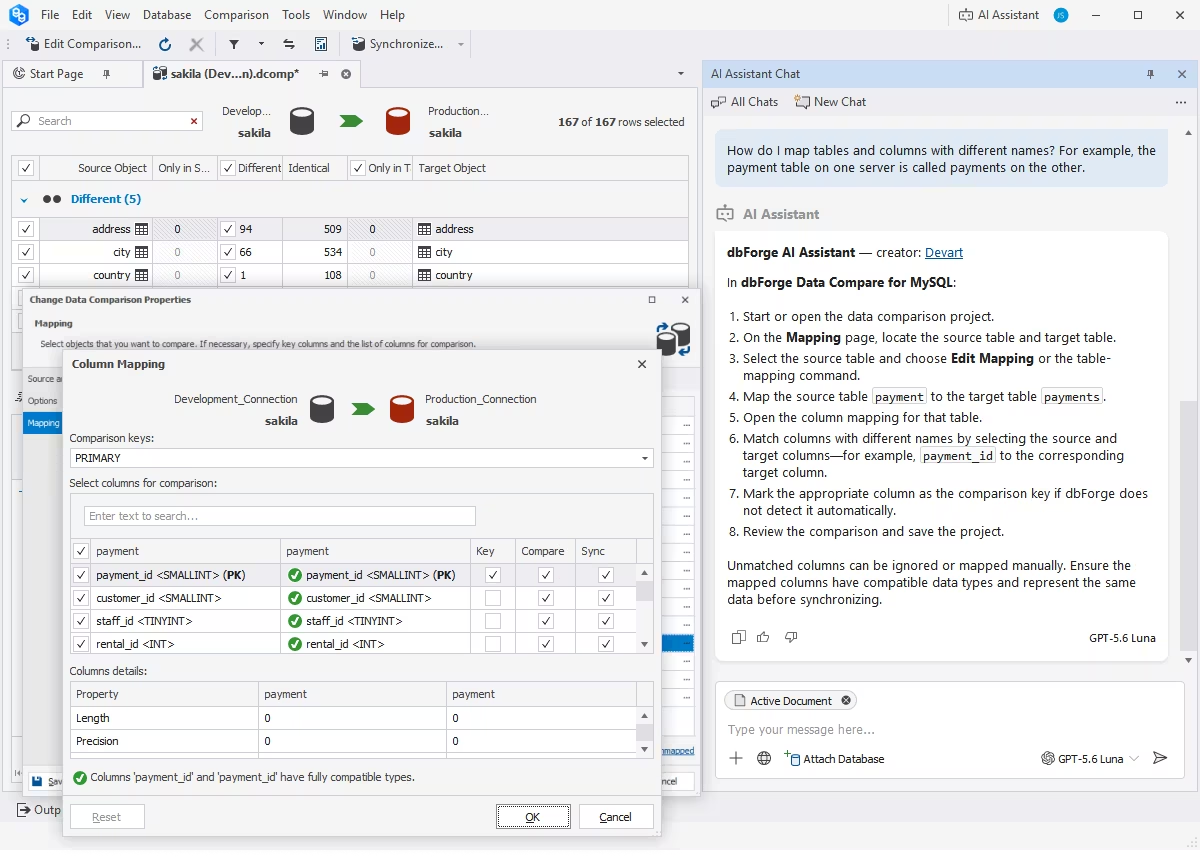
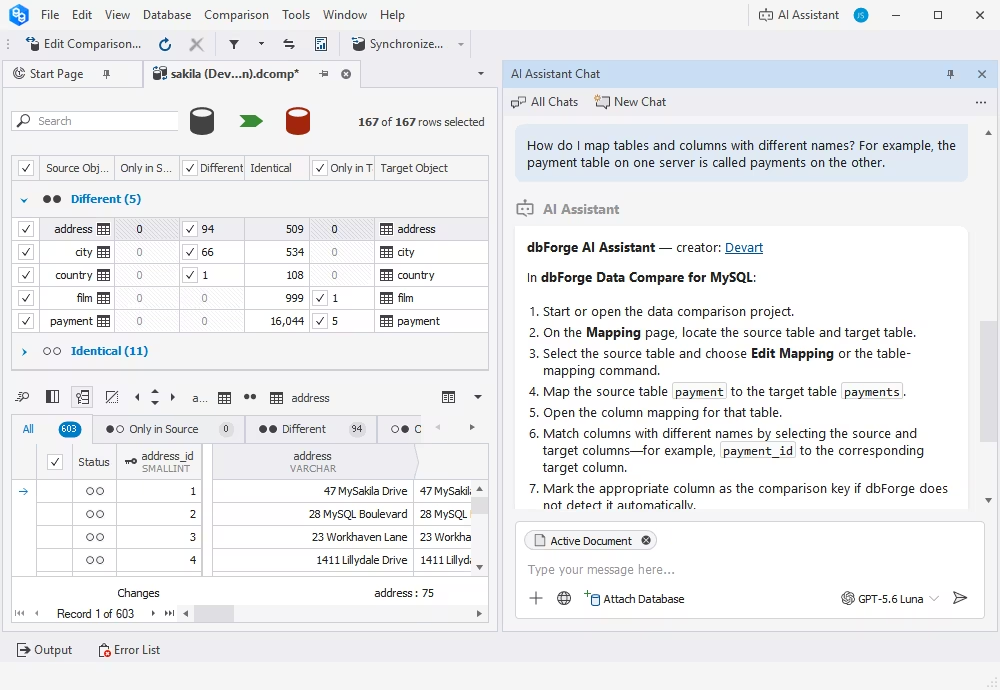
You can always have a chat with dbForge AI Assistant on any SQL-related topic. After all, it isn't called the Assistant for nothing, and it will help you out with relevant advice, best practices, and other helpful information. You can also ask questions about dbForge Studio or request a description of a feature or use case. Using the integrated web search, the Assistant will provide detailed, accurate answers.