Learn More About dbForge Studio for Oracle
Integrated PL/SQL Debugger
PL/SQL Debugger provides such features as Step In, Step Over, Step
Out, Breakpoints, Call Stack with navigation, Watches,
etc. With PL/SQL Debugger available in our tool for Oracle database management,
you can debug any PL/SQL code and scripts easily and effectively.
Learn more
Data Export/Import
dbForge Studio for Oracle database tool provides possibility to export data
to and import it from the most popular formats (MS Access, Text, XML,
MS Excel, etc.). Export and import can be tuned to meet all requirements. You can
also automate data export and import using command line.
Learn more
Database Diagrams
Visual representation of such database objects as tables, views, procedures,
functions will be of great help when designing new databases or working with the
existing ones. Just drag the objects - and you will be able to view and edit their
properties, relations between them, etc.
Learn more
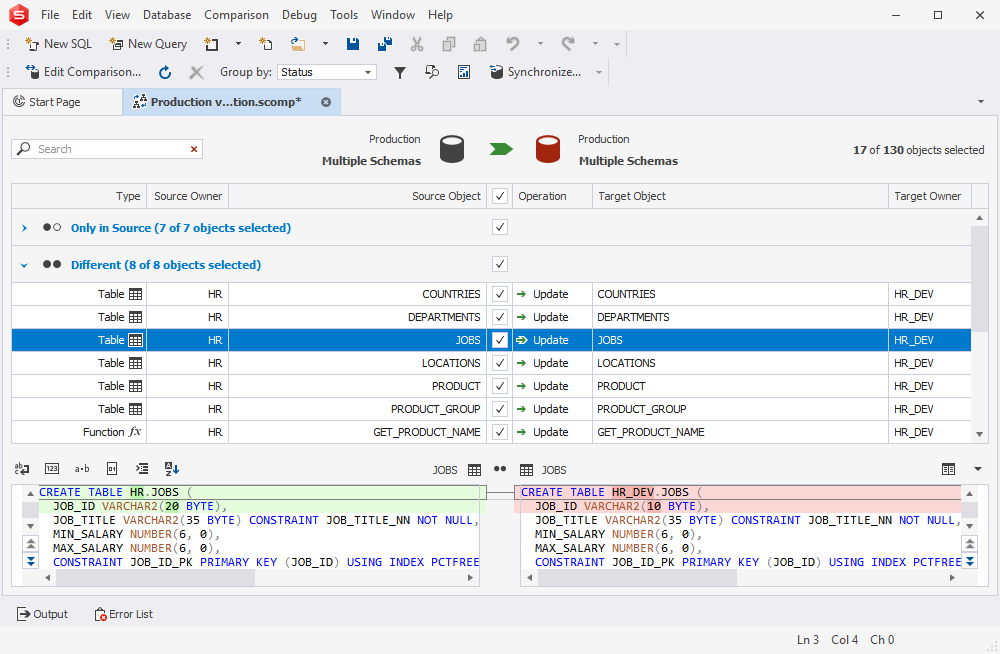
Oracle Schema Compare Tool
Oracle schema compare tool provides highly customizable schema comparison
and synchronization. Process automation using command line, generation of
comparison reports and schema synchronization script, and many other features will
be here for you if you choose to use our Oracle database development tool.
Learn more
Oracle Data Compare Tool
Try the Oracle data compare tool available in dbForge Studio to compare and synchronize
data in your tables. Set different options, map your tables the way you want
them to be mapped, generate comparison reports in different formats
and automate data comparison using command line interface.
Learn more
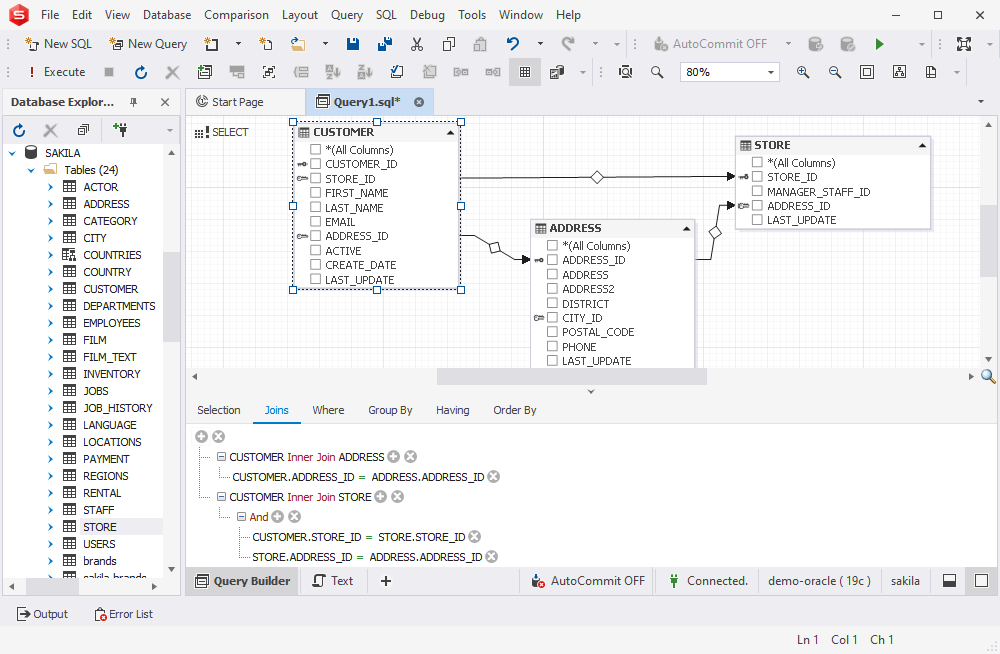
Query Builder
Draw your queries with Query Builder. The Oracle development tool we offer allows
creating queries without typing any code: drag'n'drop the tables/views you
need, specify the columns you want to retrieve data from, joins, where, group by,
etc clauses and execute your query.
Learn more
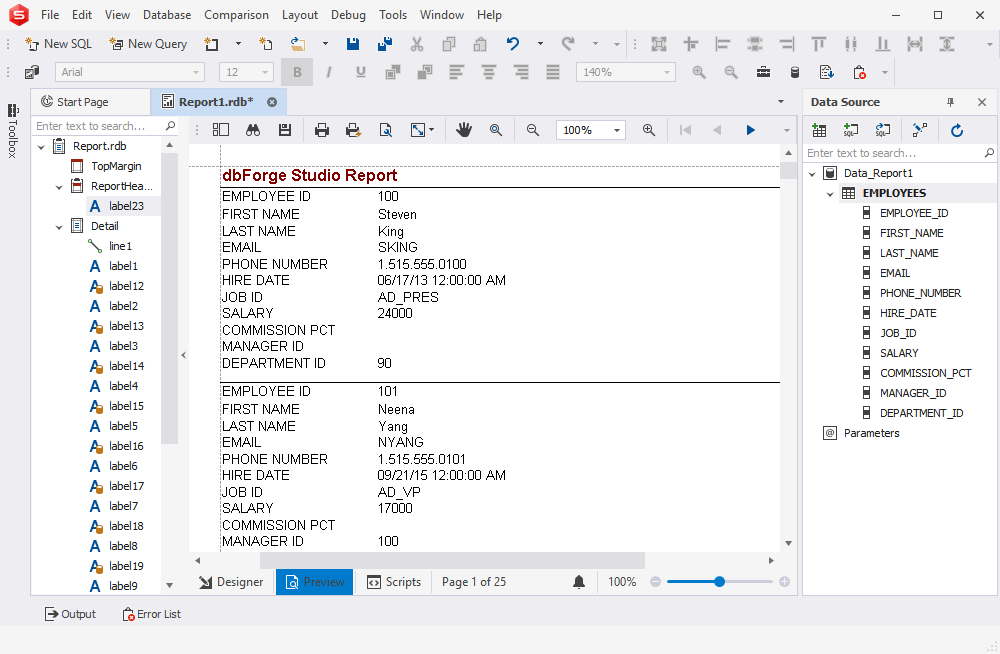
Reporting and Analysis Tools
Design any data reports with parameters, customizable formatting, calculated
summaries with the help of the dbForge Studio reporting tool. Streamline your work
with multi-dimensional data, visualize data trends and dependencies with special
charts, convert your data in pivot tables.
Learn more
Schema Export/Import
Schema export/import wizards will let you prepare dumps of your schemas and
import them. You can select any of five compression levels to compress files,
use auto delete of old dumps to free disc space, and use rich options set for a
schema to export.
Learn more
Schema Object Editors
Schema object editors provide clear and comprehensive environment for managing
existing schema objects and creating new ones. For each schema object, there
is a separate object editor, where you can set or modify any properties available
for this object.
Learn more
Query Profiler
View explain plan and session statistics in Query Profiler to monitor
query performance. Possibility to compare profiling results is the key in
Oracle queries optimizations, as you can see differences in profiling results for
query executions before and after modifications highlighted in the grid.
Learn more