SQL Document
PostgreSQL formatting
The tool delivers cutting-edge features to enhance your scripting abilities, refine your formatting, and ensure each of your team members get aligned with the coding standards.
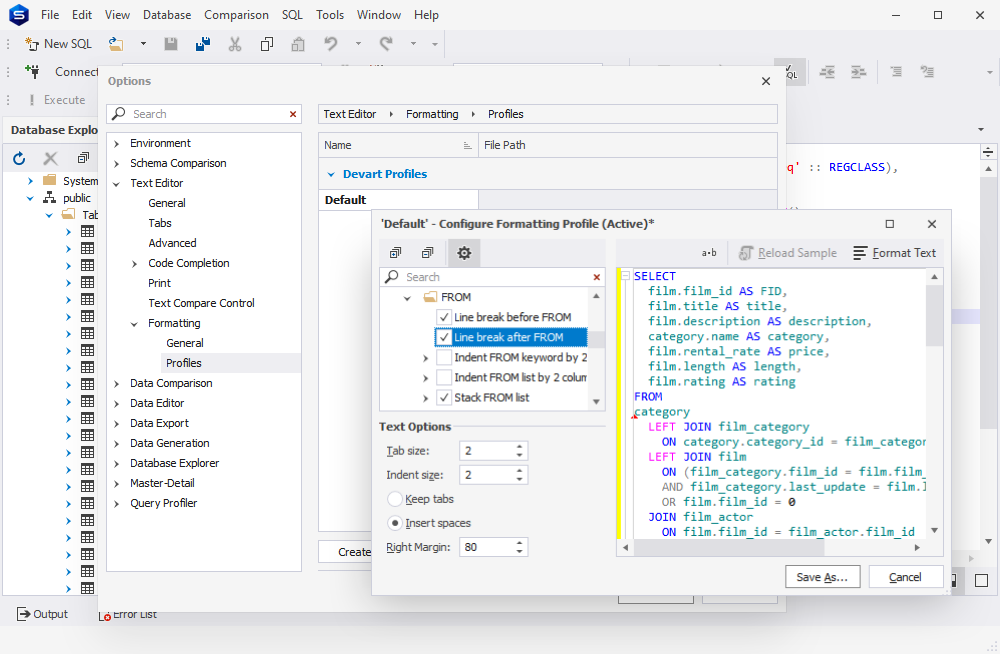
The tool delivers cutting-edge features to enhance your scripting abilities, refine your formatting, and ensure each of your team members get aligned with the coding standards.
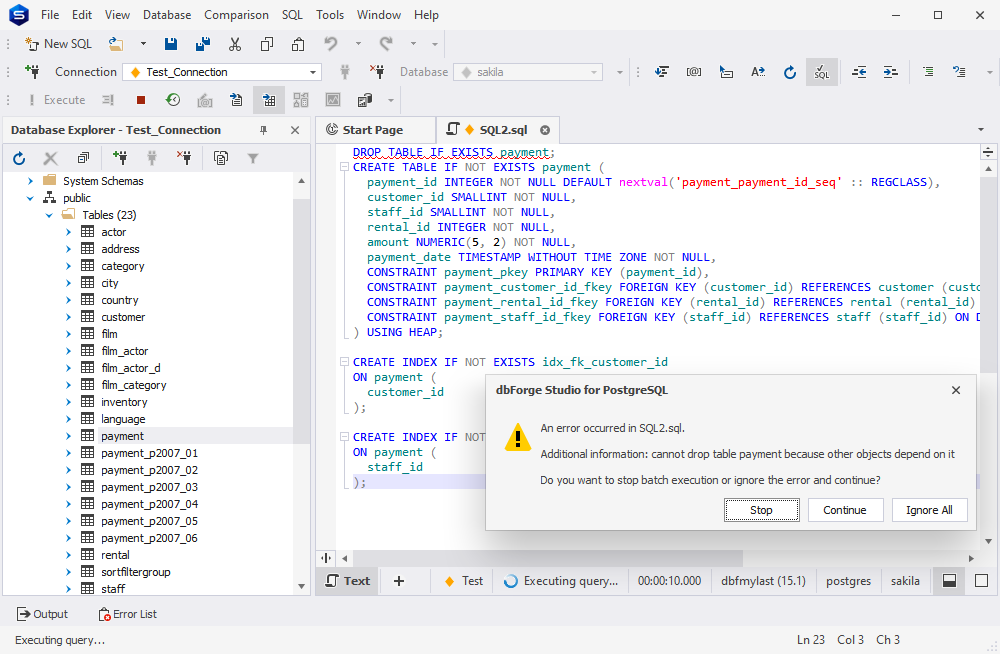
Syntax check is crucial in terms of code quality and a gain of time. It allows you to identify errors and validate PostgreSQL queries, thus boosting your productivity and saving your time.
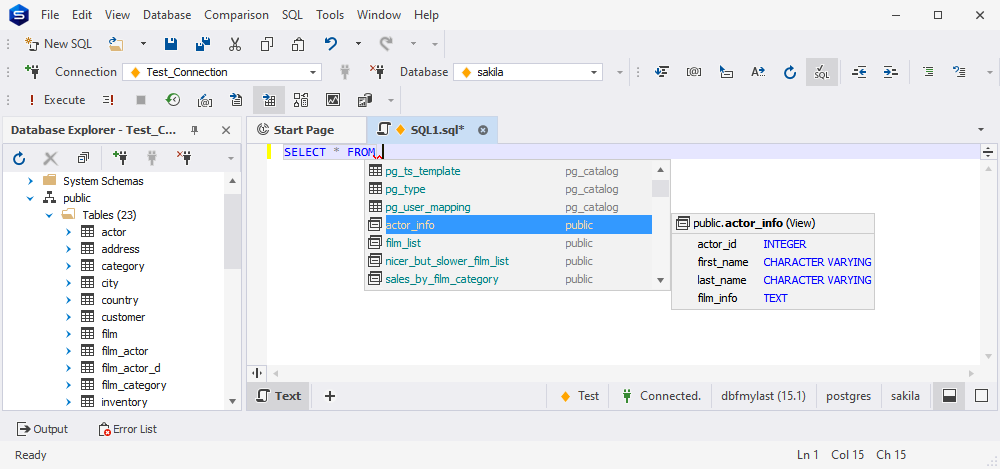
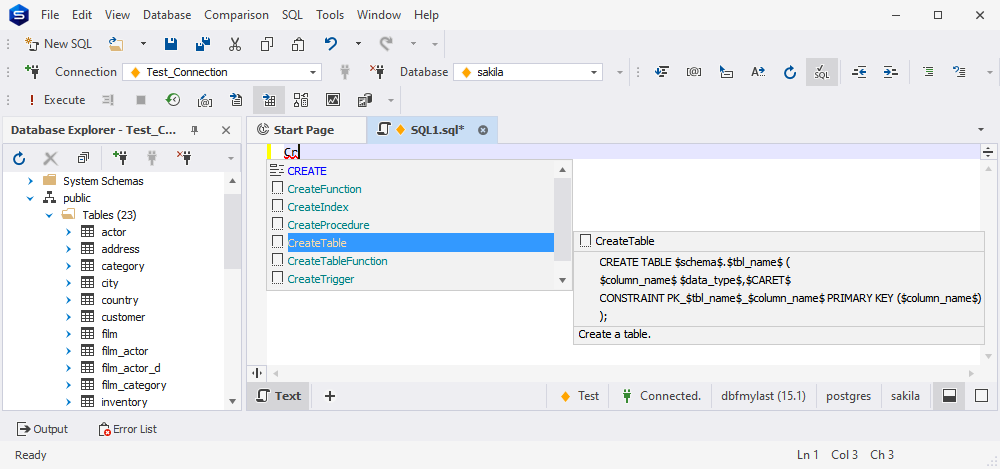
With code completion, you can essentially facilitate the process of code typing and benefit from smart suggestions of values that are automatically generated by the tool.
Working in Studio for PostgreSQL, you can greatly reduce repetitive code typing as well as ensure code correctness. Code snippets offer a suggestion list that includes most commonly used code fragments.
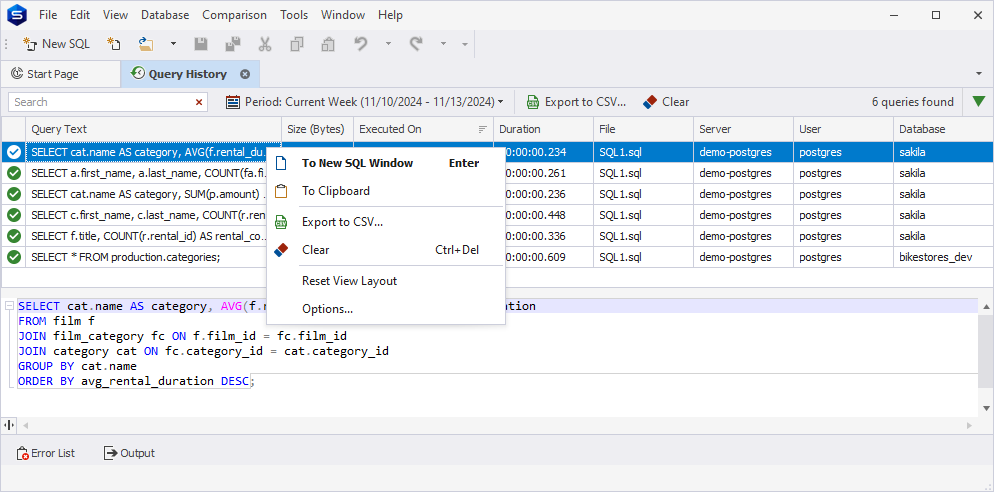
Query history automatically saves every query you run, thus allowing you to quickly find the required query, rerun it, and view detailed information for each query. It includes the query text, size, execution date, duration, server, database, and the user who executed it. It also lets you filter and sort queries by custom or fixed time ranges, such as 'Last 7 Days,' 'Current Month,' or 'Yesterday'. Furthermore, the functionality enables query history sharing via CSV file export.