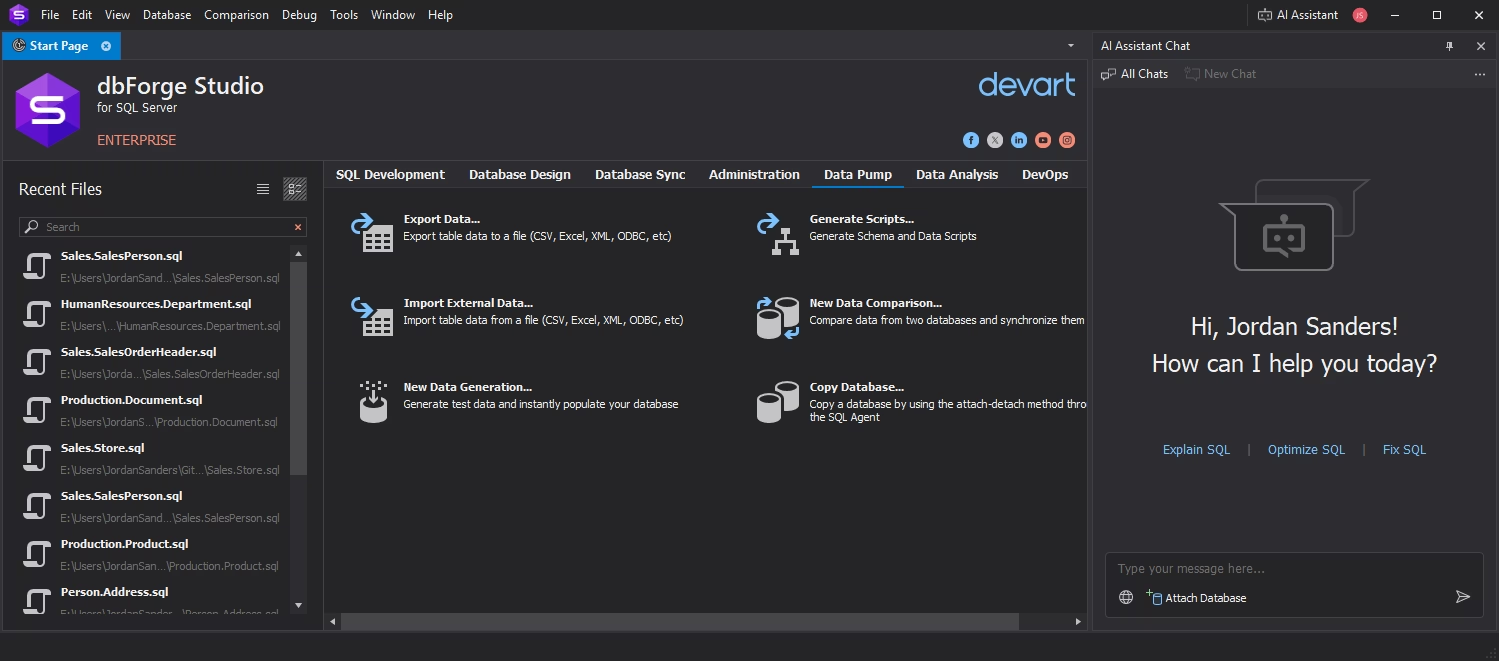
Make data management flexible with a rich variety of features
dbForge provides you with everything to perform multiple operations with data in an effortless way. You can query, scrutinize, sort, filter, group, modify, and visualize your data with the built-in viewers and editors. Each feature comes with a variety of helpful options.
Prevent data loss with automated backup and recovery
The safety of your data is an absolute must, and this is where you can fully rely on automated backups. Using an intuitive wizard, you can set up regular backups and automate their execution from the command line. Quick disaster recovery is just as firmly in place.
Keep your data consistent across different environments
To help you ensure data integrity, dbForge delivers convenient tools for easy comparison of database schemas and actual table data. You can quickly inspect the identified differences; and if necessary, you can sync them to a target environment with a few clicks.
Simplify data transfers with multiple formats at hand
You can import and export data using up to 14 most widely used file formats with flexible customization options for each. Additionally, you can save your settings to reusable templates and automate recurring import and export operations from the command line.
Set up and automate safe data migration in several ways
dbForge offers a few different ways of data migration, and you can choose the most suitable one for your particular case, be it database duplication, synchronization to a target database, or the already mentioned import and export of data from a file.
Generate and troubleshoot queries with the integrated AI Assistant
Finally, you can transform how you work with queries using the integrated AI Assistant—a smart copilot that generates new SQL, explains, optimizes, and troubleshoots existing queries, and provides in-depth guidance on SQL-related tasks.