Implement database version control for effective collaboration
dbForge allows linking databases to a rich variety of version control systems, enabling safe collaborative work on database schemas and static table data. You can commit and revert changes, resolve conflicts, and view the history of changes with a few clicks.
Set up automated backups and quick disaster recovery
Automated backups are the cornerstone of security in data management. Set them up once, schedule them for regular execution from the command line, and rest assured that quick disaster recovery will cover any emergency cases in a matter of a few clicks.
Work smart with templates and auto-generated scripts
A number of recurring operations can be streamlined via templates, configured just once and then reused with a couple of clicks. Another vital time-saver is automated script generation. It will drastically reduce your manual work and minimize the risk of error.
Apply automation tools to deploy and migrate databases
Migration is easy with dbForge. You can auto-generate a sync script to move the structure and data of one database into another. You can automate export and import from the command line. Or you can just copy your database to a target environment in no time.
Build a comprehensive database DevOps cycle
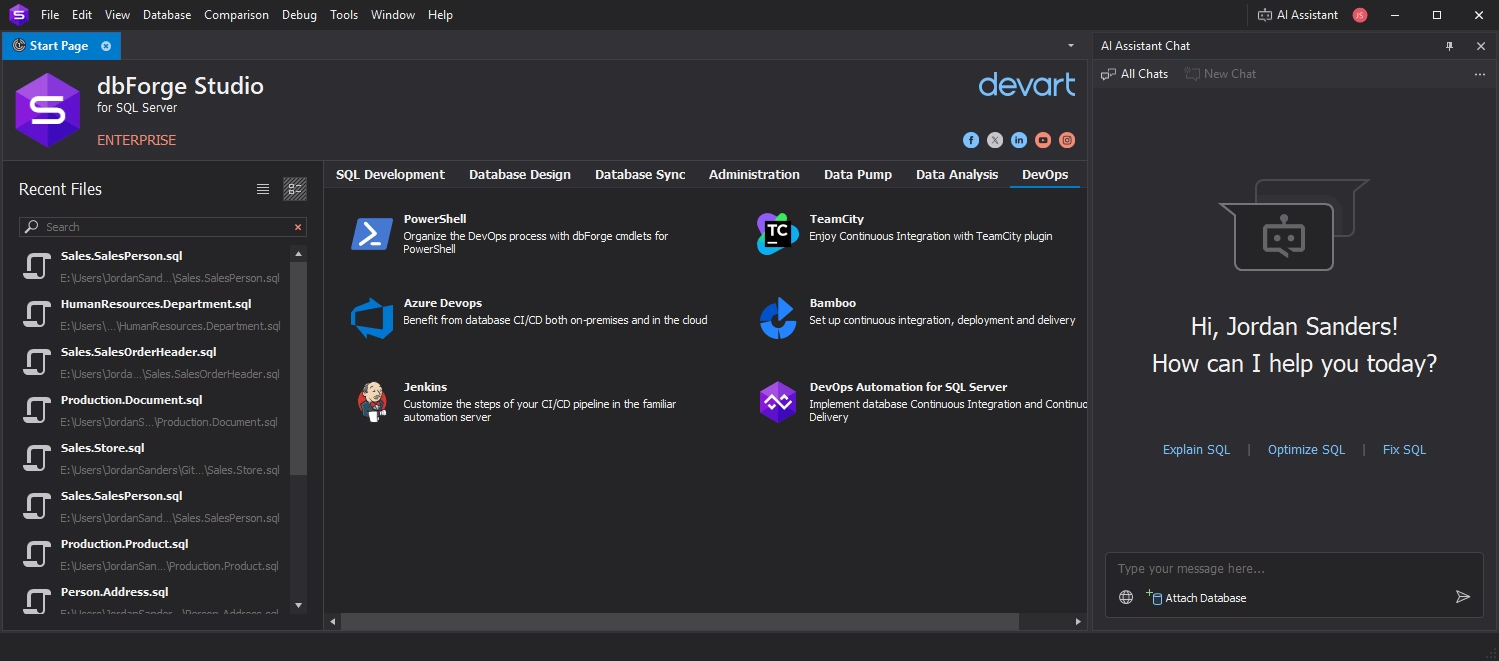
If you want to take automated database development to an entirely new level, you can set up database DevOps with dbForge. You can have tools for the entire cycle, including database design, development, testing, deployment, monitoring, and reporting.
Create, fix, and optimize SQL with the built-in AI Assistant
Whenever you need to query data, you can address the integrated AI Assistant, your best copilot that will generate working queries based on the context of any particular database. What's more, it can easily fix, optimize, and explain pre-written queries in seconds.