

Save Big on Cyber Monday! Up to 40% Off
ends in   {{days}}
Days
{{timeFormat.hours}}
:
{{timeFormat.minutes}}
:
{{timeFormat.seconds}}

Creating an ODBC Connection Using DSN and a Connection String

What is ODBC? The Open Database Connectivity (ODBC) interface is an Application Programming Interface (API) that works as an intermediary between data sources and applications. Setting up an ODBC connection allows external applications and programming languages to access data in database management systems (DBMS) and cloud data sources via SQL. In our case, we shall provide an example of setting up and verifying the ODBC connection between Salesforce and the target database.

What is an ODBC connection?

The ODBC API is independent of any specific DBMS, operating system, or programming language, but requires separate drivers to connect to each data source. It adheres to the Call-Level Interface (CLI) specifications defined by the Open Group and ISO/IEC for database APIs. As previously described, the ODBC tool is a mediator that facilitates seamless interaction between applications, programming languages, and diverse data sources. Application developers use it for accessing data across relational, non-relational, and cloud-based data sources from different vendors.

The ODBC connection consists of four essential components that work together to connect to data sources and retrieve data from them. The process is straightforward: an ODBC-compliant application makes an ODBC call, which is handled by the ODBC Driver Manager and passed to the appropriate driver. The Manager either establishes a connection or communicates the command to the driver specified in the ODBC connection string or data source. For this article, Devart ODBC Driver for Salesforce will be used as a practical example to illustrate the process.

What is ODBC Connection?

Setting up an ODBC connection

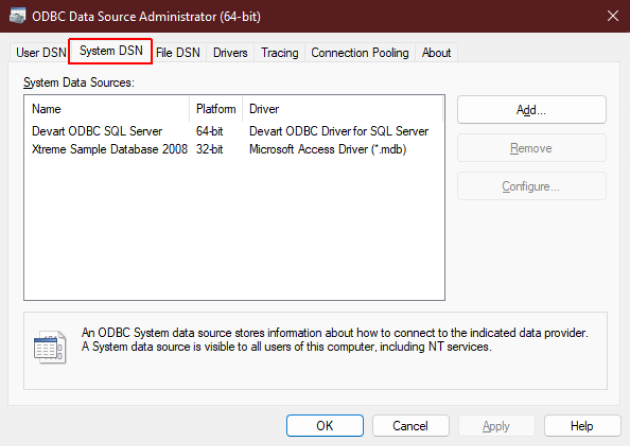
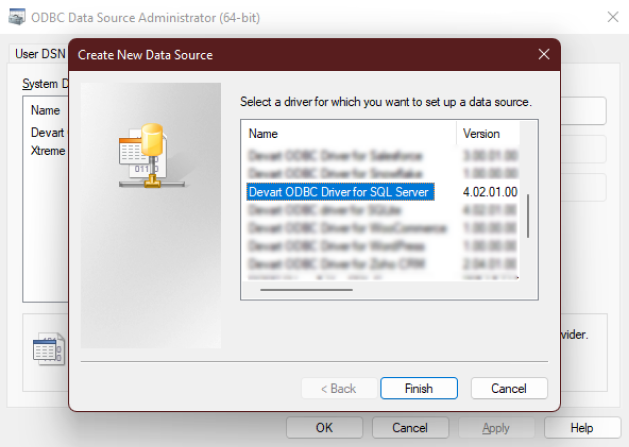
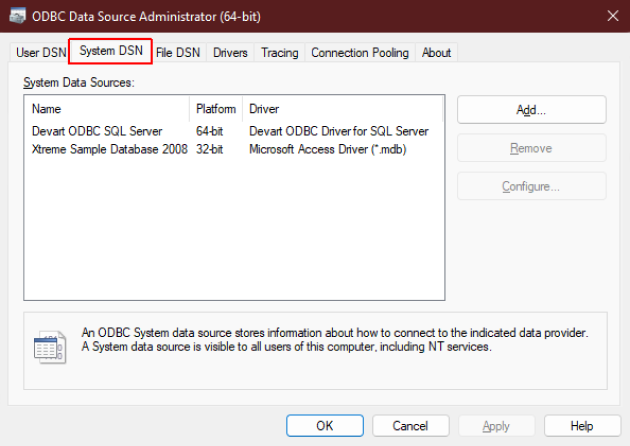
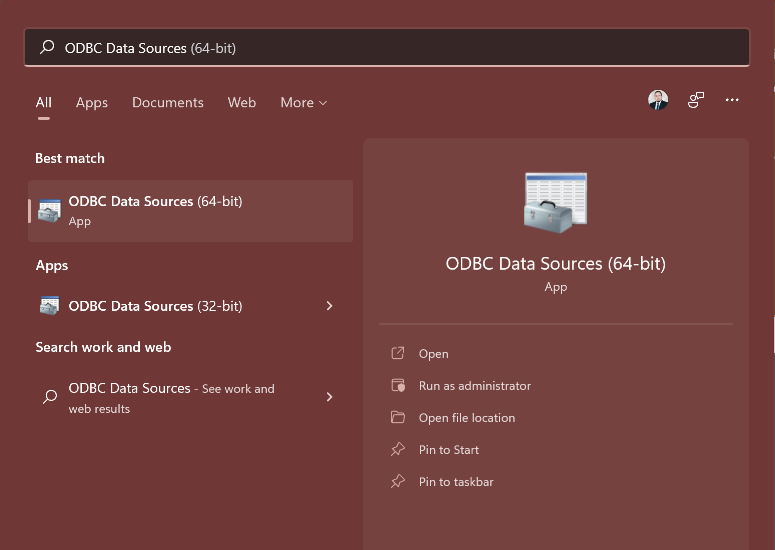
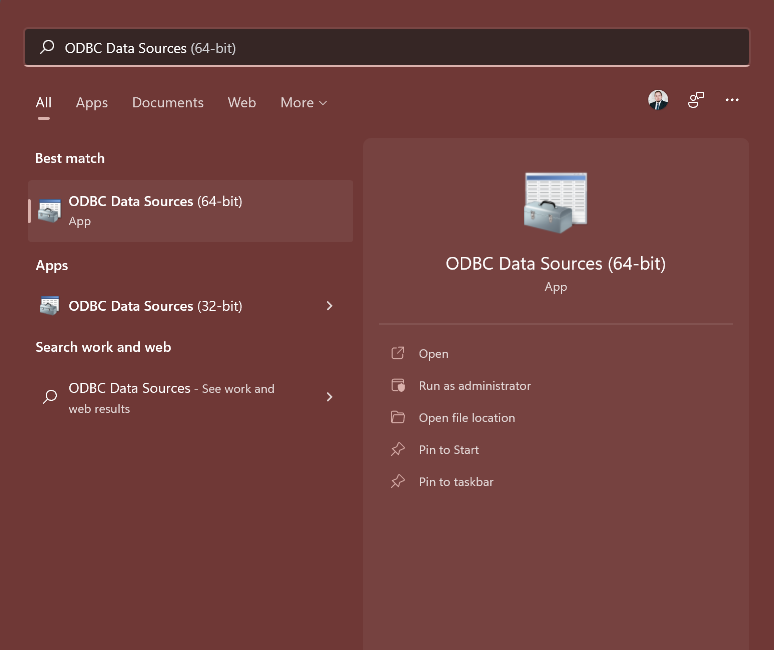
Establishing an ODBC connection to Salesforce requires the initial installation of the appropriate ODBC Driver, after which you should configure a Data Source Name (DSN). Follow these three steps to set up the connection on a Windows system.

Devart ODBC Driver for Salesforce is fully compatible with Linux-based systems, enabling seamless integration of Salesforce data with Linux applications. Whether you install the DEB package (e.g., for Ubuntu) or the RPM package (e.g., for CentOS), a sample DSN is automatically created during the installation. Follow these steps to configure an ODBC connection on Linux.

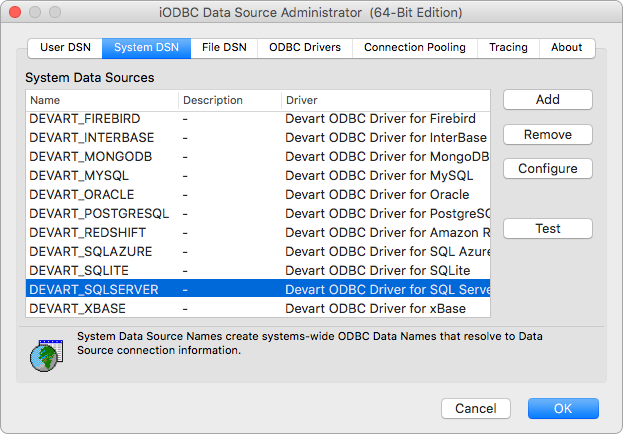
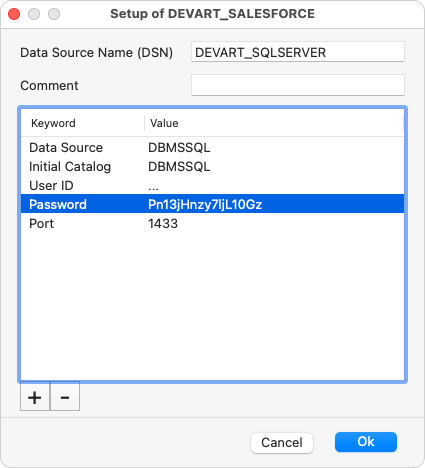
Devart ODBC Driver for Salesforce is fully compatible with macOS, enabling you to integrate Salesforce data with applications running on macOS systems. Thus, after successful installation on macOS, the remaining task is to set up the ODBC Driver connection. To complete this, you should perform the actions described here.

ODBC Driver connection

Before making an ODBC connection, first, ensure you’ve chosen the appropriate driver for your source of data. Each data source has its own set of connection string options. For example, the ODBC Driver for Oracle does not need a security token, while the ODBC Driver for Salesforce does. Selecting an inappropriate driver can result in a connection failure. Our ODBC Drivers support a wide range of data sources, including Google BigQuery, Salesforce, Amazon Redshift, SQL Server, Oracle, and more. Compatible with Windows, macOS, and Linux, these Drivers require no additional configuration, applications, or environments.

Popular third-party tools, cutting-edge IDEs, and diverse systems are also supported. You can effortlessly connect the ODBC Driver to the data source and keep working with unmatched efficiency in your preferred environment—whether it’s the robust Microsoft Access, the dynamic Visual Studio, the versatile DBeaver, the powerful PowerBI, the reliable SSMS, or any other top-tier solution. Devart ODBC Drivers are easy to deploy, requiring no additional software, like database clients or vendor-specific libraries. Fully Unicode-compliant, they ensure smooth data retrieval and modification across multilingual databases, supporting any character set with precision and ease.

ODBC Data Connectors

Fast and unified access to databases

We offer you optimal data access by means of ODBC and native database client libraries. However, you can avoid using client libraries, since our ODBC drivers are able to connect via the native protocol directly without using client software at all.

Didn't find the necessary driver? Contact us!
Direct access to data

Verified compatibility with data integration tools

Devart ODBC Drivers are verified to be compatible with leading analytics and reporting tools, various IDEs, and programming languages. Get fast and secure access to your data in any application using our ODBC Drivers!

Verifying the ODBC connection

Once you've made the required settings for the ODBC Driver for Salesforce, you can verify the connection immediately or use the ODBC Data Source Administrator tool. The steps below illustrate how to check the connection status on Windows.

Open the ODBC Data Source Administrator tool, which corresponds to your application bitness (32-bit or 64-bit), select the relevant data source from the list of available ones, and click the Configure button.
In the Devart ODBC Driver for Salesforce Configuration dialog, verify that all entered details are correct, then click Test Connection.
If the connection is successful, a confirmation message will appear. Finally, click OK to save the DSN settings.

After adding the DSN configuration to your odbc.ini file, you can test the connection using isql, the ODBC command-line tool. Once connected, you can run SQL queries to retrieve data from Salesforce. Therefore, to check the connection on Linux, you need to undertake the following actions.

As soon as you have finished configuring the Devart ODBC Driver for Salesforce, the next step to take is to test the connection to the driver. Below, you will find step-by-step instructions on how to do it in practice.

Configuring an ODBC connection string using a programming language

Any programming language that is compatible with ODBC, such as Python, C#, Java, or PHP, can be used to access Salesforce data through the Driver. By setting up a standard ODBC connection, your applications can run SQL queries and retrieve results directly from the data source.
This C# code shows the process of establishing a connection to Salesforce and fetching data using the ODBC Driver.
The following C/C++ code demonstrates how to connect to Salesforce and retrieve data through the ODBC Driver.
The subsequent Go code example illustrates how to link to Salesforce and fetch data using the ODBC Driver.
In the following Node.js code, you'll see how to connect with Salesforce and obtain data via the ODBC Driver.
This PHP code demonstrates the steps to connect to Salesforce and gather data by utilizing the ODBC Driver.
The Python code sample shows the process of connecting to Salesforce and retrieving data using the ODBC Driver.
The upcoming R code shows the method for connecting to Salesforce and fetching data through the ODBC Driver.
In this Visual Basic code, you will see how to link to Salesforce and obtain data via the ODBC Driver.

ODBC Drivers

Reliable and simple to use data connectors for ODBC data sources. Compatible with multiple third-party tools.

Discover other data connectivity solutions