PostgreSQL Database IDE and GUI Tool

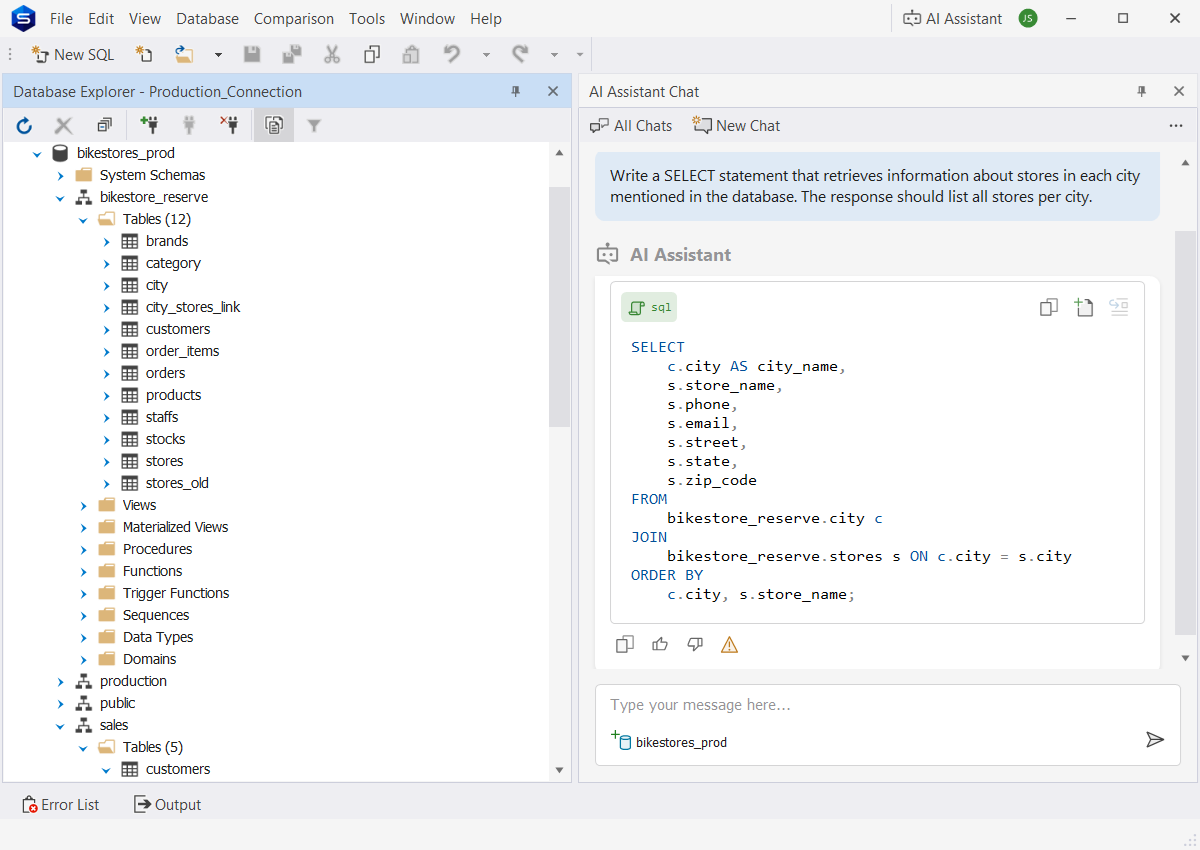
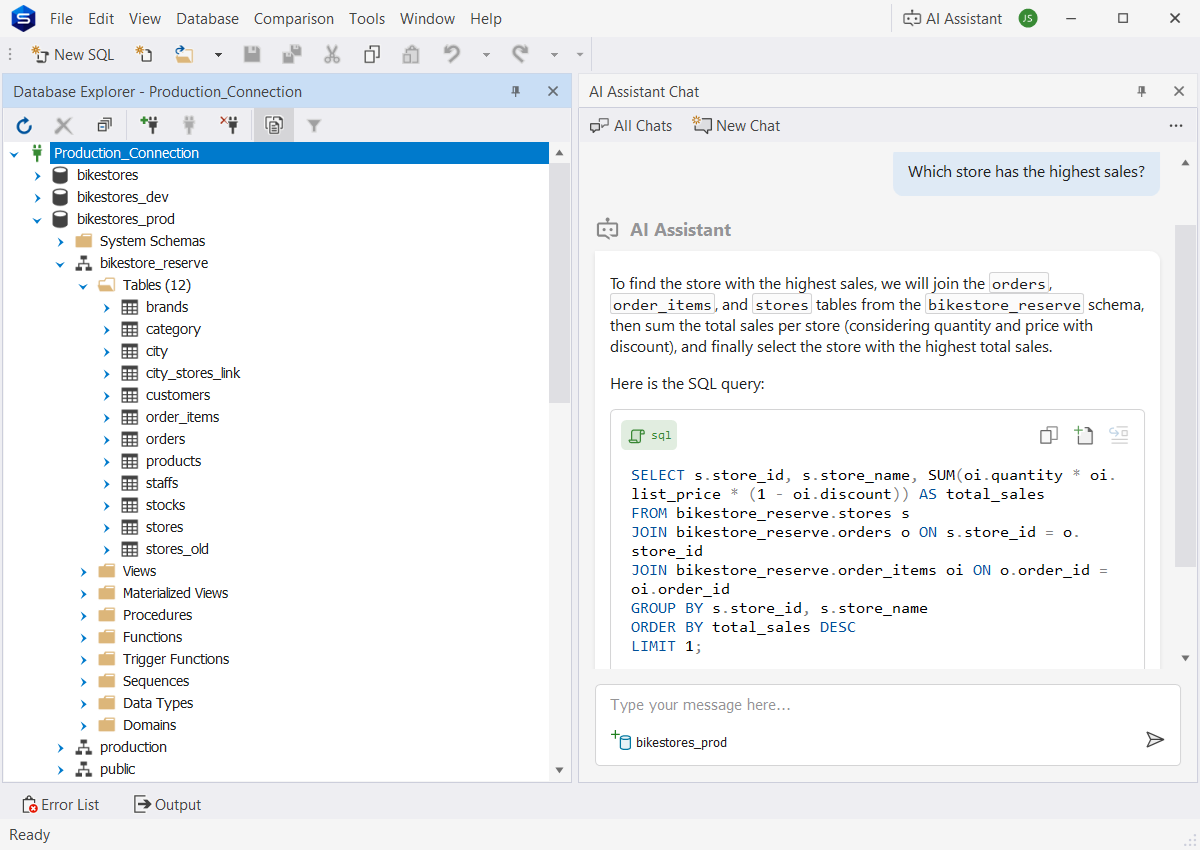
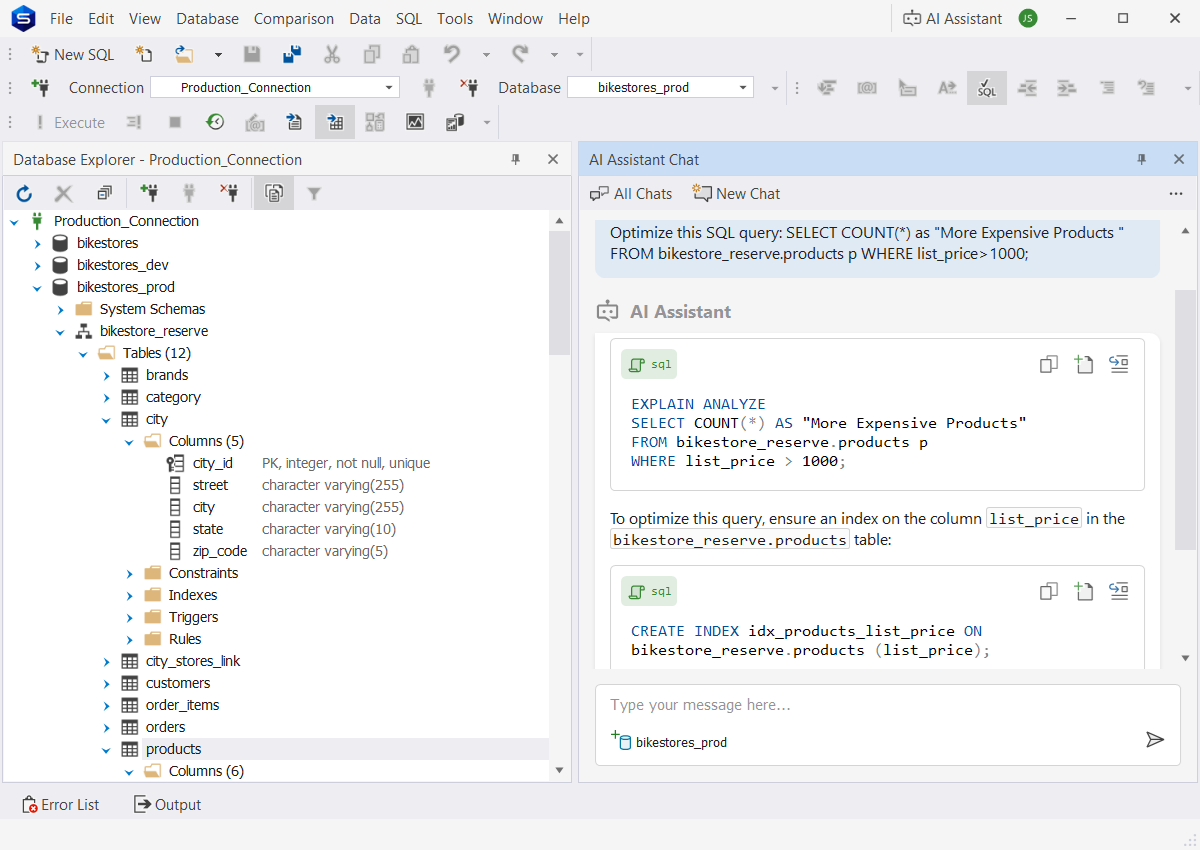
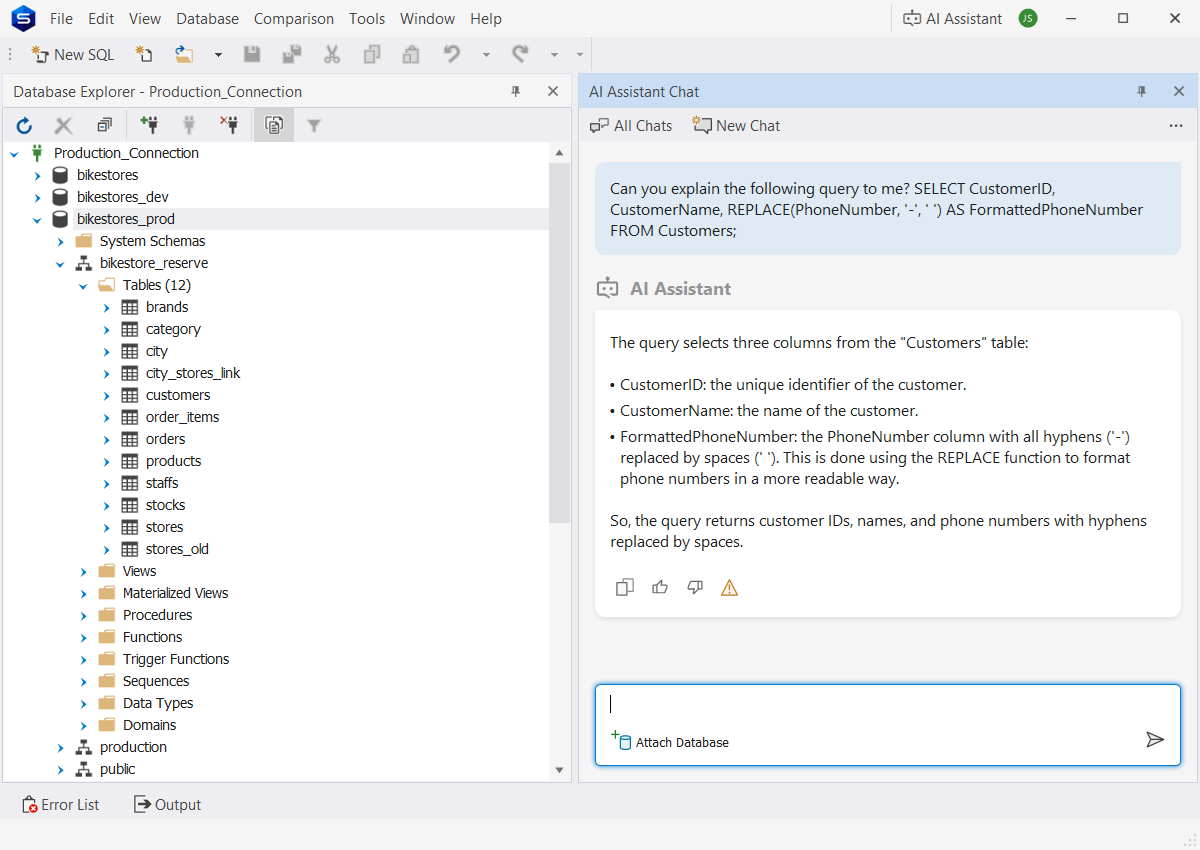
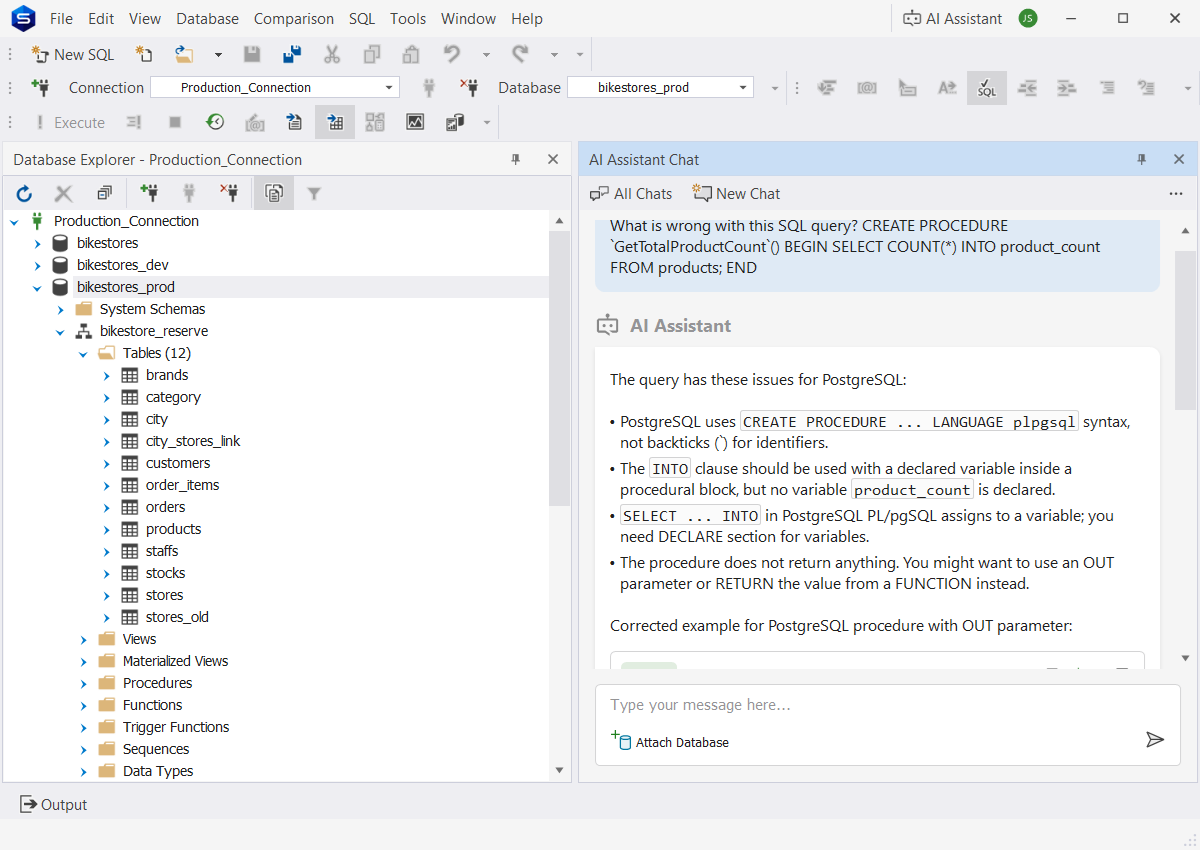
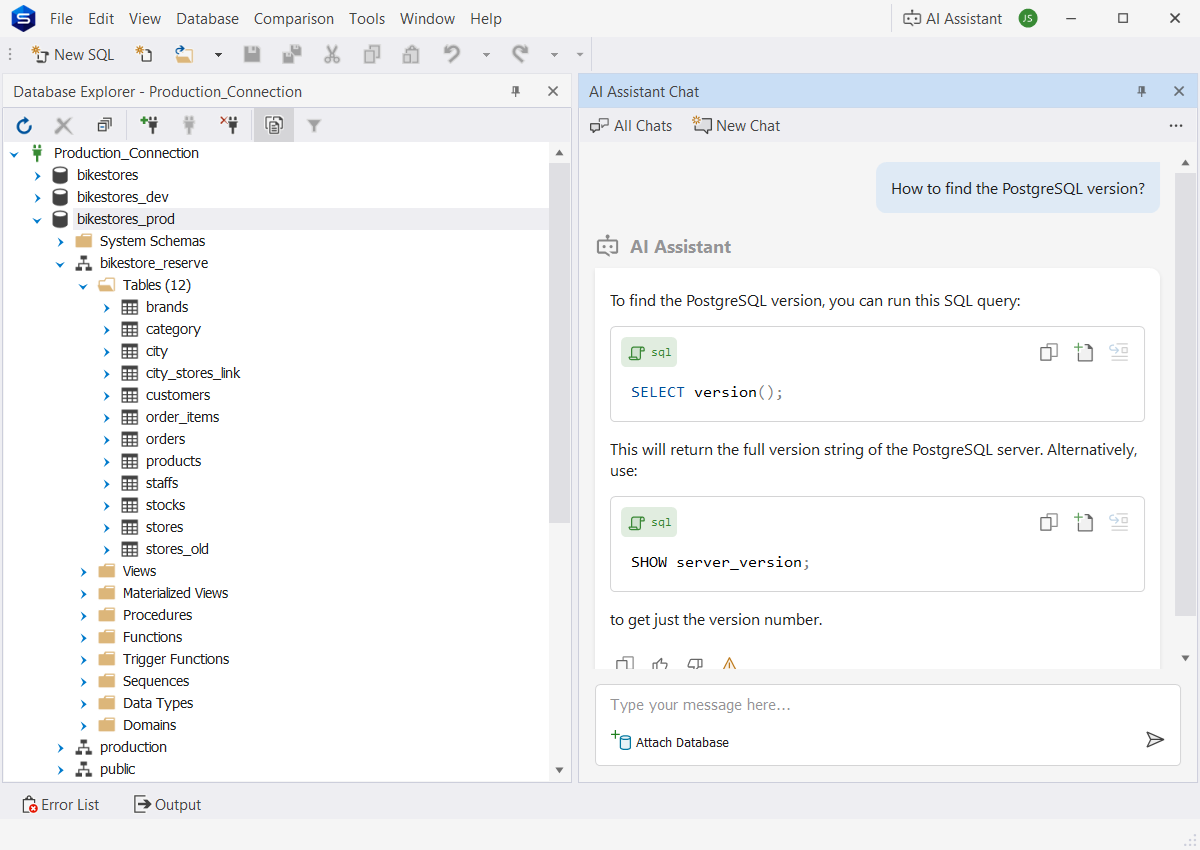
dbForge Studio for PostgreSQL is a powerful and user-friendly IDE that simplifies PostgreSQL database development, management, data analysis, and reporting. An intuitive interface and a rich set of tools provide an all-in-one solution for working with PostgreSQL databases quickly, efficiently, and effortlessly.

  • Database development
  • Data management
  • Database operations
  • Data analysis & reporting
  • Automation

Work with PostgreSQL databases on-premises and in the cloud

dbForge Studio is fully compatible with all major PostgreSQL-based database systems and associated cloud services.

PostgreSQL PostgreSQL
Supabase Supabase
Heroku Heroku Postgres
TimescaleDB TimescaleDB
Amazon Redshift Amazon
Redshift
Amazon RDS Amazon RDS
Amazon RDS & Aurora Amazon Aurora
Azure PostgreSQL Azure PostgreSQL
Alibaba Cloud Alibaba Cloud
AlloyDB AlloyDB
Greenplum DB Greenplum DB
YugabyteDB YugabyteDB
PolarDB PolarDB
Cloud SQL for PostgreSQL Cloud SQL for PostgreSQL
IBM Cloud IBM Cloud
Neon Tech Neon Tech
Features

Data management

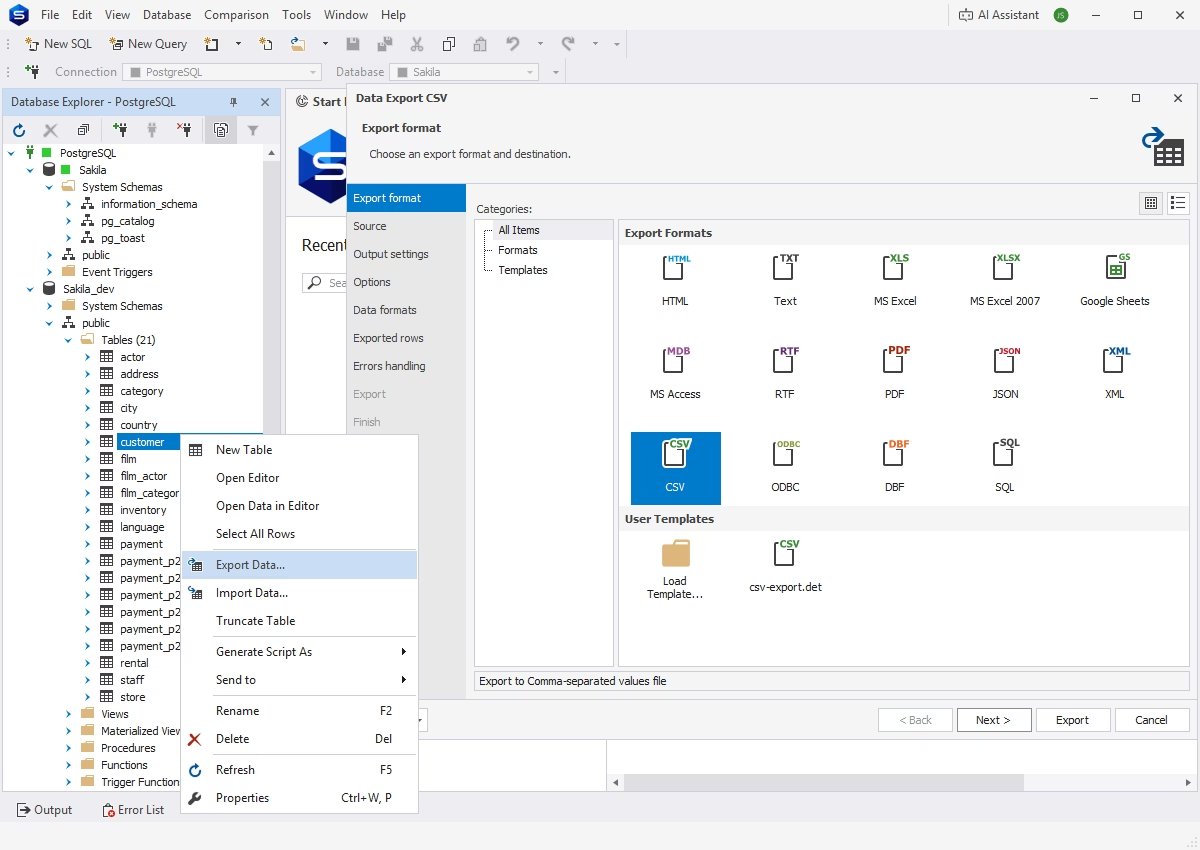
Data management in PostgreSQL focuses on ensuring data integrity and accessibility through efficient handling. dbForge Studio for PostgreSQL offers dedicated tools that help organize, store, and manipulate data assets efficiently.

Database operations

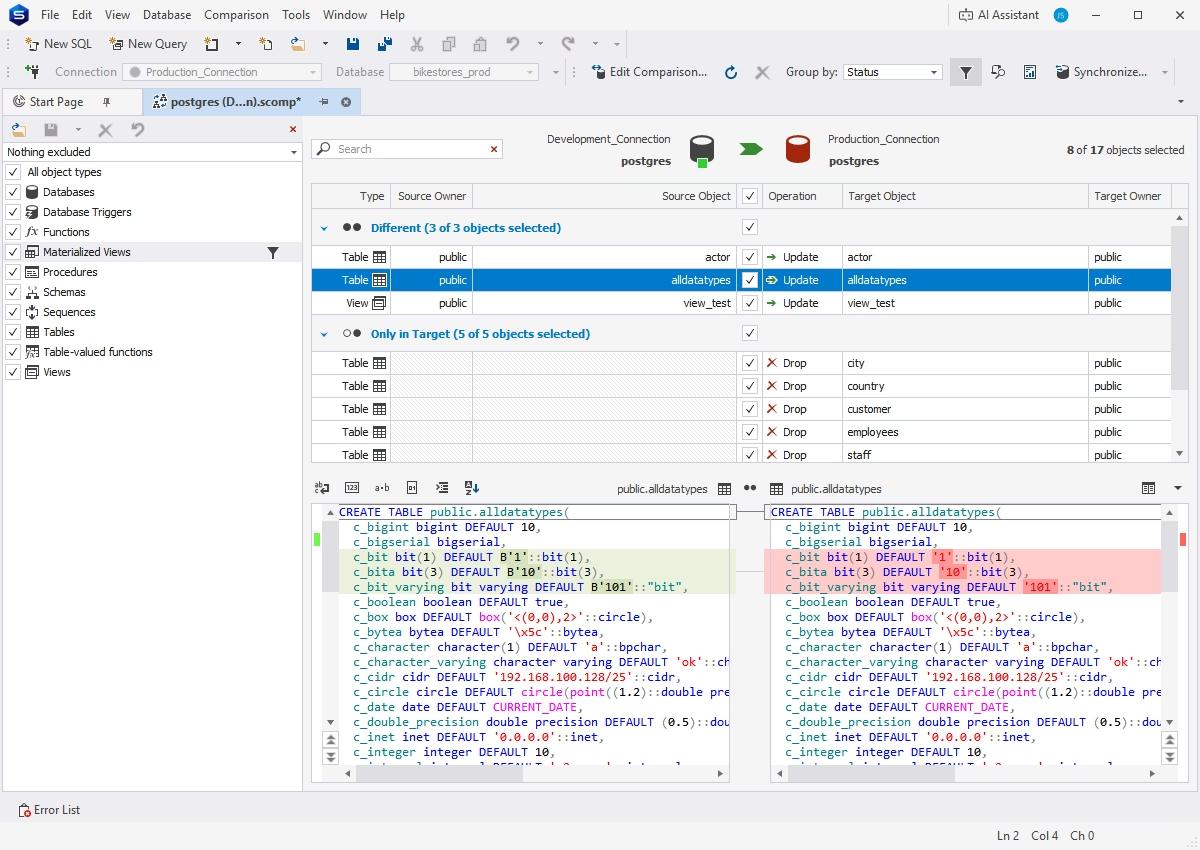
Database operations involve optimizing and maintaining databases and safeguarding data. The Studio offers advanced tools to ensure data availability and consistency.

Data analysis and reporting

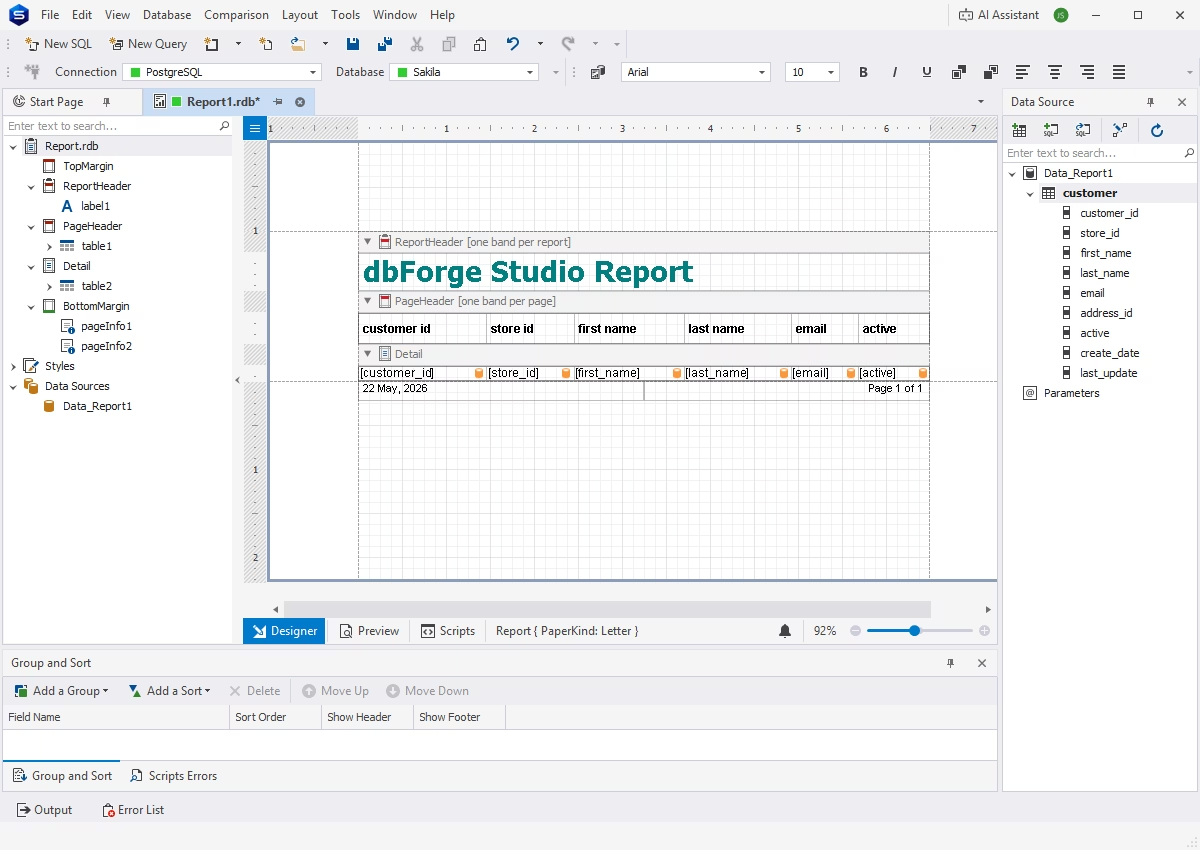
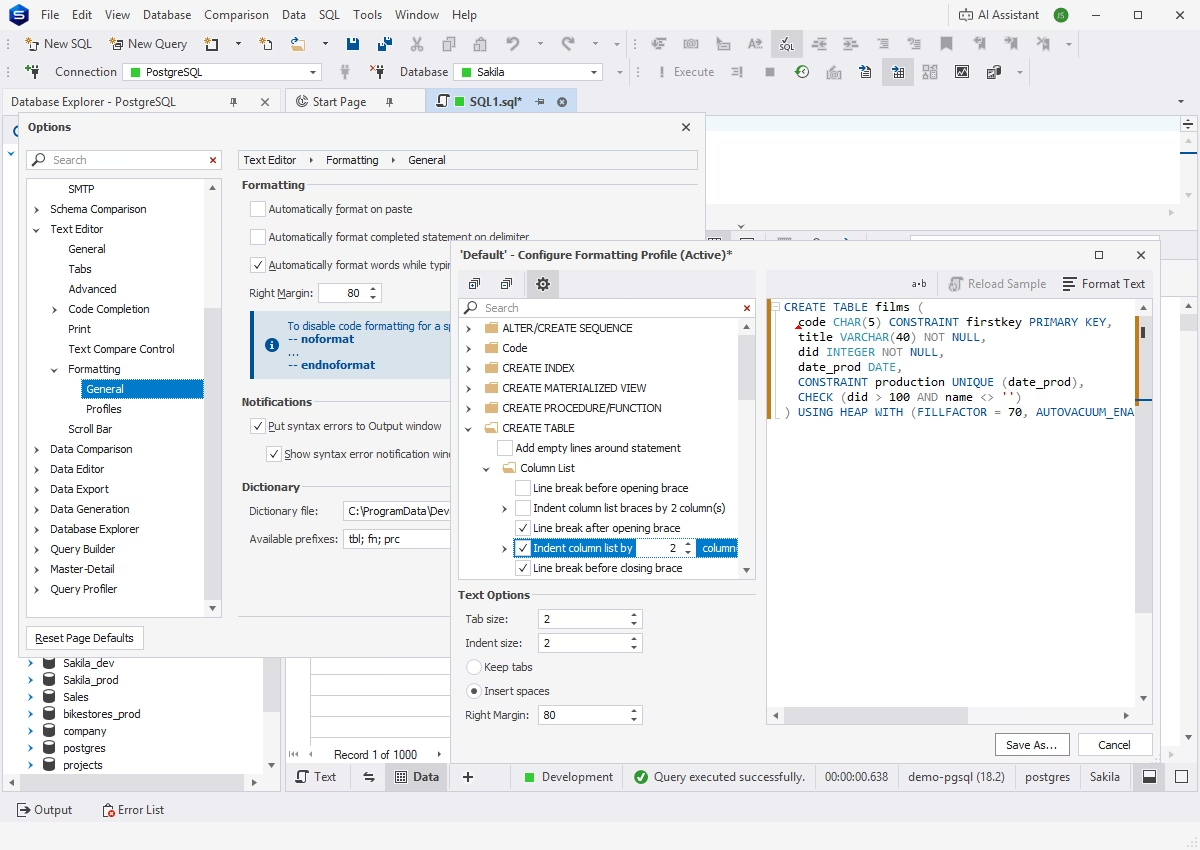
Data reporting and analysis tools in dbForge Studio provide valuable insights to support professional, data-driven decisions. With professional tools for summarizing and filtering data, the Studio creates and delivers comprehensive, easy-to-read visual reports.

Automation

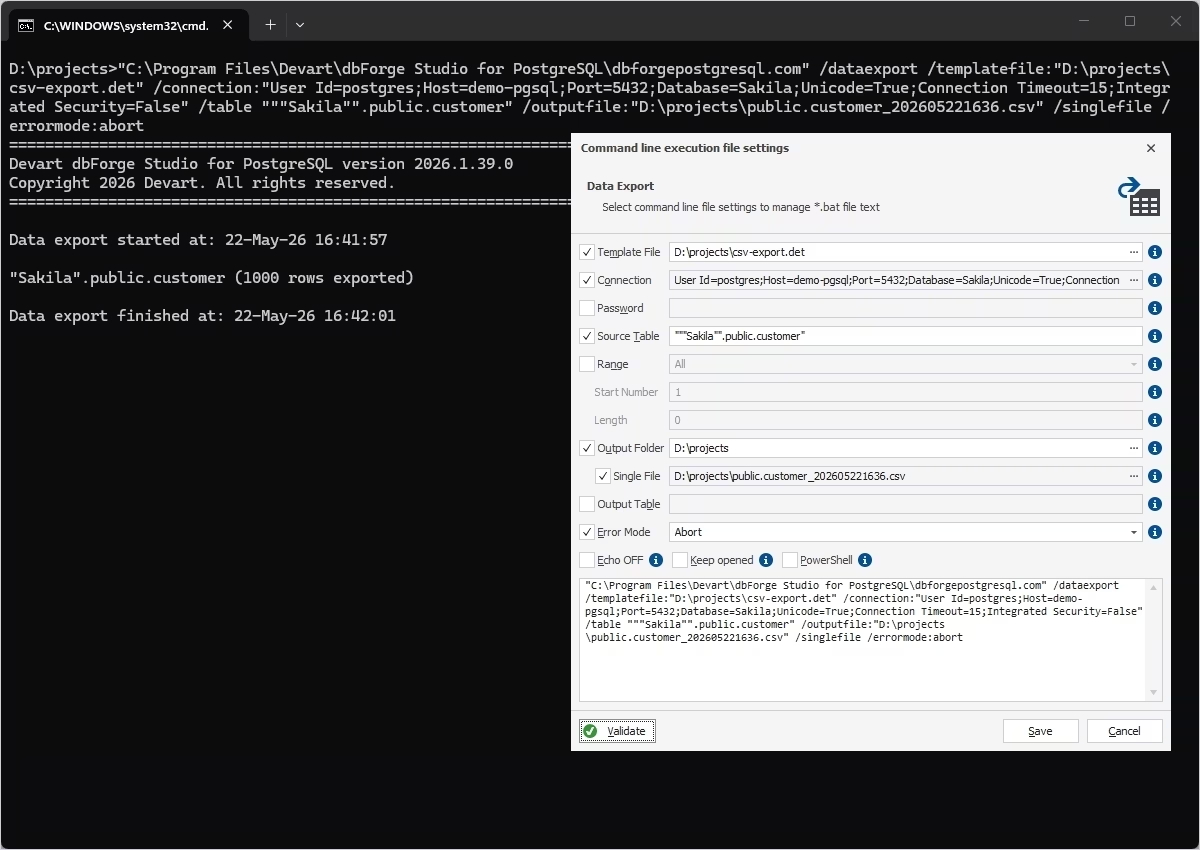
Automation of routine tasks helps eliminate repetitive work and focus on more important challenges. The Studio's easy-to-configure automation capabilities improve efficiency, ensure consistency, and reduce manual effort.

Chosen by over 20,000 users around the globe

Verizon Wireless
Cardinal Health
Abbott Laboratories
Halliburton

Pricing

Express

Available
Free
Download
Basic features
  • Context-aware code completion
  • Basic code formatting
  • SQL query history
  • Visual Data Editor
  • Data export and import
  • Visual Object Editor

Standard

Starts from
$89.95
per year
Buy now
Key features
  • Advanced code formatting
  • Code snippets
  • Visual Query Builder
  • Query Profiler
  • SQL refactoring
  • Master-Detail Browser
  • Pivot Tables

Professional

Starts from
$139.95
per year
Buy now
All features from Standard +
  • Advanced coding assistance
  • Syntax check & formatting wizard
  • Schema comparison & sync
  • Data comparison & sync
  • Test data generation
  • Data Reports
  • Command-line automation
Get started with dbForge Studio at no cost

Get started with dbForge Studio at no cost

Download dbForge Studio for a FREE, fully functional 30-day trial and see all of its features and capabilities in action today!

Success stories from our customers

Ready to get started?

Get your free trial

Get your free trial

Get your firsthand experience with dbForge Studio for free. Download it for a 30-day trial and see all of its capabilities in action.

Enjoy bulk discounts

Enjoy bulk discounts

We provide flexible purchasing options, including bulk discounts for multiple licenses, to meet your budget in the optimal way.

Need a hand?

Need a hand?

If you have any questions about our tools or purchasing options, feel free to get in touch. Our response won't keep you waiting.

Frequently asked questions

What is the best PostgreSQL IDE for daily database work?

The choice depends on your priorities and the complexity of your daily tasks. The official IDE for core PostgreSQL administration is pgAdmin 4, which is favored by many specialists. However, dbForge Studio for PostgreSQL is often considered the most suitable option for enterprise-level database lifecycle management because its feature set is significantly more robust. Lightweight workflows can be effectively handled with tools like TablePlus or DBeaver.

Why use a PostgreSQL GUI client instead of command-line tools?

Command-line tools like psql are powerful, but GUI clients improve speed, productivity, and collaboration across many workflows. In particular, they move many essential tasks into a visual environment, eliminating the need for extensive manual coding. This helps reduce errors and accelerate task completion. Visualization also simplifies onboarding for new team members and enables efficient work even without deep SQL expertise. CLI tools, however, remain valuable for automation, scripting, and remote operations.

Which features should a PostgreSQL management tool include?

A strong PostgreSQL management tool should include a smart SQL editor with autocomplete, query analysis and tuning tools, schema and data comparison and migration capabilities, visual database modeling and ER diagrams, backup and recovery, role and permission management, as well as data import and export.

Enterprise teams typically also require features for team collaboration, CI/CD database deployment support, cross-platform compatibility, and multi-database support, especially for both on-premises and cloud environments.

What should teams look for in a PostgreSQL client for Windows?

Windows-focused teams should prioritize stable native performance, reliable handling of large datasets, flexible import and export, integration with Windows authentication when necessary, and automated updates. Popular Windows-friendly solutions include dbForge Studio for PostgreSQL and pgAdmin 4.

How does a PostgreSQL IDE help with database development and administration?

A PostgreSQL IDE combines development and administration tasks within a single environment. For development, it supports coding, debugging, schema changes, and migration management. For administration, it assists with monitoring sessions and locks, managing users and permissions, handling backup and restore workflows, and tracking overall database health. Having all these capabilities in one solution reduces context switching and lowers the risk of mistakes.

Which PostgreSQL GUI tool is best for complex database projects?

For complex projects, dbForge Studio for PostgreSQL is often the strongest choice because it excels in enterprise administration, schema comparison, synchronization, and deployment workflows. It is also worth mentioning DataGrip for developer-focused workflows, large schemas, and advanced SQL productivity.